N7201A616E00_0317.pdf - 第433页
NPM-W 2 EJM7DE-MB-06O-0 0 6-2-1 -2 Setting change
NPM-W2 EJM7DE-MB-06O-00
6-2-1-1
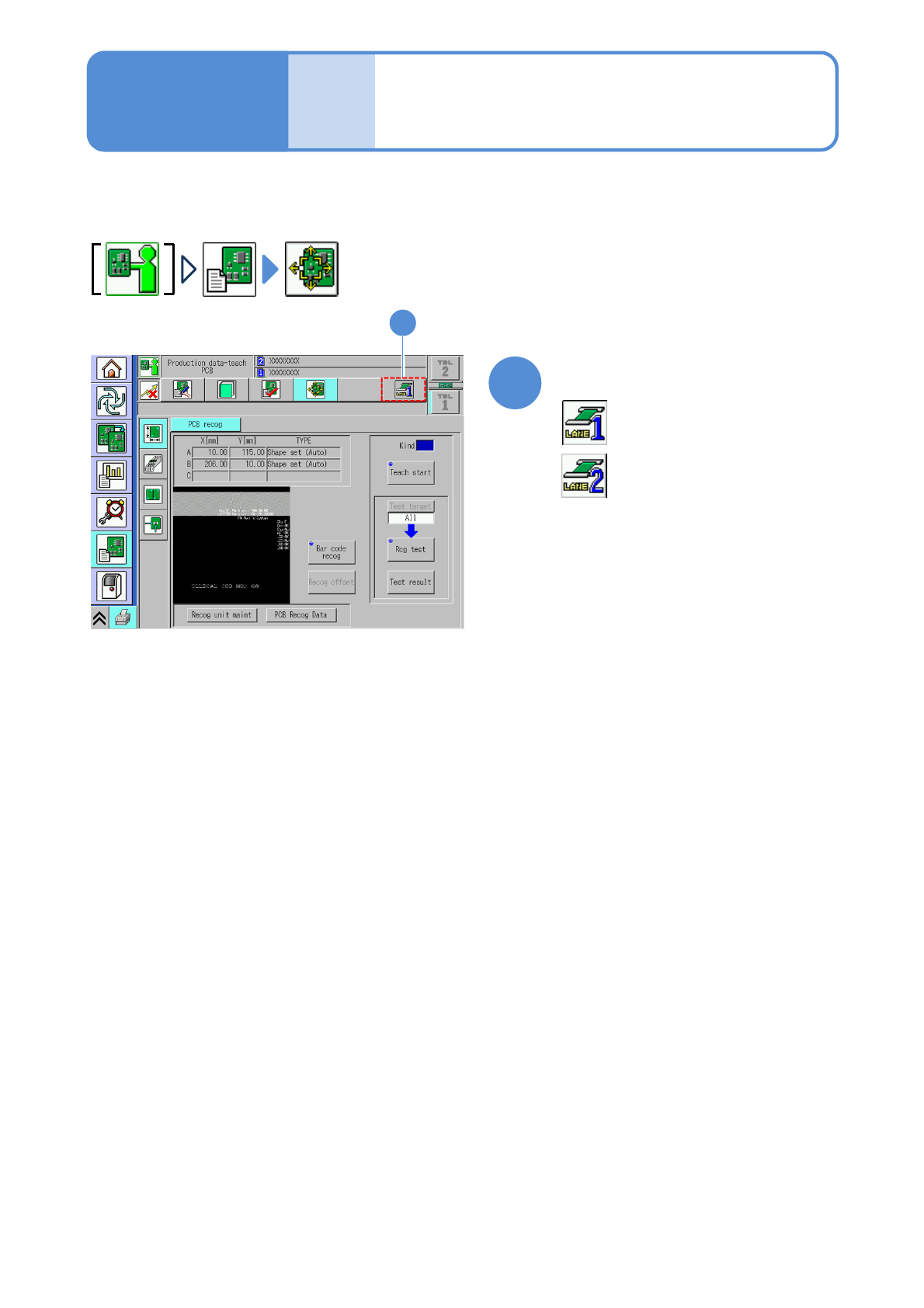
■For dual lane
1
Select a lane
:Lane 1
1
Describes how to operate production data teach.
: Lane 2
Produc-
tion data
teaching
Before starting
teaching operations 1
Operating procedure
6-2-1

NPM-W2 EJM7DE-MB-06O-00
6-2-1-2
Setting
change
NPM-W2 EJM7DE-MB-06O-00
Produc-
tion data
teaching
Operating procedure
6-2-1
Before starting
teaching operations 2
Recognition method
Teaching is the correction of the production data (e.g., PCB recognition data) values, which can be made by
recognizing PCBs and components with the recognition camera.
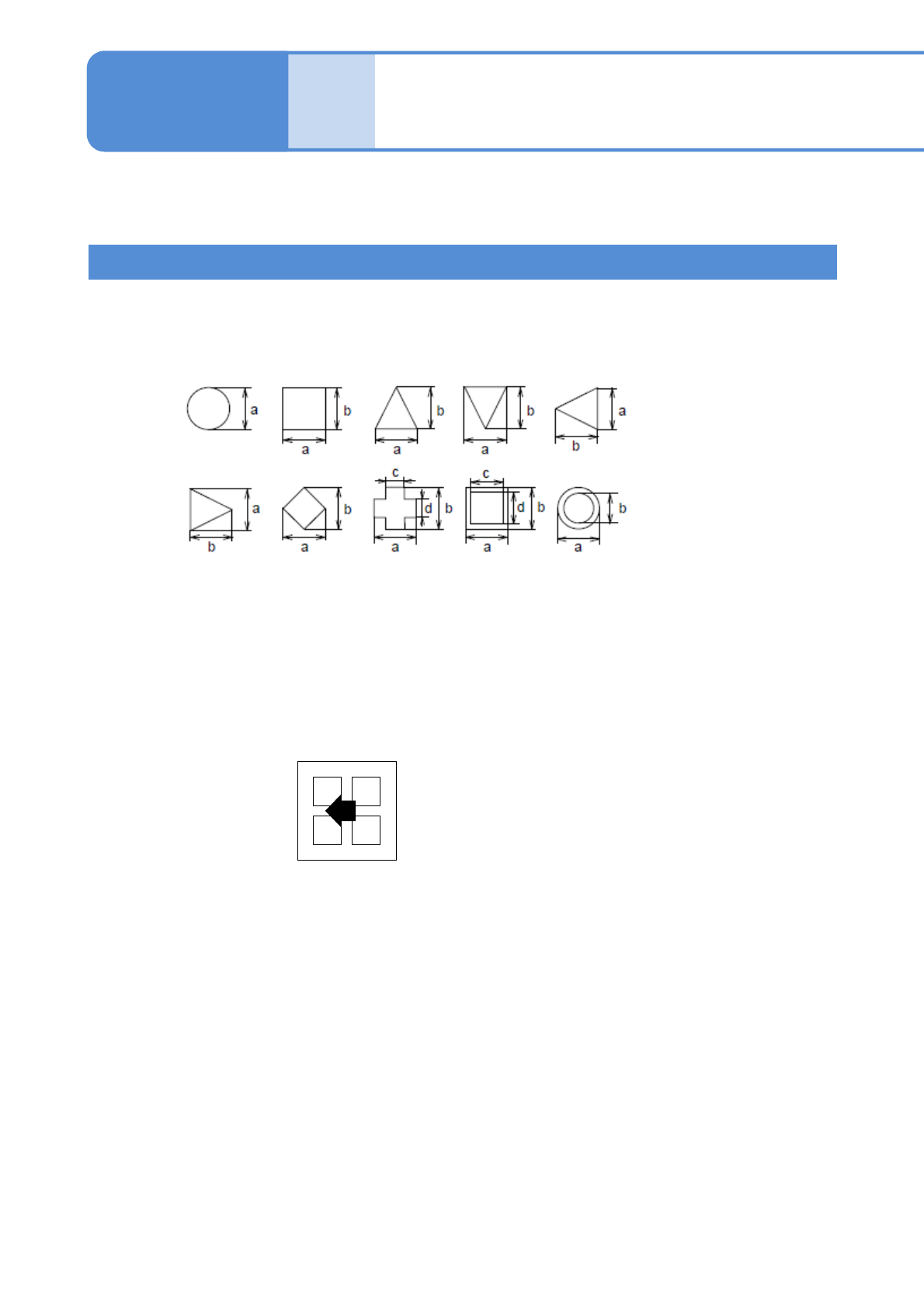
■Shape data recognition (PCB recognition)
■Pattern match recognition
Use this when the outline of the recognition target (mark) is unclear because it has a complex
shape or when it is too large to be inside the recognition screen.
<Recognition
screen>
Four-point pattern
・Four-point pattern
Part recognition
●Shape (Auto): The lamp value is automatically set.
●Shape (Manual): The lamp value is manually set.
(Use this when the color contrast between a mark and its background is
not clear (e.g. the paper phenol PCB), and when the lamp cannot be
decided automatically owing to an unclear contrast.)
Use this when the target to be recognized has one of the following shapes and each dimension has been
found.
6-2-1-3