00192169-01.pdf - 第29页
Order No. 00192 169-01 User Manual - Productivity Lift E_SPLFS03_V40_11_0300_200300_V1_14.doc Last update: 20.03.2000 - Version V 1.14 Page 29 6.2 Interface 1 Interface 1 defines the interface at the inlet (n-1) to pr…
Order No. 00192 169-01 User Manual - Productivity Lift
E_SPLFS03_V40_11_0300_200300_V1_14.doc Last update: 20.03.2000 - Version V 1.14 Page 28
6 Configuration
The configuration serves to set the required operating parameters. These are basic settings,
which need generally only be set during the initial system installation. These settings can be
modified at a later date, but only by personnel with the relevant expertise.
Numerical values can be entered as follows using the cursor keys and the Alt key:
1. The Alt key can be used to move the flashing cursor to the position to be changed. The
cursor moves from left to right from position to position.
2. The cursor keys s and t can be used to increase or decrease the numerical value at
the relevant position.
If selection options are given in the menus, the cursor keys can be used to scroll through them
in both directions.
Data is only entered in the menus if the Enter key is pressed after modifying the settings.
The user is then taken automatically to the next menu. It is possible to return to the standby
mode via the last menu.
If entries are not confirmed, the Start/Stop key must be pressed instead of the Enter key.
In stand-by mode, the configuration menu is called up using the s and Alt keys. These
keys must be actuated immediately one after the other.
6.1 Language
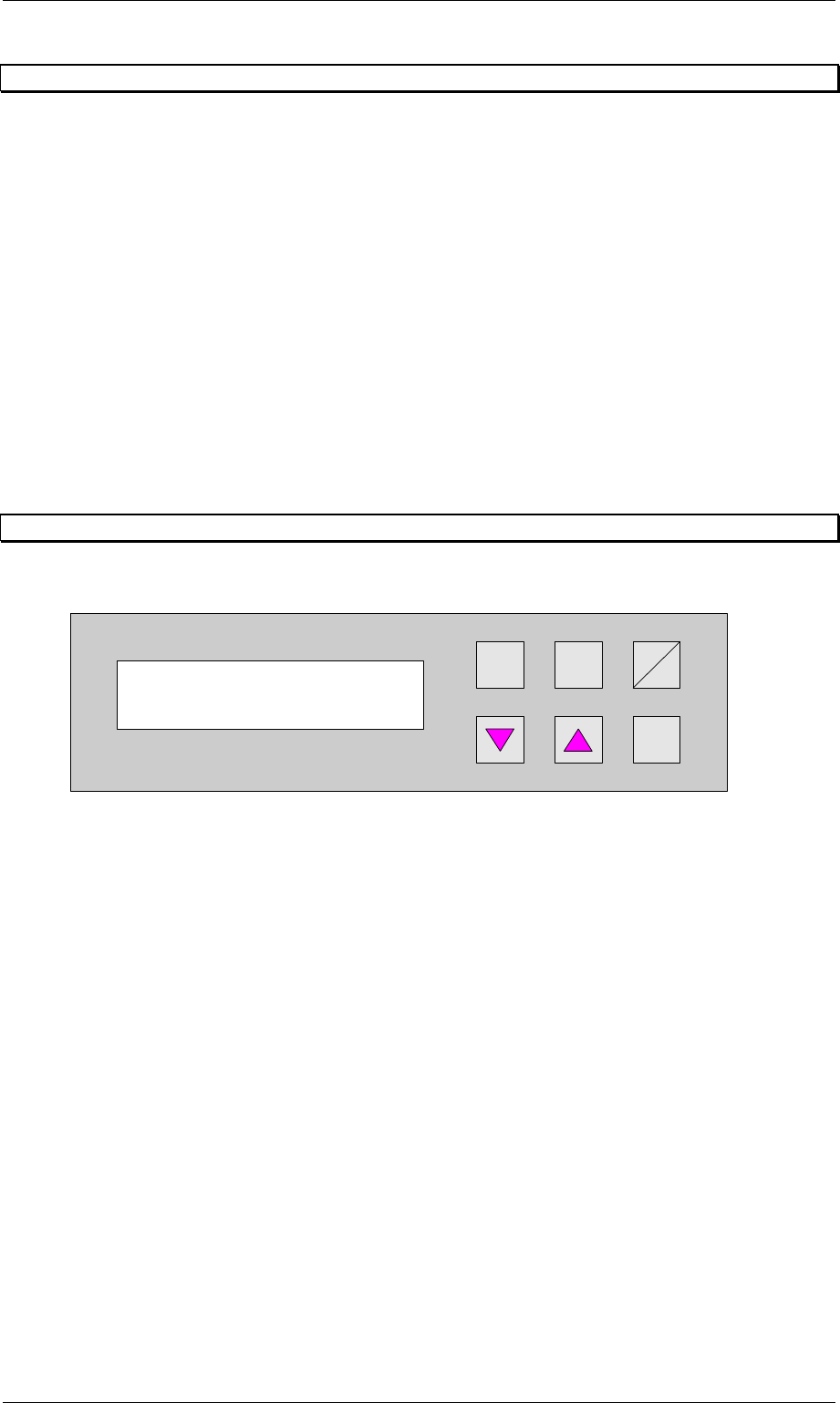
This menu is used to set the language of the display. The options are German and English.
Hand
Stop
Start
Enter
Alt
Figure 23: Language
Language
English
Order No. 00192 169-01 User Manual - Productivity Lift
E_SPLFS03_V40_11_0300_200300_V1_14.doc Last update: 20.03.2000 - Version V 1.14 Page 29
6.2 Interface 1
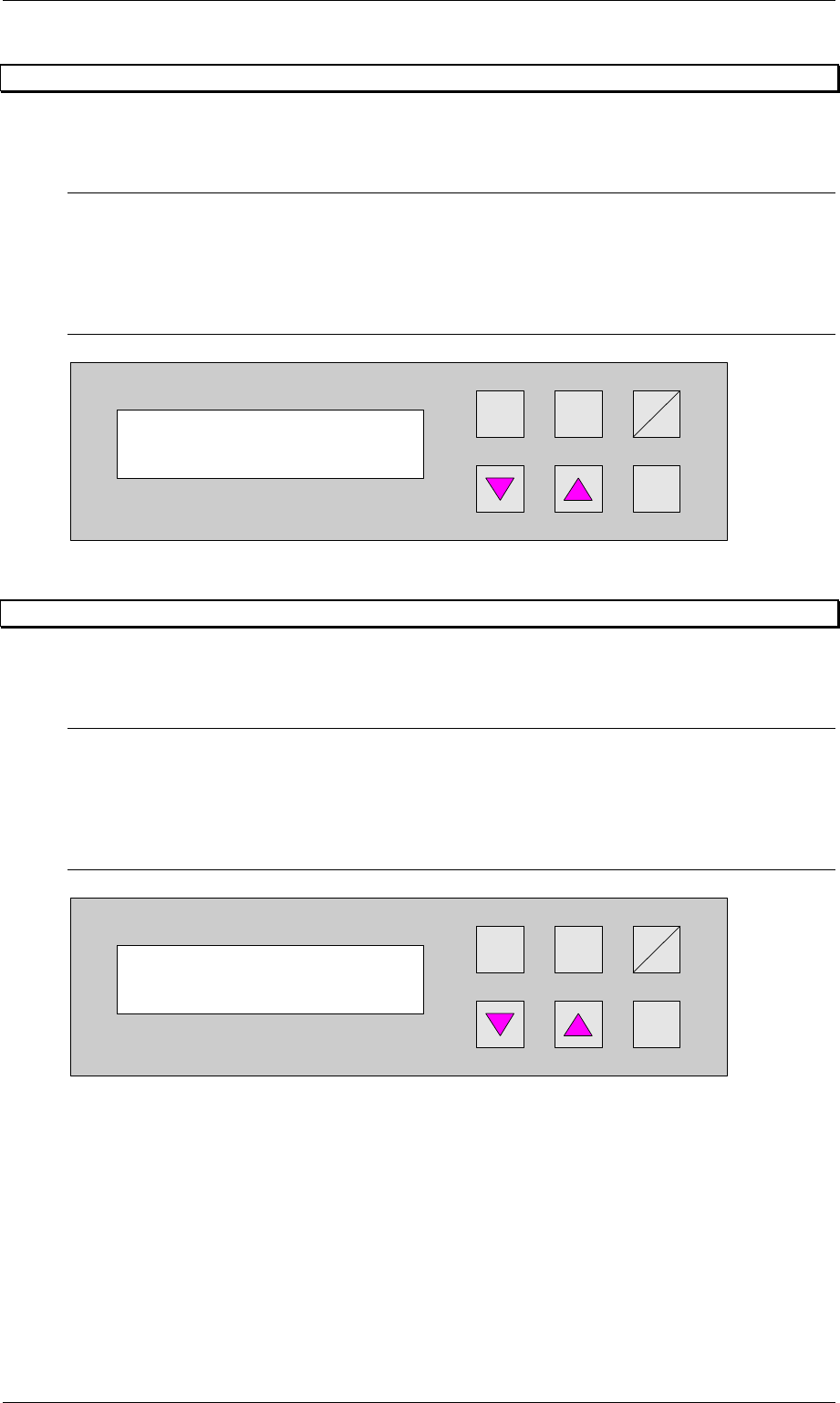
Interface 1 defines the interface at the inlet (n-1) to previous systems.
The available settings are SMEMA and Siemens.
N.B.
The device is equipped with a defined interface. The interface shown in the display must
conform to the interface installed at the interface module AMI 2-x. It's possible to change the
interface subsequently, but this may only be done by an authorised person.
Hand
Stop
Start
Enter
Alt
Figure 24: Interface 1
6.3 Interface 2
Interface 2 defines the interface at the outlet (n+1) to subsequent systems.
The available settings are SMEMA and Siemens.
N.B.
The device is equipped with a defined interface. The interface shown in the display must
conform to the interface installed at the interface module AMI 2-x. It is possible to change the
interface subsequently, but this may only be done by an authorised person.
Hand
Stop
Start
Enter
Alt
Figure 25: Interface 2
Interface 1
Siemens
Interface 2
Siemens
Order No. 00192 169-01 User Manual - Productivity Lift
E_SPLFS03_V40_11_0300_200300_V1_14.doc Last update: 20.03.2000 - Version V 1.14 Page 30
6.4 Wait period PCB
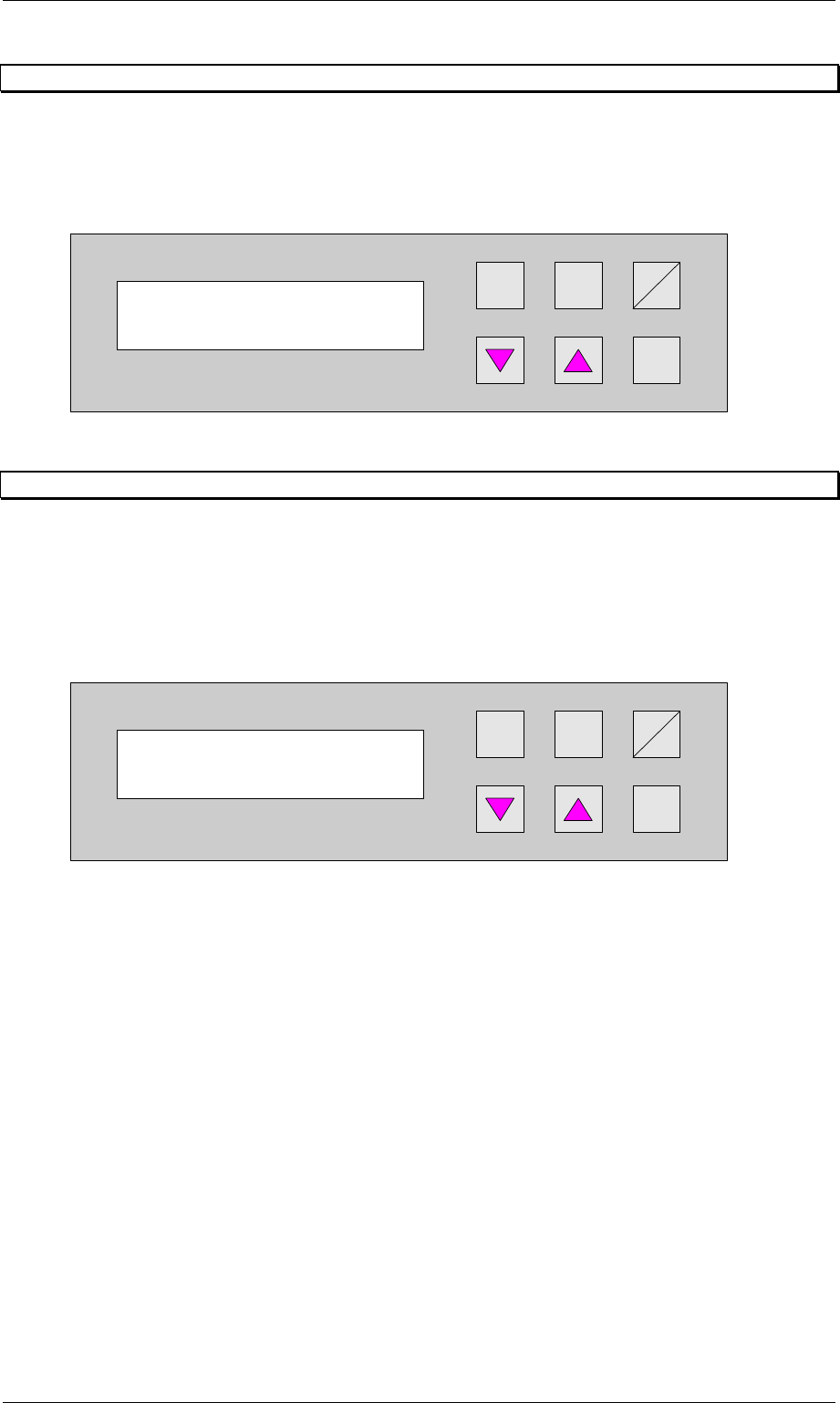
Time buffer for transferring a printed circuit board. Once this period has elapsed, the belt drive
is switched off and a fault indication is output since no PCB has arrived at the light barrier.
The unit of value is [0.01s] and the setting range is between 300 and 9999, which corresponds
to a time of 3 s to 99.99 s.
Hand
Stop
Start
Enter
Alt
Figure 26: Wait period PCB
6.5 Max. time un-belt
If a PCB has not been transferred from the conveyor to the lift after the adjusted time, the
automatic operating mode is stopped and the error signal shows PCB annuated. The PCB is
only then transferred from the conveyor to the following lift when the error signal is confirmed
with the Enter cursor through the user.
The unit of the value is [s] and the adjustment area is 0s to 9999s, whereas the function is
switched off for the value 0s.
Hand
Stop
Start
Enter
Alt
Figure 27: Max. time un-belt
Wait period PCB
2000
Max. time un-belt
0