00192169-01.pdf - 第32页
Order No. 00192 169-01 User Manual - Productivity Lift E_SPLFS03_V40_11_0300_200300_V1_14.doc Last update: 20.03.2000 - Version V 1.14 Page 32 6.8 Underneath belt If the lift is installed as the end module in the line, i…
Order No. 00192 169-01 User Manual - Productivity Lift
E_SPLFS03_V40_11_0300_200300_V1_14.doc Last update: 20.03.2000 - Version V 1.14 Page 31
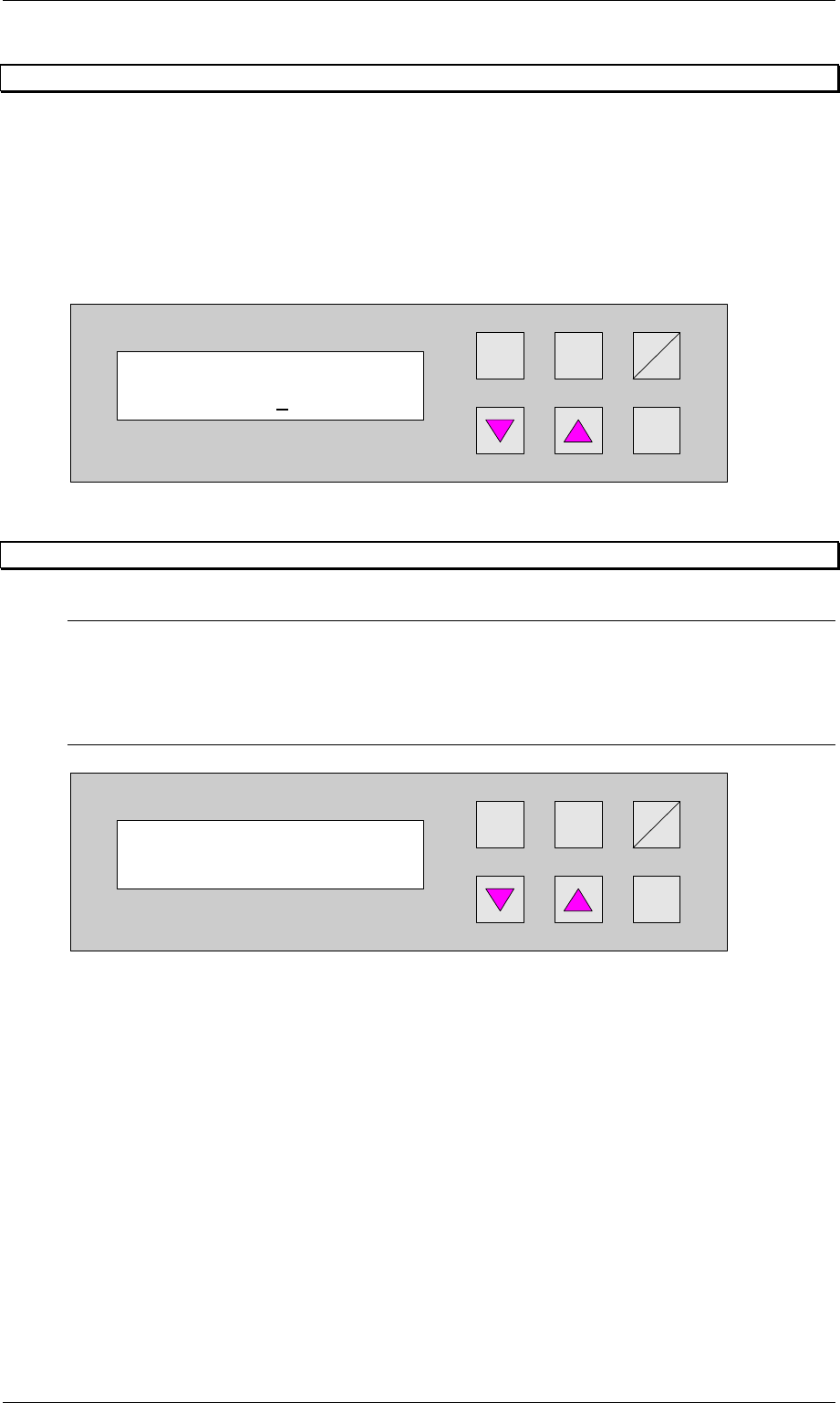
6.6 Max. time lift 2
If the ramp up mode setting is 1 to 0, a PCP can be buffered on track 3 until the transport on
track 1 or track 2 is available again. The selected time defines the waiting period. If the
selected time is exceeded, the PCP is transfered to the buffer on track 3 of the underfloor
conveyor . Depending on the availability of track 1 and 2 the PCP is transported reverse into
the Productivity Lift for further processing.
The dimension is in [s]. The setting range is between 0 600 s.
The feature is turned off by entering 0.
Hand
Stop
Start
Enter
Alt
Figure 28: Max. time lift 2
6.7 Code number
N.B.
All the settings after this menu affect the basic parameters of the device and are generally only
defined during initial installation. For this reason, access is protected by code number entry.
The code number requested in the configuration may only be known to one authorised person,
and may not be passed on to unauthorised persons.
Hand
Stop
Start
Enter
Alt
Figure 29: Code number
Code number
0000
Max. time Lift 2
000
Order No. 00192 169-01 User Manual - Productivity Lift
E_SPLFS03_V40_11_0300_200300_V1_14.doc Last update: 20.03.2000 - Version V 1.14 Page 32
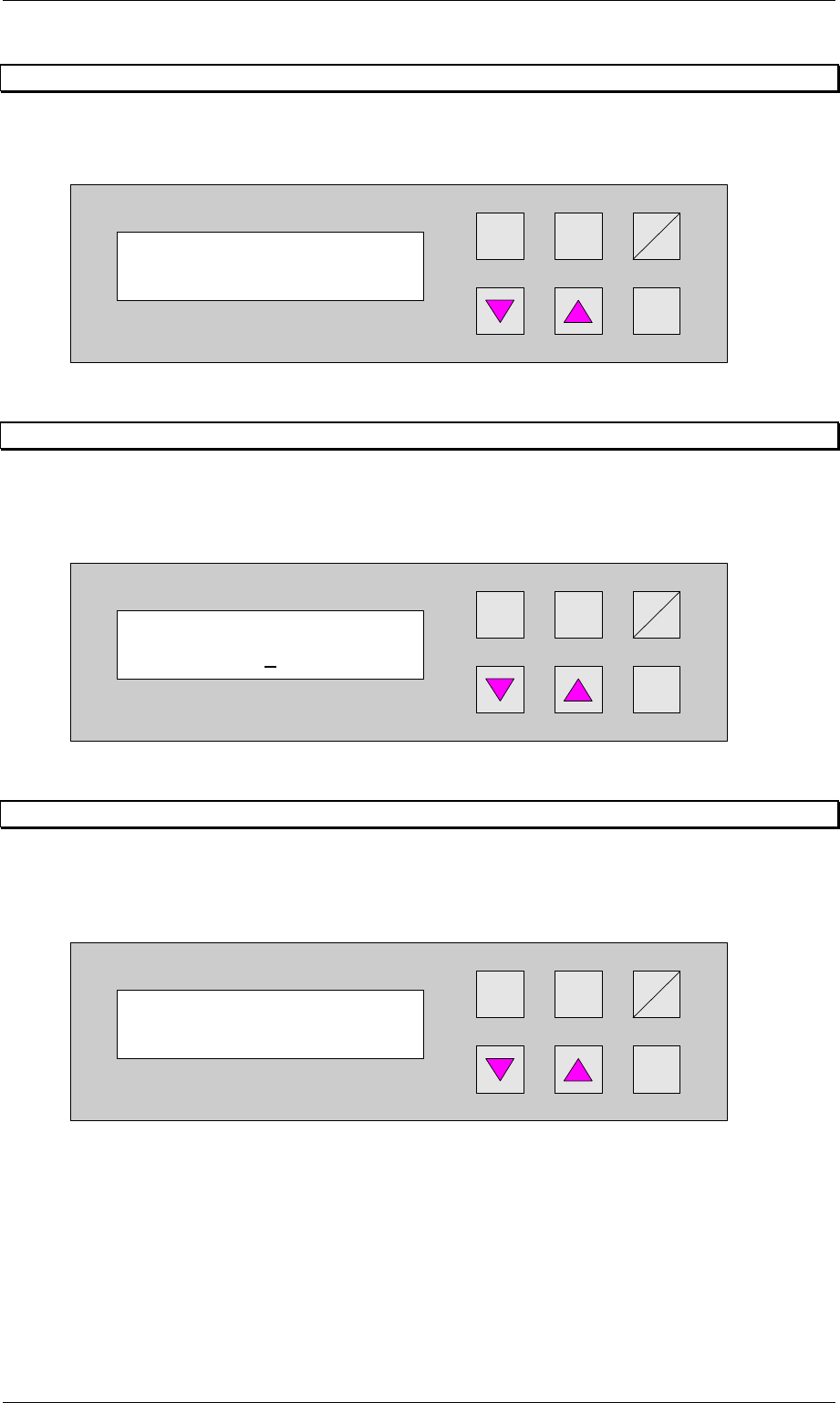
6.8 Underneath belt
If the lift is installed as the end module in the line, it no longer has an underfloor conveyor.
This function must then be disabled in this menu.
Hand
Stop
Start
Enter
Alt
Figure 30: Underneath belt
6.9 Conveyors on LF1
Depending on the revision level of the Productivity Lift, the Top Conveyor, has one or two
conveyors. Select the appropriate setting 1 or 2. 1 for one conveyor. 2 for two
conveyors.
Hand
Stop
Start
Enter
Alt
Figure 31: Conveyors on LF1
6.10 ALT protection
With this function (adjustment switched on) the input possibilities in the configuration menu
(t and Alt cursor) and in the adjustment modus (Alt cursor) are locked. Input is only
possible when the interlock is used.
Hand
Stop
Start
Enter
Alt
Figure 32: ALT protection
Underneath belt
turned off
ALT protection
turned on
Conveyor on LF 1
1
Order No. 00192 169-01 User Manual - Productivity Lift
E_SPLFS03_V40_11_0300_200300_V1_14.doc Last update: 20.03.2000 - Version V 1.14 Page 33
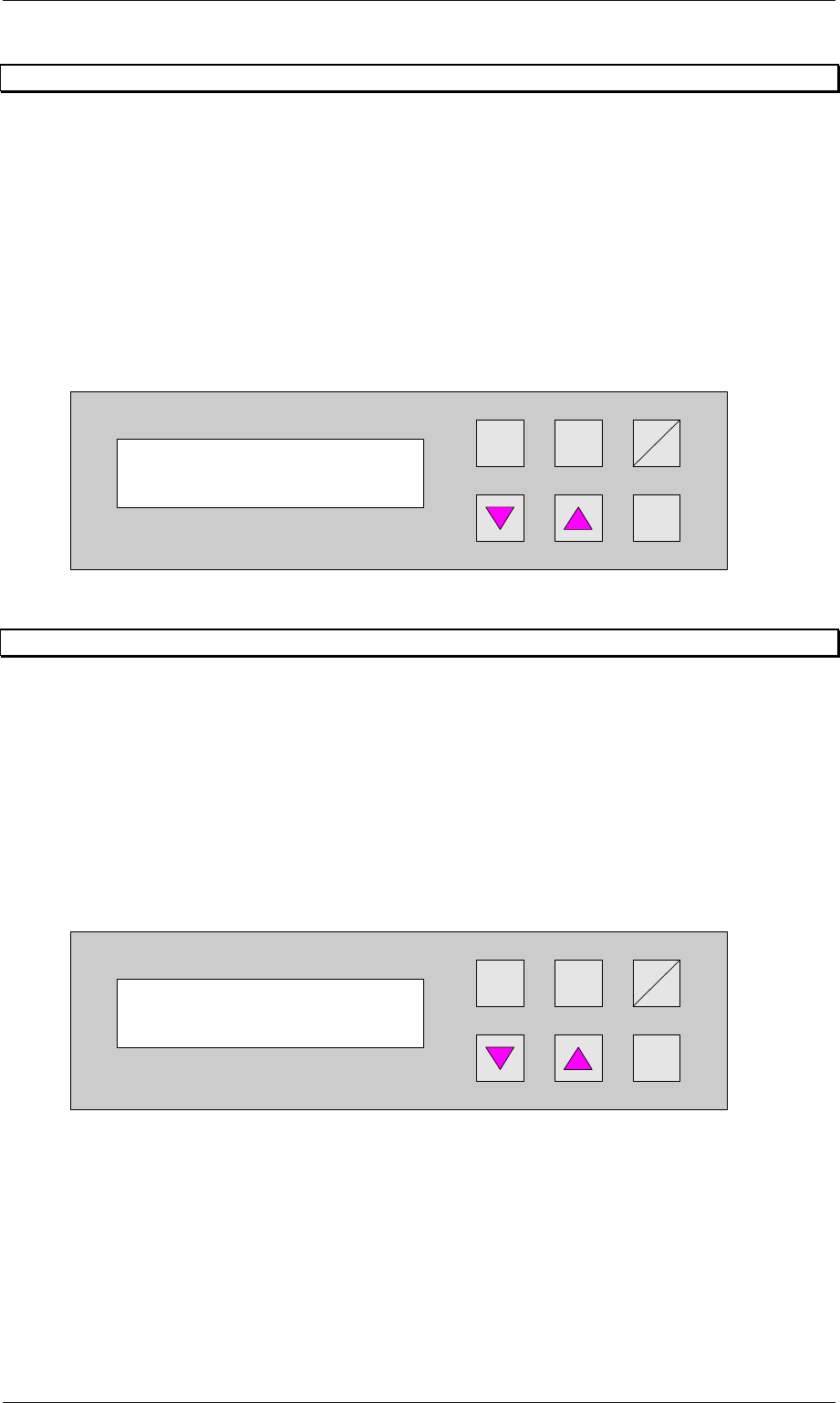
6.11 Lead adjusting 1
This menu can be used to set the mode for operation of the automatic tracking facility (option)
for width adjustment for the lift belt top. The following are possible:
turned off : The device has no electrical width adjustment (standard).
manual : The device has an electrical width adjustment facility but no automatic tracking
facility. The width must be adjusted in the manual-operating mode using the
corresponding function.
automatic : The device has an automatic tracking facility. This setting is then used to
constantly check the transport width of the device, which prescribes the width.
only at start : The device has an automatic tracking facility. This setting is then used to check
the transport width of the device, which prescribes the width, but only at the
start of the lift.
Hand
Stop
Start
Enter
Alt
Figure 33: Lead adjusting 1
6.12 Lead adjusting 2
This menu has to be used to set the mode for operation of the automatic tracking facility for
width adjustment for the shuttle. The following are possible:
manual : The device has an electrical width adjustment facility but no automatic tracking
facility. The width must be adjusted in the manual-operating mode using the
corresponding function.
automatic : The device has an automatic tracking facility. This setting is then used to
constantly check the transport width of the device, which prescribes the width.
only at start : The device has an automatic tracking facility. This setting is then used to check
the transport width of the device, which prescribes the width, but only at the
start of the lift.
Hand
Stop
Start
Enter
Alt
Figure 34: Lead adjusting 2
Lead adjusting 1
manual
Lead adjusting 2
manual