00192169-01.pdf - 第44页
Order No. 00192 169-01 User Manual - Productivity Lift E_SPLFS03_V40_11_0300_200300_V1_14.doc Last update: 20.03.2000 - Version V 1.14 Page 44 7.3 Ramp up mode / Ramp down mode 7.3.1 Example of Cluster with three Siplace…
Order No. 00192 169-01 User Manual - Productivity Lift
E_SPLFS03_V40_11_0300_200300_V1_14.doc Last update: 20.03.2000 - Version V 1.14 Page 43
Convert 2→4 : Convert module from 4 tracks to 2 tracks, whereby 4 tracks indicate the
lower and upper two tracks.
Application:
A suitable device should be used to break up a long placement line to allow
access for people, for example. This reduces the transport tracks to 2 tracks,
since a device can not have two tracks on the lower transport level. With the
convert module 2→4, PCB transport is increased again to 4 tracks,
separated according to assembled and unassembled PCBs, following this
type of interruption.
Output module : The final module is defined as the last lift in the direction of transit, after the
Siplace systems. Essentially, the final module has no lower belt. If the lift is
implemented as the final module, the abovementioned system types can not
be selected. The PCBs are transferred from tracks 1, 2 and 4. Transfer to
tracks 1 and 2 has priority. The printed circuit boards can only be delivered
at the final module via outlet tracks 1 and 2. No PCBs can be transferred
from track 3 or transported further on this track.
Hand
Stop
Start
Enter
Alt
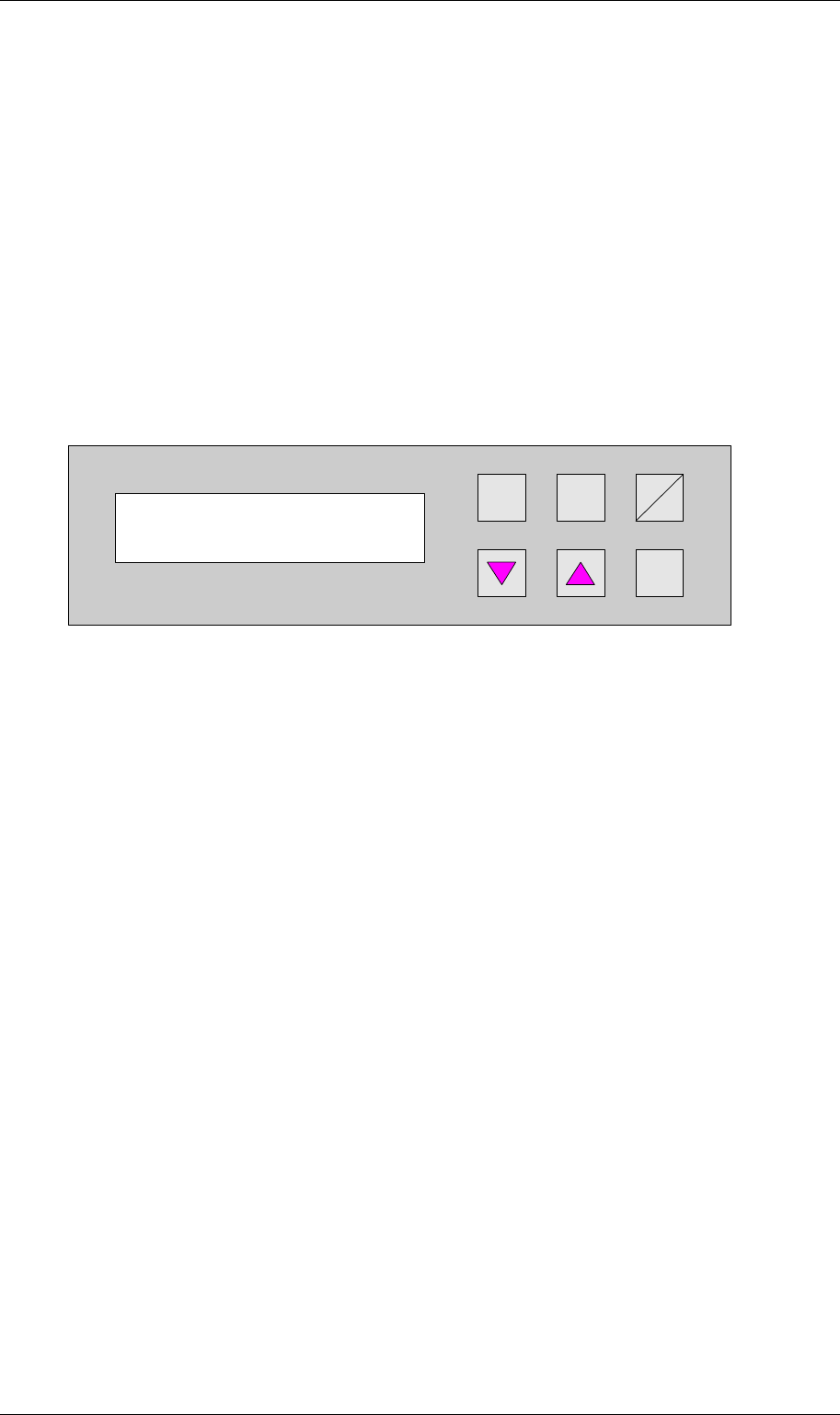
Figure 53: Machine type
Machine type
Input module
Order No. 00192 169-01 User Manual - Productivity Lift
E_SPLFS03_V40_11_0300_200300_V1_14.doc Last update: 20.03.2000 - Version V 1.14 Page 44
7.3 Ramp up mode / Ramp down mode
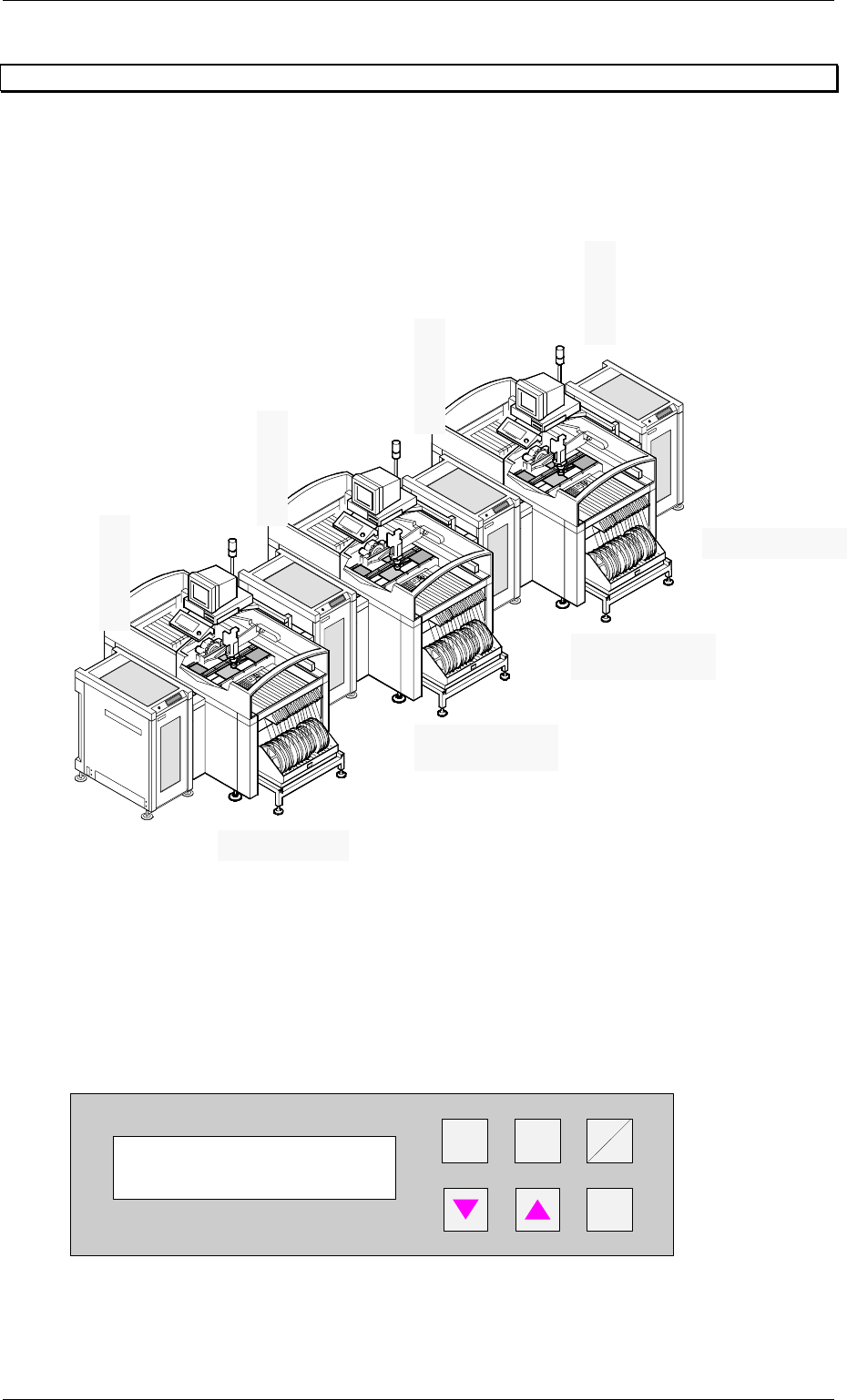
7.3.1 Example of Cluster with three Siplace units
7.3.2 Ramp up mode
PCB distribution parameter, which defines the loading sequence of the PCBs within a cluster
of Siplace units. The value of x depends on the number of Siplace units within a cluster (see
example 7.3.1).
The menu allows to set the value x between 0...9 .
+
Enter
Alt
Stop
Start
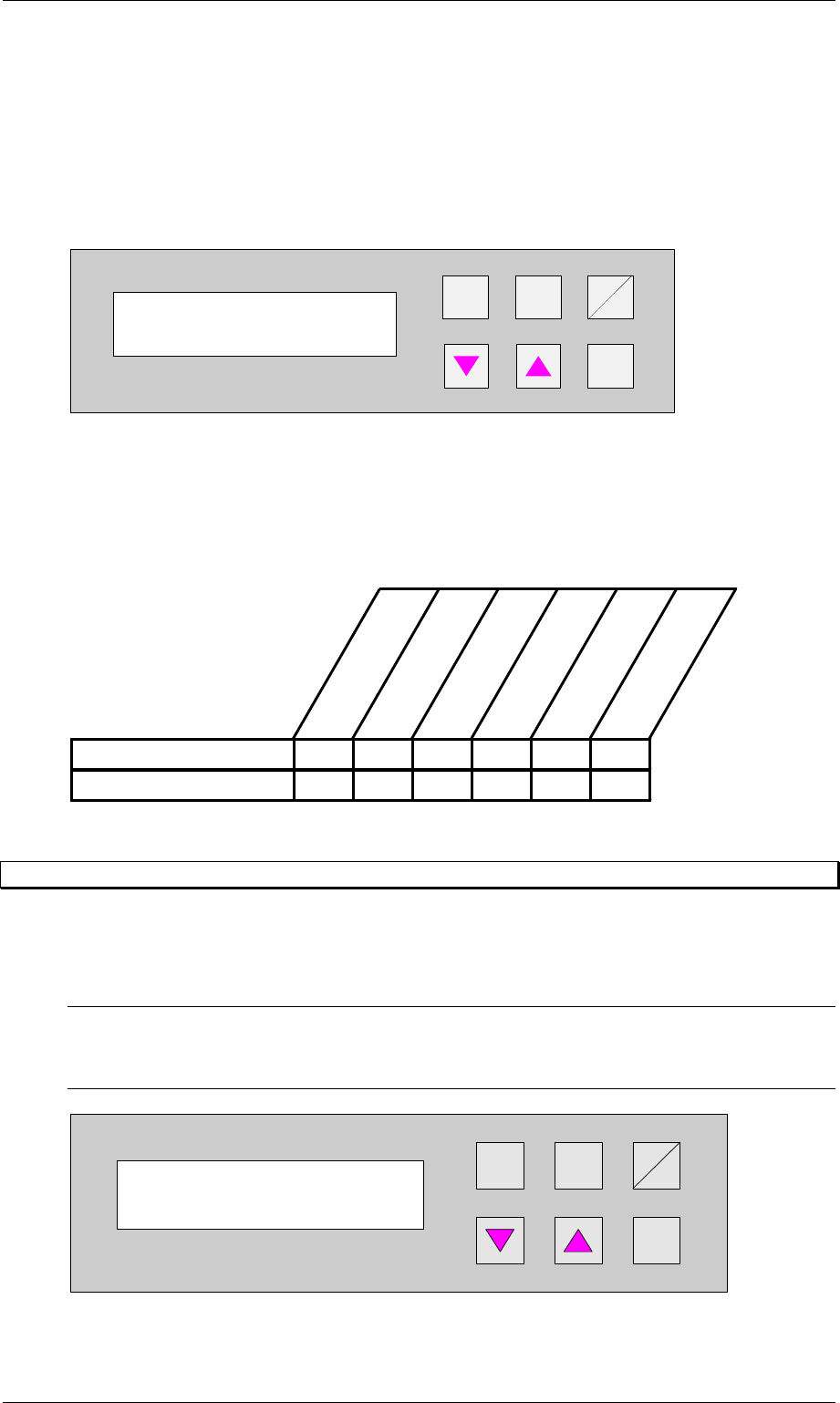
Figure 54: Ramp up mode
Ramp up mode
1 to x
Input module
Ramp up mode 1:1
Ramp down mode 1:0
Ramp down mode 1:2
Ramp up mode 1:0
Ramp down mode 1:1
Cluster module
Output module
Cluster module
Ramp up mode 1:2
Order No. 00192 169-01 User Manual - Productivity Lift
E_SPLFS03_V40_11_0300_200300_V1_14.doc Last update: 20.03.2000 - Version V 1.14 Page 45
7.3.3 Ramp down mode
PCB distribution parameter, which defines the unloading of the PCBs within a cluster of
Siplace units. The value of x depends on the number of Siplace units within a cluster (see
example 7.3.1).
The menu allows to set the value x between 0...9 .
+
Enter
Alt
Stop
Start
Figure 55: Ramp down mode
7.3.4 Availability of Ramp up / Ramp down mode depending on machine type
The ramp up, ramp down mode depends on the selected machine type as defined in the table
below.
Input module
Cluster module
Cross module
Convert 2/4
Convert 4/2
Output module
Ramp up module XXXX
Ramp down module X X X X
7.4 Underneath buffer
The lower belts can be used as so-called underfloor buffers. This means that if the function is
switched on, two PCBs could be transferred on the belt. As a result, there is an additional
further storage space available for each belt.
N.B.
This menu is not displayed if the underfloor conveyor is switched off (see 6.8 Underneath
belt).
Hand
Stop
Start
Enter
Alt
Figure 56: Underneath buffer
Ramp down mode
1 to x
Underneath buffer
Turned off