00197455-01_IM_TX150SS8_en.pdf - 第34页
Installing Prim ergy TX 150 S8 with W indows S erver 20 12 07/2012 Edit ion 34 The whol e preparat ion proc ess, inc luding W indo ws Setup, wil l take som e tim e. Figure 3- 22 : Starti ng Win dows Setup
Installing Primergy TX150 S8 with Windows Server 2012 07/2012 Edition
33
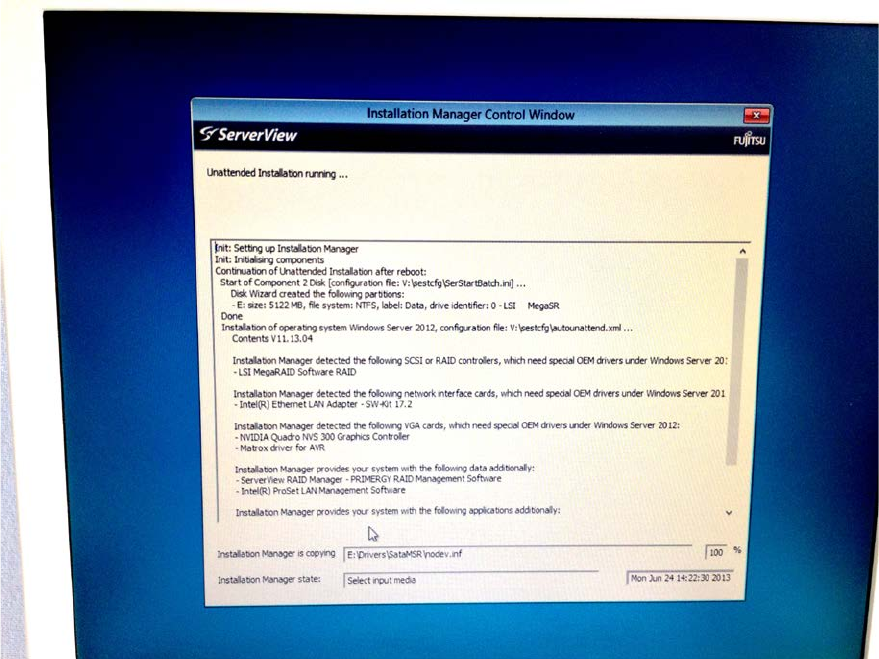
Figure 3-21: Installation Manager preparing the installation with hardware specific drivers
Installing Primergy TX150 S8 with Windows Server 2012 07/2012 Edition
34
The whole preparation process, including Windows Setup, will take some time.
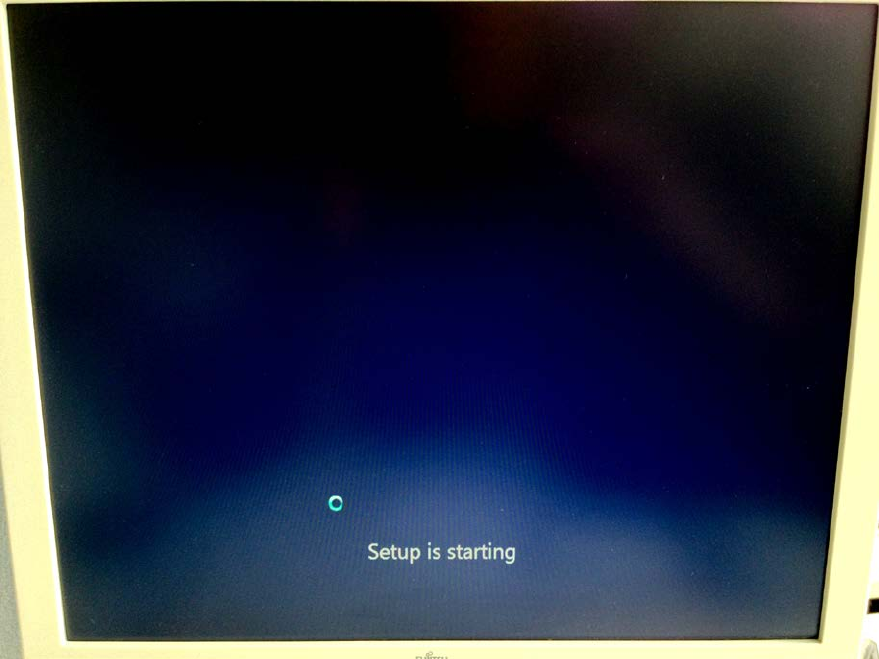
Figure 3-22: Starting Windows Setup
Installing Primergy TX150 S8 with Windows Server 2012 07/2012 Edition
35
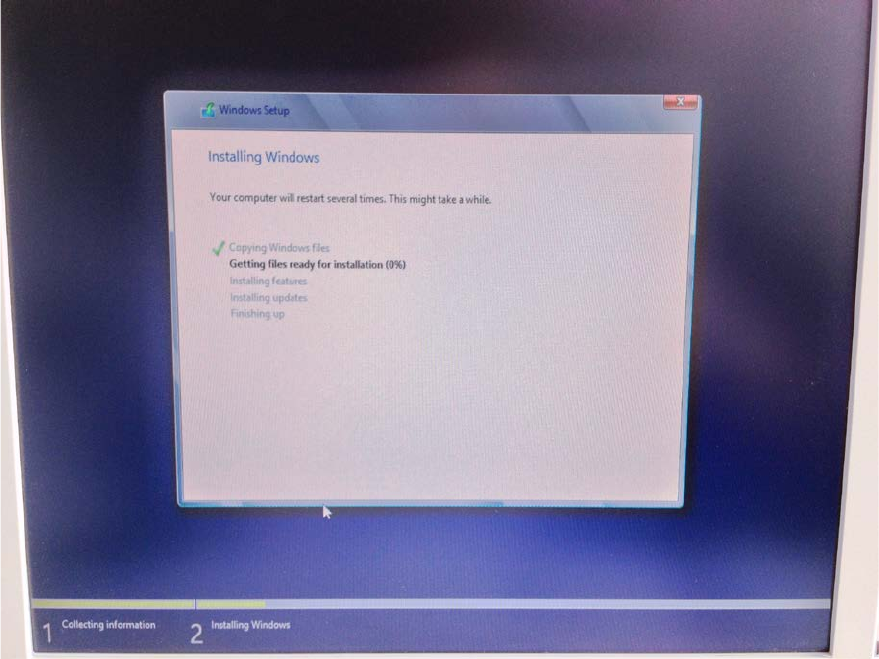
Figure 3-23: Running Windows Setup
After preparation, the Installation Manager prompts you to remove the DVD.