DFD6361-Maintenance.pdf - 第192页
B-120 Procedur e of pressur e setting [n egativ e pressure] (Conti nued) Step No. Do This 6 With "pressure setting mode - setting value 3" displayed, press the SET button. - You don't have to ent er any nu…
B-119
Procedure of pressure setting [negative pressure]
Step No. Do This
(Continued from the previous section)
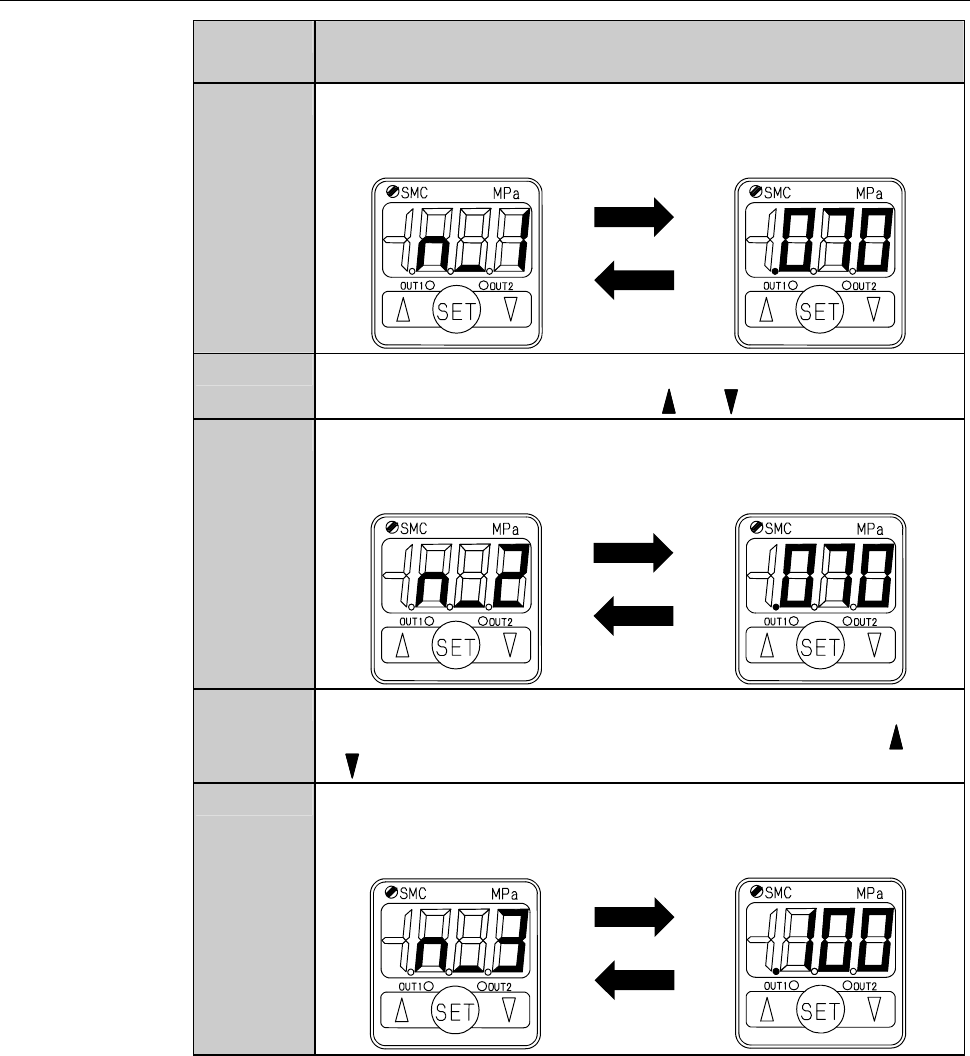
1
Press the SET button.
- The display has changed to the "pressure setting mode - setting
value 1".
Displays alternately
2
Set the setting value 1.
- To change the reading, press the or button.
3
Press the SET button to finalize the setting.
- The display has changed to the "pressure setting mode - setting
value 2".
Displays alternately
4
Set the setting value 2.
- Set the same value as the setting value 1 by pressing the or
button.
5
Press the SET button to finalize the setting.
- The display has changed to the "pressure setting mode - setting
value 3".
Displays alternately
B-120
Procedure of pressure setting [negative pressure] (Continued)
Step No. Do This
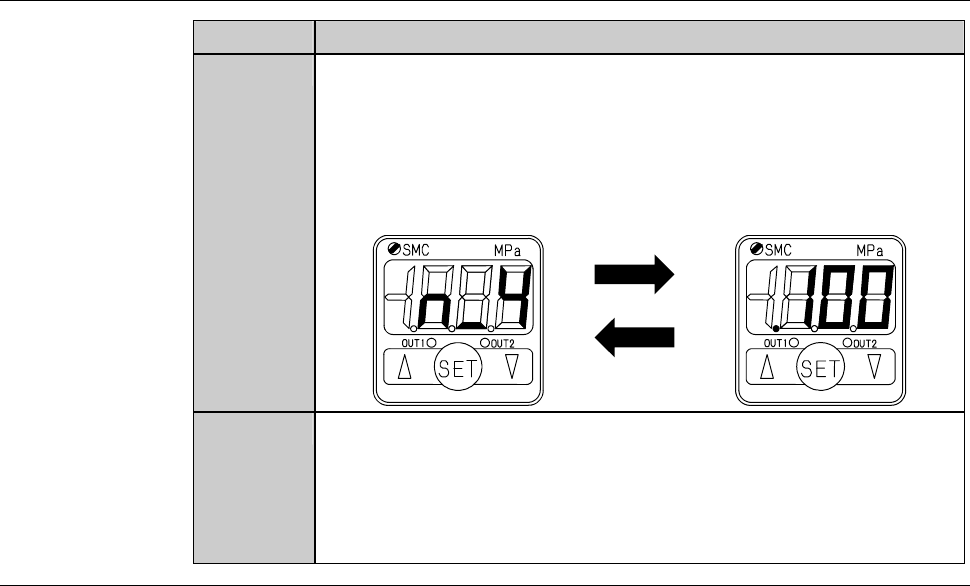
6
With "pressure setting mode - setting value 3" displayed, press
the SET button.
- You don't have to enter any numeric value here because this
mode is not used.
- The display has changed to the "pressure setting mode - setting
value 4".
Displays alternately
7
With "pressure setting mode - setting value 4" displayed, press
the SET button.
- You don't have to enter any numeric value here because this
mode is not used.
- The display has returned to the "measurement" mode.
Continued in the next section.
B-121
4-1-3. Zero clearance
Procedure of zero clearance
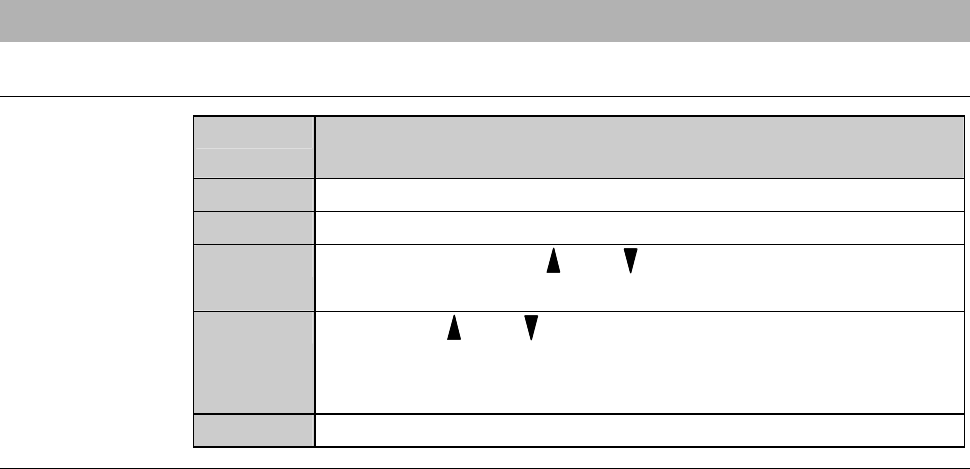
Step No. Do This
(Continued from the previous section)
1
Make sure that the pressure sensor is in the measurement mode.
2
Make sure that no pressure is loaded on the pressure sensor.
3
Continue pressing the and buttons at the same time until
the reading clears to zero.
4
Release the and buttons.
- Zero clearance has completed.
- The display returns to the "measurement" mode.
5
Reinstall the cover [U].