DFD6361-Maintenance.pdf - 第193页
B-121 4-1-3. Zero cle arance Procedur e of zero c learance Step No. Do This (Continued from the previous section) 1 Make sure that the pre ssure sensor is in the measureme nt mode. 2 Make sure that no pressu re is loaded…
B-120
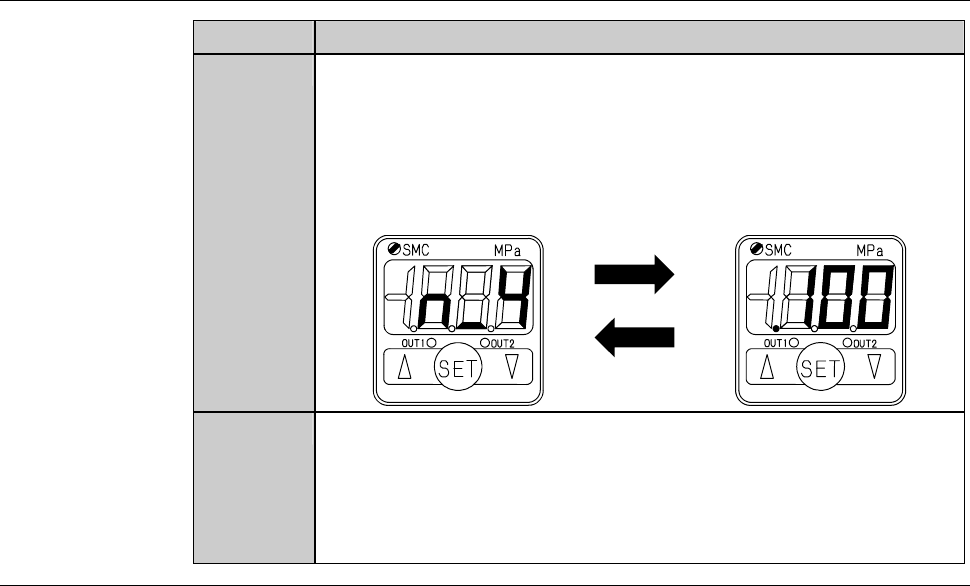
Procedure of pressure setting [negative pressure] (Continued)
Step No. Do This
6
With "pressure setting mode - setting value 3" displayed, press
the SET button.
- You don't have to enter any numeric value here because this
mode is not used.
- The display has changed to the "pressure setting mode - setting
value 4".
Displays alternately
7
With "pressure setting mode - setting value 4" displayed, press
the SET button.
- You don't have to enter any numeric value here because this
mode is not used.
- The display has returned to the "measurement" mode.
Continued in the next section.
B-121
4-1-3. Zero clearance
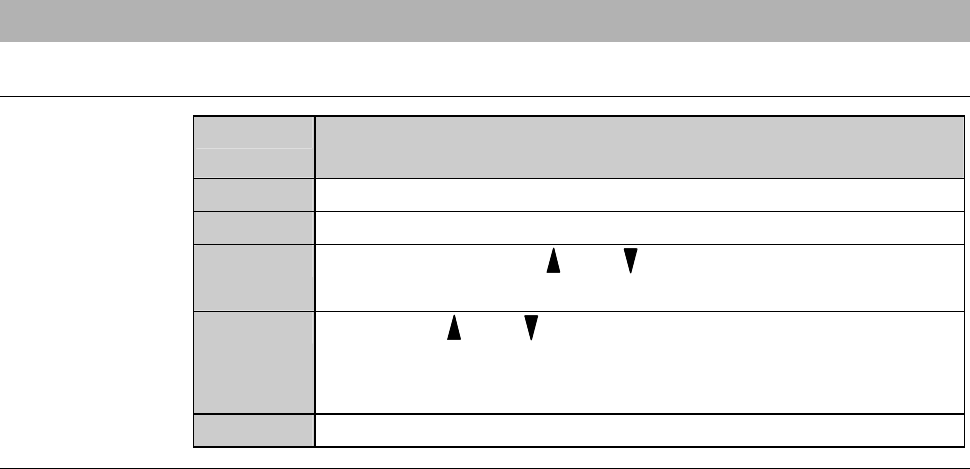
Procedure of zero clearance
Step No. Do This
(Continued from the previous section)
1
Make sure that the pressure sensor is in the measurement mode.
2
Make sure that no pressure is loaded on the pressure sensor.
3
Continue pressing the and buttons at the same time until
the reading clears to zero.
4
Release the and buttons.
- Zero clearance has completed.
- The display returns to the "measurement" mode.
5
Reinstall the cover [U].
B-122
4-2. Air Pressure Sensor Adjustment
Safety precautions for air pressure sensor adjustment
WARNING
If the touch panel control is activated to invoke an unexpected
machine operation, the operator may be injured.
While you don't use the touch panel, press the Disco's logo button
located at the upper left of the screen in order to lock up and
deactivate the touch panel. If the touch panel control is activated to
invoke an unexpected machine operation, the operator may be
injured. While the maintenance operation, do not touch the touch
panel.
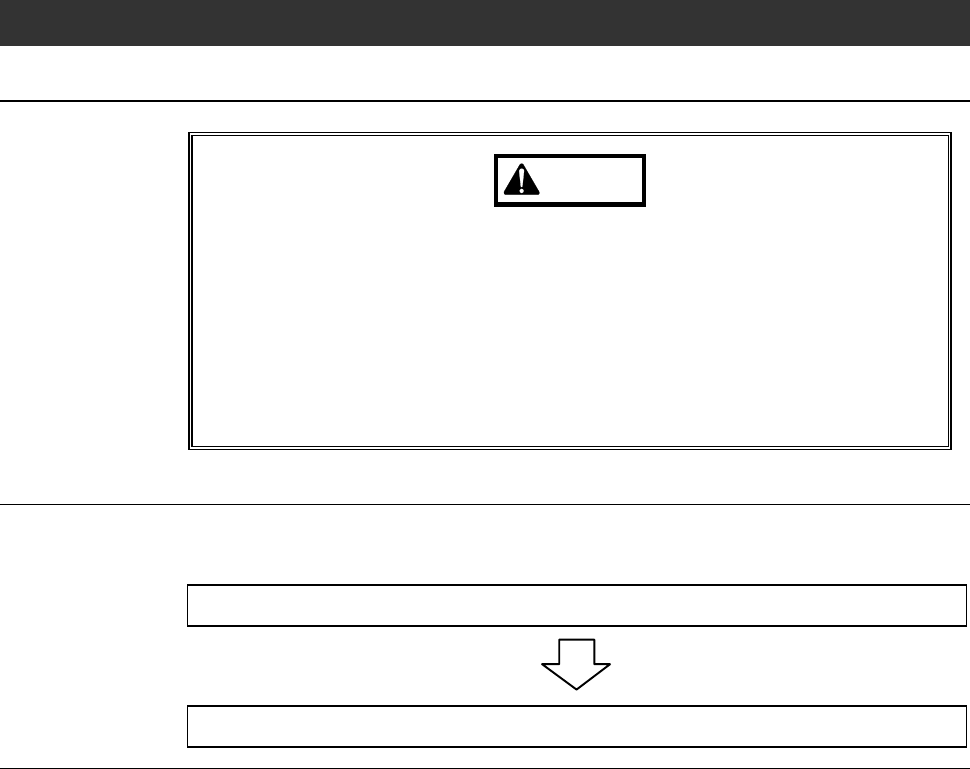
Operation flow
The procedure for adjusting the air pressure sensor consists of the following
steps.
4-2-1 Adjusting the air pressure sensor
4-2-2 Checking operation of the air pressure sensor