DFD6361-Maintenance.pdf - 第227页
C-15 2-2-3. E xecuting cond itioning Procedur es for ex ecuting conditi oning W ARNING - W hen y o u adj ust the conditi oning ji g setup p osition or set the conditioni ng jigs, you hav e to disable t he axis driv er po…
C-14
FLANGE DRESSING screen [screen 7.1] (Continued)
[Setting Item]
Item No. Descriptions
[1]
Select the unit of measure (inch or millimeter)..
[2]
Select either MOUNT or FLANGE.
[3]
Specify the spindle axis to perform conditioning.
[4]
Enter the number of spindle revolution for conditioning.
[5]
Enter the amount of X-axis movement for conditioning.
- Enter the conditioning chip travel distance data.
[6]
Enter the amount of Y-axis movement for conditioning.
- An entry exceeding 0.01 mm will not be accepted.
[7]
Enter the X-axis feed speed data.
[8]
Enter the counts of spark-out.
[9]
Enter the counts of grinding operation to be performed, taking one
spark-out cycle to constitute one grinding operation.
[10]
Set the X-axis feed speed when using the <F1> and <F6> buttons.
[11]
Set the Y1- and Y2-axis feed speed when using the <F2>, <F4>,
<F7> and <F9> buttons.
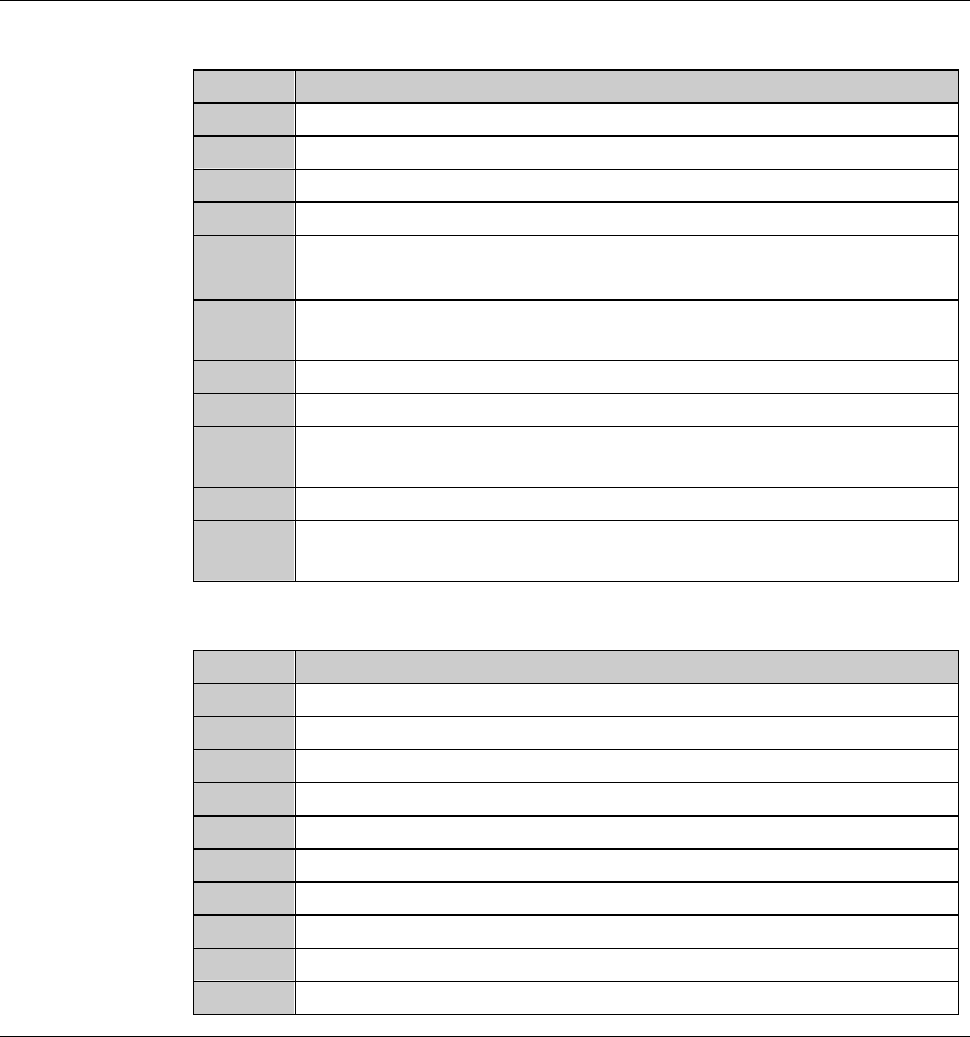
[Function Button]
Press To
F1
Move (scan) the X-axis to the left at low speed.
F2
Move (scan) the Y1-axis to the rear at low speed.
F3
Raise (scan) the Z1-axis.
F4
Move (scan) the Y2-axis to the rear at low speed.
F5
Raise (scan) the Z2-axis.
F6
Move (scan) the X-axis to the right at low speed.
F7
Move (scan) the Y1-axis to the front at low speed.
F8
Lower(scan)theZ1-axis.
F9
Move (scan) the Y2-axis to the front at low speed.
F10
Lower(scan)theZ2-axis.
C-15
2-2-3. Executing conditioning
Procedures for executing conditioning
WARNING
- When you adjust the conditioning jig setup position or set the
conditioning jigs, you have to disable the axis driver power supply
shutoff feature with the maintenance key and operate the X-, Y- and
Z-axes with the splash cover open. If your fingers or hands are
positioned in the drive section or under the spindle, they may be
caught or cut off.
Do not place your fingers or hands in the drive section or under the
spindle.
- For conditioning jig setup purposes, the axes can be operated with
the touch panel manual buttons even if the splash cover is open.
The maintenance personnel could be injured by an inadvertently
invoked unexpected machine operation.
While you don't use the touch panel, press the Disco's logo button
located at the upper left of the screen in order to lock up and
deactivate the touch panel.
- If the person other than the maintenance personnel touches the
machine, the machine operates and the maintenance personnel
may be injured.
Ensure that no person other than the maintenance personnel
touches the machine.
- If the spindle rotating speed is unduly high for the employed flange
diameter, spindle galling or flange separation may take place to
incur serious personal injury or death.
Before conducting conditioning, be sure to verify that the speed
rotating speed is appropriate for the flange diameter.
The maximum permissible spindle rotating speed is as follows:
60,000 min
-1
(60,000 rpm) for 2-inch blade
CAUTION
When the conditioning operation is started, the X-axis moves to the
rear side of the machine. Depending on the position of the
conditioning jigs, they may hit the wheel cover nozzle during
conditioning.
Before starting conditioning operation, make sure that the wheel
cover nozzle does not collide against the conditioning jigs.
C-16
Procedures for executing conditioning (Continued)
NOTICE
If splash cover opening is carried out without rotating the
maintenance switch, no axis is operative. It also makes it necessary
to effect system initialization after splash cover closure.
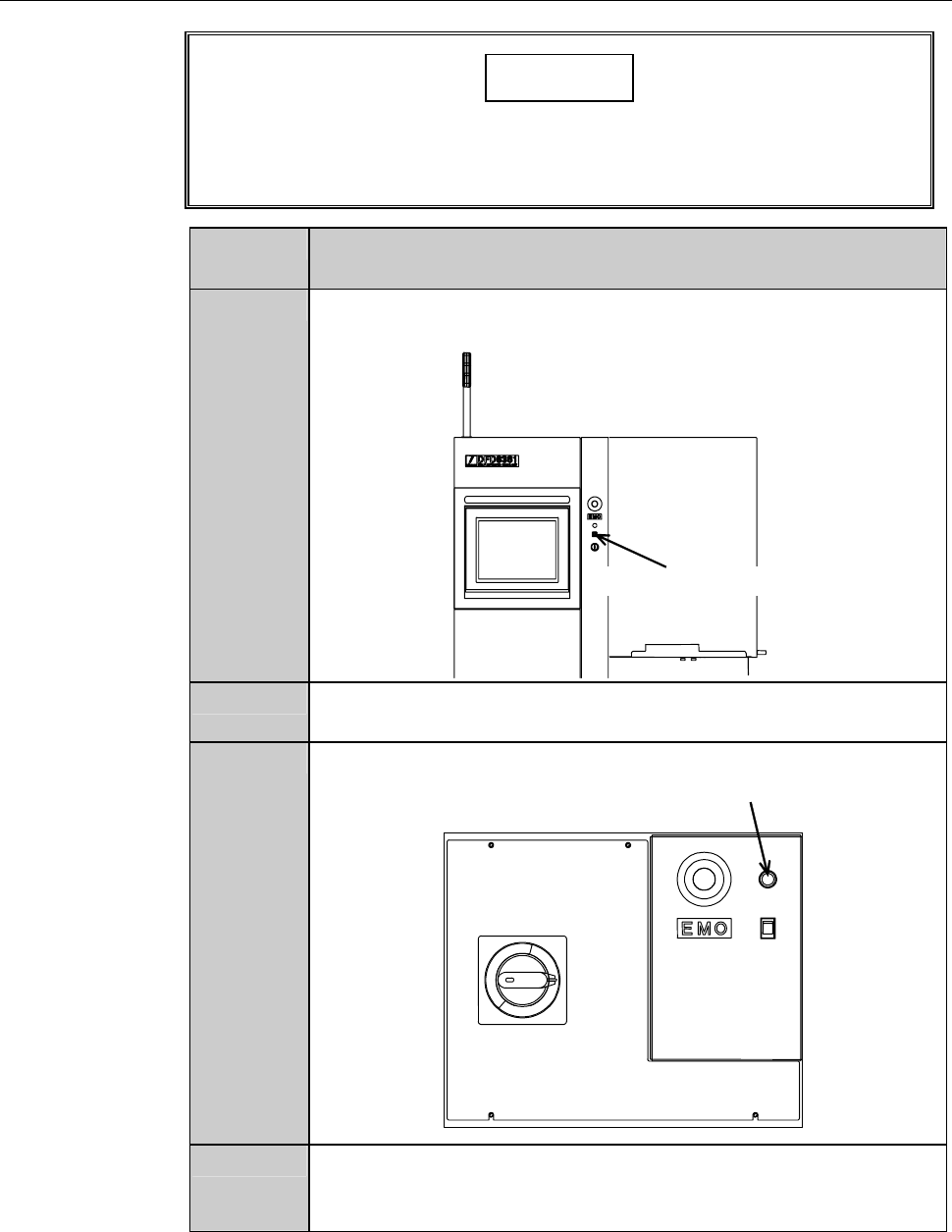
Step No. Do This
(Continued from the previous section)
1
Insert the maintenance key into the maintenance switch. The
maintenance key is placed under maintenance personnel control.
Maintenance switch
2
Rotate the maintenance key clockwise and placed in the
OVERRIDE position.
3
While pressing the override button, open the splash cover.
Override button
4
Turn the touch panel to the position where the operator can
control the touch panel with standing at the normal working
position.