DFD6361-Maintenance.pdf - 第231页
C-19 2-2-4. Checking the end face accuracy Procedur es for checkin g the end face accurac y Step No. Do This (Continued from the previous section) 1 Make sure that the spindle rotation and all axes stop. 2 Turn the maint…
C-18
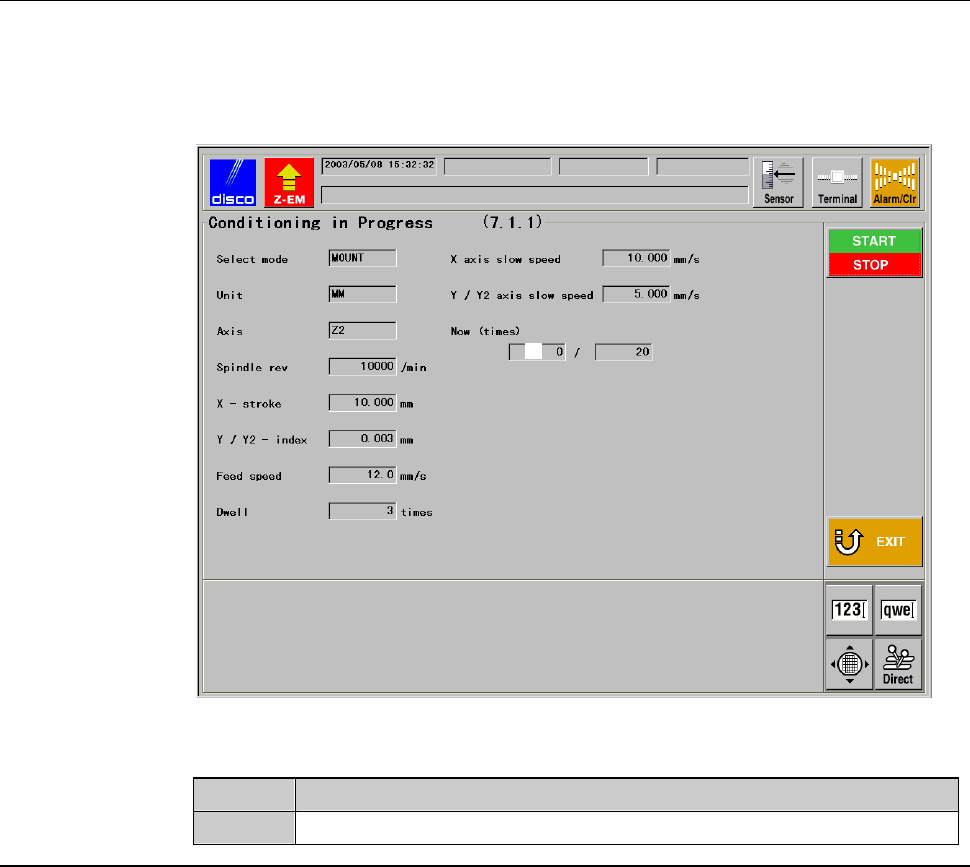
CONDITIONING IN PROGRESS screen [screen 7.1.1]
While the conditioning is executed, the CONDITIONING IN PROGRESS
screen [screen 7.1.1] is displayed.
[Screen]
ÿ
[1]
[Setting Item]
Item No. Descriptions
[1]
Shows the cycle counts of conditioning that have been performed.
C-19
2-2-4. Checking the end face accuracy
Procedures for checking the end face accuracy
Step No. Do This
(Continued from the previous section)
1
Make sure that the spindle rotation and all axes stop.
2
Turn the maintenance switch clockwise.
3
While pressing the maintenance button, open the splash cover.
4
Press the <C/T Vacuum> button to turn OFF the vacuum system.
5
Remove the conditioning jig.
6
Wipe the conditioned face of flange/hub mount clean with a
cotton swab moistened with alcohol.
7
Set a dial gauge on a magnet stand and fasten them on the
conditioning jig.
8
Place the conditioning jig with the dial gauge at the center of the
chucktable.Thenpressthe<C/TVacuum>buttontoturnON
the vacuum system.
9
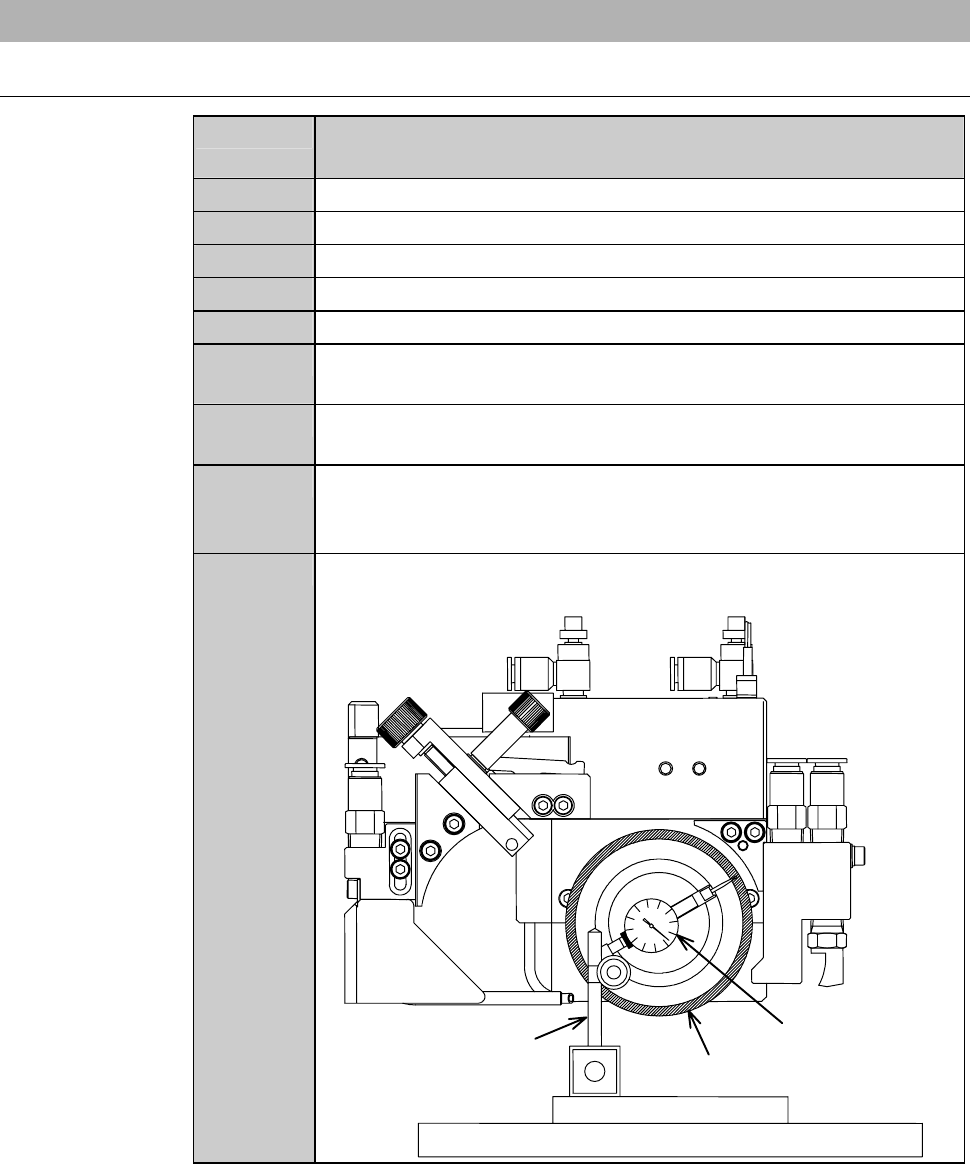
Move the X- and Y-axes slowly so that the dial gauge end is
brought into contact with the end face.
Dressing chuck table
Conditionin
gj
i
g
End face
Magnetic stand
Dial gauge
C-20
Procedures for checking the end face accuracy (Continued)
Step No. Do This
10
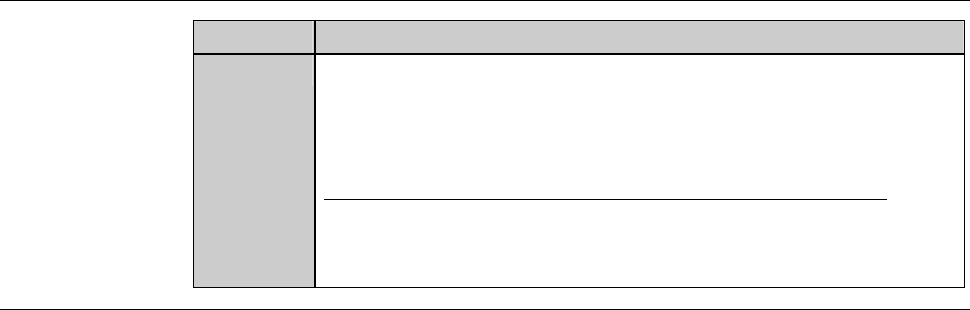
Gently rotate the spindle axis clockwise by hand to check for dial
gauge pointer deflection.
- For wheel mount: 1µmorless
-Forflange:3µmorless
If an end face run out is larger than these maximum limits;
Remove the dial gauge from the chuck table and repeat
conditioning procedures described in the section 2-2-3 of this
chapter, [Executing conditioning] and thereafter.
Continued in the next section.