DFD6361-Maintenance.pdf - 第237页
C-25 AXIS OPERATION scr een The description of A XIS OPERATION screen is as follows: This screen is ca lled up by pressing the <F2> button from ENGINEERING MAINTENANCE screen [ screen 7.0]. [Screen] [1] [2] [3] [4]…
C-24
Procedures for axis operation check (Continued)
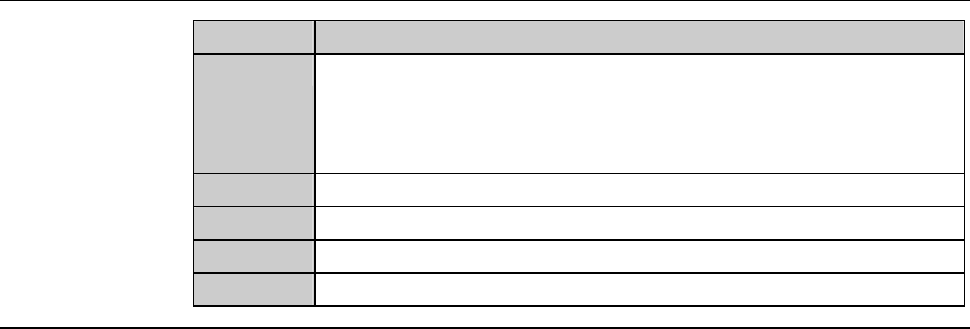
Step No. Do This
6
After completion of operational checkout, press the <EXIT>
button.
- The system then returns to the ENGINEERING
MAINTENANCE screen [screen 7.0].
7
Close the splash cover or arm section cover.
8
Press the <System Initial> button to effect system initialization.
9
Remove the key from the maintenance switch.
10
Have it stored by the maintenance personnel.
C-25
AXIS OPERATION screen
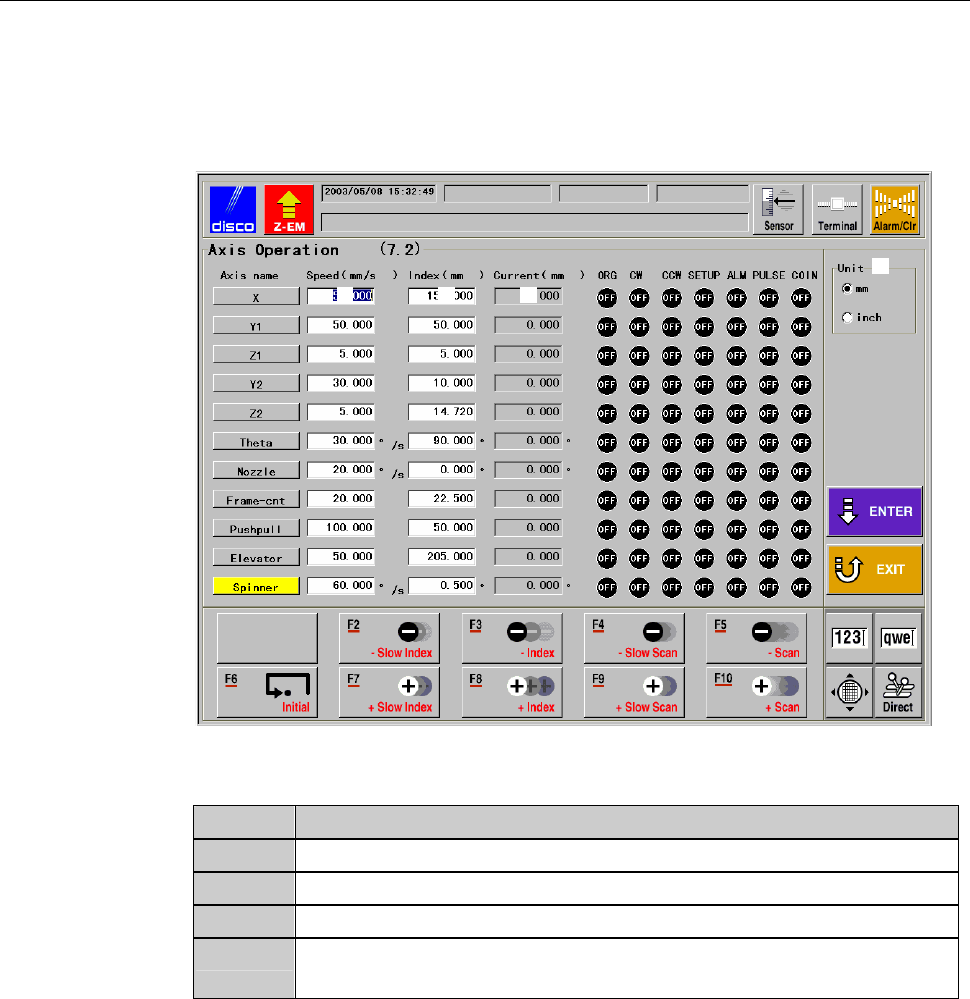
The description of AXIS OPERATION screen is as follows:
This screen is called up by pressing the <F2> button from ENGINEERING
MAINTENANCE screen [screen 7.0].
[Screen]
[1]
[2] [3] [4]
[Setting Item]
Item No. Descriptions
[1]
Select the unit of measure (inch or millimeter).
[2]
Enter the axis scan speed for the operation check of each axis.
[3]
Enter the axis index amount for the operation check of each axis.
[4]
Indicates the current position of each axis in the axis operation
check process.
C-26
AXIS OPERATION screen (Continued)
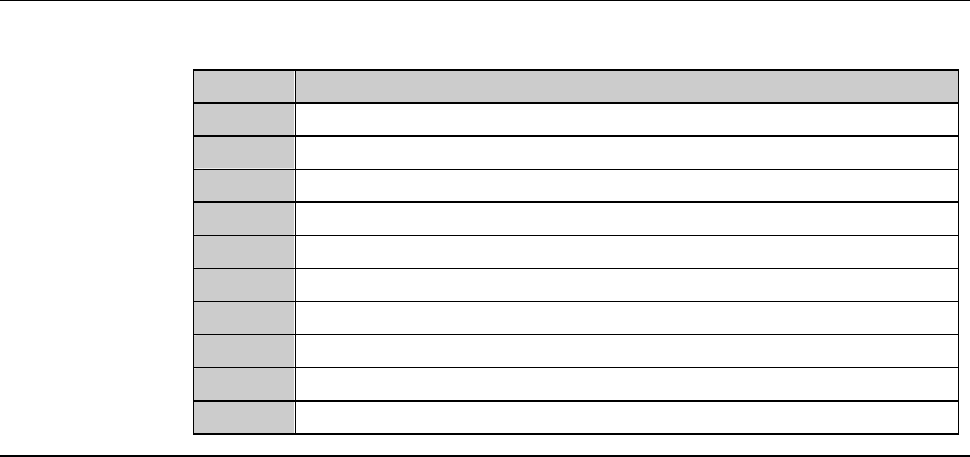
[Function Button]
Press To
F1
Unused
F2
Execute a low-speed index operation in the minus direction.
F3
Execute an index operation in the minus direction.
F4
Execute a low-speed scan operation in the minus direction.
F5
Execute a scan operation in the minus direction.
F6
Effect initialization.
F7
Execute a low-speed index operation in the plus direction.
F8
Execute an index operation in the plus direction.
F9
Execute a low-speed scan operation in the plus direction.
F10
Execute a scan operation in the plus direction.