DFD6361-Maintenance.pdf - 第274页
C-62 DEVICE DATA CHANGE screen [Screen] [2] [1] [3] [5] [3] [4] [Setting Ite m] Item No. Descriptions [1] Indicates the items whose values c an be commonly changed through multiple de vice data. [2] Indicates the directo…
C-61
DEVICE DATA MAINTENANCE screen (Continued)
[Function Button]
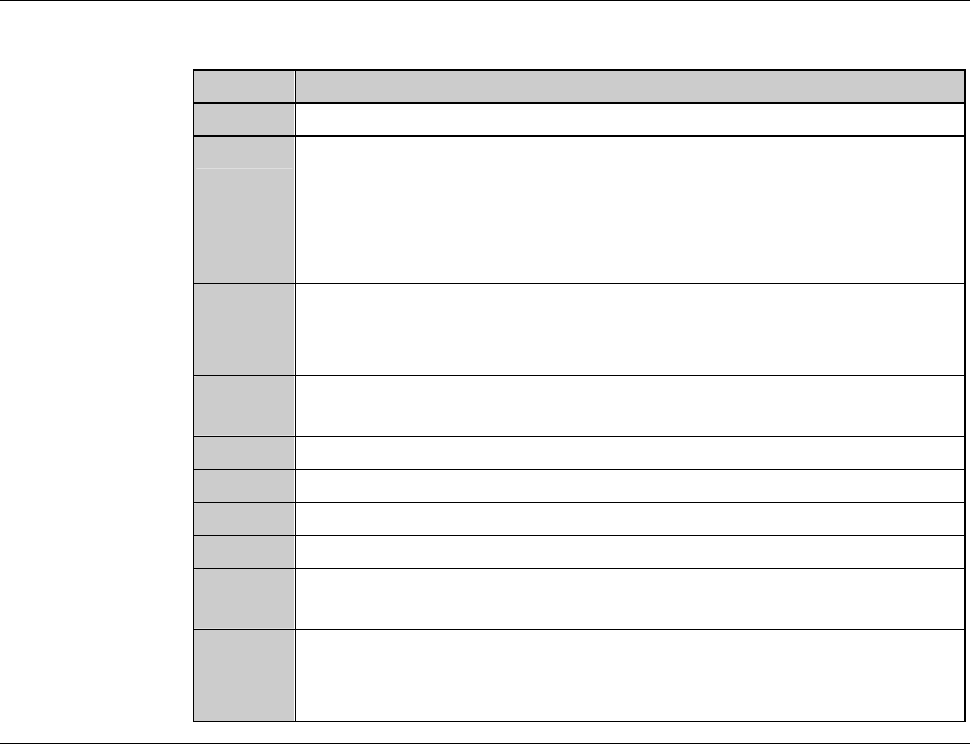
Press To
F1
Deletes the currently selected device data.
F2
Moves the currently selected device data to the directory designated
in [3].
- If the device data with the same No. already exists in the directory
to which the selected device data is moved, the move cannot take
place.
F3
Deletes the selected directory.
- All device data contained in the selected directory are also
deleted.
F4
Changes the selected directory name to the new name specified in
[4].
F5
Unused
F6
Unused
F7
Unused
F8
Unused
F9
Displays the last device data selected on the DEVICE DATA
screen (for display only).
F10
Displays the DEVICE CHANGE screen.
All device data settings are modified together for each selected
directory.
C-62
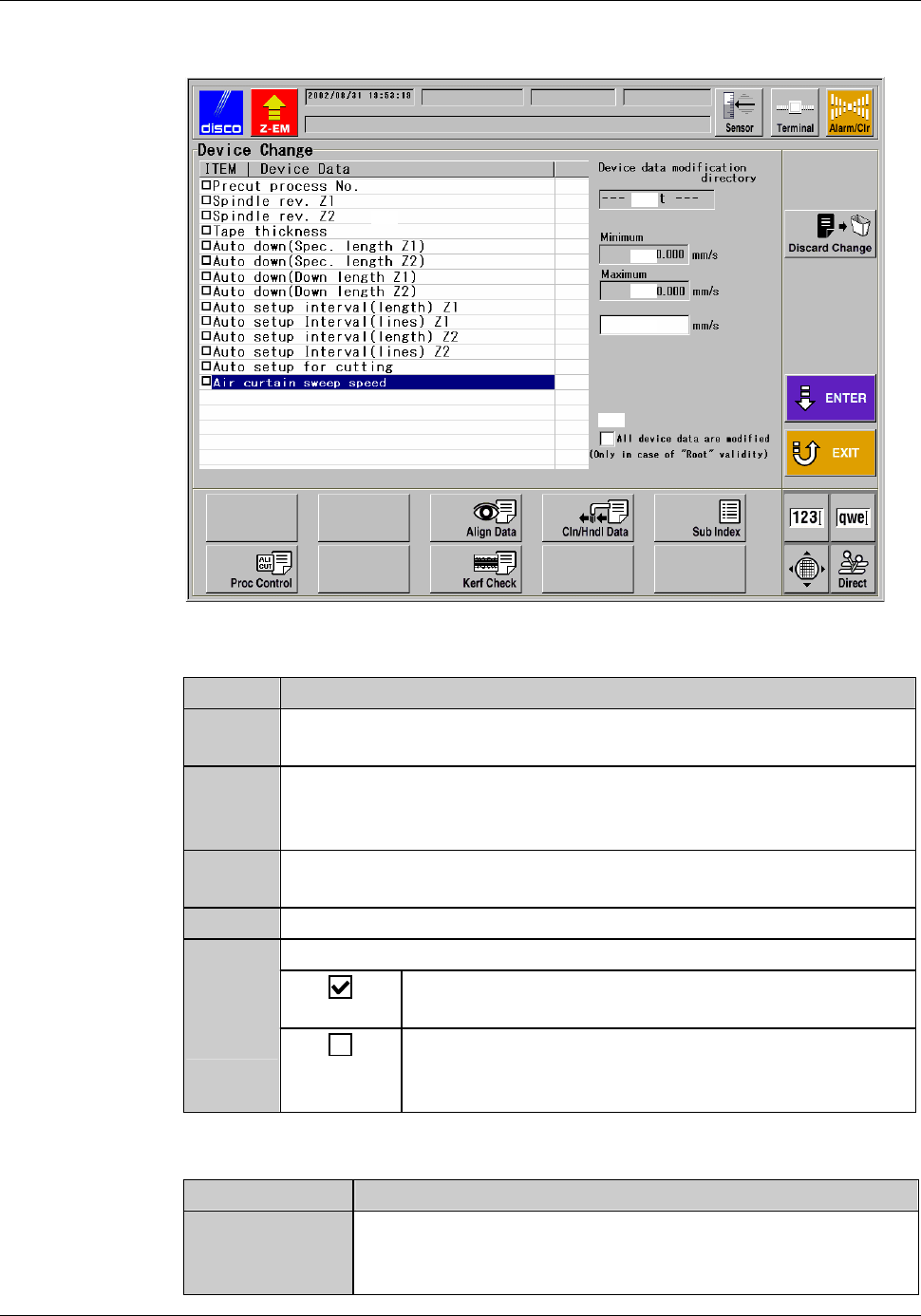
DEVICE DATA CHANGE screen
[Screen]
[2]
[1]
[3]
[5]
[3]
[4]
[Setting Item]
Item No. Descriptions
[1]
Indicates the items whose values can be commonly changed
through multiple device data.
[2]
Indicates the directory designated in the DEVICE DATA
MAINTENANCE screen. The change of the value will be applied
to the entire device data stored in the directory displayed here, [2].
[3]
Indicates the upper and/or the lower limit of the setting value, if
there is limitation.
[4]
Enter the new value of the item selected at [1]
[5]
Check when you select the root directory at [2].
The change made on this screen will be applied to all
the device data stored in the machine's memory.
The change made on this screen will be applied to the
device data stored in the root directory. The device
data in the subdirectories will not be changed.
[Function button]
Press To
Discard
Change
Clear all the settings made on this screen. Even when you
have made changes on multiple items, all of them will be
cleared.
C-63
Device data whose settings cannot be modified
Settings of the following device data cannot be modified.
Device Data No. Device Data
000 MM-SAMPLE
111 INCH-SAMPLE
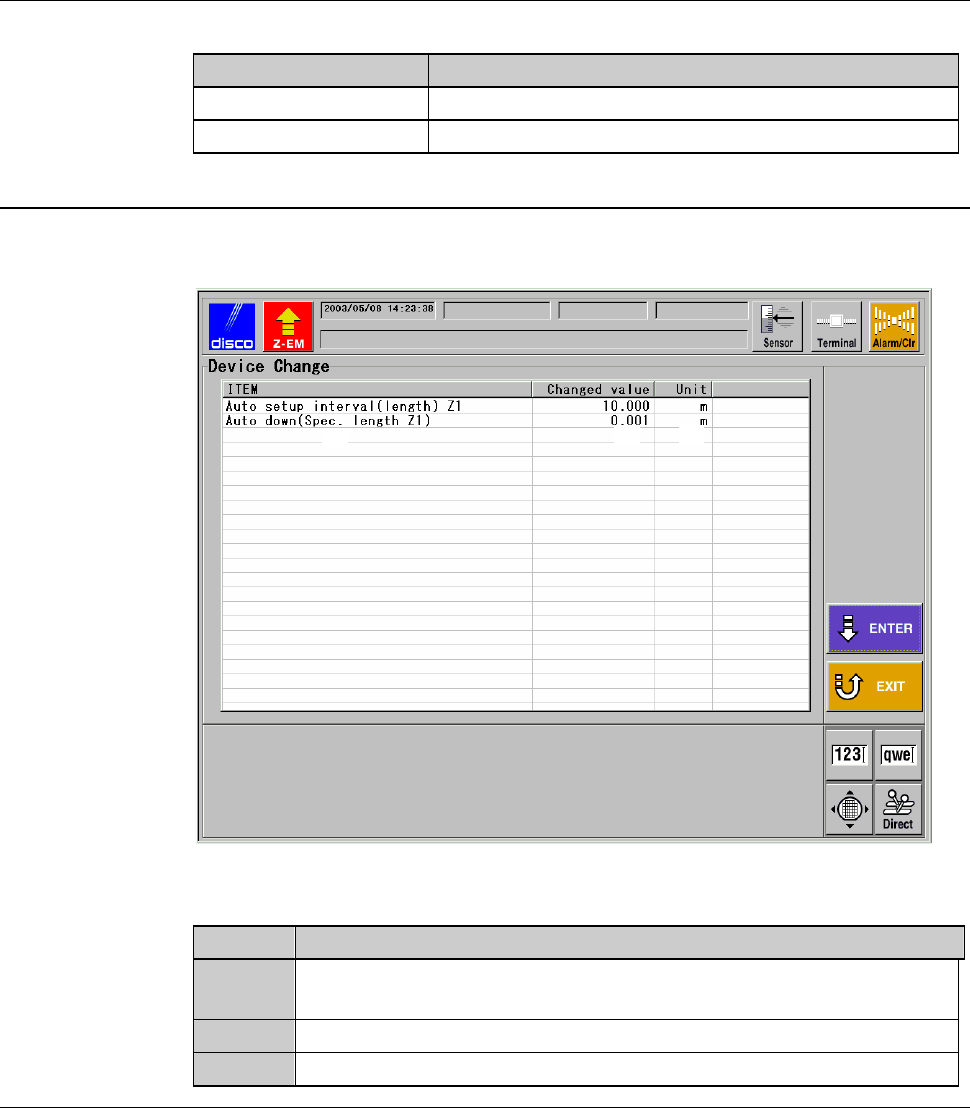
DEVICE DATA CHANGE screen - confirmation
[Screen]
[1]
[2]
[3]
[Setting Item]
Item No. Descriptions
[1]
Lists the items to which new values were entered in the DEVICE
DATA CHANGE screen (for setting).
[2]
Indicates the new values set for the item displayed at [1].
[3]
Indicates the unit of the values of the item [1].