DFD6361-Maintenance.pdf - 第280页
C-68 7-2. Updating LAST MENT DATE Procedur es for up dating LAST MEN T DATE The LAST MENT DAT E means the date when t he latest m aintenance w as performed. The date displa y ed in this column is the date when the <F3…
C-67
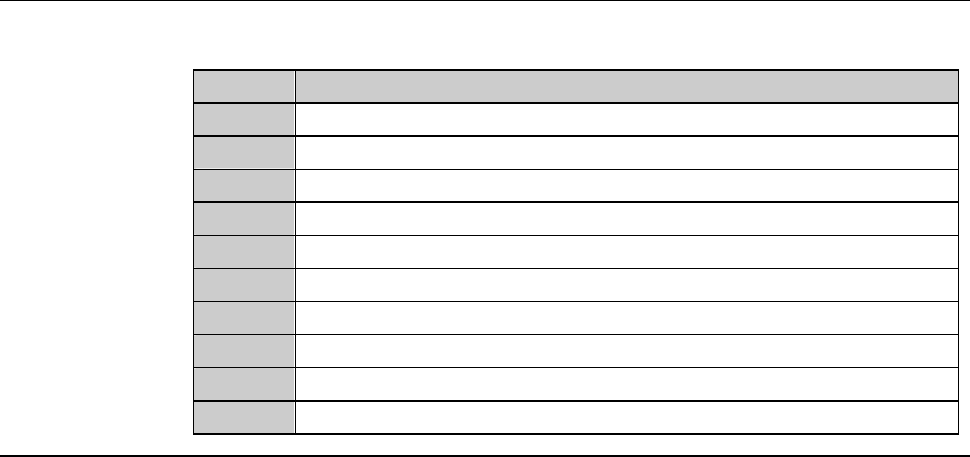
MAINTENANCE SCHEDULER screen (Continued)
[Function Button]
Press To
F1
Change the name or maintenance interval of the selected item.
F2
Delete the selected maintenance item.
F3
Update the LAST MENT DATE of the selected maintenance item.
F4
Unused
F5
Unused
F6
Unused
F7
Unused
F8
Unused
F9
Unused
F10
Unused
C-68
7-2. Updating LAST MENT DATE
Procedures for updating LAST MENT DATE
The LAST MENT DATE means the date when the latest maintenance was
performed. The date displayed in this column is the date when the <F3> button
was pressed.
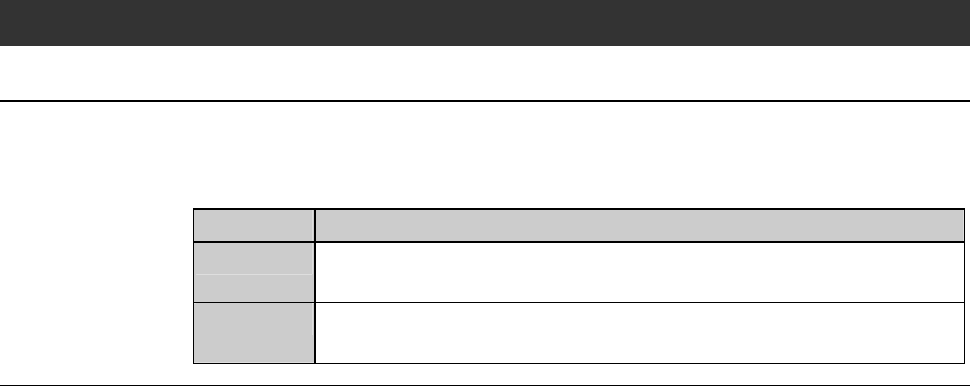
Step No. Do This
1
Select the maintenance item you want to update its LAST MENT
DATE.
2
Press the <F3> button.
The current date is displayed in the LAST MENT DATE column.
C-69
7-3. Changing DAYS SET
Procedures for changing DAYS SET
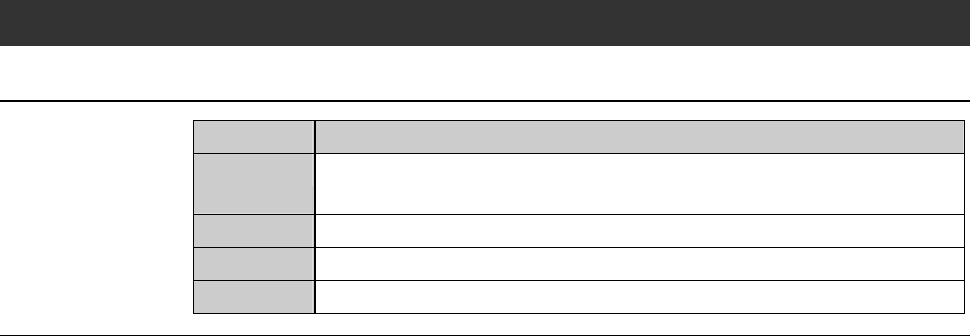
Step No. Do This
1
Select the maintenance item you want to change its DAYS SET
(maintenance interval).
2
Highlight the numbers in the DAYS SET column.
3
Input the new maintenance interval by using the numeric buttons.
4
Press the <F1> button to finalize the change.