DFD6361-Maintenance.pdf - 第292页
D-7 1-4. Tou ch Panel Pro blems Handling touch panel pr oblems The causes, check points, judgment and remedies f or the touch panel problems are as d escribed below. Proble m Cause W hat and how t o c heck Judgment Re me…
D-6
1-3. POWER Lamp (Power-On Lamp) Problems
Handling POWER lamp problems
The causes, check points, judgment and remedies for the POWER lamp problems are as described below.
Problem Cause What and how to check Judgment Remedy
Maintenance
personnel level
Hazard
level
Measuring
instruments, tools or
replacement parts
Protective
gear
The POWER
lamp does not
light.
The POWER
lamp is defective
or its cable is
broken.
Check whether the DC
voltage of +24V is
supplied to the POWER
lamp when the machine
is turned ON.
If supplied, turn OFF the
facility power supply
and then check the cable.
The lamp may be
defective if it fails
to light even when
the power is
supplied.
If the power is not
supplied, the cable
may be broken.
Contact your
nearest
DISCO.
DISCO
engineer
Digital tester
D-7
1-4. Touch Panel Problems
Handling touch panel problems
The causes, check points, judgment and remedies for the touch panel problems are as described below.
Problem Cause What and how to check Judgment Remedy
Maintenance
personnel level
Hazard
level
Measuring
instruments, tools,
replacement parts
Protective
gear
The touch
panel does not
turn ON.
The touch panel
is faulty or the
cable is broken.
Check whether the DC
voltage of +12V is
supplied to the touch
panel when the machine
is turned ON.
If not, turn OFF the
facility power supply
and then check the cable.
If the touch panel
does not turn ON
even when the
power is properly
supplied, the
touch panel may
be defective.
If the power is not
supplied, the cable
may be broken
Contact your
nearest
DISCO
office.
DISCO
engineer
Digital tester
D-8
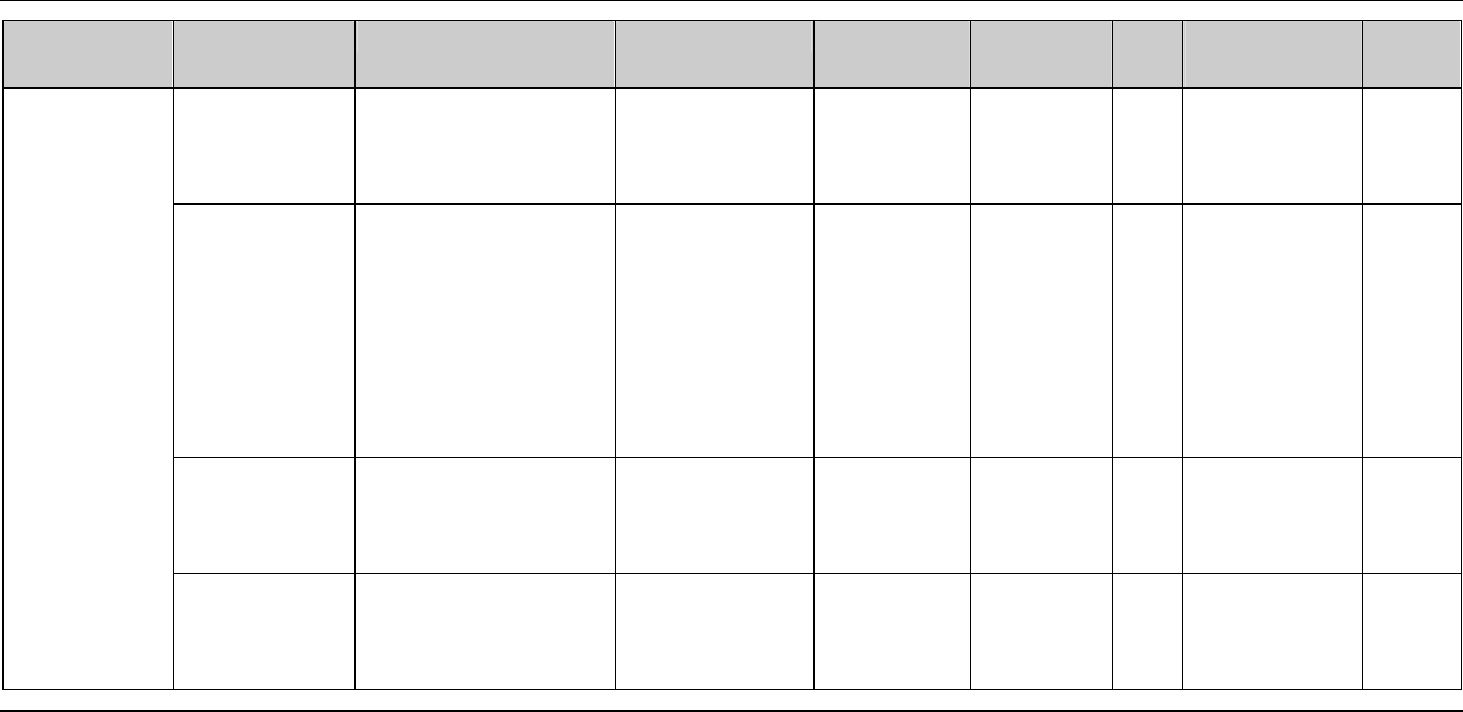
Handling touch panel problems (Continued)
Problem Cause What and how to check Judgment Remedy
Maintenance
personnel level
Hazard
level
Measuring
instruments, tools or
replacement parts
Protective
gear
The touch
panel image is
abnormal.
The image
brightness is not
adjusted
properly.
Check the intensity of
the back light of the
touch panel.
The brightness can
be adjusted by
controlling the
back light.
Contact your
nearest
DISCO
office.
DISCO
engineer
The CCD
camera or touch
panel is
defective or its
cable is broken.
Check the cable between
the CCD camera and
ALU board as well as
between the touch panel
and ALU board.
If the image is
abnormal even
when the cable is
properly
connected, the
cable may be
broken or CCD
camera or touch
panel is defective.
Contact your
nearest
DISCO
office.
DISCO
engineer
Digital tester
The PC or ALU
board is
defective.
Contact your
nearest
DISCO
office.
DISCO
engineer
Power circuit is
faulty.
Contact your
nearest
DISCO
office.
DISCO
engineer