DFD6361-Maintenance.pdf - 第360页
D-75 B1134 : N on-Contact s etup check error.( Z2) Error c ode B1134 Optional accessor y Message Non-Contact setup check error. (Z2) W hat wa s detected The transm ission rate of the opt ical fiber f or Z2- axis non-cont…
D-74
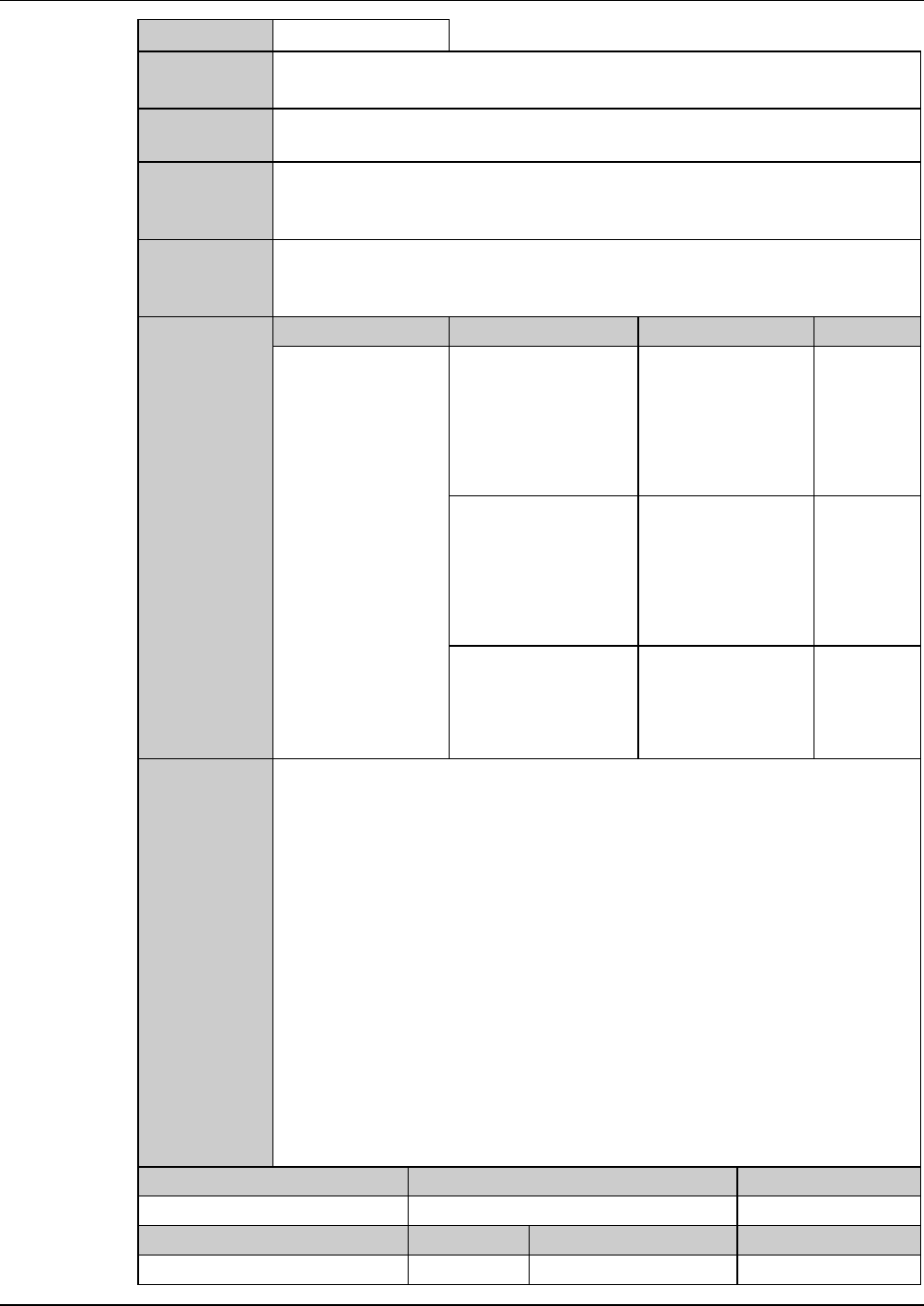
B1133 : Non-Contact setup check error.(Z1)
Error code
B1133 Optional accessory
Message
Non-Contact setup check error.(Z1)
What was
detected
The transmission rate of the optical fiber for Z1-axis non-contact setup is
lower than a predetermined value.
During what
operation it
occurred
Before starting non-contact setup.
State after
detection
The X- and Y-axes moves to their origin positions and an alarm message is
displayed.
Setup data value registration does not take place.
Phenomenon Probable causes Remedy Reference
What to do
The same error
occurs even after
repeating non-
contact setup.
Erroneous detection
occurs during setup
operation due to
water drops remained
on the non-contact
setup sensor.
Increase the setup
data value for the
setup blow time
setting.
The non-contact
setup sensor is
soiled.
Clean the non-
contact setup
sensor section, and
then carry out the
sensor calibration
setup.
The fiber of the non-
contact setup sensor
is bent.
Contact your
nearest DISCO
Service Office.
Recovery
(1) Cancel the alarm.
(2) Select the non-contact setup operation again.
If the same error still occurs, the possible causes may be soils on the
non-contact setup sensor, a bend of the fiber or incorrect voltage setting
for the setup board.
Maintenance level Maintenance personnel level Hazard level
Measuring equipment used Tools Replacement parts Protective gear
D-75
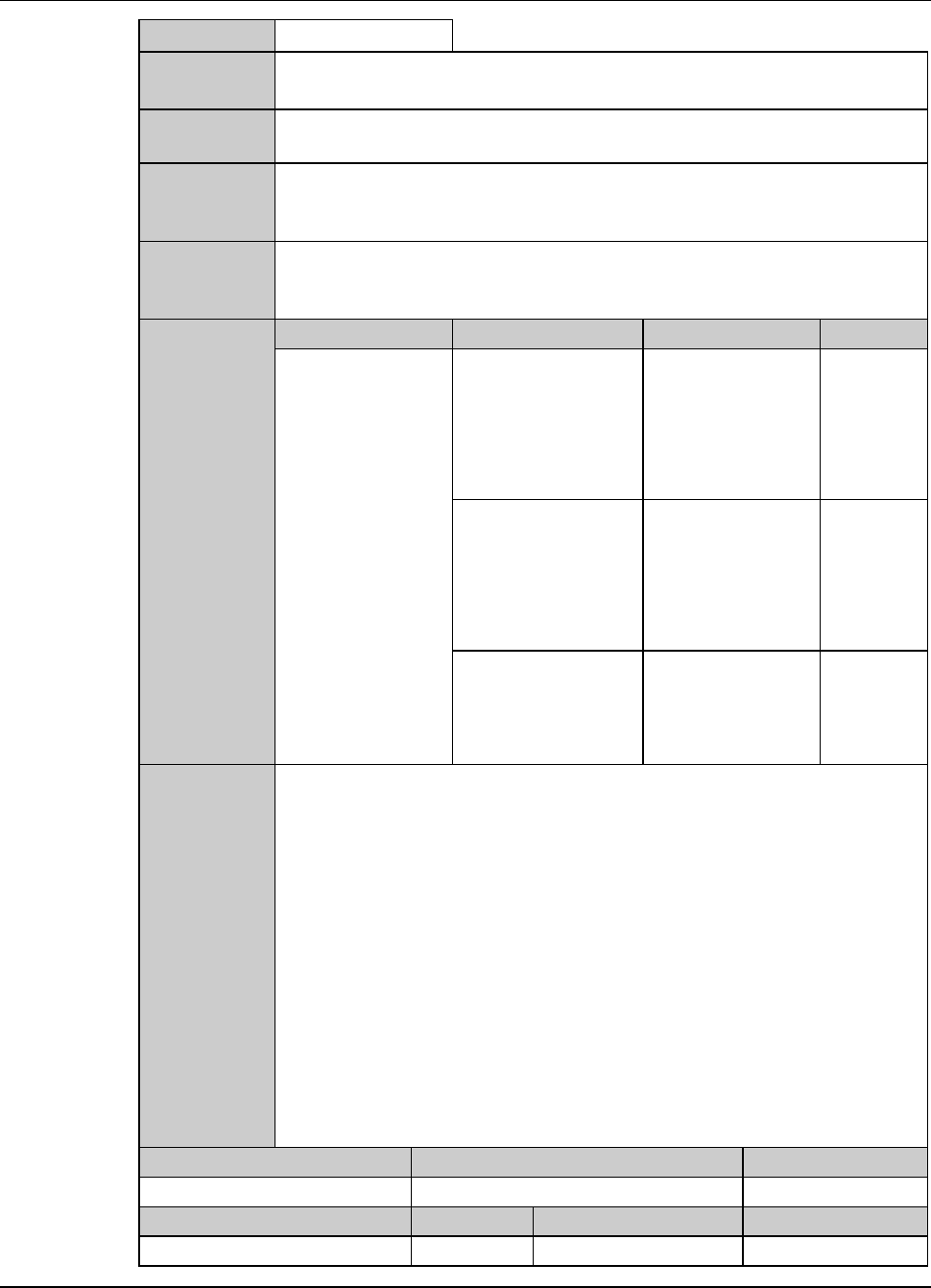
B1134 : Non-Contact setup check error.(Z2)
Error code
B1134 Optional accessory
Message
Non-Contact setup check error.(Z2)
What was
detected
The transmission rate of the optical fiber for Z2-axis non-contact setup is
lower than a predetermined value.
During what
operation it
occurred
Before starting non-contact setup.
State after
detection
The X- and Y-axes moves to their origin positions and an alarm message is
displayed.
Setup data value registration does not take place.
Phenomenon Probable causes Remedy Reference
What to do
The same error
occurs even after
repeating non-
contact setup.
Erroneous detection
occurs during setup
operation due to
water drops remained
on the non-contact
setup sensor.
Increase the setup
data value for the
setup blow time
setting.
The non-contact
setup sensor is
soiled.
Clean the non-
contact setup
sensor section, and
then carry out the
sensor calibration
setup.
The fiber of the non-
contact setup sensor
is bent.
Contact your
nearest DISCO
Service Office.
Recovery
(1) Cancel the alarm.
(2) Select the non-contact setup operation again.
If the same error still occurs, the possible causes may be soils on the
non-contact setup sensor, a bend of the fiber or incorrect voltage setting
for the setup board.
Maintenance level Maintenance personnel level Hazard level
Measuring equipment used Tools Replacement parts Protective gear
D-76
2-5. Remedies for Valve-Related Errors
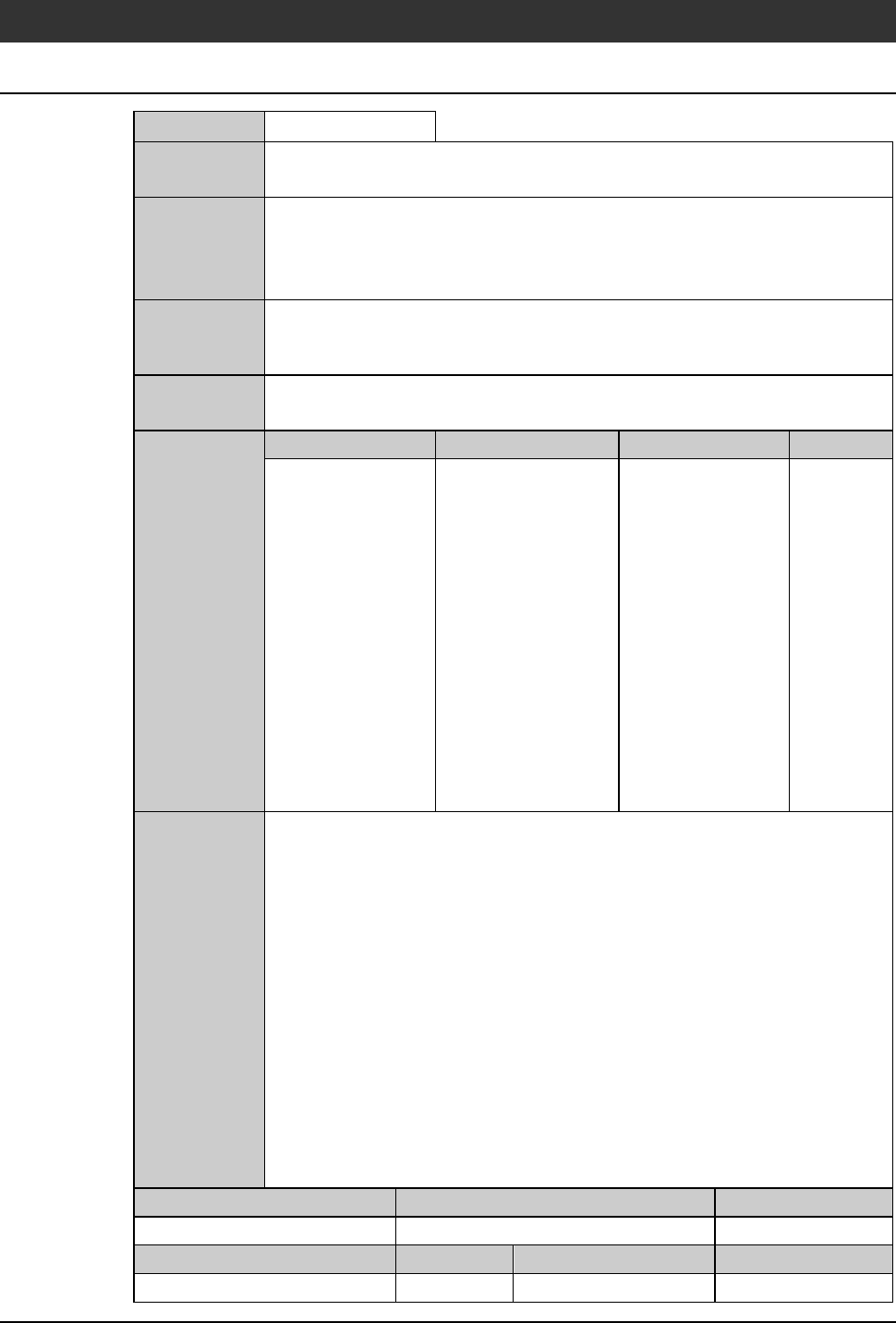
V0035 : Cut data is illegal.
Error code
V0035
Message
Cutdataisillegal.
What was
detected
The cutting data input did not comply with the specifications for the
machine.
(For example, an attempt was made to initiate cutting using the cutting data
for a workpiece size of 0.000 mm.)
During what
operation it
occurred
Before the cutting operation.
State after
detection
The cutting operation cannot be started.
Phenomenon Probable causes Remedy Reference
What to do
Check the device
data again.
Recovery
(1) Cancel the alarm.
(2) Call up the cutting data that caused the error, and then correct the data
setup.
Maintenance level Maintenance personnel level Hazard level
Measuring equipment used Tools Replacement parts Protective gear