DFD6361-Maintenance.pdf - 第387页
D-102 V1240 : C an't Close Wheel Cover (Z1) . Error code V1240 Message Can't Close Wheel Cover (Z1). W hat wa s detected The wheel cov er opening/cl osing sensor d etects that the wheel cov er dies not close. D…
D-101
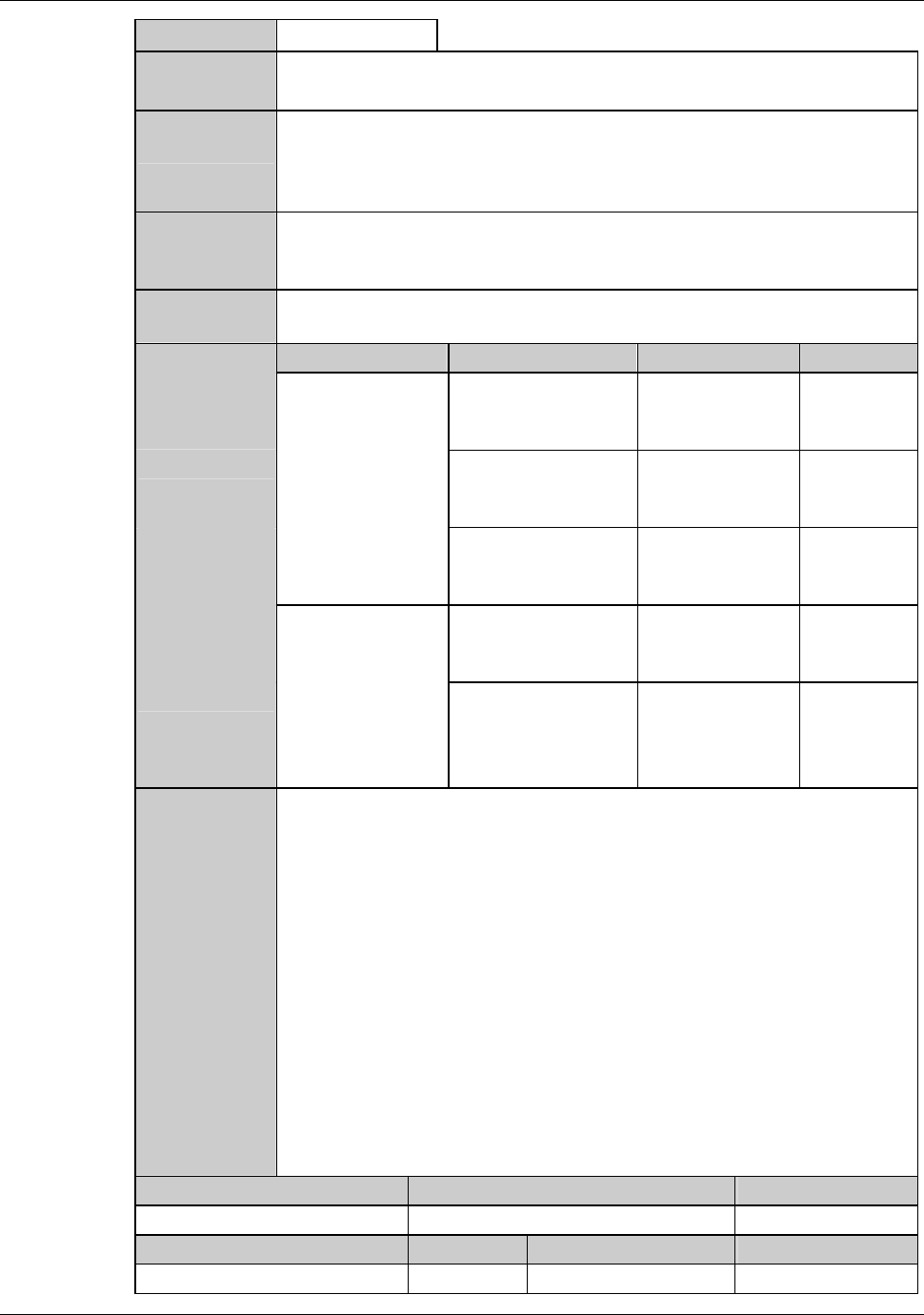
V1039 : UV Glass plate open error.
Error code
V1039
Optional accessory
Message
UV Glass plate open error.
What was
detected
There was no input to the right or left cylinder lower position sensor when
the glass plate was tried to open at the time of workpiece loading to the
UV section, or workpiece unloading from the UV section after completion
of UV irradiation.
During what
operation it
occurred
At the time of workpiece loading to the UV section, or workpiece
unloading from the UV section.
State after
detection
Transport will stop.
Phenomenon Probable causes Remedy Reference
What to do
The glass plate
does not open.
Interference by UV
plate.
Check the
installation of
UV plate.
The cylinder is
broken.
Contact your
nearest DISCO
Service Office.
The air piping is
bent.
Contact your
nearest DISCO
Service Office.
The error occurs
even though the
glass plate opens.
The sensor is
defective.
Replace the
sensor.
Displacement of the
sensor.
Contact your
nearest DISCO
Service Office.
Recovery
(1) Cancel the alarm, and then the ERROR RECOVERY (HANDLING)
screen is displayed.
(2) Select "CONTINUE" from the recovery screen.
Maintenance level Maintenance personnel level Hazard level
Measuring equipment used Tools Replacement parts Protective gear
D-102
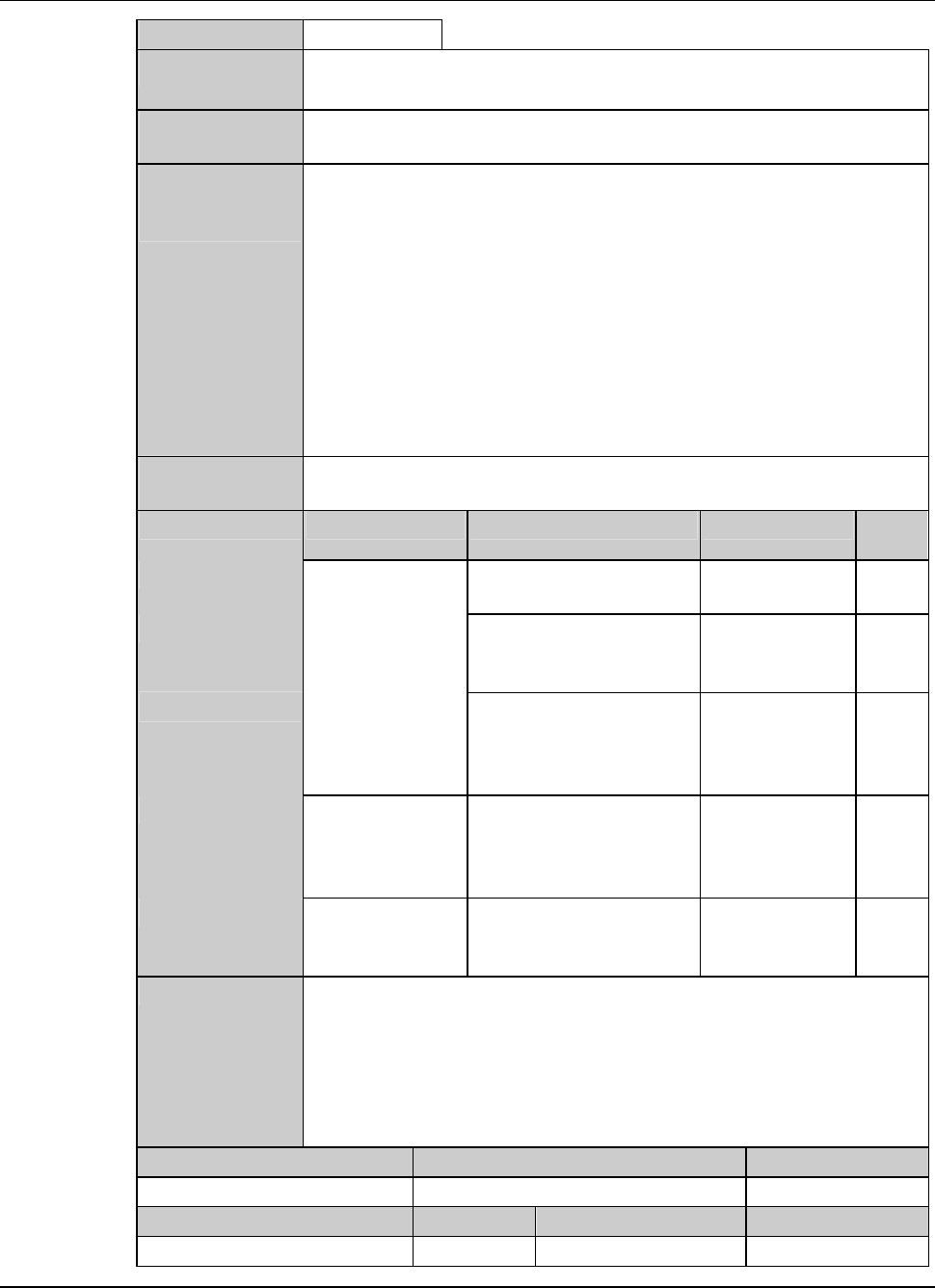
V1240 : Can't Close Wheel Cover (Z1).
Error code
V1240
Message
Can't Close Wheel Cover (Z1).
What was
detected
The wheel cover opening/closing sensor detects that the wheel cover
dies not close.
During what
operation it
occurred
At the following timings when the wheel cover should close.
- When calling up another screen from BLADE REPLACEMENT
screen [screen 4.1]
- When the [Wheel Cover] (opening/closing) button is pressed on
BLADE BREAKAGE DETECTOR ADJUSTMENT screen [screen
4.2].
- When calling up a screen other than CONDITIONING IN
PROGRESS screen [screen 7.1.1] from FLANGE DRESSING
screen [screen 7.1].
- When setup has been completed.
- When starting water supply while the wheel cover is opened.
State after
detection
The current full automation operation is suspended.
Phenomenon Probable causes Remedy
Refer-
ence
What to do
The wheel cover
does not close.
The amount of air supply
is insufficient.
Supply air.
The wrong position or
malfunction of the
nozzle.
Contact your
nearest DISCO
Service Office.
When no reaction occurs
against pressing buttons,
thetouchpanelmaybe
faulty.
Contact your
nearest DISCO
Service Office.
The error occurs
even when the
wheel cover is
closed.
The wrong position or
malfunction of the wheel
cover opening/closing
sensor.
Contact your
nearest DISCO
Service Office.
The wheel cover
cylinder does not
work.
The cylinder is broken or
blocked.
Contact your
nearest DISCO
Service Office.
Recovery
(1) Cancel the alarm.
(2) Resume operation from the halted screen.
Maintenance level Maintenance personnel level Hazard level
Measuring equipment used Tools Replacement parts Protective gear
D-103
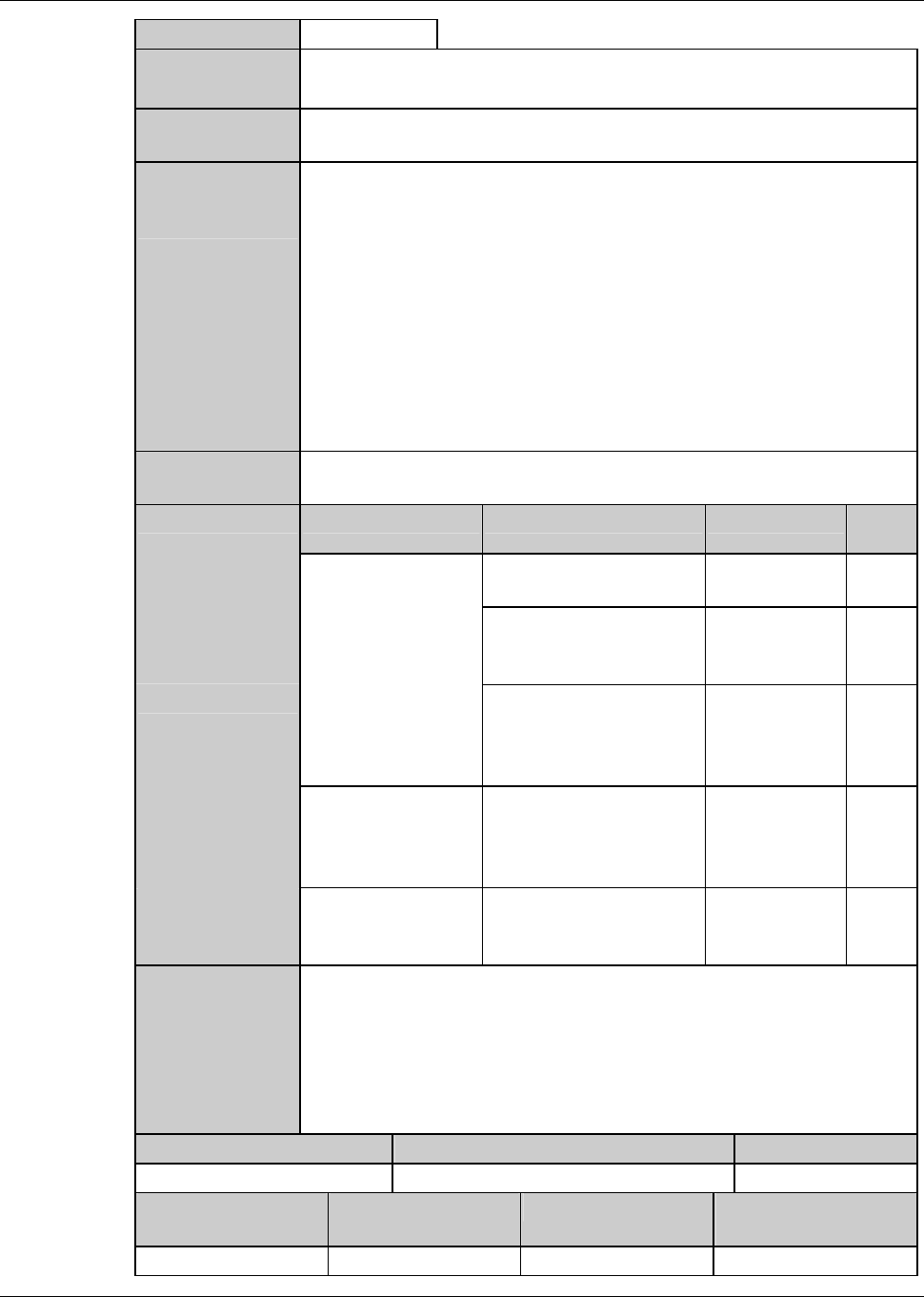
V1241 : Can't Close Wheel Cover (Z2).
Error code
V1241
Message
Can't Close Wheel Cover (Z2).
What was
detected
The wheel cover opening/closing sensor detects that the wheel cover
does not close.
During what
operation it
occurred
At the following timings when the wheel cover should close.
- When calling up another screen from BLADE REPLACEMENT
screen [screen 4.1]
- When the [Wheel Cover] (opening/closing) button is pressed on
BLADE BREAKAGE DETECTOR ADJUSTMENT screen [screen
4.2].
- When calling up a screen other than CONDITIONING IN
PROGRESS screen [screen 7.1.1] from FLANGE DRESSING
screen [screen 7.1].
- When setup has been completed.
- When starting water supply while the wheel cover is opened.
State after
detection
The current full automation operation is suspended.
Phenomenon Probable causes Remedy
Refer-
ence
What to do
The wheel cover
does not close.
The amount of air supply
is insufficient.
Supply air.
The wrong position or
malfunction of the
nozzle.
Contact your
nearest DISCO
Service Office.
When no reaction occurs
against pressing buttons,
thetouchpanelmaybe
faulty.
Contact your
nearest DISCO
Service Office.
The error occurs
even when the
wheel cover is
closed.
The wrong position or
malfunction of the wheel
cover opening/closing
sensor.
Contact your
nearest DISCO
Service Office.
The wheel cover
cylinder does not
work.
The cylinder is broken or
blocked.
Contact your
nearest DISCO
Service Office.
Recovery
(1) Cancel the alarm.
(2) Resume operation from the halted screen.
Maintenance level Maintenance personnel level Hazard level
Measuring
equipment used
Tools Replacement parts
Measuring
equipment used