DFD6361-Maintenance.pdf - 第442页
E-6 1-1-1. Calli ng up the NCS SE NSOR CLEANING screen [screen 4.8] Procedures for calling up the NCS SENSOR CLEANING screen [screen 4.8] Step No. Do This 1 Stop the spindle rotation. 2 Turn OFF the wheel cool ant water …
E-5
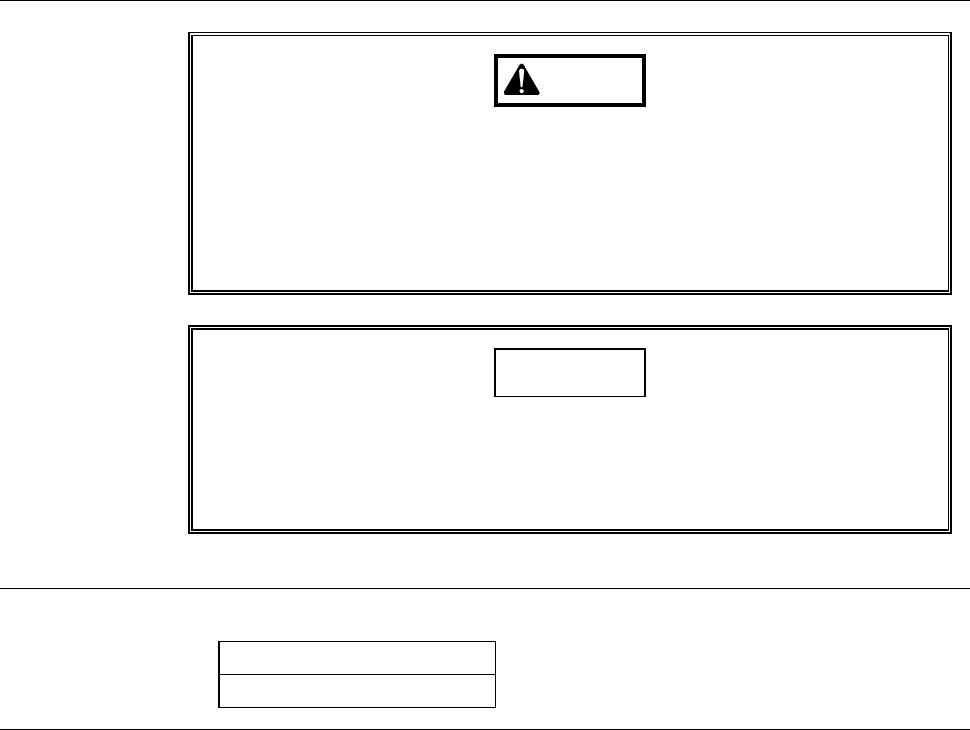
Safety items for cleaning the non-contact setup sensor (detection surface)
WARNING
If any touch panel control is inadvertently activated during
maintenance or inspection, unexpected machine operation may
cause death or serious injury.
While you don't use the touch panel, press the Disco's logo button
located at the upper left of the screen in order to lock up and
deactivate the touch panel.
NOTICE
Neither safety goggles, protective gloves, stepstools, flashlights nor
alcohol, all of which are necessary for maintenance work, are not
supplied with the machine. Use what are furnished in your factory or
what comply with your factory's standards.
Before cleaning
Have on hand the following items for cleaning the non-contact setup sensor.
Cotton swab
Alcohol
E-6
1-1-1. Calling up the NCS SENSOR CLEANING screen
[screen 4.8]
Procedures for calling up the NCS SENSOR CLEANING screen [screen 4.8]
Step No. Do This
1
Stop the spindle rotation.
2
Turn OFF the wheel coolant water supply.
3
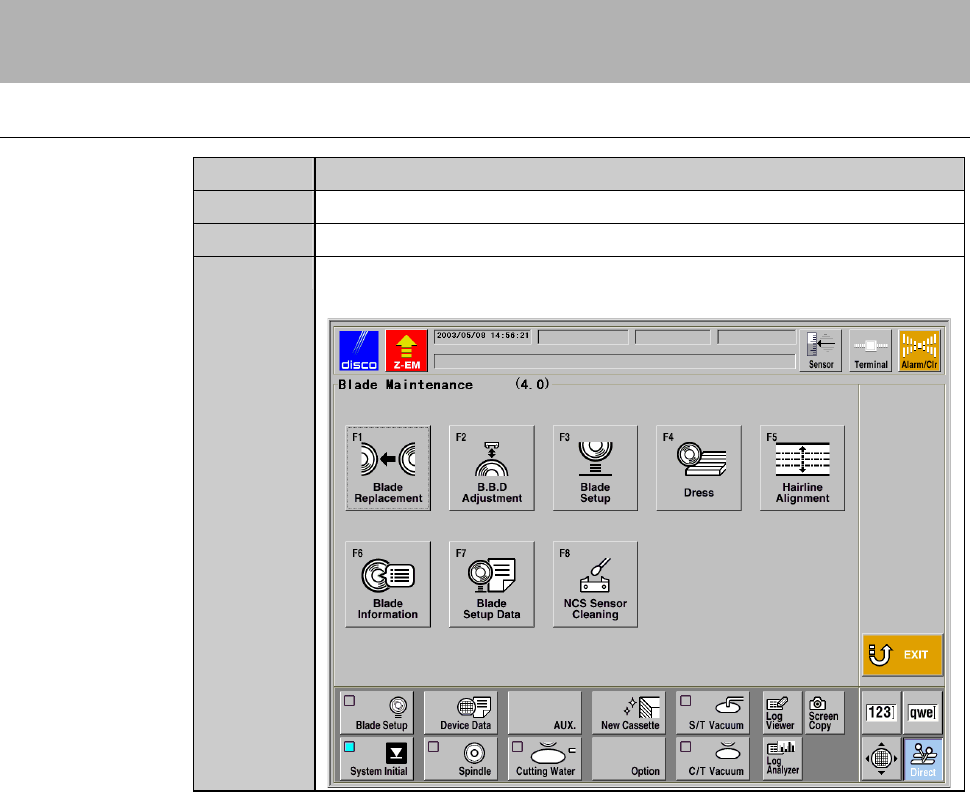
Press the <F4> button on the MAIN MENU screen [screen 0.0]
to call up BLADE MAINTENANCE screen [screen 4.0].
E-7
Procedures for calling up the NCS SENSOR CLEANING screen [screen 4.8] (Continued)
Step No. Do This
4
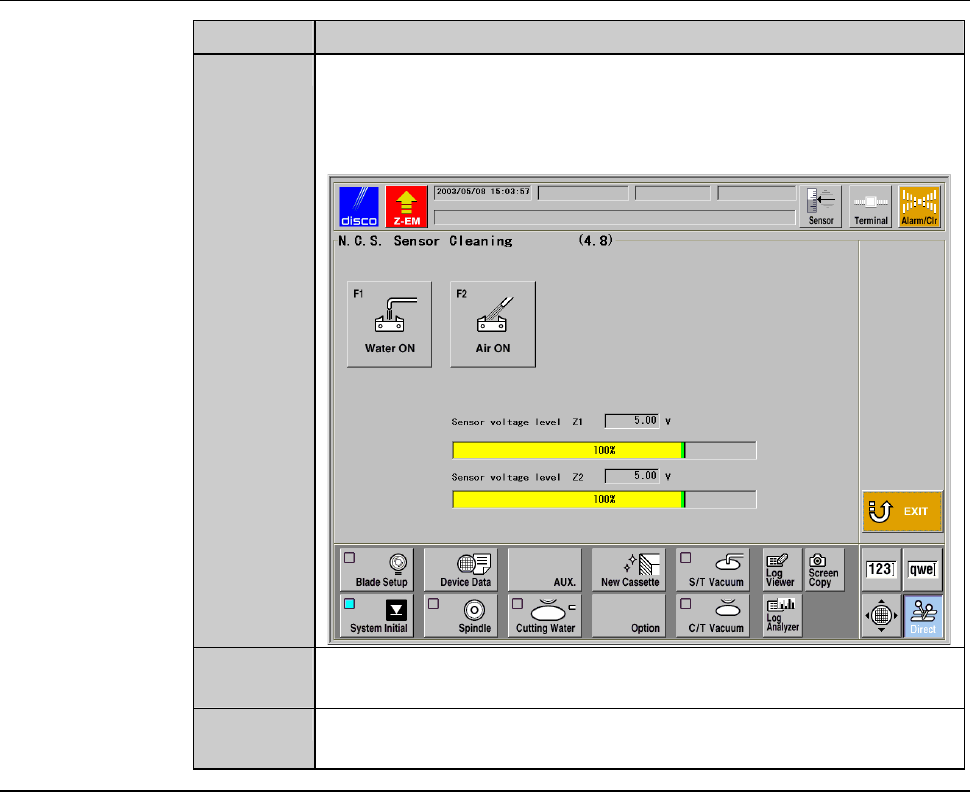
Press the <F8> button to call up the NCS SENSOR CLEANING
screen [screen 4.8].
- The protection cover for the non-contact setup block opens.
- The X-axis automatically moves to its origin position.
5
Press the <F1> button to turn OFF the sensor protecting water
from the non-contact setup block, if it is ON.
6
Press the <F2> button to turn OFF the air blow from the non-
contact setup block, if it is ON.
Continued in the next section.