DFD6361-Maintenance.pdf - 第476页
E-40 Procedur es for cleani ng the touch pa nel Step No. Do This 1 Turn OFF the main switch and remove the ke y . 2 Clean the s urface of the t ouch panel a fter checking how it is dirt y. If it is dirty slightly; Clean …
E-39
1-4. Cleaning the Touch Panel
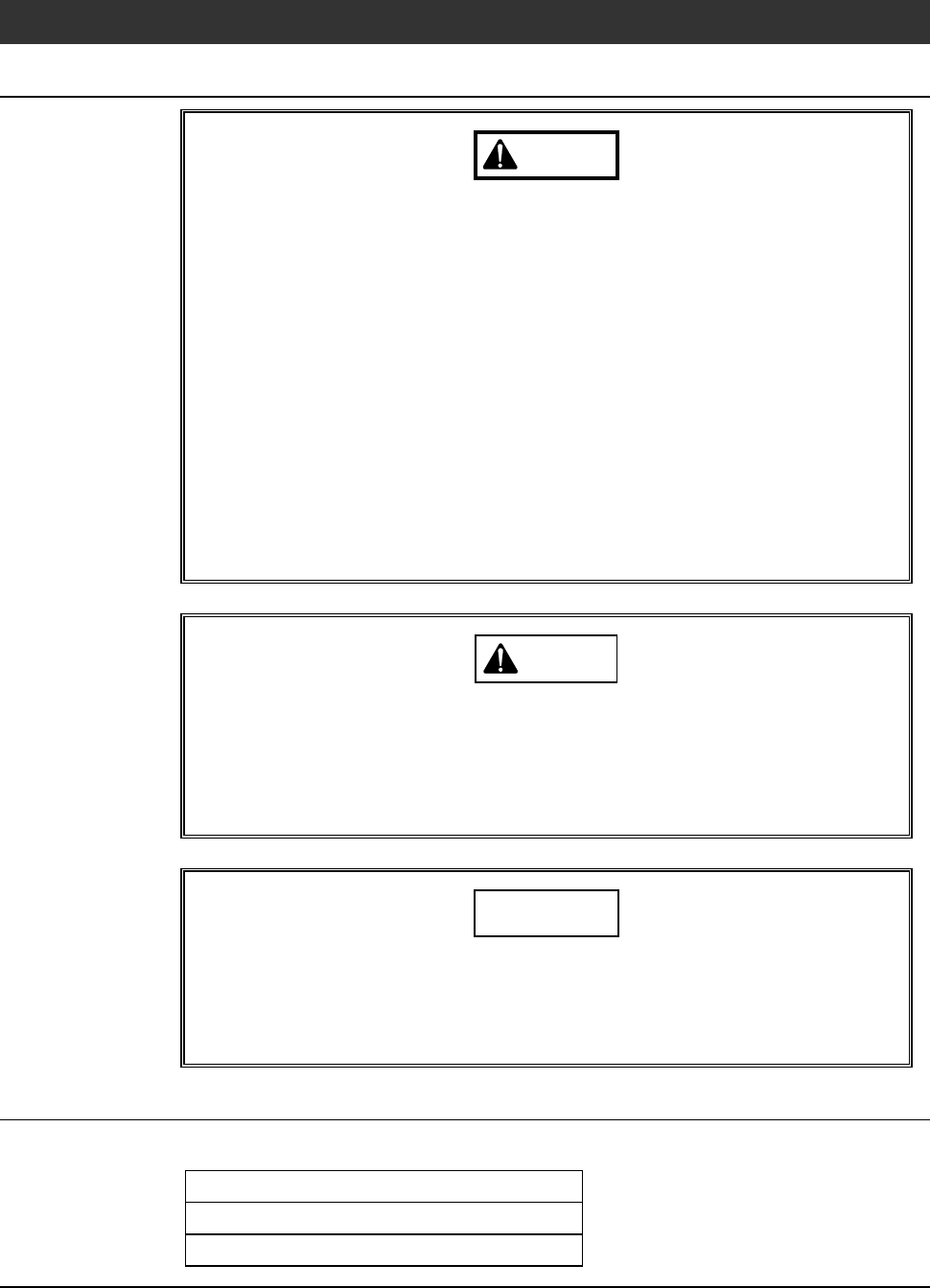
Safety items for cleaning the touch panel
WARNING
- If a foreign matter (small piece of metal, water or other liquid) gets
into the touch panel, immediately turn OFF the machine, shut off
the facility power source and then contact Disco. If you continue to
use the touch panel leaving it as it is, a fire, an electric shock or a
breakdown could occur.
- Do not press the touch panel display with a sharp tipped thing such
as a mechanical pencil and driver or a rigid thing, or with strong
force. If you do so, the touch panel could be broken.
If the panel display is damaged and crystal liquid inside adheres to
skin, immediately rinse it under running water for more than 15
minutes.
If crystal liquid gets in eyes or mouth, immediately rinse it under
running water for more than 15 minutes and then consult your
doctor.
CAUTION
When the touch panel display gets dirty, moisten a dry soft cloth with
a neutral detergent and wring well water out of the cloth, and then
wipe the display surface out.
Do not use any organic solvent other than ethanol for cleaning. An
organic solvent may cause a deterioration or discoloring.
NOTICE
Neither safety goggles, protective gloves, stepstools, flashlights nor
alcohol, all of which are necessary for maintenance work, are not
supplied with the machine. Use what are furnished in your factory or
what comply with your factory's standards.
Before cleaning
Have on hand the following items for cleaning the touch panel.
Dry soft cloth
Neutral detergent
Ethyl alcohol (For stubborn stains)
E-40
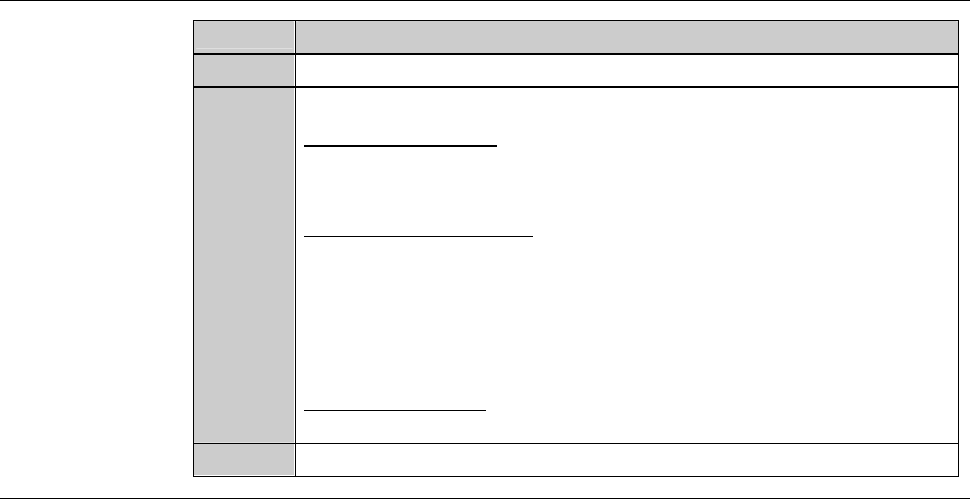
Procedures for cleaning the touch panel
Step No.
Do This
1
Turn OFF the main switch and remove the key.
2
Clean the surface of the touch panel after checking how it is dirty.
If it is dirty slightly;
Clean the touch panel with a dry soft cloth.
If it is dirty moderately;
After moistening a soft cloth with neutral detergent, wire it out
firmly, then clean the touch panel with it.
Next, moisten a soft cloth with water and wring out it firmly,
then clean the touch panel with it.
If it is totally dirty;
Clean the touch panel with a soft cloth moistened with ethanol.
3
Insert the key into the main switch and turn it ON.
E-41
2. Maintenance and Inspection
to Be Done Every Day
Summary of this section
This section describes the maintenance and inspection to be done everyday,
such as inspection before turning ON the facility power source and after
turning ON the machine.
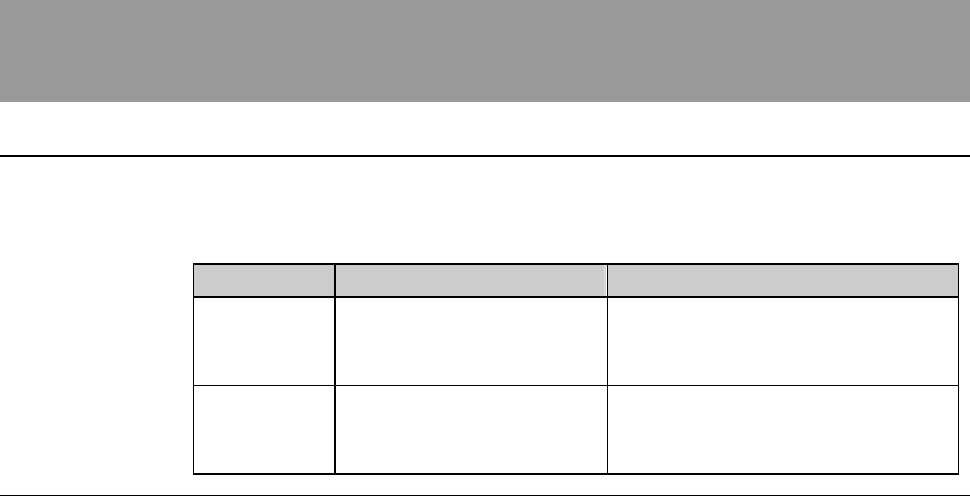
Section No. Title Contents
2-1 Maintenance and
Inspection Before Turning
ON the Power
- Procedures for inspection to be
done before turning ON the
facility power source
2-2 Maintenance and
Inspection After Turning
ON the Power
- Procedures for inspection to be
done after turning ON the power
of the machine