DFD6361-Maintenance.pdf - 第540页
E-104 6-4-3. Com pletion of greasi ng the upp er arm axis Procedur es for c ompleti on of gr easing the upper arm ax is Step No. Do This (Continued from the previous section) 1 Open the facility main valve of air. 2 Turn…
E-103
Procedures for greasing the upper arm axis (Continued)
Step No. Do This
5
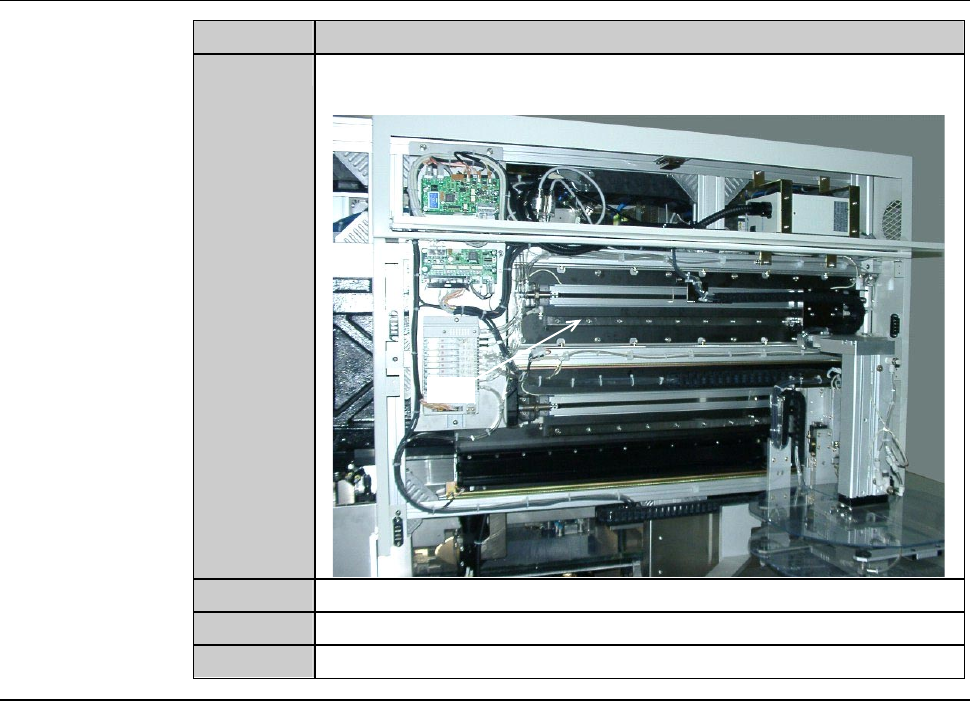
With a lint-free cloth, wipe off the dirty grease on the rail of the
upper arm axis linear guide.
Rail
6
With a spatula, apply grease to the rail.
7
Close the upper transfer axis cover.
8
Close the front arm section cover.
Continued in the next section.
E-104
6-4-3. Completion of greasing the upper arm axis
Procedures for completion of greasing the upper arm axis
Step No. Do This
(Continued from the previous section)
1
Open the facility main valve of air.
2
Turn ON the facility power source.
3
Open the circuit breaker lever lockout and then turn ON the
circuit breaker.
4
Insert the key into the main switch and then turn ON the main
switch.
5
Press the <System Initial> button to effect system initialization.
6
From the CHANGE FRAME SIZE screen [screen 6.1], press the
<F1> button. And shuttle the upper arm between the front and
rear end at least three times to apply the grease uniformly to the
entire rail.
E-105
6-5. Greasing the Lower Arm Axis
Operation flow
The procedure for greasing the rail of lower arm axis linear guide section
consists of the following steps.
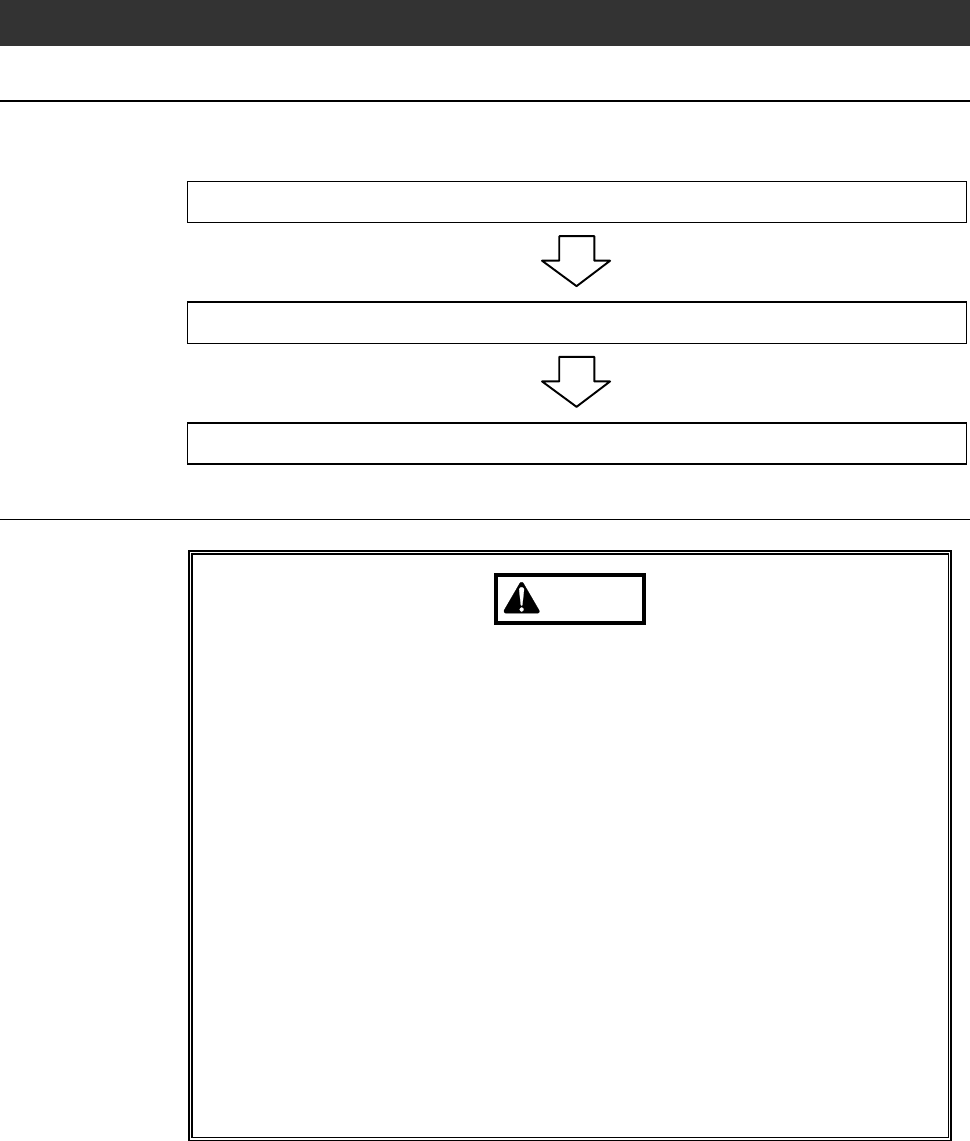
6-5-1 Preparation of greasing the lower arm axis
6-5-2 Greasing the lower arm axis
6-5-3 Completion of greasing the lower arm axis
Safety items for greasing the lower arm axis
WARNING
- In the digital I/O check procedures, any touch panel buttons other
than function buttons are inoperative.
Even if, for example, you press the <Cut Water> button, the wheel
coolant supply does not stop.
The personnel performing digital I/O checkout must bear this in
mind and exercise due care to ensure safety.
- In the digital I/O check procedures, the operation command for
solenoid valves and etc. can be forcibly turned ON and OFF, using
the function buttons. In some cases, therefore, a cylinder may be
invoked to operate.
Ensure that no person other than the maintenance personnel
touches the machine during this procedure.
- If any unexpected machine operation is inadvertently invoked, the
maintenance personnel may be injured.
While you don't use the touch panel, press the Disco's logo button
located at the upper left of the screen in order to lock up and
deactivate the touch panel.