DECAN_S1_Troubleshooting_Guide(Eng_Ver1.3)_Print_Web.pdf - 第199页
1-175 System Messages of the MMI and Solutions Checking the Error message in the Displa y window . (Check the Error Message by pressing the Rotary Knob.) Caution Do not rotate the Rotary Knob. Error Messages Error Solu…
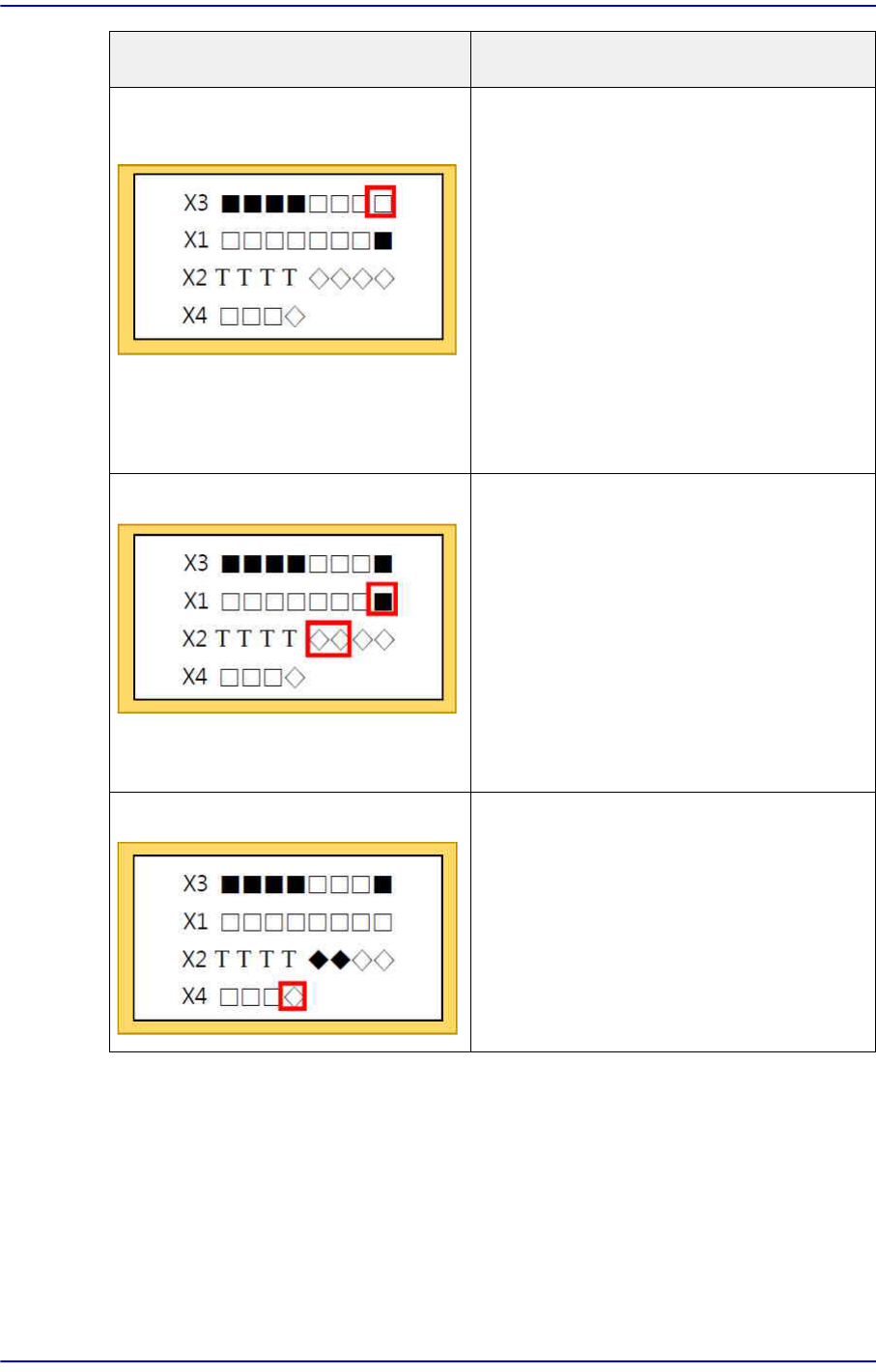
1-174
Next Generation, Multi-Functional Placer DECAN S1 Troubleshooting Guide
SACO-related abnormal signal
(normal input)
Reconnect the SACO board
CN18.
Check whether the READY SW
operates properly.
Reconnect the SACO board CN3
and CN30. (F-OP)
Reconnect the SACO board CN4
and CN31. (R-OP)
Reconnect the PLC I7 terminal.
If the problem cannot be solved,
check the Error message.
Abnormal MC signal (normal input) Reconnect the PLC o0, o1, and
I15 terminals.
Reconnect the TB-21D terminal.
Check the MC terminal
connection.
Check if the NC (Not Connected)
terminal is connected.
If the problem cannot be solved,
check the Error message.
Abnormal PLC Check whether the DOOR and
EMG SW operate normally.
Check whether the SACO signal
operates normally.
Check whether the MC signal
operates normally.
If all is normal, replace the PLC.
Error status How to handle
1-175
System Messages of the MMI and Solutions
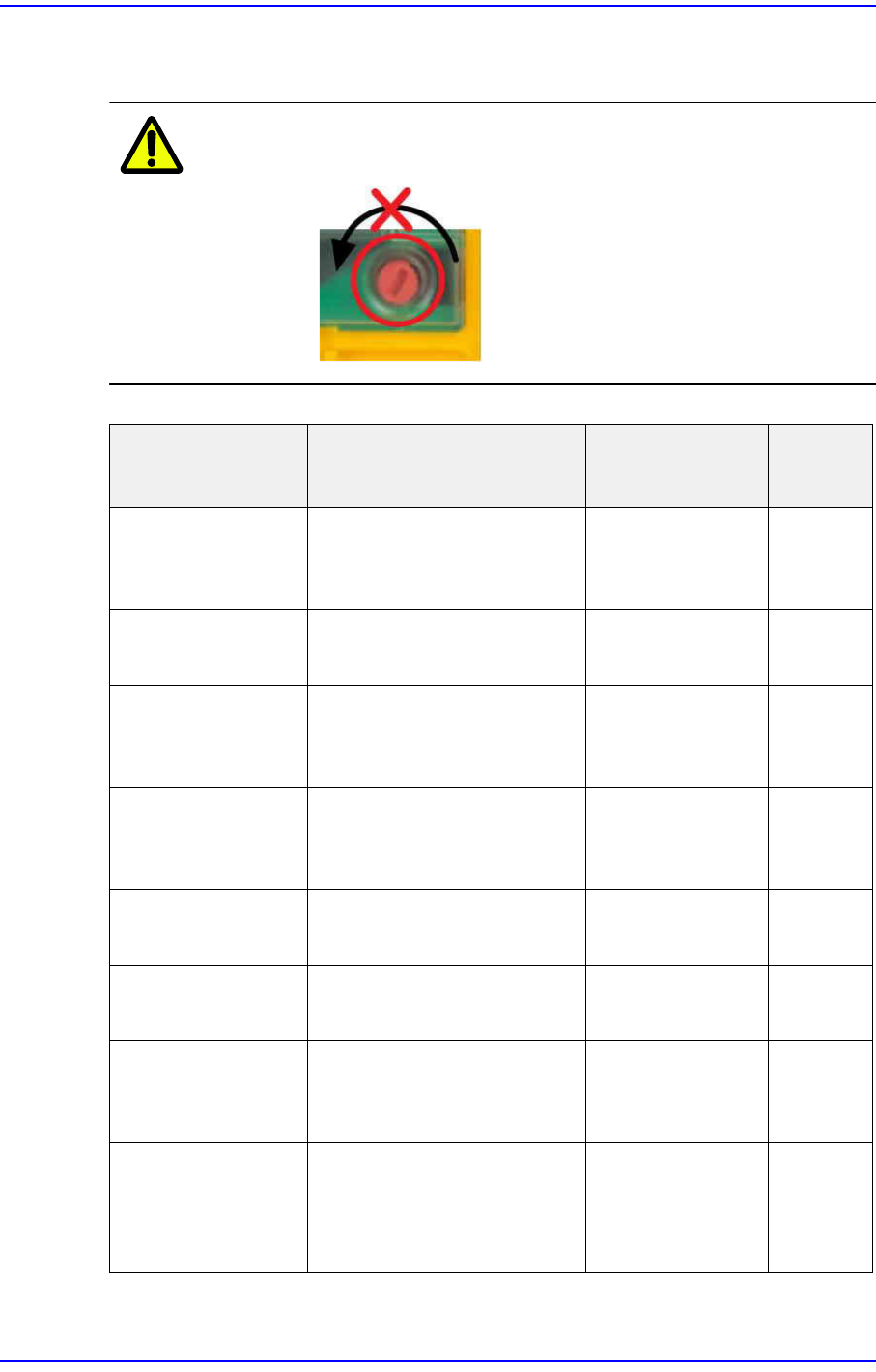
Checking the Error message in the Display window. (Check the Error Message by
pressing the Rotary Knob.)
Caution Do not rotate the Rotary Knob.
Error Messages Error Solution
Terminal
s
FAULTY PROJECT There is a mismatch
between the program and
physical hardware.
Check the chip
card assembly.
CHIP CARD ? Cannot read the chip card. Check the chip
card assembly.
FAULTY DEVICE Module error. Check and
replace the safety
PLC module.
PARTIALLY
OPERATED
Single operation of the
redundant input sensor.
Check the Door
and EMG
connection.
T0~T3,
IM0~3
FEED BACK LOOP Feedback error from MC
that is connected to output.
Check the wiring. I15
FAULTY OUTPUT Output stage signal error. Check the MC
wiring.
o0,o1
LOAD SUPPLY Output power error. Check the power
supply, and check
the wiring.
A1,A2,0V
,24V
SUPPLY LOW/
HIGH
The supply power is lower /
higher than the allowable
value.
Check the wiring,
and check the
power of Power
Supply.
A1,A2,0V
,24V
1-176
Next Generation, Multi-Functional Placer DECAN S1 Troubleshooting Guide
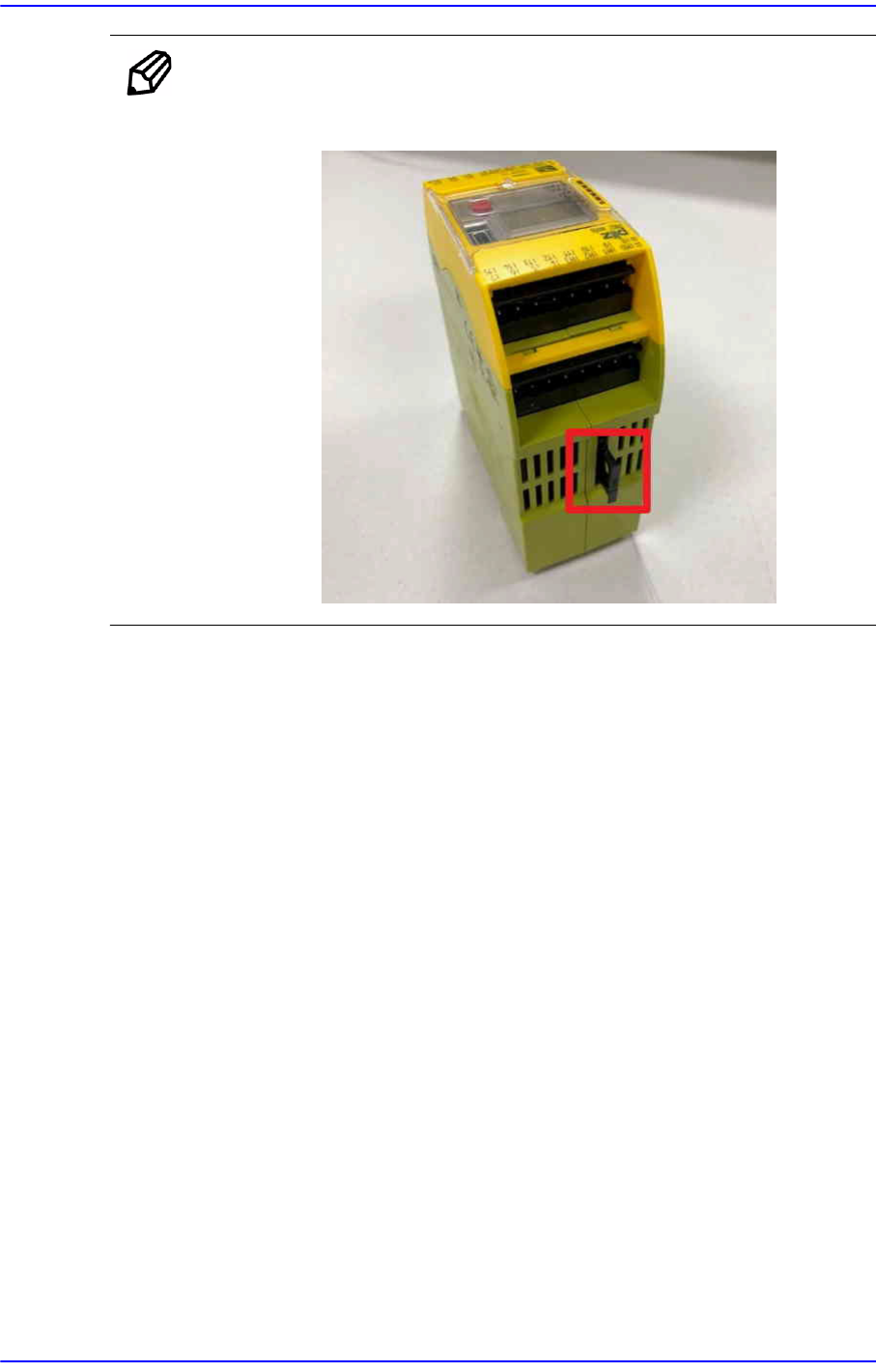
Memo Please contact us if any other error messages are shown.
Refer to the picture below for the location of the chip card.
$e807 An error exists in the system data. [EMER LEVEL]
[Problem]
A system data error occurred while loading the system data.
[Solution]
This problem occurred due to incorrect system version of the MMI/RT.
Check if the MMI/RT version is correct.
If trouble continues to occur, please contact the C/S company designated by Hanwha
Precision Machinery Co., Ltd. or the local agent.
$e808 Failed to initialize the S/W. [EMER LEVEL]
[Problem]
An error occurred during system initialization.
[Solution]
Check if the MMI/RT version is correct.
This error may occur when the system data in the system directory is abnormal. The
files to be checked include ‘config_N.db’, ‘machine.cfg’, ‘system.stm’, ‘factory.stm’,
etc.
If trouble continues to occur, please contact the C/S company designated by Hanwha
Precision Machinery Co., Ltd. or the local agent.