DECAN_S1_Troubleshooting_Guide(Eng_Ver1.3)_Print_Web.pdf - 第84页
1-60 Next Generation, Multi-Functional Plac er DECAN S1 Troubleshooting Guide [Solution] Check the installation status of the feeder installed in the rear feeder slot. When an object is detected by the unlock sensor …
1-59
System Messages of the MMI and Solutions
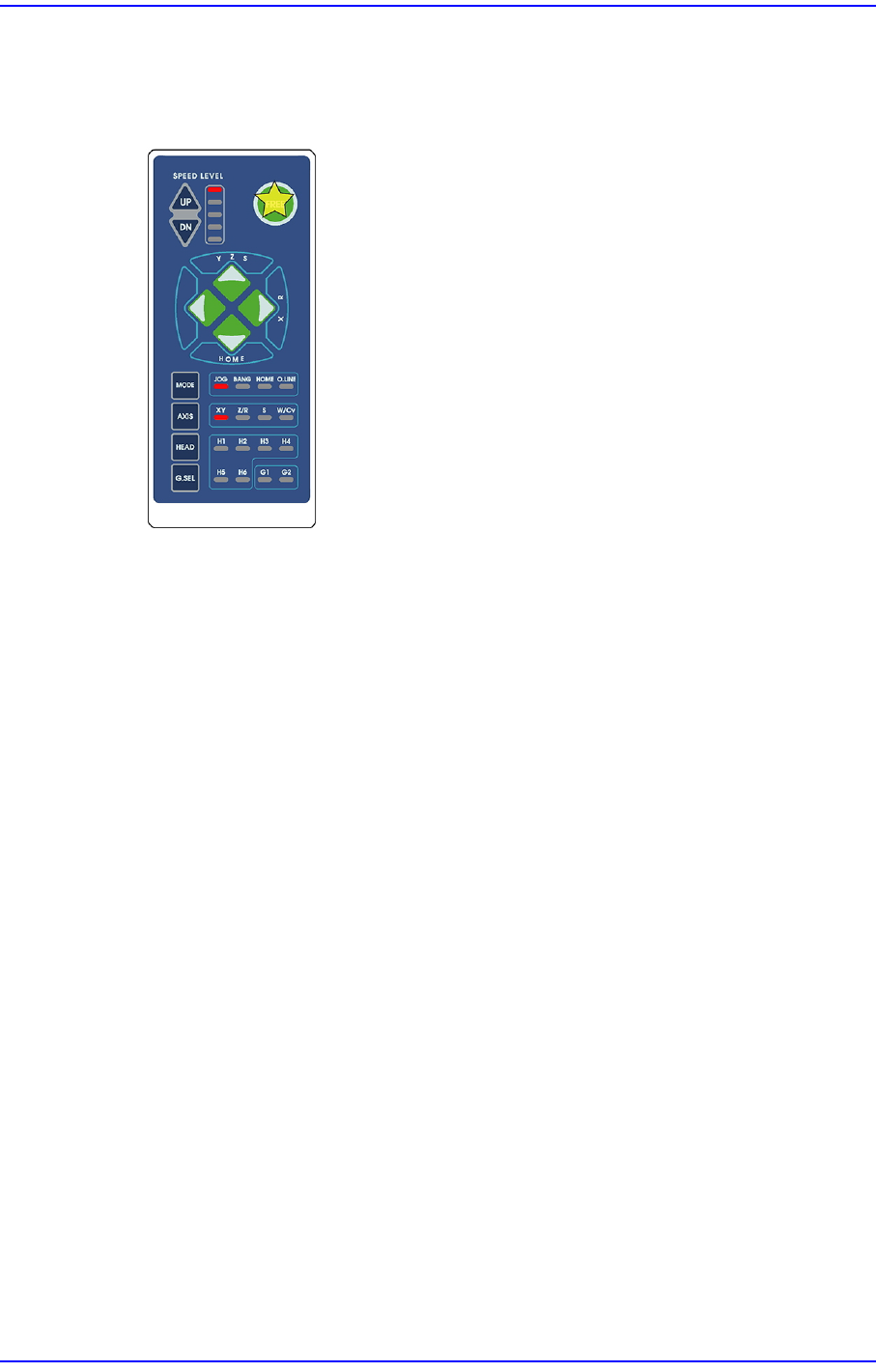
$0004 Motor free switch in the teaching box is pressed. [EMER LEVEL]
[Problem]
The motor free switch in the teaching box is pressed.
[Solution]
Turn off the Buzzer by pressing the “STOP” button.
Switch the machine to “IDLE” mode by pressing the “RESET” button.
Supply power to the motor of the machine by pressing the “READY” button.
If necessary, perform ‘Ready-To-Origin’.
$0010 The front feeder unlock sensor detected the tape feeder. [EMER LEVEL]
[Problem]
The front feeder unlock sensor detected the tape feeder
[Solution]
Check the installation status of the feeder installed in the front feeder slot.
When an object is detected by the unlock sensor, remove it.
If an object is not detected by the unlock sensor, check the state of the feeder cover. If
it is opened, close the cover and install the feeder.
Remove other foreign materials.
Click the “READY” button to supply power to the motor of the machine.
Check the sensor or associated wiring. If it has a problem, contact our designated C/S
company or local agent.
$0011 The rear feeder unlock detected the tape feeder. [EMER LEVEL]
[Problem]
The rear feeder lift-off sensor detected the lift-off of the feeder.
1-60
Next Generation, Multi-Functional Placer DECAN S1 Troubleshooting Guide
[Solution]
Check the installation status of the feeder installed in the rear feeder slot.
When an object is detected by the unlock sensor, remove it.
When an object is detected by the unlock sensor, remove it.
Remove other foreign materials.
Click the “READY” button to supply power to the motor of the machine.
Check the sensor or associated wiring. If it has a problem, contact our designated C/S
company or local agent.
$0020 Front door is open or the safety sensor is sensed. [EMER LEVEL]
[Problem]
The front door is open.
The front door sensor or the wiring area is wrong
[Solution]
Close the front door.
Supply power to the motor of the machine by pressing the “READY” button.
Contact the C/S company or the local agent after check the sensor or the wiring area.
Caution Skew error occurred due to the incidence of stop distance
offset of the distance that it takes for Y1 and Y2 motors to
stop during emergency stop.
If the frame is located at the front side of the machine, push the
X-frame to the Y-frame direction more than 100mm manually
with the skew error occurred (if the frame is located at the rear
side of the machine, pull it to the Y-frame direction more than
100mm).
Return the machine to origin and check for any problem
$0021 Rear door is open or the safety sensor is sensed. [EMER LEVEL]
[Problem]
The rear door is open.
The rear door sensor or the wiring area is wrong
[Solution]
Close the rear door.
contact the c/s company or the local agent after check the sensor or The Wiring area.

1-61
System Messages of the MMI and Solutions
$0031 Front cart has been released at the position where XY is not safe. [EMER LEVEL]
$0033 Rear cart has been released when the cart cannot be released. [EMER LEVEL]
[Problem]
When the docking cart is released abnormally.
[Solution]
Turn off the Buzzer by pressing the “STOP” button.
Switch the machine to “IDLE” mode by pressing the “RESET” button.
Check the pneumatic pressure supplied to the docking cart cylinder.
Check the movement of the solenoid for the corresponding cylinder.
Supply power to the motor of the machine by pressing the “READY” button.
$0040 The mirror axis did not get out of the detection range of the home sensor.
[Problem]
Even though the mirror axis is opened, it did not get out of the detection range of the
home sensor.
[Solution]
Check the state of the mirror axis home sensor or the dog sensor connection state.
Move the mirror axis to check if any change occurs in the state of the home sensor. If
no change occurs, check the connection state of the sensor, cable, etc.
If there occurs any change in the state of the home sensor, check the connection state
of the cables for the axis board and driver.
If the problem remains unsolved, contact our designated C/S company or local agent.
$0043 Failed to move up the front docking cart. [EMER LEVEL]
$0043 Failed to move up the front docking cart. [EMER LEVEL]
$0046 The front docking cart was not docked properly. [EMER LEVEL]
[Problem]
The front docking cart is not clamped properly.
[Solution]
Check the contact state of the docking cart and the state of sensors.
If the problem remains unsolved, contact our designated C/S company or local agent.
$0048 Failed to move up the rear docking cart. [EMER LEVEL]
$0049 Failed to move down the rear docking cart. [EMER LEVEL]
[Problem]