00193688-04.pdf - 第30页
3 In st alli ng SI PLA CE Ex pl ore r Ins t a llat ion and Con figu rat i on Guid e SI PLA CE Exp lorer 3. 1 I ni tia l Inst all ati on o f SI PLA C E Ex plor er 2 .0 S P1 Ed iti on 12 /2 00 5 EN 30 → The S tart screen w…
Installation and Configuration Guide SIPLACE Explorer 3 Installing SIPLACE Explorer
Edition 12/2005 EN 3.1 Initial Installation of SIPLACE Explorer 2.0 SP1
29
3
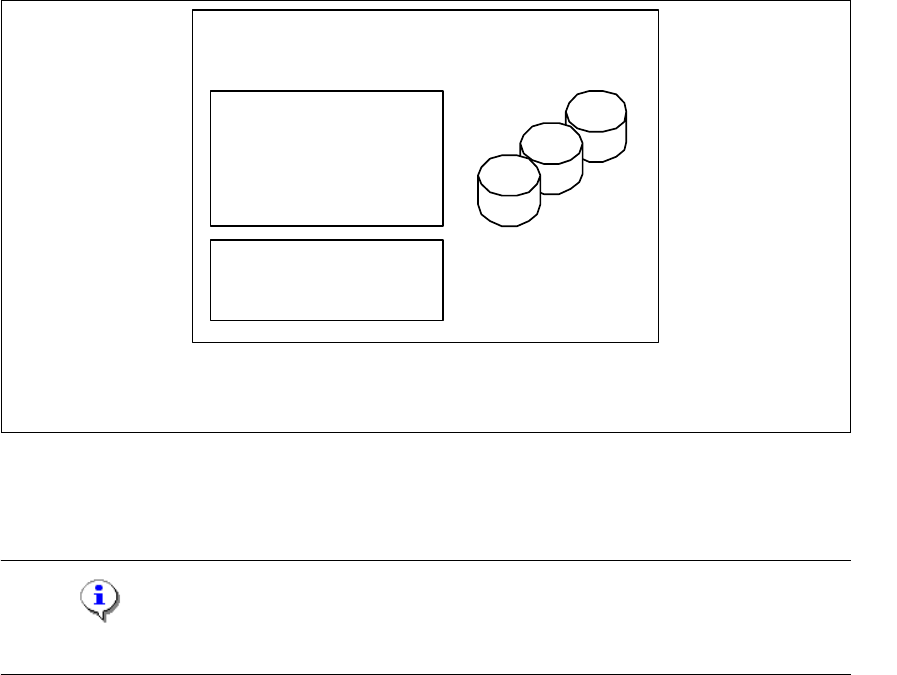
Fig. 3 - 3 Installation variants: Island installation
3.1.2 Java 2 JRE 1.5 Installation Procedure
NOTE
You must have Windows 2000 administrator privileges to perform installation. 3
→ Place the SIPLACE Explorer CD in your CD-ROM drive.
only for 1 application
per line
- MSDE 2000
- Tomcat
- Factory Configuration
- Java 2 JRE
- RTE per Linie
Report Generation:
- MSXM
- Excel
all databases, all line
databases
SIPLACE Line Server
(existing)
3 Installing SIPLACE Explorer Installation and Configuration Guide SIPLACE Explorer
3.1 Initial Installation of SIPLACE Explorer 2.0 SP1 Edition 12/2005 EN
30
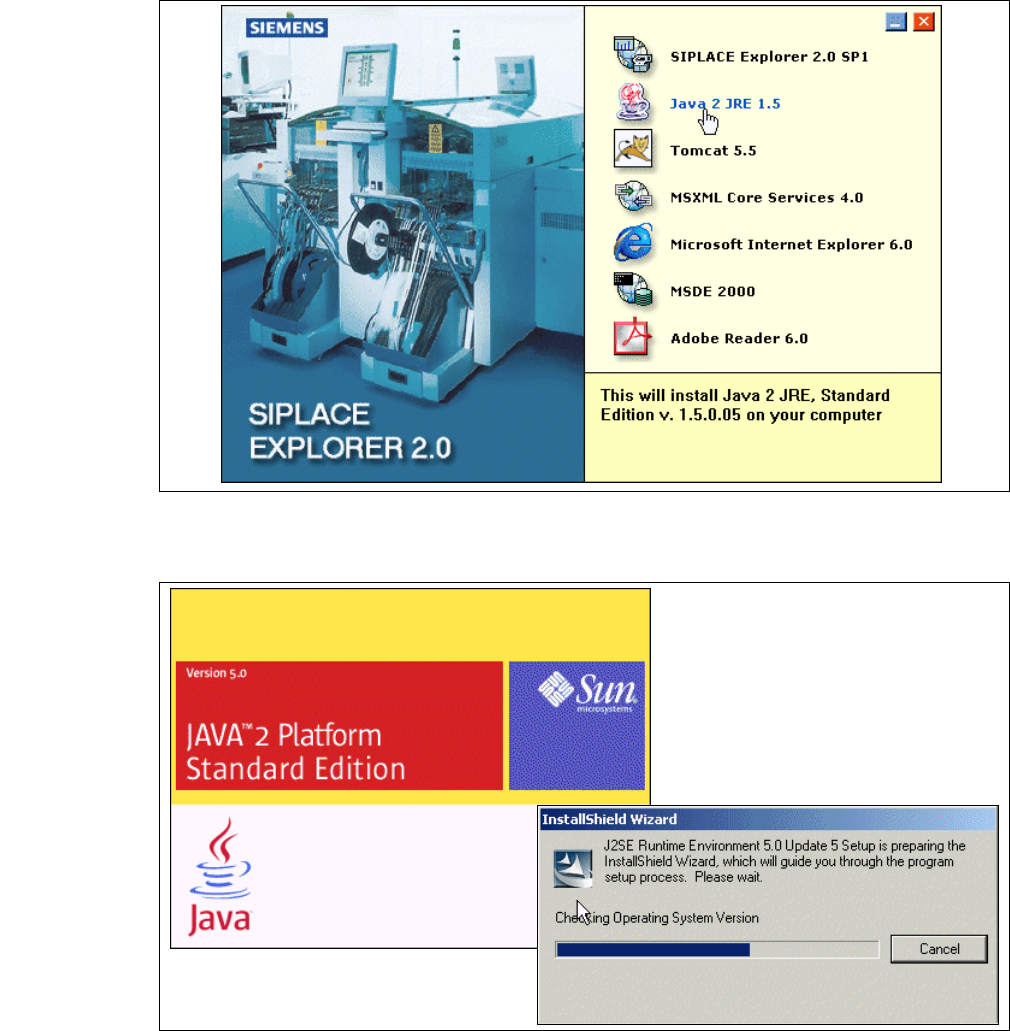
→ The Start screen will appear.
3
Fig. 3 - 4 SIPLACE Explorer setup - Start screen
→ Select Java 2 JRE 1.5. You will be guided through the Java 2 JRE installation procedure.
3
Fig. 3 - 5 Install shield wizard - preparing the installation
Installation and Configuration Guide SIPLACE Explorer 3 Installing SIPLACE Explorer
Edition 12/2005 EN 3.1 Initial Installation of SIPLACE Explorer 2.0 SP1
31
3
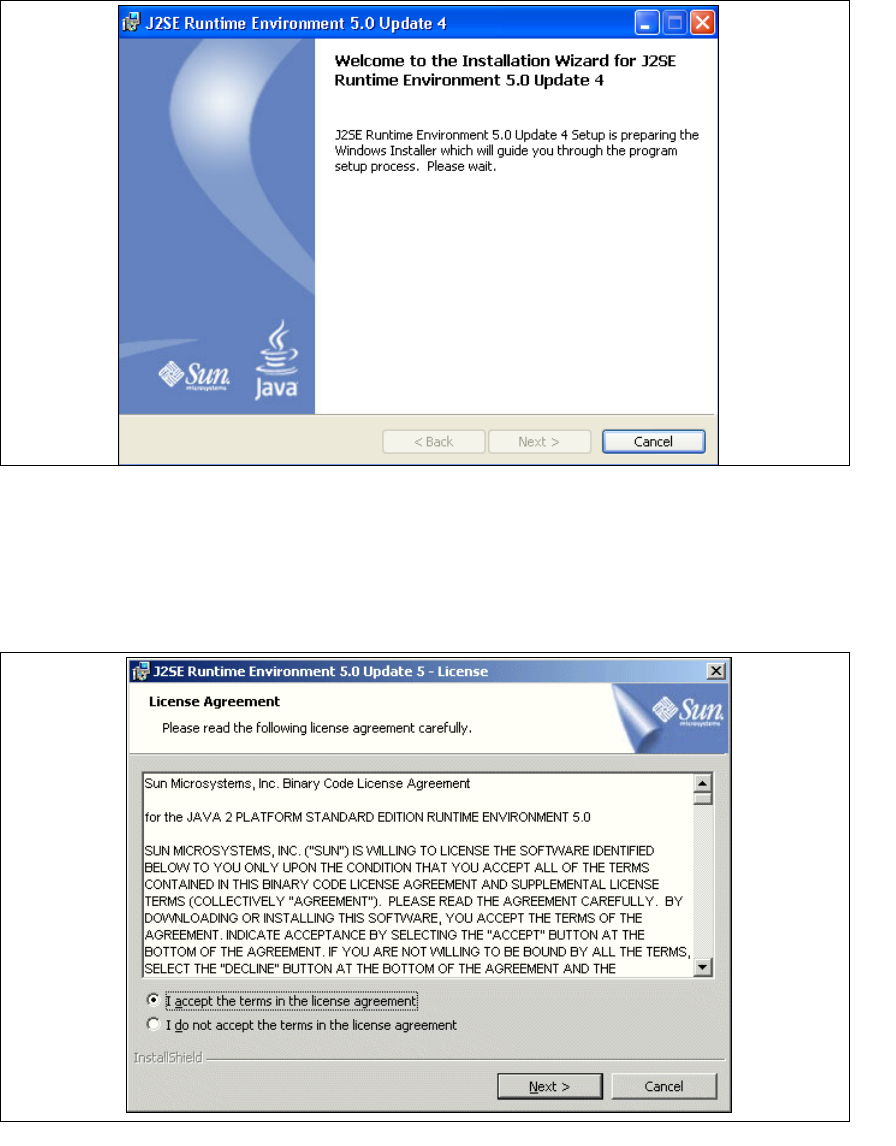
Fig. 3 - 6 Java 2SE setup - welcome to SIPLACE Explorer
→ Exit all other programs and then click on Next.
→ Read the license agreement. If you agree with the conditions, click I accept ..., otherwise, click
on
I do not accept .... If you select I do not accept ..., the installation procedure will be
terminated.
3
Fig. 3 - 7 Java 2SE setup - license agreement
→ Click on Next, to continue the installation procedure.