work instructions for can over lan installations.pdf - 第6页
Installations of CAN over LAN assemblies 1. Install the item 03114328-01 COL bracket with the 03108598-0102 CAN Interface CINX Module in the base machine as per below location 1 near to HMI . Make sure that all Dip switc…
Brief Descriptions
CAN over LAN implementations to the E series Machine by replacing the 03079973-02 CAN card
COM168V2-PCI to 03108598-0102 CAN Interface CINX this is to standardized the Bus communication
to High end machine utilized the LAN speed capacities over CAN bus.
Scope of Delivery
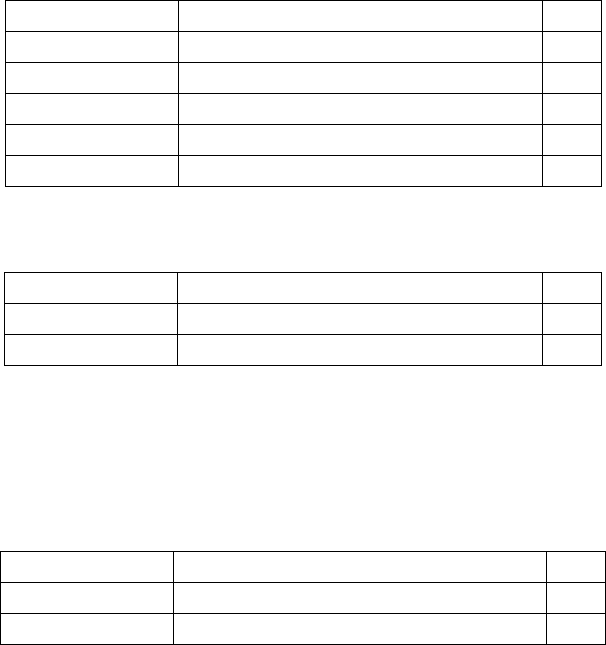
1. 03115237-01 CAN over LAN sub-assy
ASM PN
Descriptions
QTY
03114328-01
COL bracket
2
03108598-01
CAN Interface CINX
1
03042572-01
ISO 4762 - M 6 x 12-A2-70
2
03042559-01
ISO 4762 - M 5 x 8-A2-70
4
03100636-01
ISO 7089 - 6 - 200 HV - A2
2
2. 03124717-01 Cable harness, CAN over LAN upgrade
ASM PN
Descriptions
QTY
03119097-02
Cable, power f. CAN over LAN
1
03119166-01
Cable, LAN to PC f. CAN over LAN
1
3. 03111299-02 Machine label-BoxPC, IOCU2 n CAN over LAN
4. 03124720-01 Cable harness, Service CAN extension
(For E010 to E014 machines only)
ASM PN
Descriptions
QTY
03124718-01
Cable harness, Service Extension CAN1
1
03124719-01
Cable harness, Service Extension CAN2
1
Installations of CAN over LAN assemblies
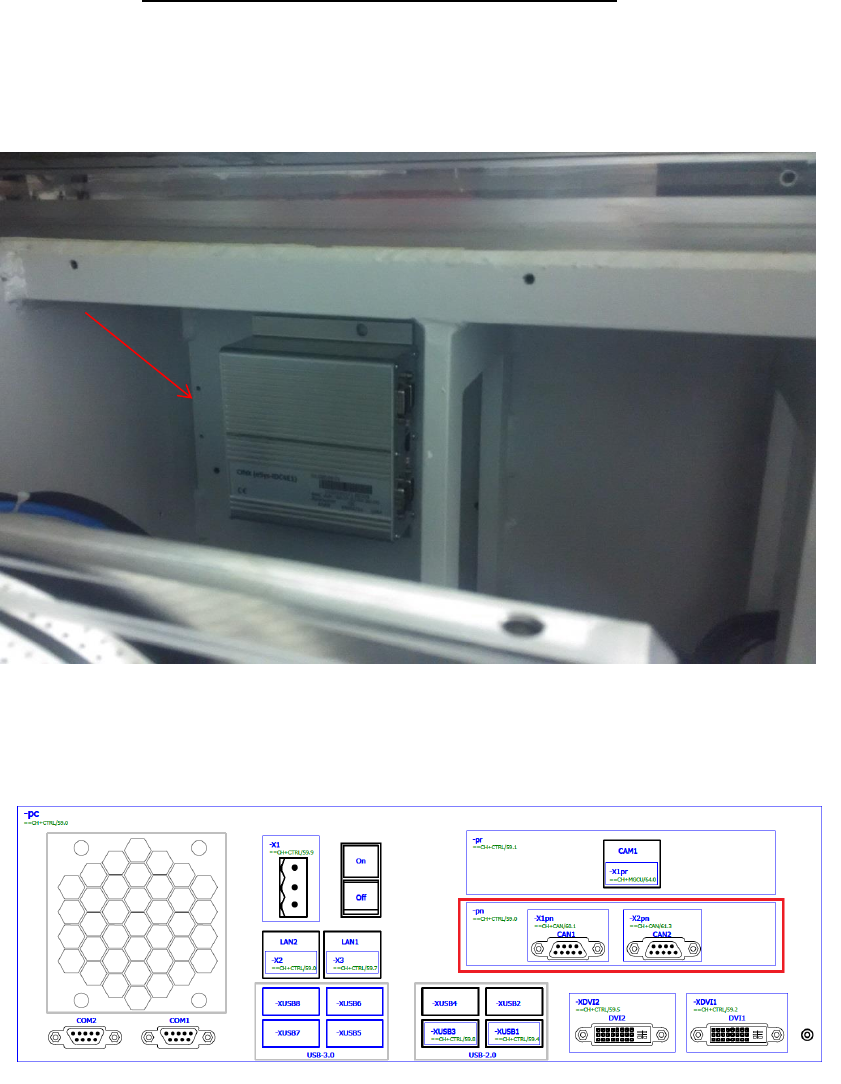
1. Install the item 03114328-01 COL bracket with the 03108598-0102 CAN Interface CINX
Module in the base machine as per below location 1 near to HMI. Make sure that all Dip
switch are in OFF position.
2. Item 03079973-02 CAN card COM168V2-PCI is removed in the Box PC 03102044-0102
(Control Computer Assembly (E-Series)) PCI slot as per below.
03108598-0102
CAN Interface CINX Module
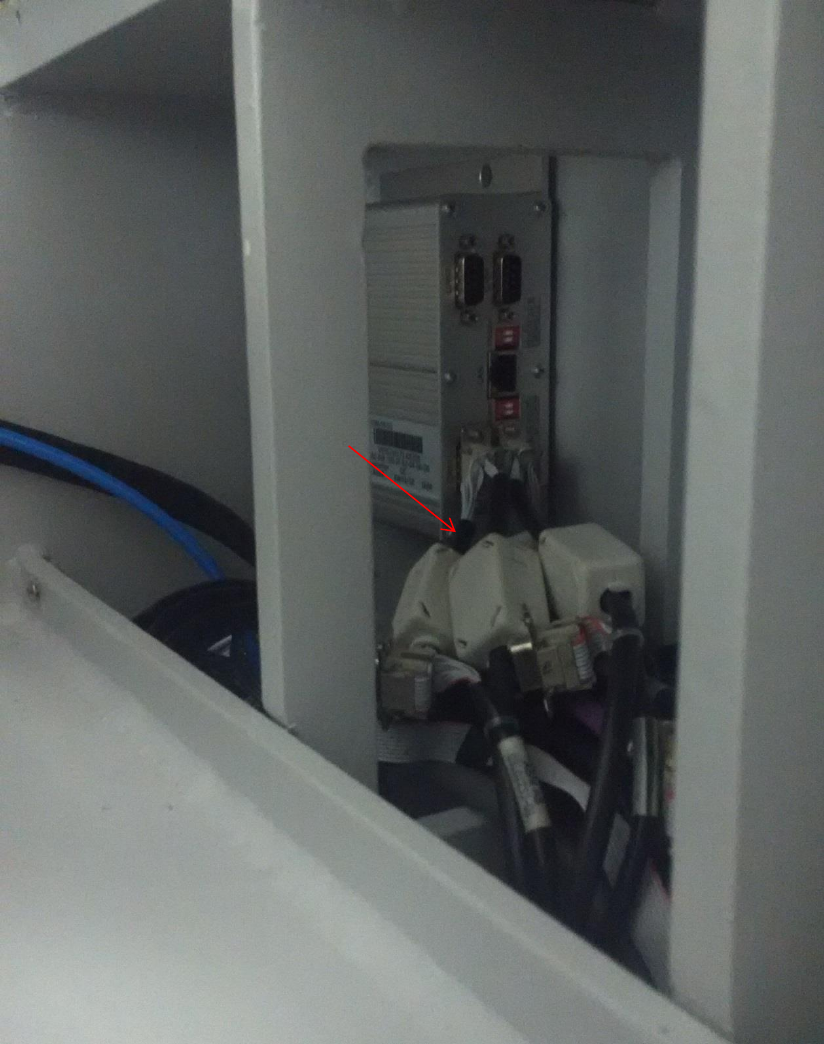
3. Replace the label -X1pn and -X2pn with the –XCAN1 and XCAN2 in cable harness 03102233-
02 and 03102236-02, then re-layout the cable harness assembly 03110437-02 (Cable branch,
CAN bus, encoder, nozzle) as per below and connect respectively to 03108598-0102 CAN
Interface CINX Module.
03110437-02
(Cable branch, CAN bus, encoder, nozzle)