Maintenance Reference(CP45FV) Eng.pdf - 第37页
Daily Inspection 2-3 2.3. St age Camera Cleaning 2.3.1. Cover Glass Inspection Perform visual inspection to determine whethe r there is any dust or foreign matter on the cover glass of the stage camera, which can cause e…
Samsung Component Placer CP45FV Series Maintenance Reference
Damp a piece of cloth with the recommended cleaning liquid by using a spray
straw.
Wipe the wings or tip of the nozzle with the dampened cloth.
Wipe off all cleaning liquid with a piece of clean cloth.
If the contaminant is not removed by above method, repeat it once more.
If the contaminant still remains, contact the local agent.
Recommended cleaning liquid: CHEMTECH Sticker Remover spray
Available at: Our company
Caution
Precautions
Precautions for handling written on the container
must be followed.
Do not spray toward a flame.
Keep away from heat, sparks, and open flame.
Do not keep it in the temperature of over 40 °C.
Do not use it in a closed space.
Do not dispose the container in the fire. Remove all
gas and dispose it.
Do not inhale the vapor and avoid contact with
skin, eyes, and clothes.
After use, turn the container upside down and
spray the remaining liquid.
Keep it away from children.
Do not swallow it.
Do not use it for purposes other than cleaning the
hole, wings, and tip of the nozzle.
Please refer to Material Safety Data Sheets for
details.
2.2. Feeder Base Cleaning
Inspection
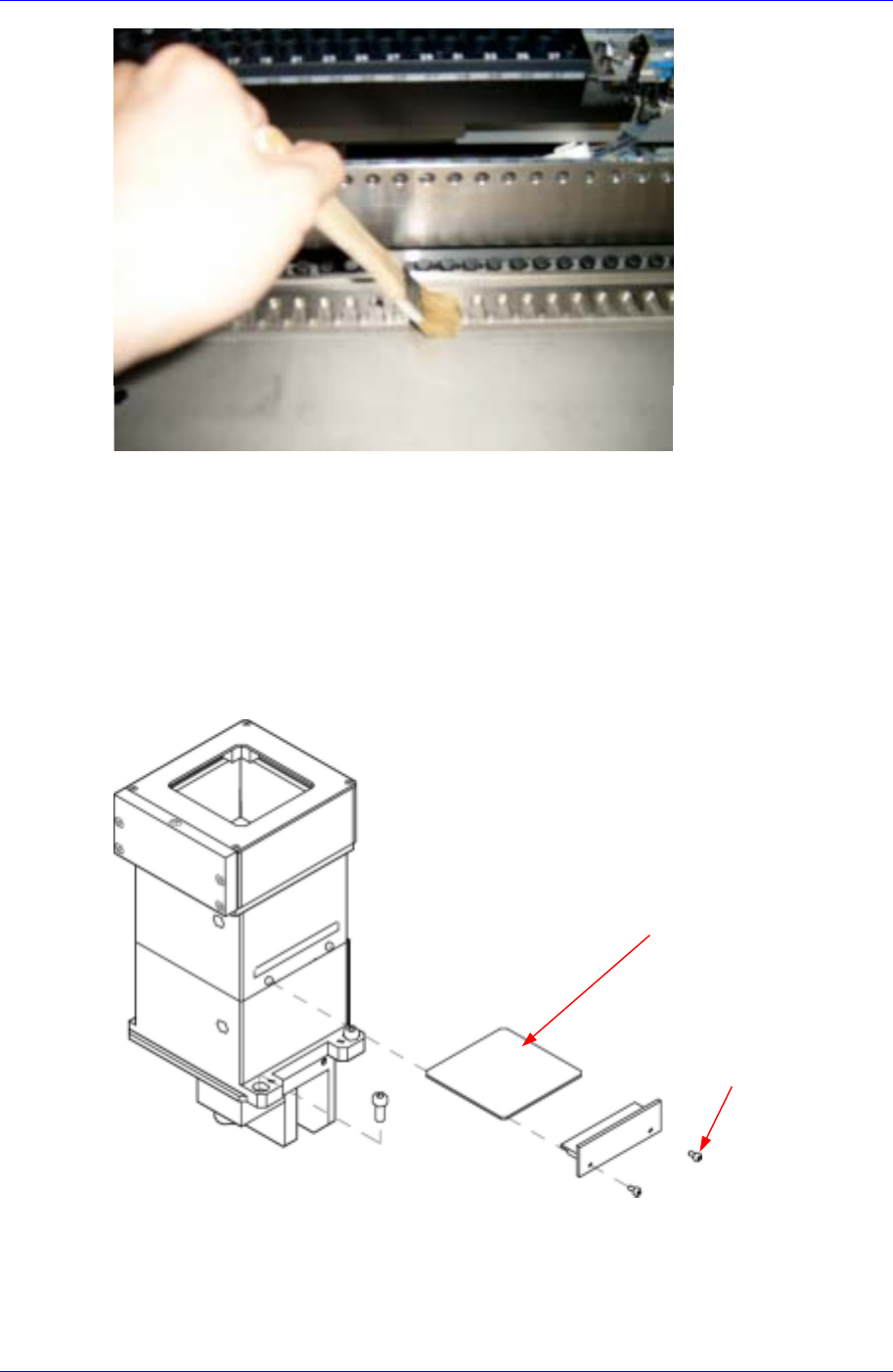
Perform visual inspection to determine whether there are any chips or foreign matter on
the upper surface of the feeder base, which can cause pick-up error by distorting the
component pick-up point when setting the feeder.
Solution
Remove any chips or foreign matter from the upper surface of the feeder base using the
brush provided.
2-2
Daily Inspection
2-3
2.3. Stage Camera Cleaning
2.3.1. Cover Glass
Inspection
Perform visual inspection to determine whether there is any dust or foreign matter on
the cover glass of the stage camera, which can cause error when the camera
recognizes a component.
Screw
Cover Glass
Figure 2-1.Stage Camera
Solution
Separate the cover glass by unscrewing two screws on the side of the stage camera.
Clean the dust or foreign matter on the cover glass of the stage camera using a clean
Samsung Component Placer CP45FV Series Maintenance Reference
cloth and alcohol.
Assemble the LED assembly by screwing the four screws.
Caution
The cover glass is fragile. Take care.
2.3.2. Camera Lens
Inspection
Check to see if there are any dust or contamination on the camera lens.
Solution
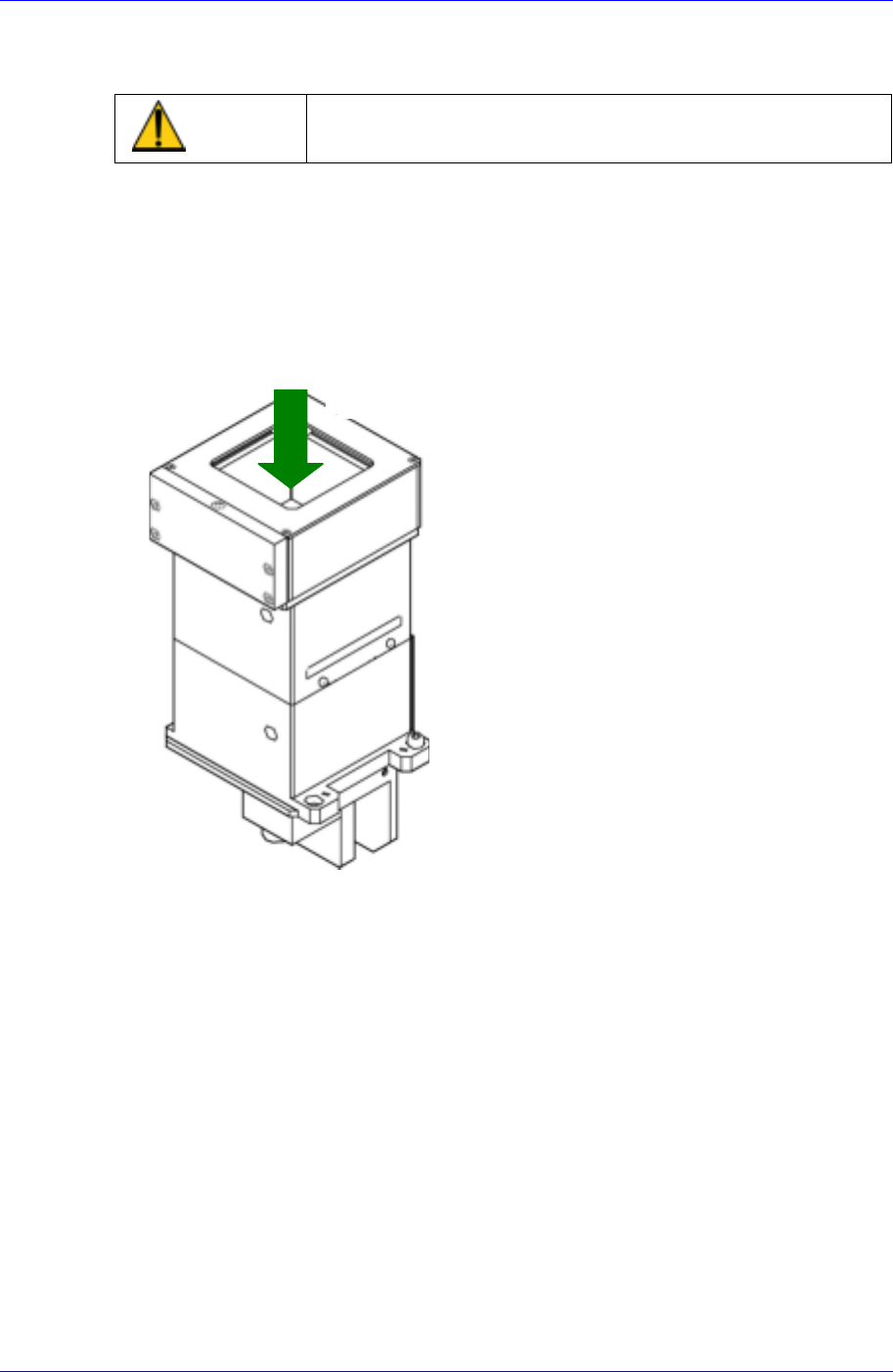
When cleaning the cover glass, remove the cover glass and then blow dust off the
lens using the air ejector in the cleaning kit provided.
공기분사
Eject air
2-4