semi合集-English.pdf - 第1596页
SEMI E37-0303 © SEMI 1995, 2003 18 A1-2 HSMS Scenarios The following scenarios are provided to illustrate the HSMS procedures as used for a typical complete session. The terminolo gy, proced ure names, and me ssage names…
SEMI E37-0303 © SEM 1995, 2003 17
APPENDIX 1
NOTE: This appendix was approved as a part of SEMI E37 by full letter ballot procedure.
A1-1 TCP/IP Procedures Using TLI and BSD Socket Interfaces
A1-1.1 Passive Mode Connect Procedure
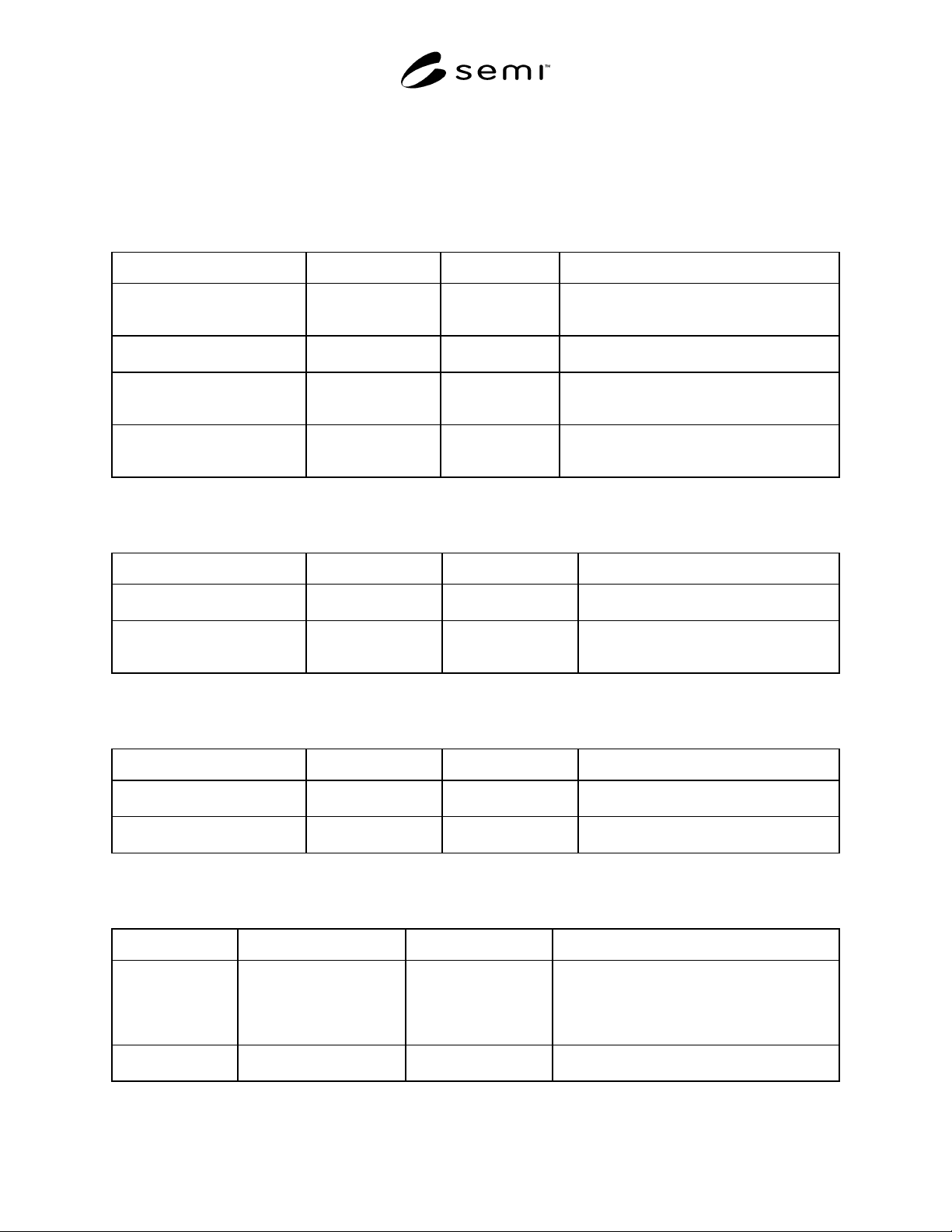
Table 1
Intended Action TLI Construct BSD Construct Comment
Obtain a connection endpoint and
bind it to a published port.
tep = t_open(...)
t_bind(tep,...)
skt = socket(...)
bind(skt,...)
BSD refers to a connection endpoint as a
“socket.” TLI refers to it as a TEP (transport end
point).
Permit socket to listen for
connections.
... listen(skt...) In TLI, the equivalent of BSD listen is not
necessary.
Connect procedure: receive
incoming connect request and
accept it.
t_listen(tep,...)
t_accept(tep,...)
accept(skt,...)
Connect procedure: receive
incoming connect request, but
reject it.
t_listen(tep,...)
t_snddis(tep,...)
... The BSD API does not support originating a
reject of a connect request, as receiving request
and accepting it are a single operation.
A1-1.2 Active Mode Connect Procedure
Table 2
Intended Action TLI Construct BSD Construct Comment
Obtain a connection endpoint. tep = t_open(...)
t_bind(tep,...)
skt = socket(...) TLI requires bind to null address for active
entity.
Connect procedure: send connect
request and receive accept or
reject from passive entity.
t_connect(tep,...)
t_rcvconnect(tep,...)
connect(skt,...) The BSD connect will correctly handle an
active reject from the TLI-based remote
entity.
A1-1.3 Terminating the Connection
Table 3
Intended Action TLI Construct BSD Construct Comment
Release the connection and free
connection endpoint.
t_sndrel(tep,..)
t_close(tep)
close(skt) The “gracefulness” of the BSD close is a
function of the local implementation.
Disconnect and free the
connection endpoint.
t_snddis(tep,..)
t_close(tep)
shutdown(skt,2)
close(skt)
Shutdown immediately disables further sends
and receives if the second arg = 2.
A1-1.4 Sending and Receiving HSMS Messages
Table 4
Intended Action TLI Construct BSD Construct Comment
Send an HSMS
message
hdr->Len = length;
t_snd(tep,hdr,14,0);
t_snd(tep,Text,hdr->Len,0);
hdr->Len = length;
write(skt,hdr,14);
write(skt,Text,hdr-
>Len);
The procedure illustrates a “typical”
implementation style in which the length bytes
and header are combined into a single 14-byte
item sent first, followed by the text. This is not to
imply that combining everything is not permitted.
Receive and HSMS
message
t_rcv(tep,hdr,14,...);
t_rcv(tep,Text,hdr->Len,...);
read(skt,hdr,14);
read(skt,Text,hdr->Len);
As above, but for receiving.
SEMI E37-0303 © SEMI 1995, 2003 18
A1-2 HSMS Scenarios
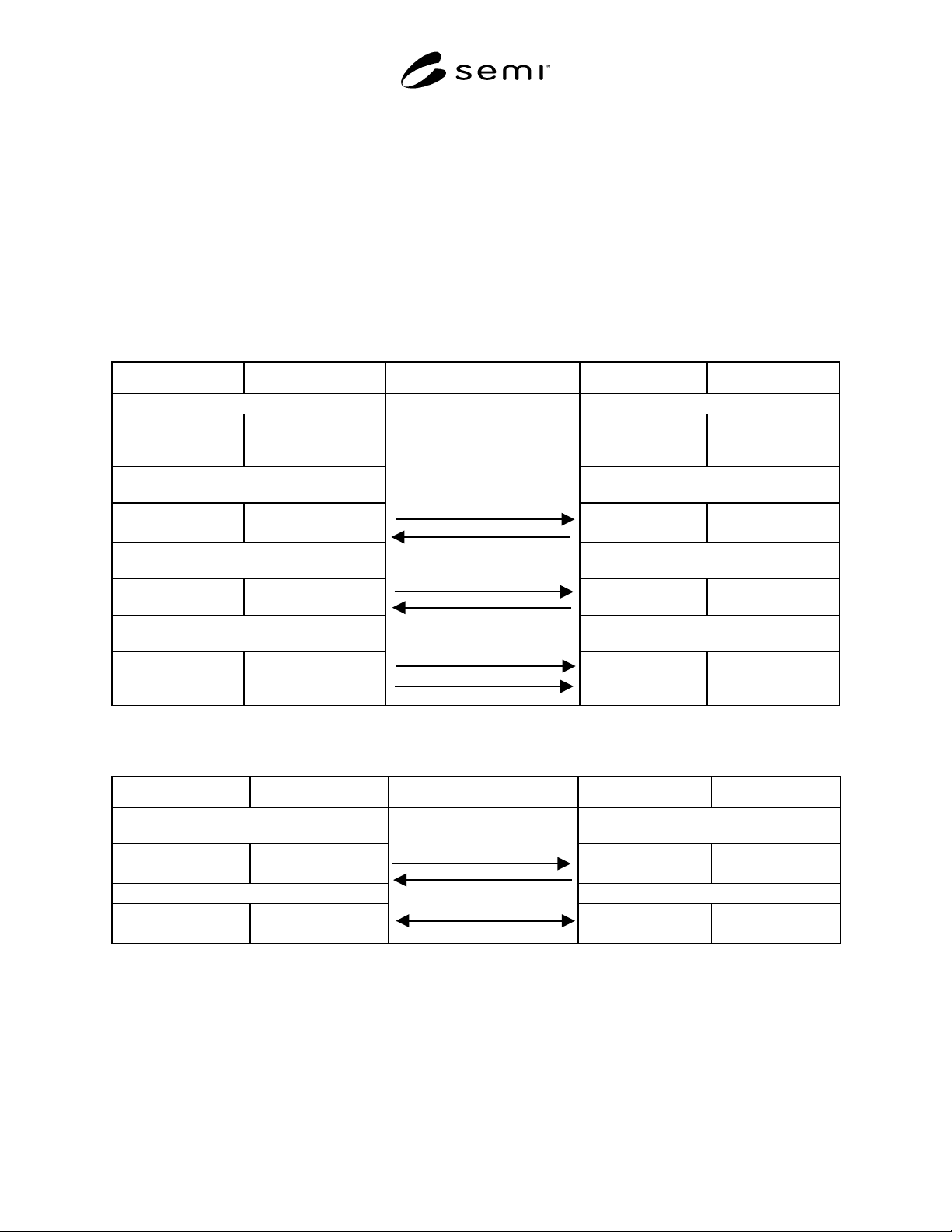
The following scenarios are provided to illustrate the HSMS procedures as used for a typical complete session. The
terminology, procedure names, and message names are further explained in the remainder of this document. Also
note that either entity may initiate the HSMS Select procedure, the Deselect or Separate procedures, and HSMS Data
Messages and Transactions. For convenience, the scenarios show the left-hand entity as the initiator of all
transactions.
A1-2.1 Begin HSMS Communication — This scenario illustrates the TCP/IP connection procedure, an HSMS select
procedure, and exchange of data messages. Note that the data message activity for TCP is for illustrative purposes
only. In fact, the actual network activity can vary. For example, even if the data messages are sent as separate calls
to t_snd (or write) as shown, the TCP/IP implementation may buffer the header and transmit it in a single packet
with the text, or the text may be split into multiple packets.
Table 5
BSD API Calls TLI API Calls Network Activity TLI API Calls BSD API Calls
Prepare to initiate a connection request. Prepare to receive a connection request.
skt = socket(...); tep = t_open(...);
t_bind(tep, ...);
tep = t_open(...);
t_bind(tep,...);
skt =
socket(...);bind(skt,...);
listen(skt,...);
Initiate a connection request and wait fo
r
response.
Receive a connection request, accept it, and
send response.
connect(skt,...); t_connect(tep,...);
t_rcvconnect(tep,...);
t_listen(tep,...);t_acce
pt(tep,...);
accept(skt,...);
Initiate an HSMS Select procedure: sen
d
request and receive response.
Respond to HSMS select procedure: receive
request and send response.
write(skt,hdr,14);
read(skt,hdr,14);
t_snd(tep,hdr,14,0);
t_rcv(tep,hdr,14,...);
t_rcv(tep,hdr,14,...);
t_snd(tep,hdr,14,0);
read(skt,hdr,14);
write(skt,hdr,14);
Send an HSMS data message as length bytes
and header, followed by Text.
Receive an HSMS data message as length
bytes and header, followed by Text.
hdr->Len = Length;
write(skt,hdr,14);
write(skt,Text,...);
hdr->Len = Length;
t_snd(tep,hdr,14,0);
t_snd(tep,Text,...);
TCP/IP Connect Req Msg(s)
TCP/IP Accept Msg(s)
Select.req Message
Select.rsp Message
HSMS Data Message (hdr)
HSMS Data Message (text)
t_rcv(tep,hdr,14,...);
t_rcv(tep,Text,...);
read(skt,hdr,14);read(s
kt,Text,...);
A1-2.2 Ending Communicaiton Using Deselect — This scenario illustrates ending an HSMS Session using the
Deselect procedure to end the HSMS session.
BSD API Calls TLI API Calls Network Activity TLI API Calls BSD API Calls
Send the Deselct.req and receive Deselect.rsp. Receive the Deselect.req and send the
Deselect.rsp.
write(skt,hdr,14);
read(skt,hdr,14);
t_snd(tep,hdr,14,0);
t_rcv(tep,hdr,14,...);
t_rcv(tep,hdr,14,...);
t_snd(tep,hdr,14,0);
read(skt,hdr,14);
write(skt,hdr,14);
Disconnect the TCP/IP Connection. Respond to Disconnect of connection.
shutdown(skt,2);
close(skt);
t_snddis(tep;
t_close(tep);
Deselect.req Message
Deselect.rsp Message
TCP/IP Disconnect Msg(s)
t_rcvdis(tep,...); close(skt);

SEMI E37-0303 © SEM 1995, 2003 19
A1-3 HSMS Alternating Mode Connect
Procedure
Some users have particular requirements which prevent
them from determining which connect mode (active or
passive) a given entity will use at any particular time. In
such a case, a Local Entity alternately attempts the
active mode and passive mode connect procedure until
a connection is successfully established. Note that this
requires that local entity provide a published port when
in the passive phase. The general logic sequence at the
Alternating Local Entity is as follows:
1. Attempt an active connect procedure as described
in Section 6.3.3 using a timeout value for the
t_rcvconnect greater than or equal to the
connection separation timeout T5.
2. If the active connect procedure completes
successfully, the alternating mode connect
procedure completes successfully.
3. If the active connect procedure terminates
unsuccessfully, attempt the passive connect
procedure as described in 6.3.2 with the timeout for
the t_listen greater than or equal to the connection
separation timeout T5.
4. If the passive connect procedure completes
successfully, the alternating mode connect
procedure completes successfully as described in
6.3.2.
5. If the passive connect procedure terminates
unsuccessfully, the local entity may either return to
step 1 to continue the alternating mode procedure
or terminate unsuccessfully. The number of times
the above sequence of steps are repeated in
attempting to form a connection is a local entity-
specific issue.
A1-3.1 Alternating Mode Cycle Time — The
Alternating Mode Cycle Time is the time between
iterations of the Connect Procedure of an Alternating
Mode entity. In the above procedure, this corresponds
to the duration between the initiation of step 1 and
completion of step 5 immediately prior to the
reinitiation of step 1. This time is implementation-
dependent.
In the case that two entities are both using the
Alternating Mode Connect Procedure, it is desirable to
ensure that they both have different alternating mode
cycle times, to prevent the entities from attempting to
connect in lock step: both in active mode, then both in
passive mode. Adjusting the Alternating Mode Cycle
Time can be readily achieved by adjustment of T5 so
that the cycle time is different for the two entities:
A1-3.2 HSMS Connect Combinations — An entity
configured as alternating between active and passive
mode can connect with either an passive or active mode
remote entity. The list below summarizes the
combinations possible using the standard with this
particular connections strategy.
1. An Entity “A” configured as ACTIVE can connect
to an Entity “B” configured as PASSIVE or as
ALTERNATING, and Entity A always establishes
the Connection.
2. An Entity “A” configured as ALTERNATING can
connect to an Entity “B” configured as PASSIVE,
and Entity “A” always establishes the Connection.
3. An Entity “A” configured as ALTERNATING can
connect to an Entity “B” configured as
ALTERNATING, and either end can establish the
Connection. In implementations which use multi-
threaded connect logic, rather than the sequential
logic described in this document, it may be
possible that both ends of the HSMS connection
attempt to connect at the same time. In this case,
there can be two separate TCP/IP connections
established, and it is necessary to establish a
convention so that one connection is allowed to
remain and the other is terminated.
4. It is not allowed to connect two Entities both
configured as PASSIVE, or both configured as
ACTIVE.
A1-4 Non-HSMS TCP/IP Protocols
For typical TCP/IP implementations, HSMS can co-
exist with other TCP/IP based protocols on the same IP
Address. This can be very useful. For example, a
SECS-II message transaction could trigger an
application to begin a TCP/IP FTP (File Transfer
Protocol) sequence to transfer a large data file.
A1-5 Non-TCP/IP Protocols
The use of protocols other than TCP/IP on the same
network as the HSMS entities is possible but beyond
the scope of this standard. Typically, other protocols
could be used, provided they have no impact on TCP/IP
or HSMS entities on the network.
A1-6 Multiple LANs
The HSMS specification considers only a single
TCP/IP LAN. Interconnecting multiple LANs is outside
the scope of HSMS. However, since TCP/IP
implementations typically support such configurations
seamlessly through gateways, routers, and similar
entities, it may be possible to establish an HSMS
Connection across interconnected LAN’s.