semi合集-English.pdf - 第3225页
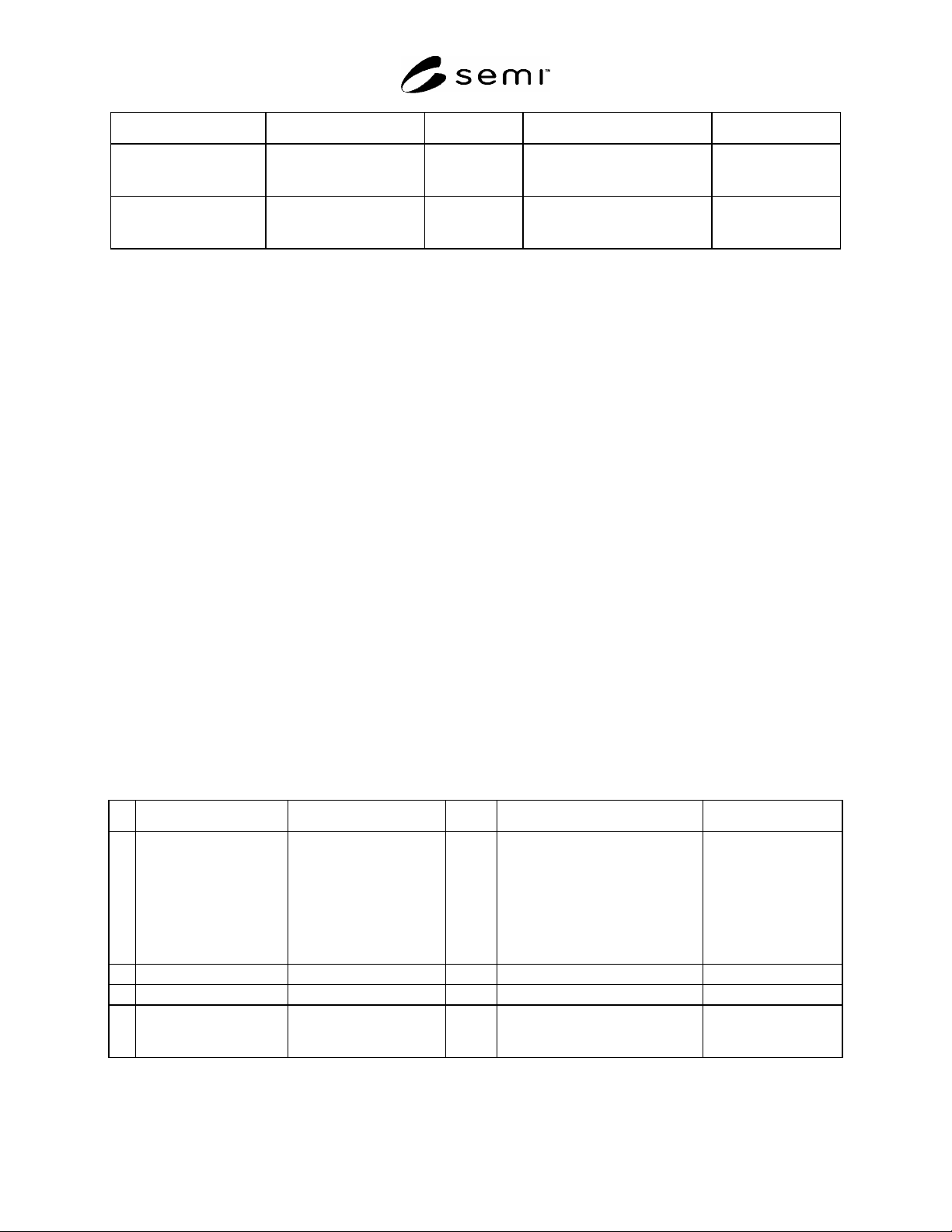
SEMI E127-0705 © SEMI 2003, 2005 26 Comments Control Client (CC) Msg Dir STPO Comments Li st of micro commands i n the order in which they must be executed. Example: Open door, raise pins, substrate confirm presence, low…
SEMI E127-0705 © SEMI 2003, 2005 25
Variable Name Description Type Event Comment
OrientationIn The value provided by the
Control Client.
Floating point. OrientationError. Required if the
Orientation capability
is implemented.
Orientation The actual orientation, as
determined by the STPO,
for an incoming substrate.
Floating point. OrientationError. Required if the
Orientation capability
is implemented.
#1
The SubstIDRead variable is in addition to the SubstIDRead attribute in the STPO, Substrate, and DataTable Objects. In this case, it is based
on SubstIDRead attribute of the STPO Object that generated the event.
12.11 Substrate Transfer Path Scenarios
12.11.1 This section provides examples of representative load and unload sequence to illustrate a typical sequence
of messages and actions. Related requirements are indicated.
12.11.2 Load Scenario With No Errors
12.11.2.1 Overview — The Load Scenario in Table 10 illustrates a typical flow of messages related to loading a
substrate. Other messages may occur between the Control Client and the IMM objects that are not related.
12.11.2.2 Assumptions — The following assumptions about the status of the IMM and the STPO at the start of this
scenario:
The IMM has completed its system initialization and is in the IN SERVICE state,
The Control Client has been established and is in control of the substrate handler,
The Substrate Location where the Substrate is to be loaded is in the UNOCCUPIED state,
The STPO is in the READY TO LOAD state, and
The ObjID of the STPO object is “STPO1”.
12.11.2.3 Requirements — The following requirements for loading are illustrated in Table 10.
All services listed in Table 8 except for TransferPathCalibration,
Support for micro command “Confirm Presence”, and
Support for state model and events associated with state model transitions.
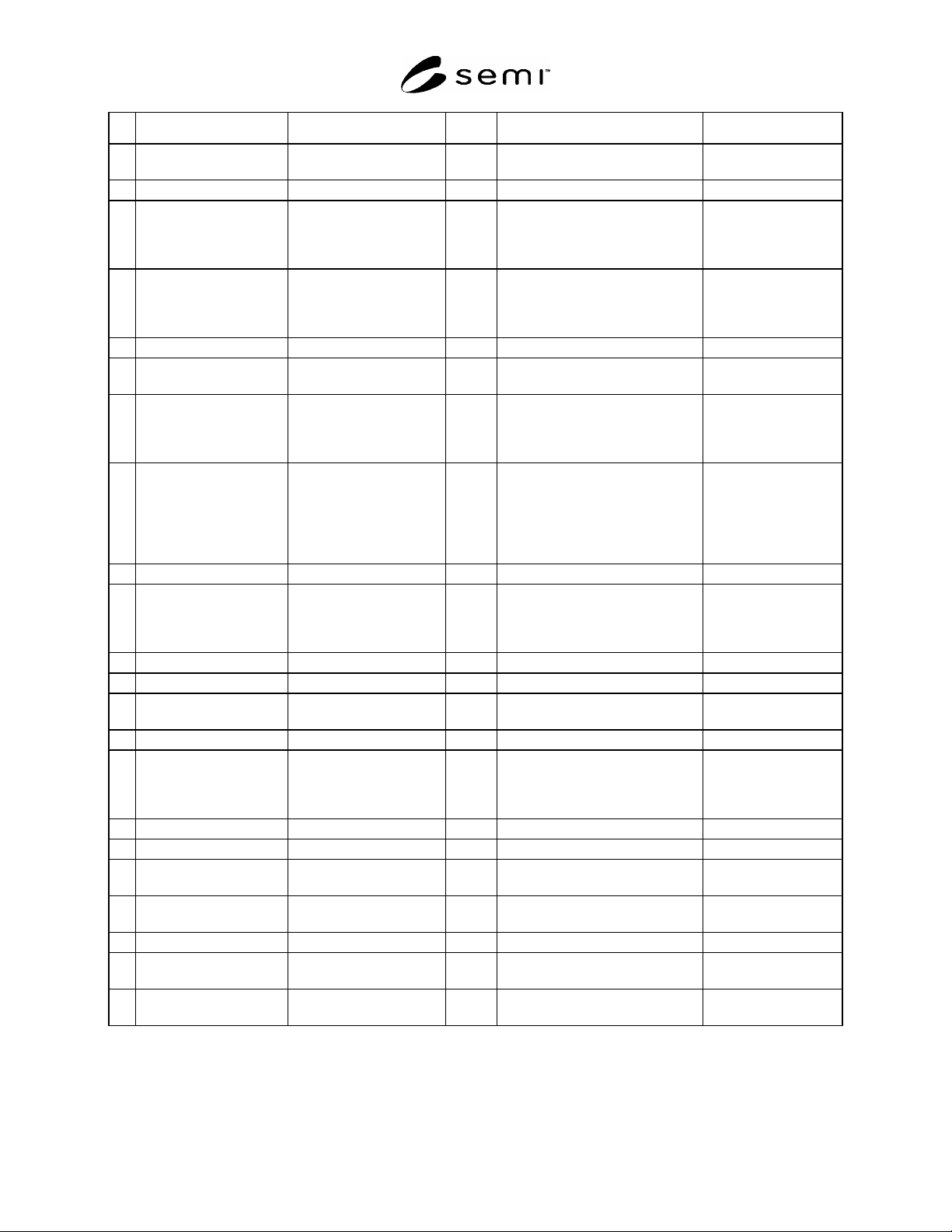
12.11.2.4 Message Flow — Table 10 shows an example of the typical flow of messages used to load a substrate into
the IMM. Parameter values are examples only. Note that any particular STPO can only load one substrate at a time.
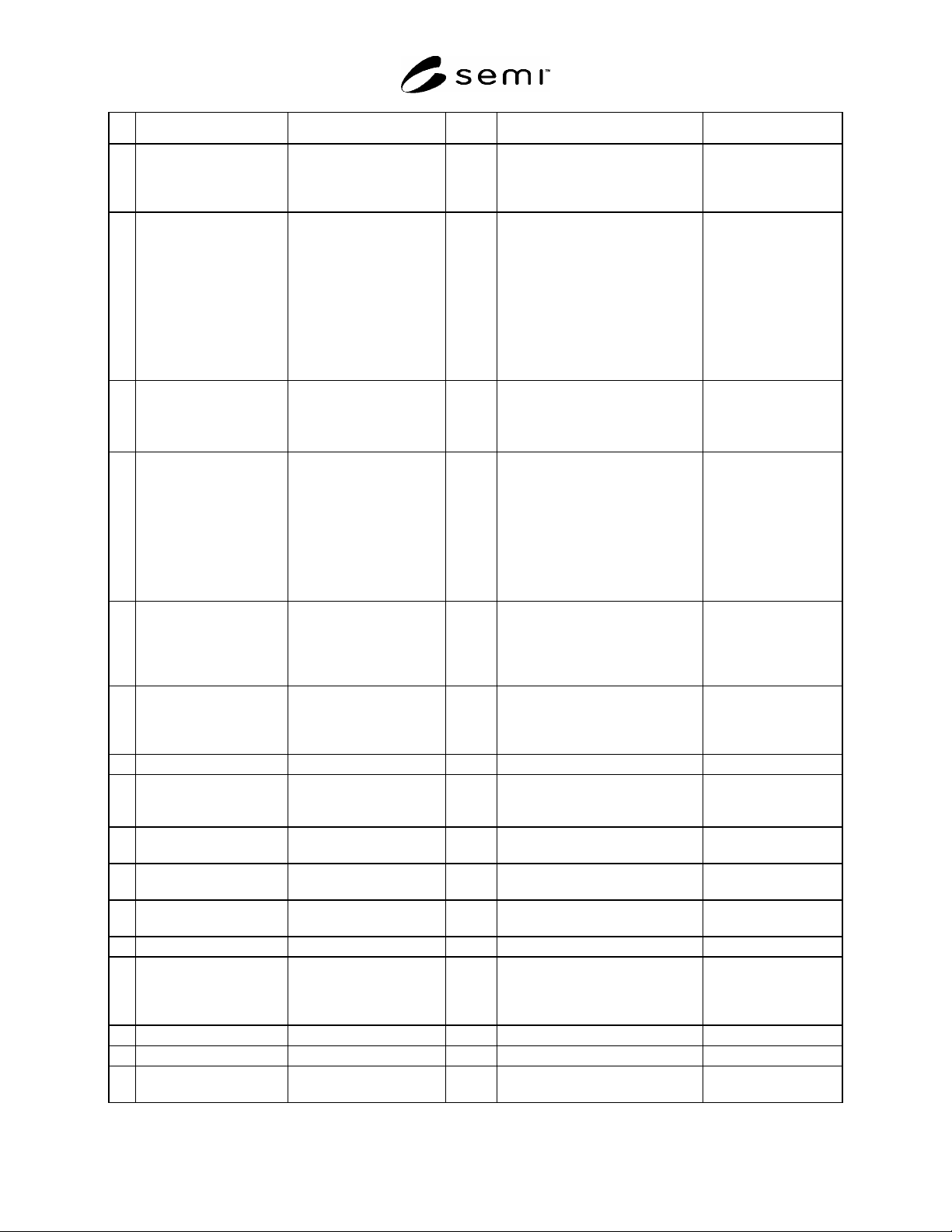
Table 10 Substrate Transfer Path Load Scenario
Comments Control Client (CC) Msg Dir STPO Comments
1 The CC must obtain this
list in order to load a
substrate into the IMM.
Typically it is one of the
first thing following the
establishment of the
control client and status
synchronization.
XfrCmdList-Request.req
Required field. XfrType = “Load”
XfrCmdList-Request.req
List of transfer commands shall
always include, at a minimum, the
command “Confirm Presence”.
Required.
SEMI E127-0705 © SEMI 2003, 2005 26
Comments Control Client (CC) Msg Dir STPO Comments
List of micro commands in the
order in which they must be
executed.
Example: Open door,
raise pins, substrate
confirm presence,
lower pins, close door.
2a This is a required
message but may occur
immediately after the
transfer.
This message must be
sent before any
processing can occur.
Multiple messages might
be sent for the same
substrate.
UpdateSubstrateObject.req
Whenever the CC sends
this request, the IMM
can assume that it is in
conjunction with a
substrate transfer that
either has occurred or is
about to occur.
These are required fields.
Not all integrated
metrology tools can
identify orientation.
SubstID = “xyz”
OrientationIn =
If substrate orientation
can not be detected,
then OrientationOut =
OrientationIn.
2b
UpdateSubstrateObject.rsp Check for existing
Substrate Object for
this ID. If it does not
already exist, then it is
created here with the
attributes as sent.
Otherwise, the
attributes are updated
with the new values.
3 Ready to place. The
number of XfrCommand
transactions that occur
depends on the
implementation.
XfrCommand.req
Indicated which fields are
required. The values for
XfrCmdName depend on
the implementation.
ObjID = “STPO1”,
XfrLink = 1,
XfrCmdName = “Open
door”
Note: this is an
example only.
Opens door.
3b
XfrCommand.rsp Note: if command fails,
transfer should be
aborted.
XfrStatus = successful completion,
no errors.
4
Event.nfy STPOSM T5: READY
TO LOAD -> Assigned
Substrate Handler extends
arm into IMM.
5a XfrCommand.req
ObjID = “STPO1”,
XfrLink = 1,
XfrCmdName = “Raise
pins”
STPO raises pins.
5b
XfrCommand.rsp
XfrStatus = normal completion, no
error.
SEMI E127-0705 © SEMI 2003, 2005 27
Comments Control Client (CC) Msg Dir STPO Comments
Substrate Handler lowers
substrate onto pins.
6a XfrCommand.req
This XfrCmdName is
required and shall be sent
prior to XfrVerify.
ObjID = “STPO1”,
XfrLink = 1,
XfrCmdName = “Confirm
presence”
If substrate presence is
not confirmed, then the
transfer shall either be
retried or aborted.
STPO verifies that the
substrate is detected.
6b
XfrCommand.rsp
XfrStatus = normal completion, no
error.
Substrate Handler
releases substrate, raises
its arm, retracts arm from
IMM.
Event.nfy The Substrate Location
where substrates are
loaded changes from
UNOCCUPIED to
OCCUPIED (SLOSM
T1).
7a XfrCommand.req
ObjID = “STPO1”,
XfrLink = 1,
XfrCmdName = “Lower
pins”
STPO lowers pins.
7b
XfrCommand.rsp
XfrStatus = normal completion, no
error.
8a XfrCommand.req
ObjID = “STPO1”,
XfrLink = 1,
XfrCmdName = “Close
door”
Door closed.
8b
XfrCommand.rsp
XfrStatus = normal completion, no
error.
9a Confirm transfer is
complete.
XfrVerify.req
XfrLink = 1
9b
XfrVerify.rsp Acknowledge transfer
is complete.
XfrStatus = normal completion, no
errors.
12.11.3 Unload Scenario With No Errors
12.11.3.1 Overview — The Unload Scenario in Table 11 illustrates a typical flow of messages related to unloading
a substrate. Other messages may occur between the Control Client and the IMM objects that are not related.