00197197-02-IM SetupCenter 5.1.pdf - 第69页
Installation Setup Center Software Installation Installation Manual SIPLACE Setup Center 5.1 69 Setup Type - Custom Step 1 ► Run through the steps in chapter " General Se ttings ". ► Select the Custom setup typ…
Installation
Software Installation Setup Center
68 Installation Manual SIPLACE Setup Center 5.1
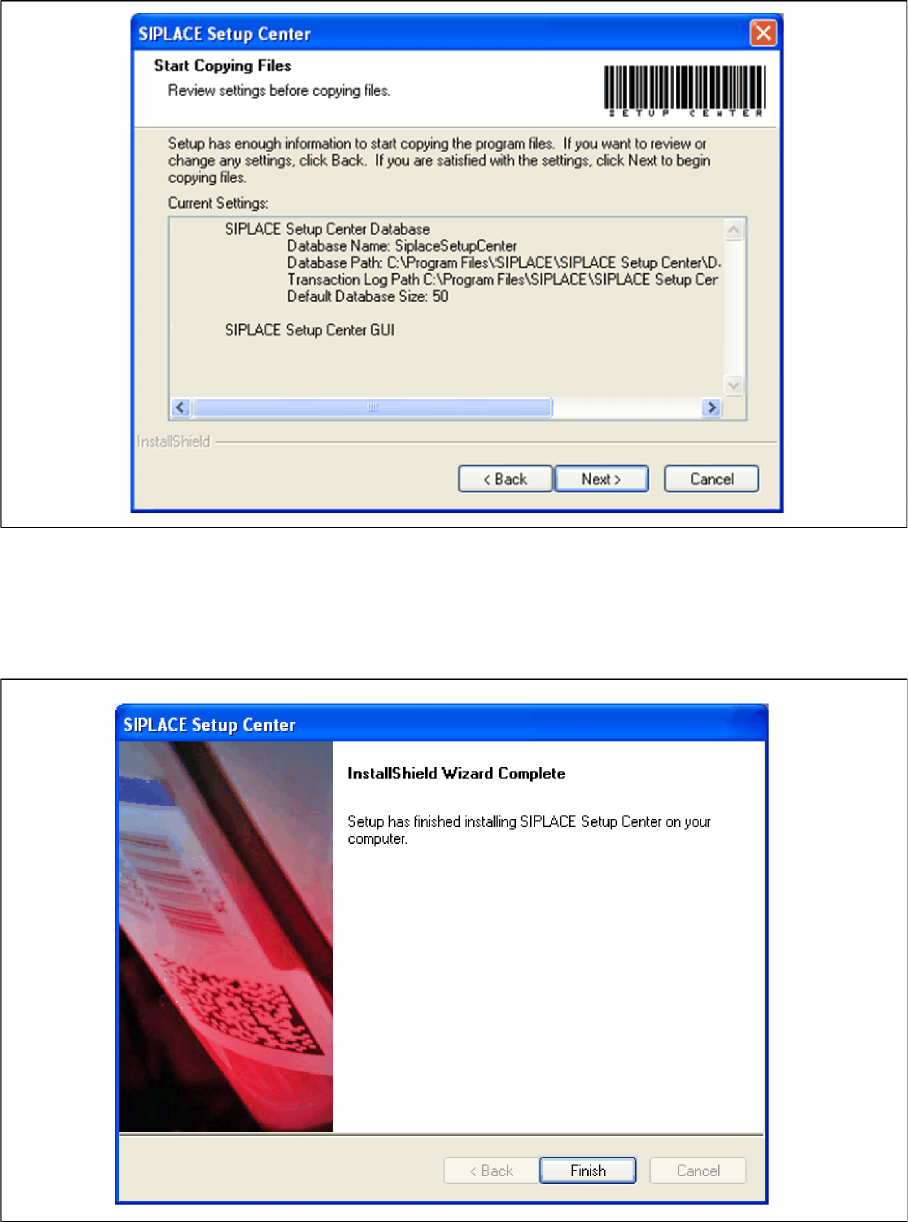
Step 5
► The Start Copying Files dialog box gives you a chance to check the information again, which you
have entered during the previous steps.
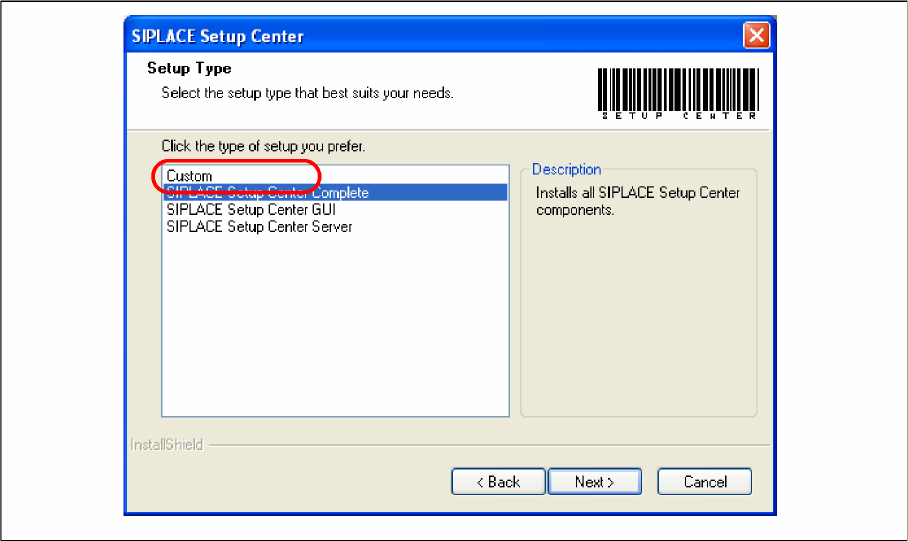
Step 6
► The installation routine is now started.
► The "Setup Complete" window confirms that the installation has been completed successfully.
► Click Finish.
Installation
Setup Center Software Installation
Installation Manual SIPLACE Setup Center 5.1 69
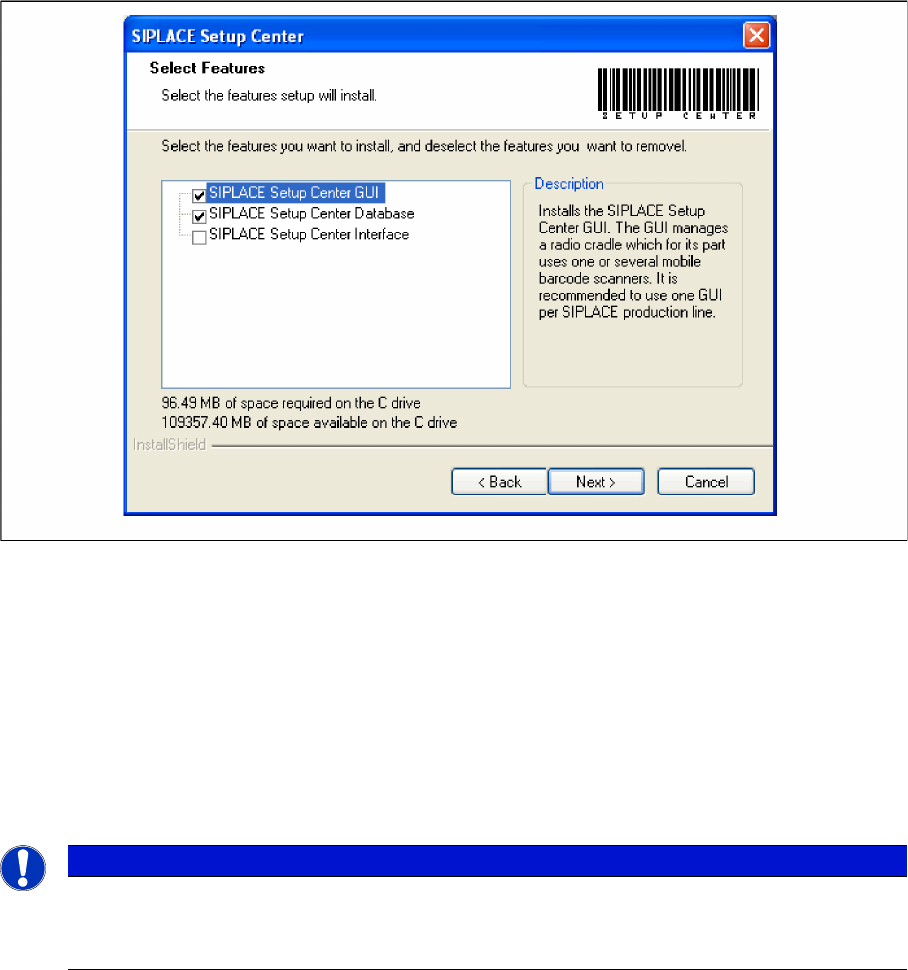
Setup Type - Custom
Step 1
► Run through the steps in chapter "General Settings".
► Select the Custom setup type.
► Click Next.
Installation
Software Installation Setup Center
70 Installation Manual SIPLACE Setup Center 5.1
Step 2
► Choose the checkbox in the Select features dialog box.
► The Description field displays detailed information to the selected feature.
► Click Next.
4.3.1.3 Forced Setup Verification
The software CD "SIPLACE Setup Center 3.3" contains the activation of the forced setup verification and
the component level indicator.
The following settings can be configured during the installation at the SIPLACE station:
▪ Configuration of the Splice detection (If not X-machine)
▪ Deactivation of Fill Level Control for “empty running tracks” and Activation for "Filling level correction"
▪ Activation of locked tracks without scanning
▪ Traceability data creation
NOTICE
Activation of forced setup verification and the component level indicator at the station software
70x is set by SIPLACE Pro.
► It is not necessary to activate using the activation CD.