xp141-241-341-5.0E.pdf - 第144页
FK-9F98- 29 XP Series training Text for Service Engineers Edition 5.0 XP241 – Chapter 5 Peripheral Adjustments Page 19 of 19 Fuji Machine Mfg. Co., Ltd. Okazaki. SMT Equipment Quality Assurance Dept . 5 – 19 CS Section P…
FK-9F98-29 XP Series training Text for Service Engineers
Edition 5.0 XP241 – Chapter 5 Peripheral Adjustments Page 18 of 19
Fuji Machine Mfg. Co., Ltd. Okazaki.
SMT Equipment Quality Assurance Dept.
5 – 18 CS Section
5.6 Adjusting the power remover
1. For details of how to set the amplifier for the power remover please refer to chapter 1.7.
2. Select [Maintenance C] – [Proper Data Editor] – [MACHINE_TYPE_2] and confirm that
the proper data item [Remover Type] is set to 1.
3. Set the power remover in its station.
4. Select [JOG] and inch the vacuum head close to the remover.
5. Press the emergency button to cut the 200V power supply to the servos. Lower the Z-axis
and stop just before it contacts the remover. Manually jog the position of the X and Y axes
until the pick up head is aligned directly above the remover.
6. Select [Maintenance C] – [Proper Data Editor] – [NOZZLE_POSITION] –
[X_RemoverPos] and [Y_RemoverPos] – [Direct Servo Input] to save the current X and Y
axes positions to proper data.
7. Lower the Z-axis until the pick-up head just contacts the top of the remover, then lower
the head a further 1.0mm. Select [Z_RemoverPos] – [Direct Servo Input] to save the
current Z axis position to proper data.
8. Release the emergency button, and turn the 200V supply to the servos ON. Select
[Production] – [Nozzle Operation] – [Remover] to pick up the remover.
9. Select [Maintenance A] – [I/O Check] – [Y030 RemoverVacuum] – [ON].
10. Confirm that the remover can vacuum a 750 gram tray.
Set Check Sensor
Set Check Sensor

FK-9F98-29 XP Series training Text for Service Engineers
Edition 5.0 XP241 – Chapter 5 Peripheral Adjustments Page 19 of 19
Fuji Machine Mfg. Co., Ltd. Okazaki.
SMT Equipment Quality Assurance Dept.
5 – 19 CS Section
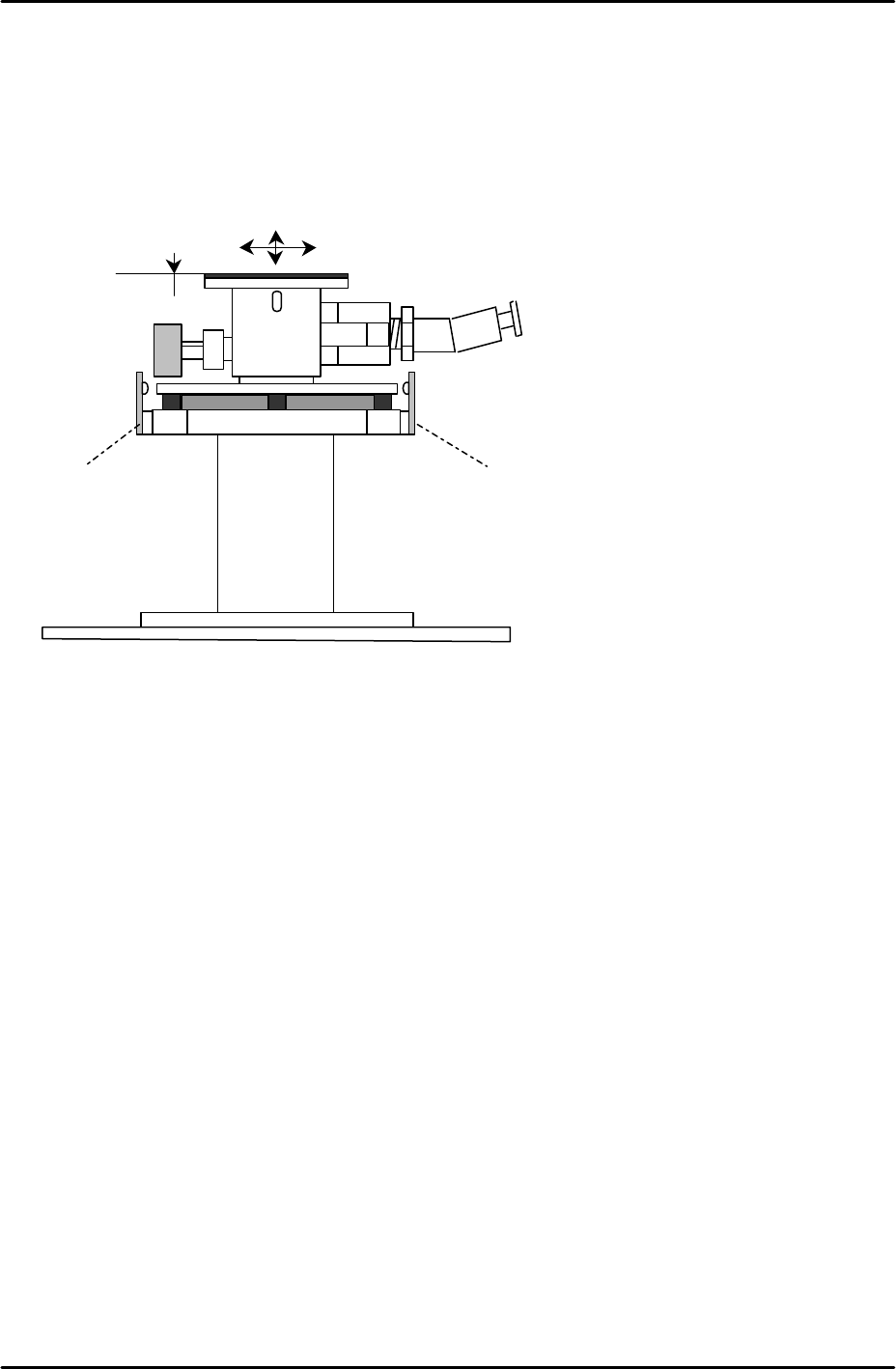
Power remover set check sensors
1. Select [Maintenance A] – [I/O Check] – [X029 Remover Set Check]. The I/O should be
ON when the power remover is set correctly in its pins, and OFF when set incorrectly.
The sensor beam is designed to be cut if the power remover is 1.5mm or more higher
than its correct position.

FK-9F98-29 XP Series training Text for Service Engineers
Edition 5.0 XP241 – Chapter 5 Peripheral Adjustments Page 20 of 19
Fuji Machine Mfg. Co., Ltd. Okazaki.
SMT Equipment Quality Assurance Dept.
5 – 20 CS Section
NOTES: