xp141-241-341-5.0E.pdf - 第74页
FK-9F98- 29 XP Series Training Text for Service Engineers Edition 5.0 XP141 – Chapter 6 Proper Data Measurements Page 19 of 26 Fuji Machine Mfg. Co., Ltd. Okazaki SMT Equipment Quality Assurance Dept. 6 – 19 CS Section N…
FK-9F98-29 XP Series Training Text for Service Engineers
Edition 5.0 XP141 – Chapter 6 Proper Data Measurements Page 18 of 26
Fuji Machine Mfg. Co., Ltd. Okazaki
SMT Equipment Quality Assurance Dept.
6 – 18 CS Section
6.15 Measuring the MFU pickup position
1. Equipment: pickup position measurement jig.
2. Attach the MFUs to side1 and side2.
3. Mount the pick up position measurement jig at D25 on side1.
4. Bring the R axis counter to 0 so that the nozzle no.1 piston comes to the front of the
machine.
5. Insert a 0.4mm nozzle in the nozzle no.1 piston.
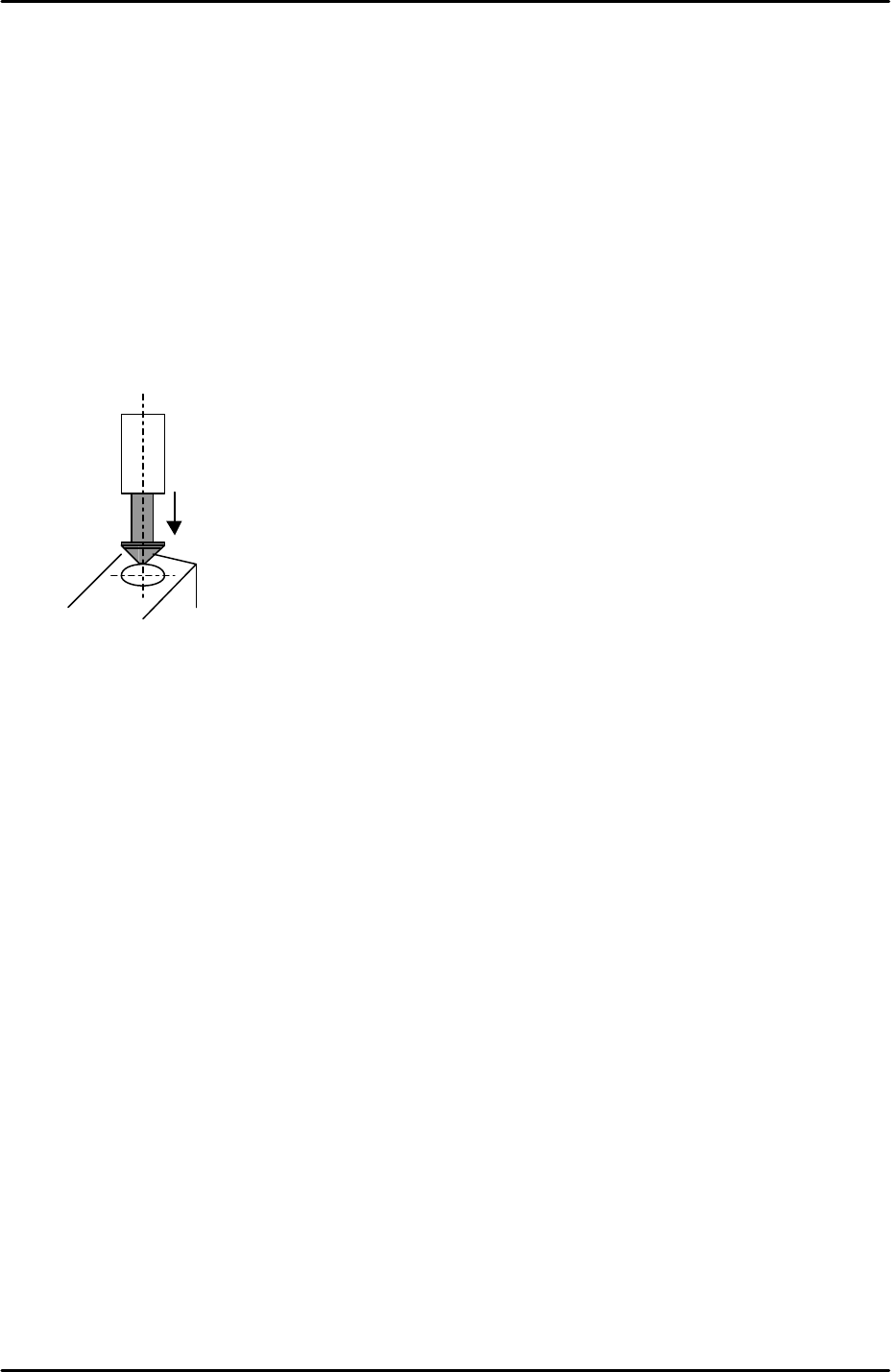
6. Align the 0.4mm nozzle directly above the circular mark on the pick up position
measurement jig.
7. Select [Maintenance C] – [Proper Data Editor] – [X_stage1org] and [Y_stage1org] –
[Direct Servo Input] to save the current X and Y-axis counter values to proper data.
8. Bring the R axis counter value to 180 degrees and repeat the procedure for the side 2
MFU pick up position [X_stage2org] and [Y_stage2org].
6.16 Pickup height measurement
1. Equipment: pick up height measurement jig with dial gage (0.005mm). (Z9064AVJ5540).
Nozzle Jig (A5706ASEAJ8100).
2. Place the pick up height measurement jig in slot 25 of the side1 MFU.
3. Remove all nozzles and insert the nozzle jig in nozzle slot no.1.
4. Bring the R axis to 0 and align the Q axis pusher above the nozzle no.1 piston.
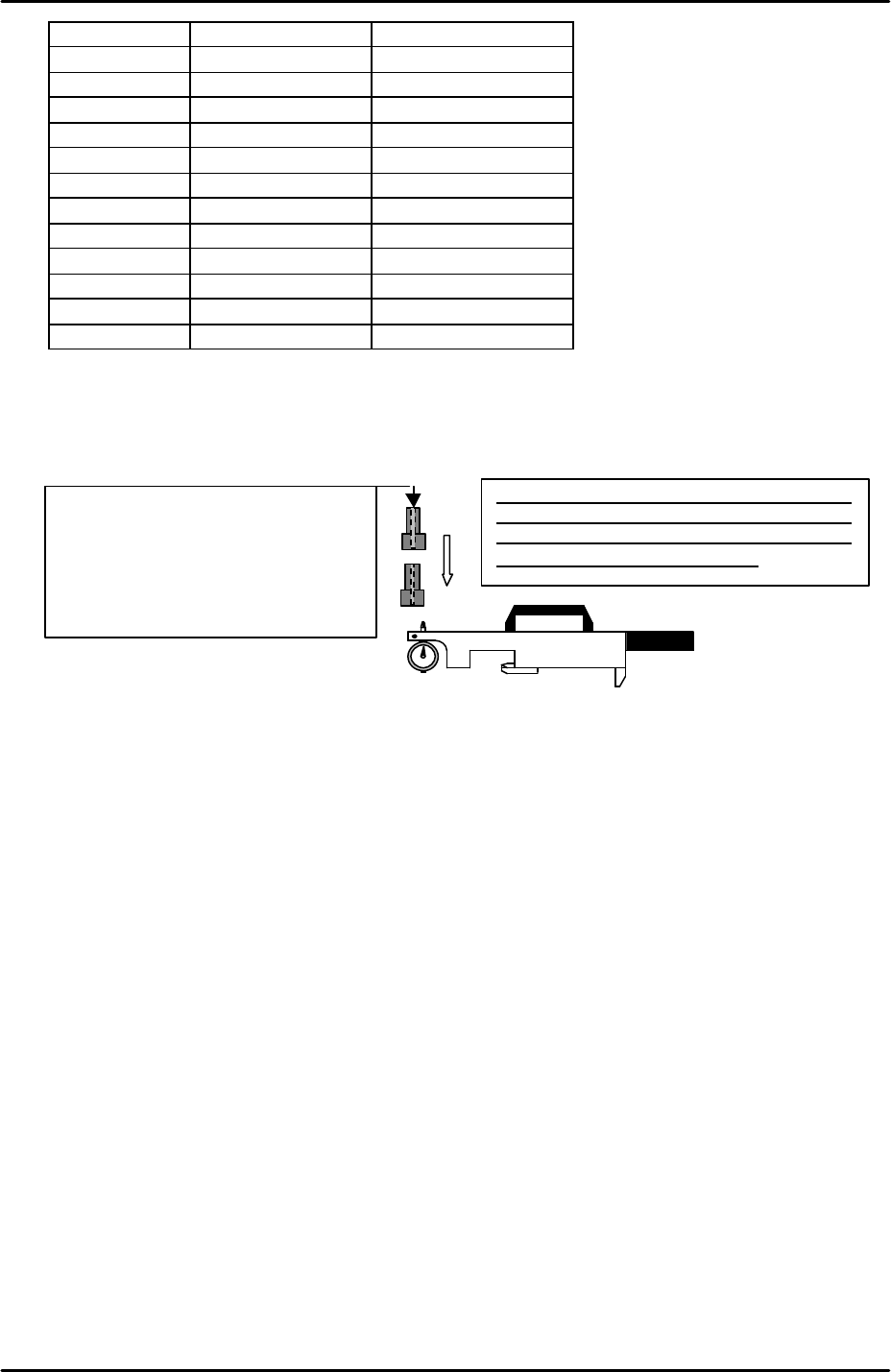
5. Bring the nozzle jig above the pick up height measurement jig dial gage and descend the
Z axis until the dial gage indicates a pick up height of 0.650mm (here the dial gage will be
0). Record the Z-axis counter value at this point.
6. Repeat the measurement for all 12 of the nozzle pistons. The following table lists the R-
axis angle for each nozzle pick up height measurement:
FK-9F98-29 XP Series Training Text for Service Engineers
Edition 5.0 XP141 – Chapter 6 Proper Data Measurements Page 19 of 26
Fuji Machine Mfg. Co., Ltd. Okazaki
SMT Equipment Quality Assurance Dept.
6 – 19 CS Section
Nozzle No. R axis angle Z count
1 0
2 30
3 60
4 90
5 120
6 150
7 180
8 210
9 240
10 270
11 300
12 330
7. Record the Z-axis counter value for all 12 nozzle pistons and calculate the average.
From the average value subtract 0.25mm (-0.25mm) and input this value at [Maintenance
C] – [Proper Data Editor] – [Machine Origin] – [Z_Stage1 Surface].
8. Repeat the procedure for side2 [Z_Stage2 Surface].
Set
the
dial to
“
0
”
at the master jig,
attach
the
nozzle jig (A5706ADEAJ8100) to the piston
and lower the Z-axis. Pick up height is the
position where the dial shows “0”.
<NOTE>
There is a tap hole at the nozzle jig
(A5706ADEAJ8100). Be careful the tip
of the dial does not go in the tap hole
as this will effect the measurement
results.
FK-9F98-29 XP Series Training Text for Service Engineers
Edition 5.0 XP141 – Chapter 6 Proper Data Measurements Page 20 of 26
Fuji Machine Mfg. Co., Ltd. Okazaki
SMT Equipment Quality Assurance Dept.
6 – 20 CS Section
6.17 Adjusting the feeder indexing
1. Equipment: feeder indexing lever height adjustment jig (Z9913AWPJ9310).
2. The following procedure is the same for both sides of the machine.
Feeder indexing lever height
1. Set the F/G cams at their minus limit and adjust the position of the feeder indexing lever
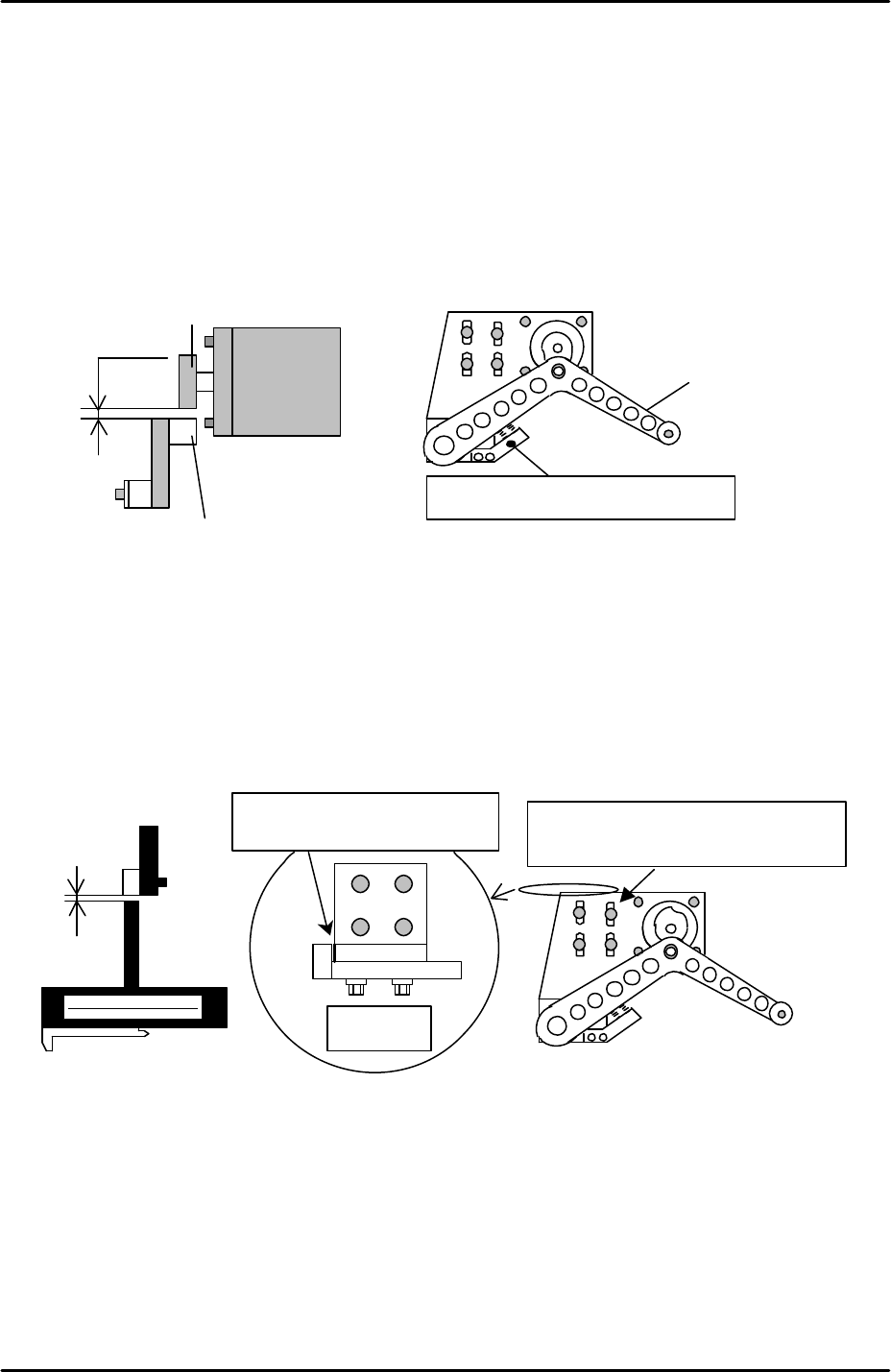
stopper Bracket so that the clearance between the bottom of the cam and the indexing
lever roller is 1.0mm when the indexing lever is at its lower limit.
2. Set the feeder indexing lever height adjustment jig at D25.
3. Return the F and G cams to their upper resting position (the origin position where the F
and G counter values are 0).
4. Bring the feeder indexing lever above the height adjustment jig.
5. Adjust the position of the feeder indexing lever bracket so that the clearance between the
lever and the jig is 0.7mm. Use a feeler gage to set the clearance. Refer to the diagram
below:
Feeder indexing lever X and Y position
1. Prepare two feeders and set them in D19 and D21 (side2 D79 and D81).
2. Select [Program] – [Editor] – [Part] – and select any part data file.
3. Select [Part Type Edit] – [Template] – and make sure the servo power is ON.
4. Specify device number 20 and then select [Manual Pickup] – [START] to move the head
and the indexing lever to D20.
0.7mm
Adjust the feeder indexing lever
installation BKT by using these slots.
Top view
Make sure these two surfaces
are
in
contact.
(Z9913AWPJ9310)
F / G motor
1 mm
Feeder indexing lever stopper BKT
roller
cam
Feeder
Indexing
Lever