JM-10维修调整要领书.pdf - 第112页
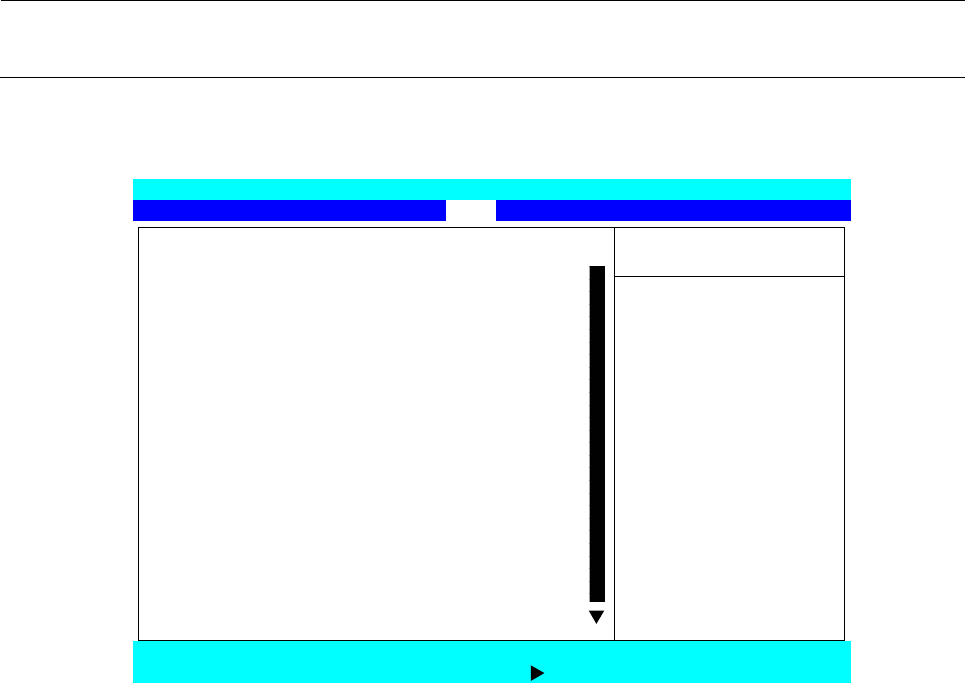
维修调整要领书 12-16 6) BIOS 设置的结束 请用←→键选择 “ Exit ” 菜单画面, 用↑↓键将光标对准 “ Exit Saving Cha nges ” 并按< ENTER > 键,保存 BIOS 设置后结束。 Phoenix TrustedCore (tm) Setup Utility Main Advanced Security Boot Exit Item Specific Help Exit Saving Ch…
维修调整要领书
12-15
5) BOOT 识别順序的设置
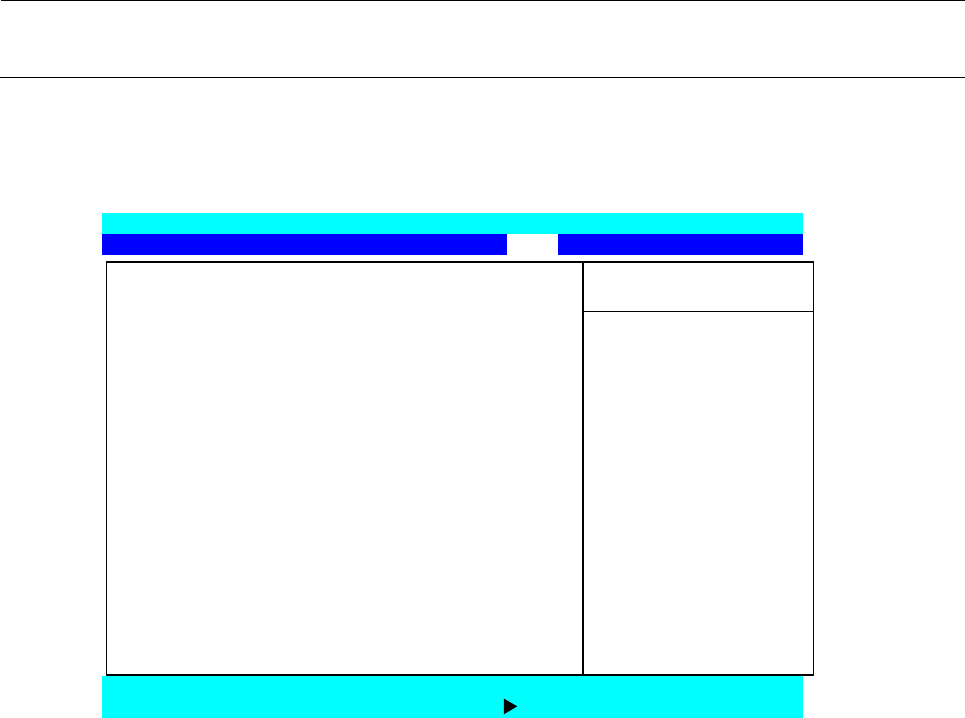
请用←→键选择“Boot”菜单画面,参照操作方法将“Boot priority”设置为下图所示的顺序。
。“Boot”菜单画面的操作方法
(1) 怎样变更“Boot priority”内的順序
① 用↑↓键将光标对准要移动的项目。
② 可用[shift] + <+><->键使之上下移动。
(2) 怎样从“Excluded from boot order:”移动到“Boot priority”
① 用↑↓键将光标对准要移动的项目。
② 可用<X>键移动到“Boot priority”。
※ 从“Boot priority”移动到“Excluded from boot order:”的操作方法也相同。
Phoenix TrustedCore (tm) Setup Utility
Main Advanced Security Boot Exit
Item Specific Help
Boot priority
1: USB FDC:
2: USB CDROM: Keys used to view or
3: IDE CD: configure devices:
4: UDE HDD: MS9732FMD040AY-(PM) Un and Down arrows
5: PCI SCSI: select a device.
6: USB KEY: <+> and <-> moves
7: the device up or down.
8: <f> and <r> specifies
Excluded from boot order: the device fixed or
: Legacy Floppy Drives removable.
: USB HDD: <x> exclude or include
: USB ZIP: the device to boot.
: USB LS120: <Shift + 1> enables or
: PCI BEV: disables a device.
: Other USB: <1-4> Loads default
: PCI boot sequence.
F1 Help ↑↓Select Item -/+ Change Values F9 Setup Defaults
Esc Exit
Select Menu Enter Select Sub-Menu F10
Save and Exit
维修调整要领书
12-16
6) BIOS 设置的结束
请用←→键选择“Exit”菜单画面,用↑↓键将光标对准“Exit Saving Changes”并按<ENTER>
键,保存 BIOS 设置后结束。
Phoenix TrustedCore (tm) Setup Utility
Main Advanced Security Boot Exit
Item Specific Help
Exit Saving Changes
Exit Discarding Changes
Load Setup Defaults Exit System Setup and
Discard Changes save your change to
Save Changes CMOS.
F1 Help ↑↓Select Item -/+ Change Values F9 Setup Defaults
Esc Exit Select Menu
Enter Select Sub
-Menu F10 Save and Exit
维修调整要领书
12-17
12-3-3.网络的设置(要与 MI Line Optimizer/生产支援系统通信时设置)
为了 JM-20 与 MI Line Optimizer/生产支援系统之间的通信,必须进行网络设置。
<设定程序>
①设定 TCP/IP
②设定共有文件夹
③登记用户
12-3-3-1.TCP/IP 的设定
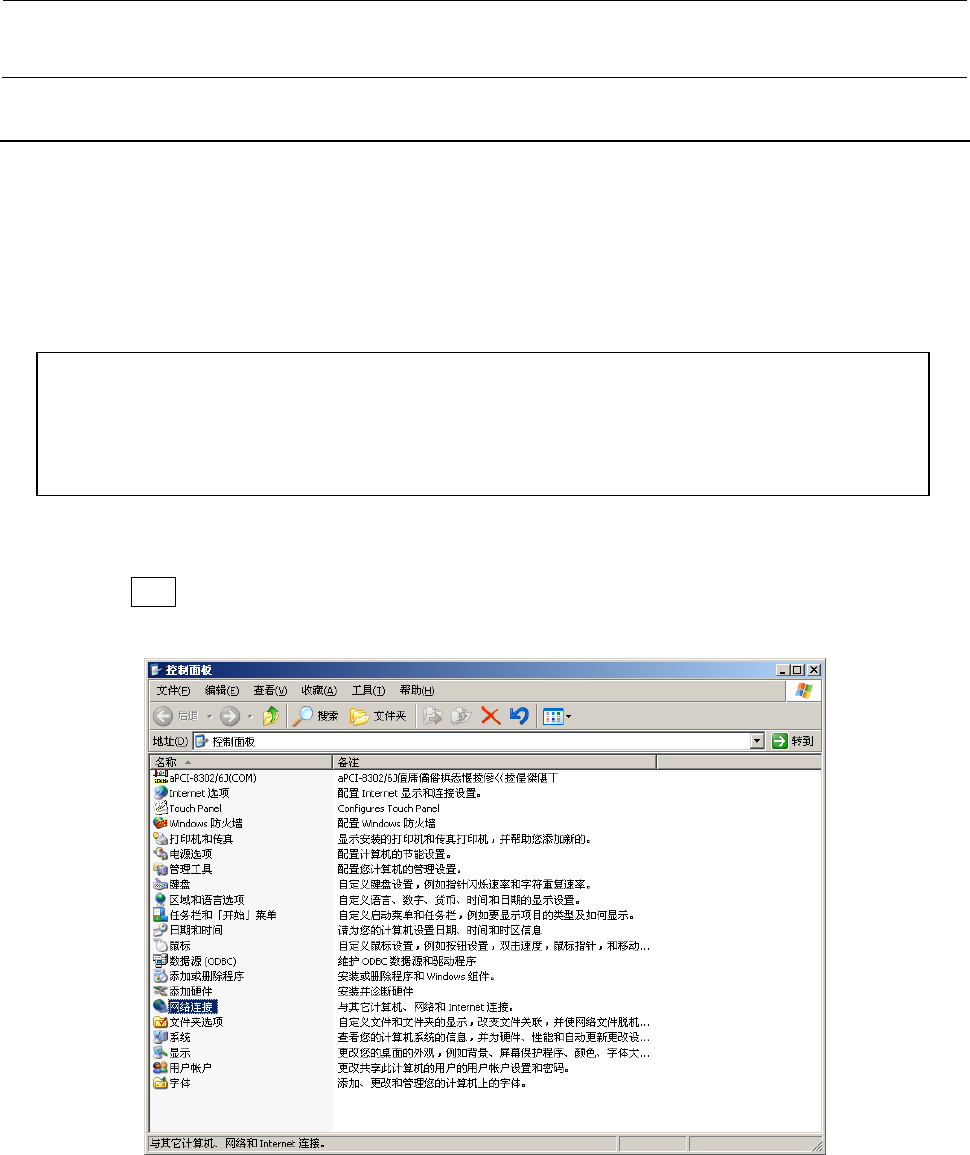
1) 选择 起动 按键,再选择[设定(S)]→[控制面板(C)]。
2) 请双击[网络连接]图标。
设置 TCP/IP 时的注意事项
关于 IP 地址。有公司内部规定时,请按照公司内的网络负责人的指示进行指定。
没有指定时,请设定 MI Line Optimizer
/生产支援系统的
其它的主机没有设定的号码
。
出厂时已设置为“
192.168.100.100
”,子网掩码“
255.255.255. 0
”。