1OM-1505-004_w.pdf - 第114页
1OM-1505 1. Automatic Operation : Chap.3 3-9 1.3.3 "AUTO OPN. >> MAIN" Window Procedure (1) Press the [AUTO OPN] button in the "T op" window . (The "AUTO OPN." window appears on the to…
1OM-1505
3-8
1. Automatic Operation : Chap.3
1002-002
1.3.2 Login Operation
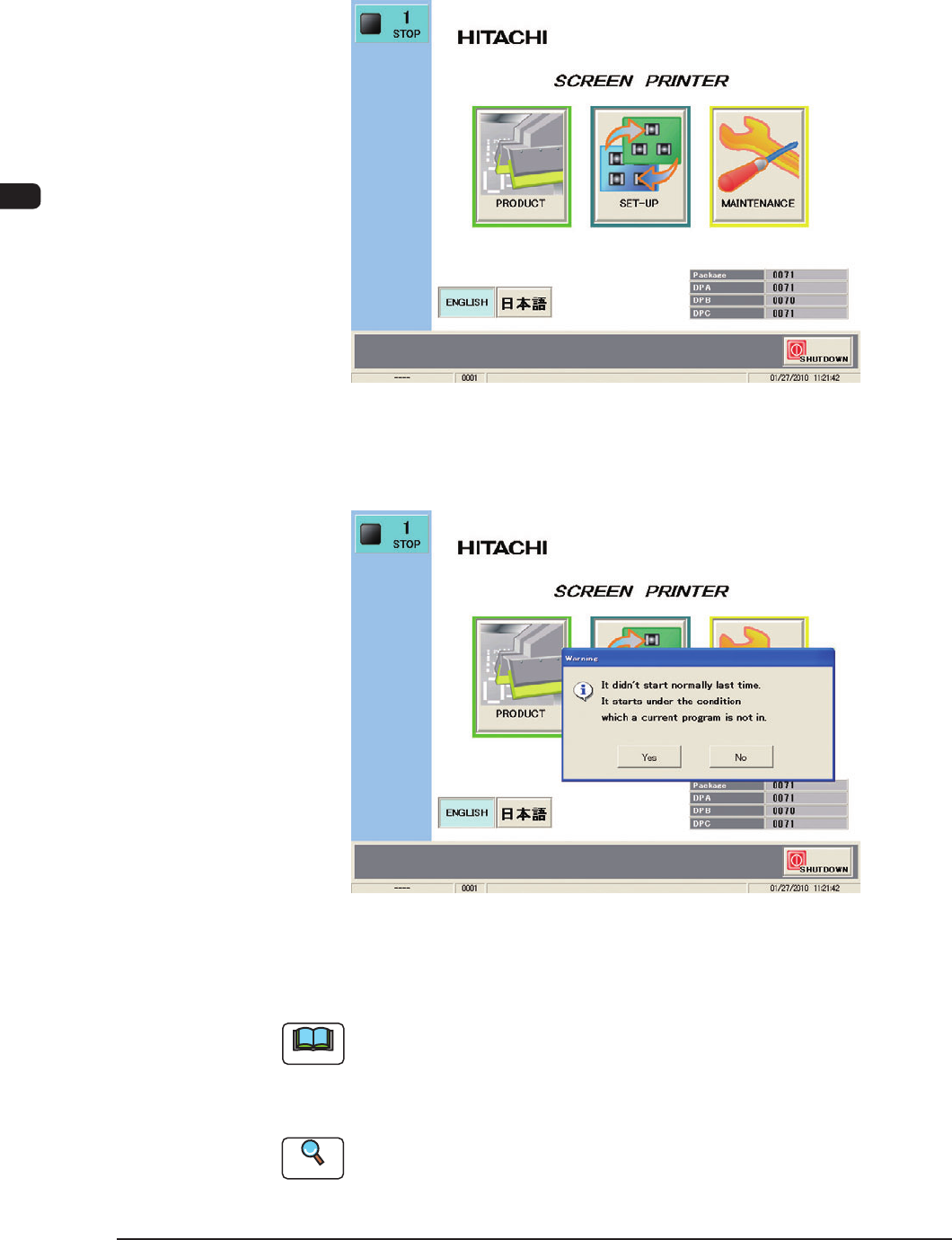
After the self-diagnostics program is completed, the [POWER ON] button turns
yellowish green and the "Top" window appears onthe touch screen.
F1C7
In the case that the startup operation was not performed normally last time, the
"Warning" window appears.
F1C8
When the [YES] button is pressed, the machine is started up under the condition
that the current pattern program has not been selected.
Note
In the case that there is an error in the current pattern program, pressing the [YES]
button might start up the machine normally.
In the case that the machine is not started normally, contact Sales Dept. of
Hitachi High-Technologies, or our sales agent.
Reference
Refer to "Chapter 3, 1.1 "Top" Window" for details.
1OM-1505
1. Automatic Operation : Chap.3
3-9
1.3.3 "AUTO OPN. >> MAIN" Window
Procedure
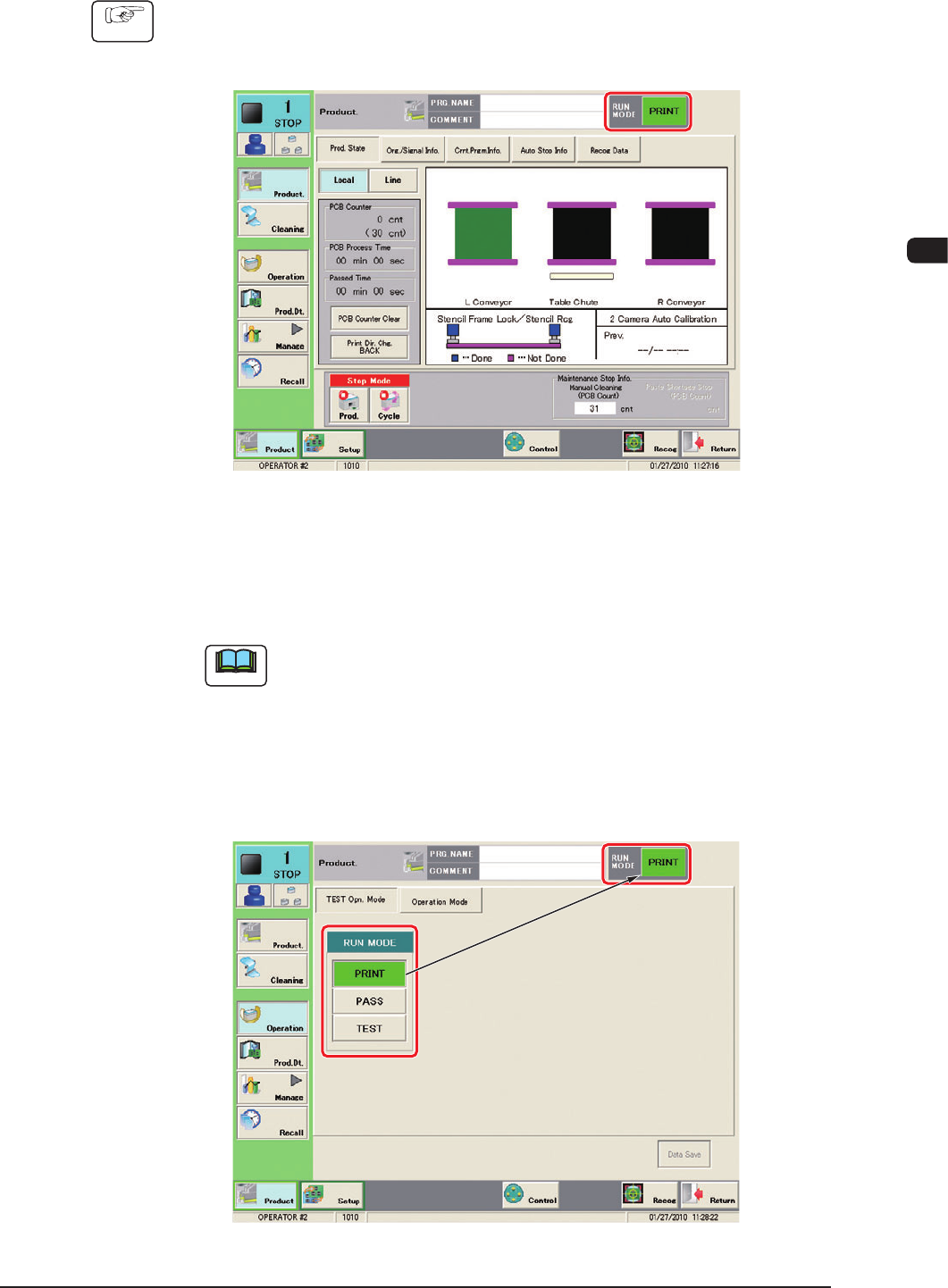
(1) Press the [AUTO OPN] button in the "Top" window.
(The "AUTO OPN." window appears on the touch screen.)
F1C9
(2) Press the [OPN MODE] button in the "AUTO OPN" window.
(The "Test Opn Mode" tab sheet appears as an initial page of the
"OPERATION" window.
Note
Pressing the [Run Mode] button can also display the "TEST Opn Mode"
tab sheet.
(3) Press the [PRINT] button in the "Run Mode" selection box.
(The "RUN MODE" displayed on the upper section of the tab sheet will be
changed to "PRINT".)
F1C10
1002-002
1OM-1505
3-10
1. Automatic Operation : Chap.3
1002-002
Note
In the case of the "PASS" operation, press the [PASS] button in the "TEST
Opn. Mode" tab sheet. The "PASS" operation mode passes a PCB through the
machine without printing (transfers the PCB to the output machine).
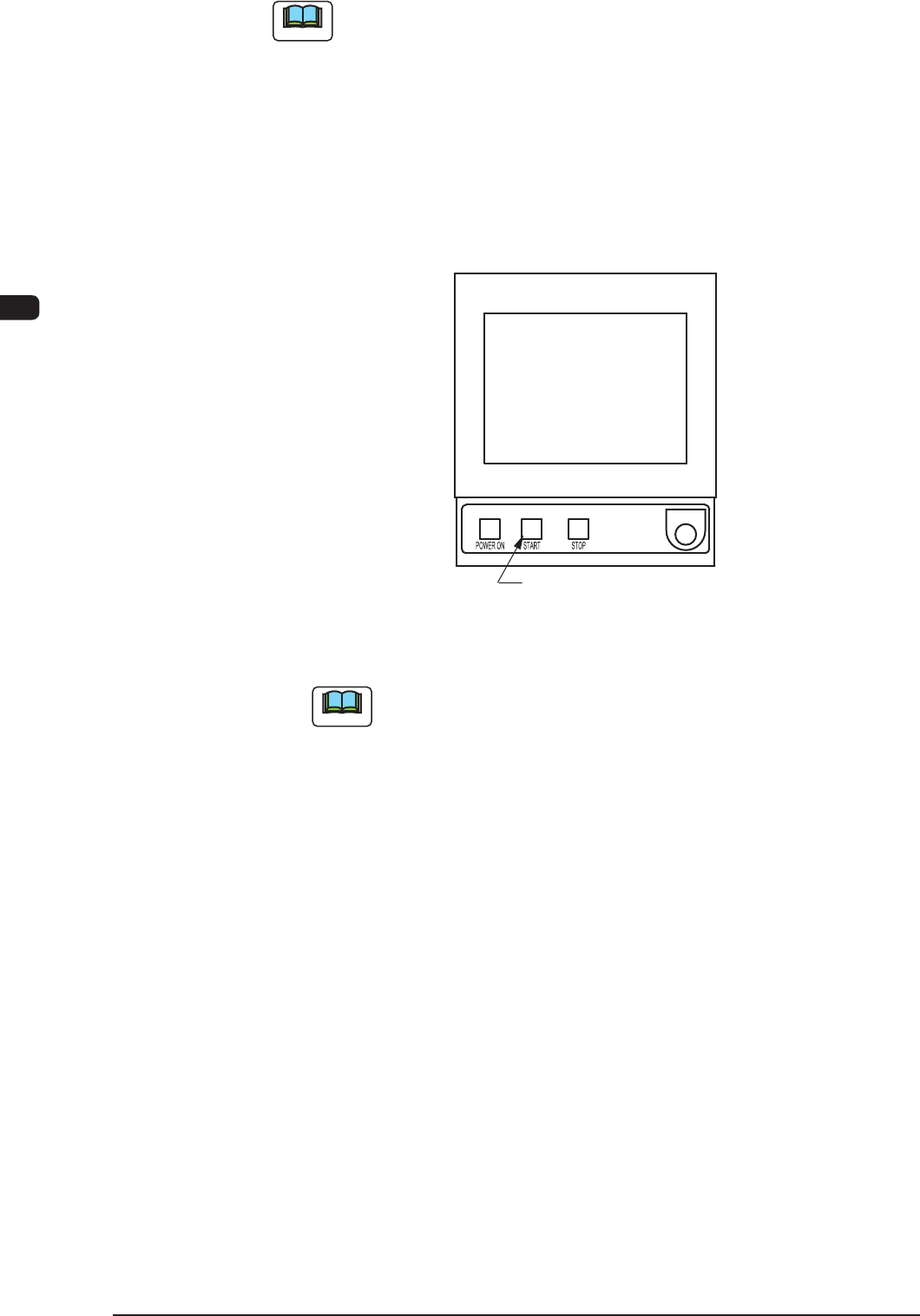
(4) Press the [START] button on the operation panel while it is flashing.
(The Automatic Operation (PRINT) will be started up and the [START]
button (green) on the operation panel and the green lamp on the tower light
are turned ON).
[START] Button
F1C11
Note
(a) In any window except for the "AUTO OPN" window, the [START]
button does not flush, so the machine can not be started up.
(b) In the case that a PCB has already been located on the PCB
positioning section, the PCB is discharged without printing.
(c) In the case that the zeroing operation has not been completed, the
zeroing operation is performed rst.