1OM-1505-004_w.pdf - 第129页
1OM-1505 0906-001 4-B

1OM-1505
0906-001 4-A
Chapter 4
Program Change Operation
This chapter describes how to perform a program change operation.
1. Outline of Program Change Operation
2. Preparation for Program Change Operation
3. Program Change Operation
4. Test Print and Automatic Operation

1OM-1505
0906-001 4-B
1OM-1505
1. Outline of Program Change Operation : Chap.4
4-1
1. Outline of Program Change Operation
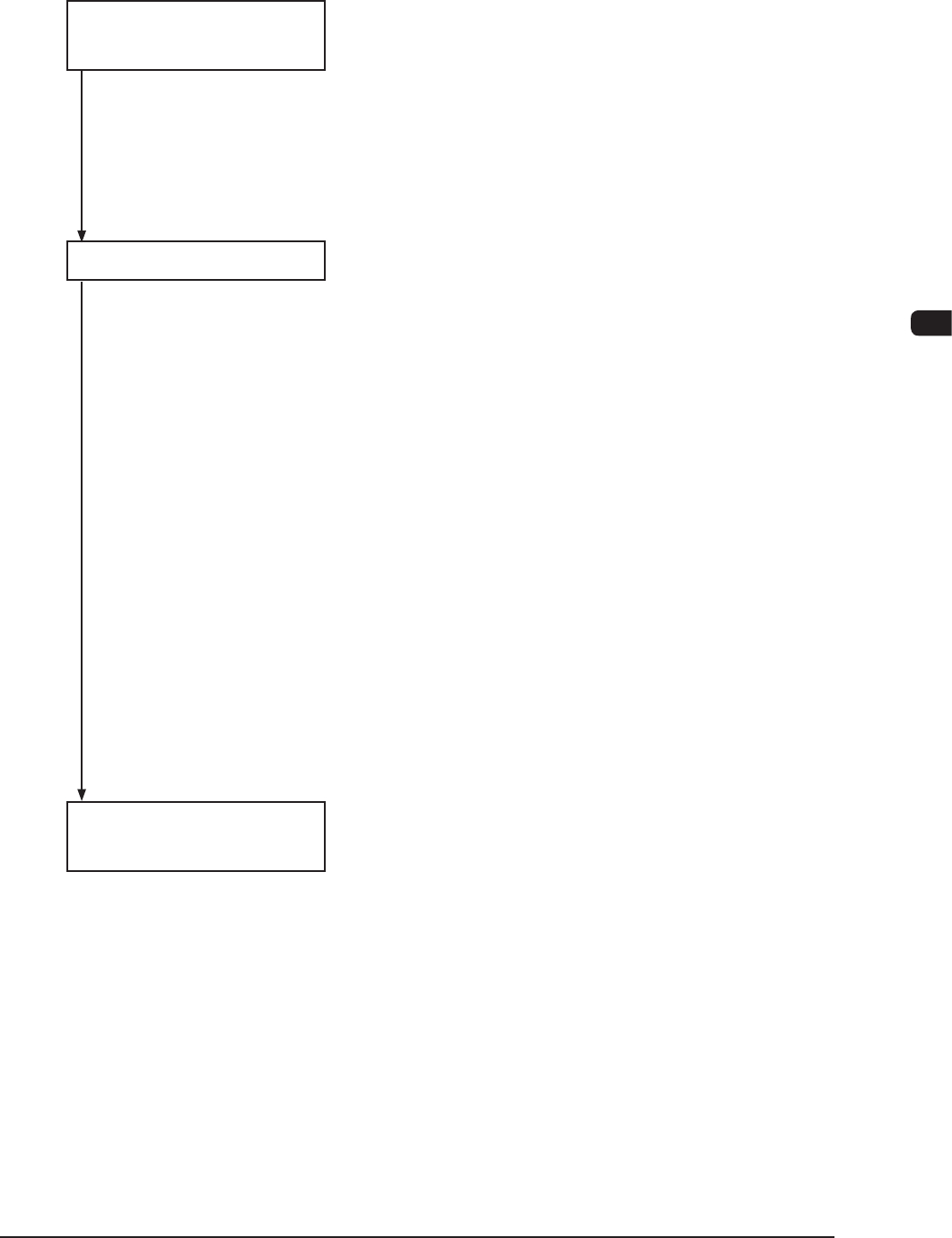
Follow the steps below to perform a program change operation.
Preparation for Program 2.1 Preparation of PCB Backup Jig or PCB
Change Operation Vacuum Jig
2.2 Stencil Preparation
2.3 Creation of Pattern Program for Production
Model
2.4 Registration of Pattern Program for Production
Model
Program Change Operation 3.1 Selection of Run Mode
3.2 Selection of Production Model
3.3 SETUP
3.4 Backup Pin Adjustment and PCB Backup Jig or
PCB Vacuum Jig Installation
3.4.1 In the case that the Backup Pins are used
3.4.2 I n the case that the PCB Backup Jig or PCB
Vacuum Jig is used
3.4.3 In the case that other jig is used
3.5 PEC Recognition Test
3.6 2Camera AUTO Calibration
3.7 Squeegee Attachment
3.8 Stencil Attachment
3.9 Stencil Recognition Test
3.10 Stencil Recognition
3.11 Inaccurate Position Correction
3.12 Solder Paste Replenishment
3.13 Paste Kneding
Test Print and 4.1 Test Print
Automatic Operation 4.2 Automatic Operation
F1D1
1002-002