1OM-1505-004_w.pdf - 第85页
1OM-1505 0906-001 2-B

1OM-1505
0906-001 2-A
Chapter 2
Operation Windows
This chapter describes the basic information required for operating
the machine, such as the system startup and shutdown procedures,
operation window congurations, operation environments, main menu
bar.
It is favorable that the operator of this machine has learned and acquired the
basic operation procedure for the Windows. There are a lot of guidebooks
describing about Windows, so it is recommended to read such books.
1. Startup
2. Operation Window
3. Data Input
4. Shutdown

1OM-1505
0906-001 2-B
1OM-1505
1. Startup : Chap.2
2-11002-002
1. Startup
Con rm that the machine is powered. After the con rmation, hold down the
[POWER ON] button for more than 1 second.
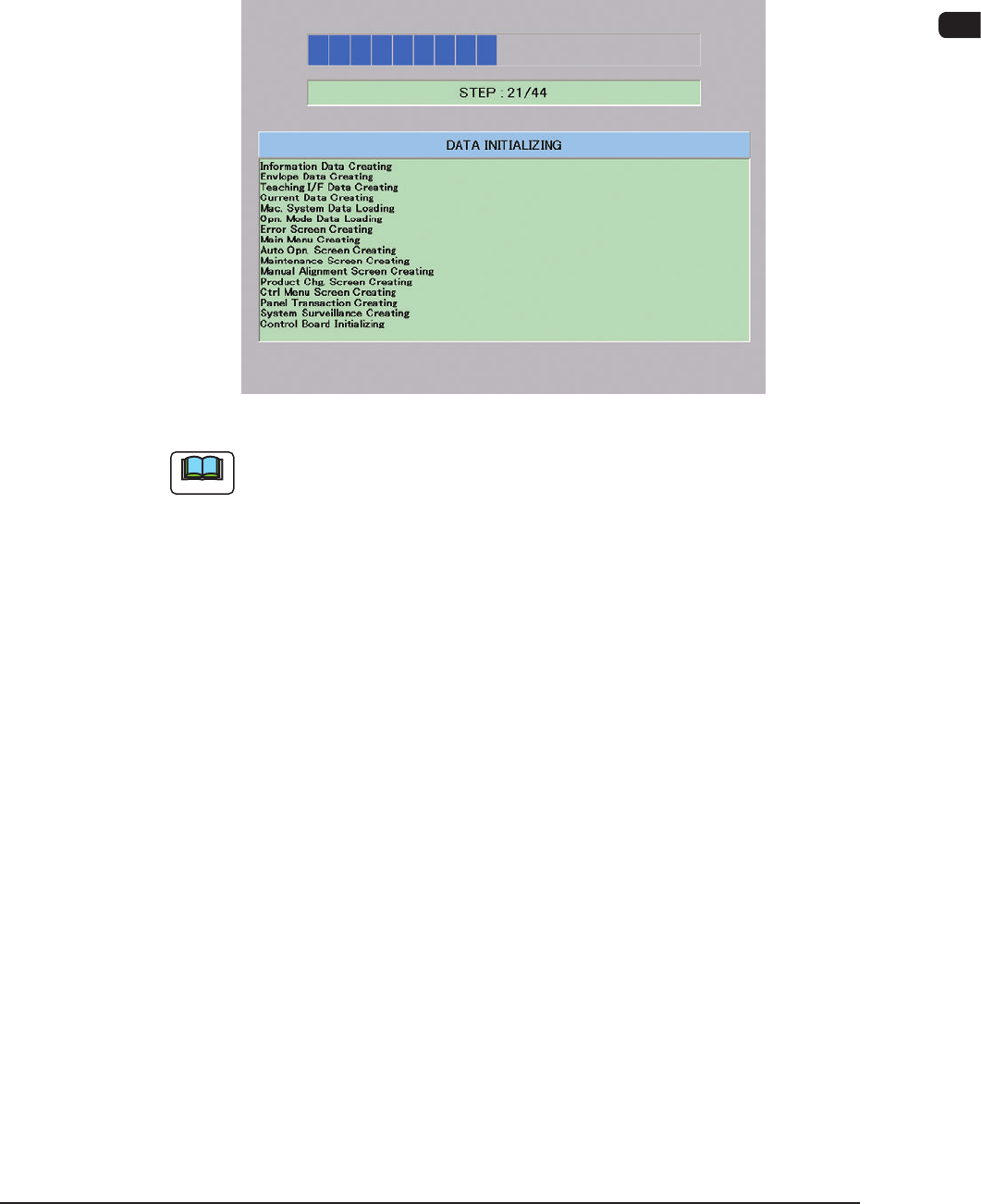
The [POWER ON] button illuminates in red, the system program starts, andthe
machine executes the self-diagnostics program.
"Self-Diagnostics (Data Initializing)" Window F1B1
Note
It takes about 2 to 3 minutes for the machine to make a self-diagnostics.
Please wait until another window appears.