DECAN_S2_Admin(Eng_Ver4.5).pdf - 第554页
18-1 Producti o n Information Management Chapter18. Production Information Management 18.1. Production Information Management [Pd. Info] Clicking the ‘Production Information’ submenu butt on of the ‘Production’ menu will…
18-1
Production Information Management
Chapter18. Production Information
Management
18.1. Production Information Management [Pd. Info]
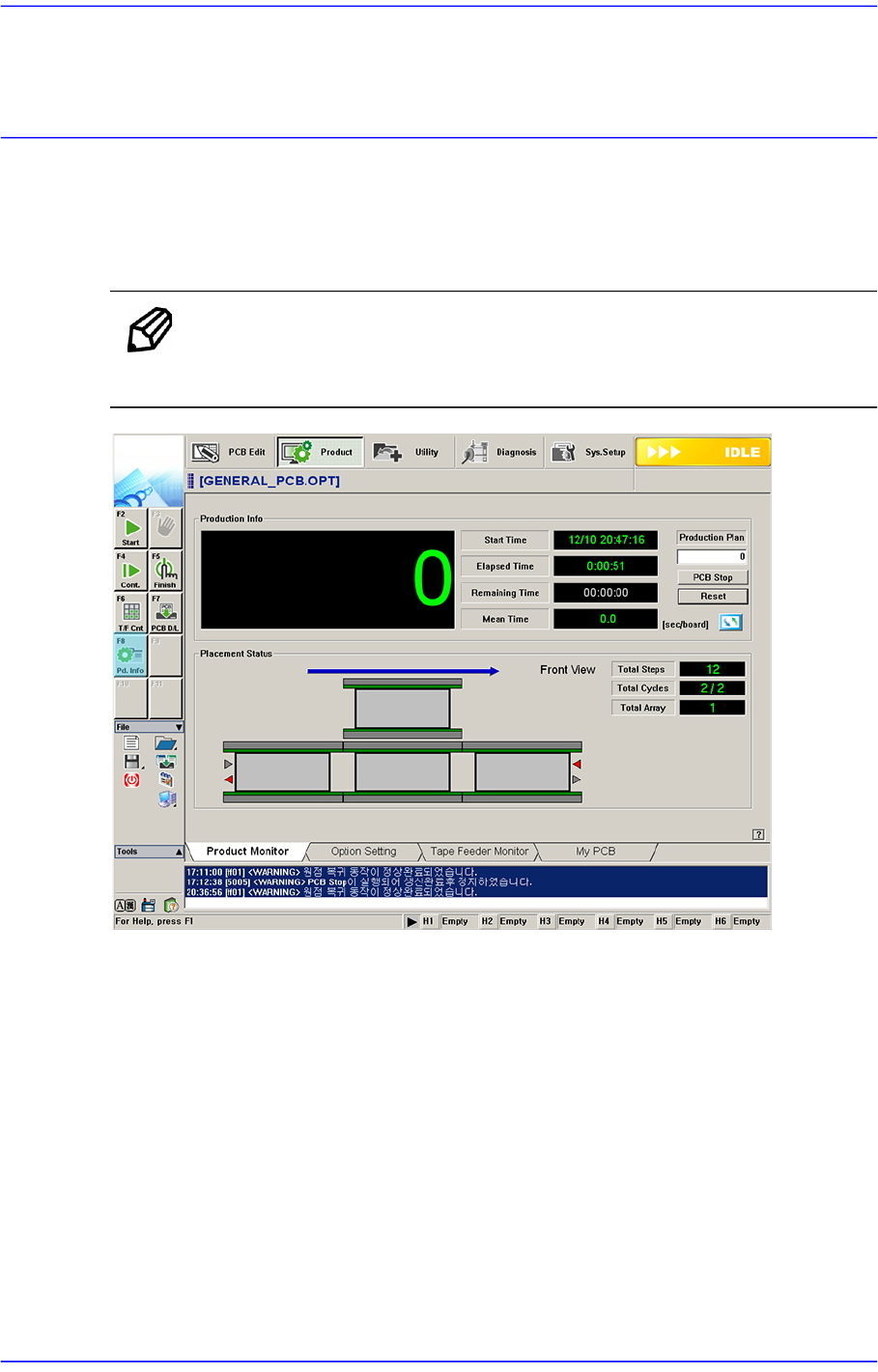
Clicking the ‘Production Information’ submenu button of the ‘Production’ menu will
display the following dialog box.
Memo The shape of the conveyor displayed on the screen may differ
depending on the option.
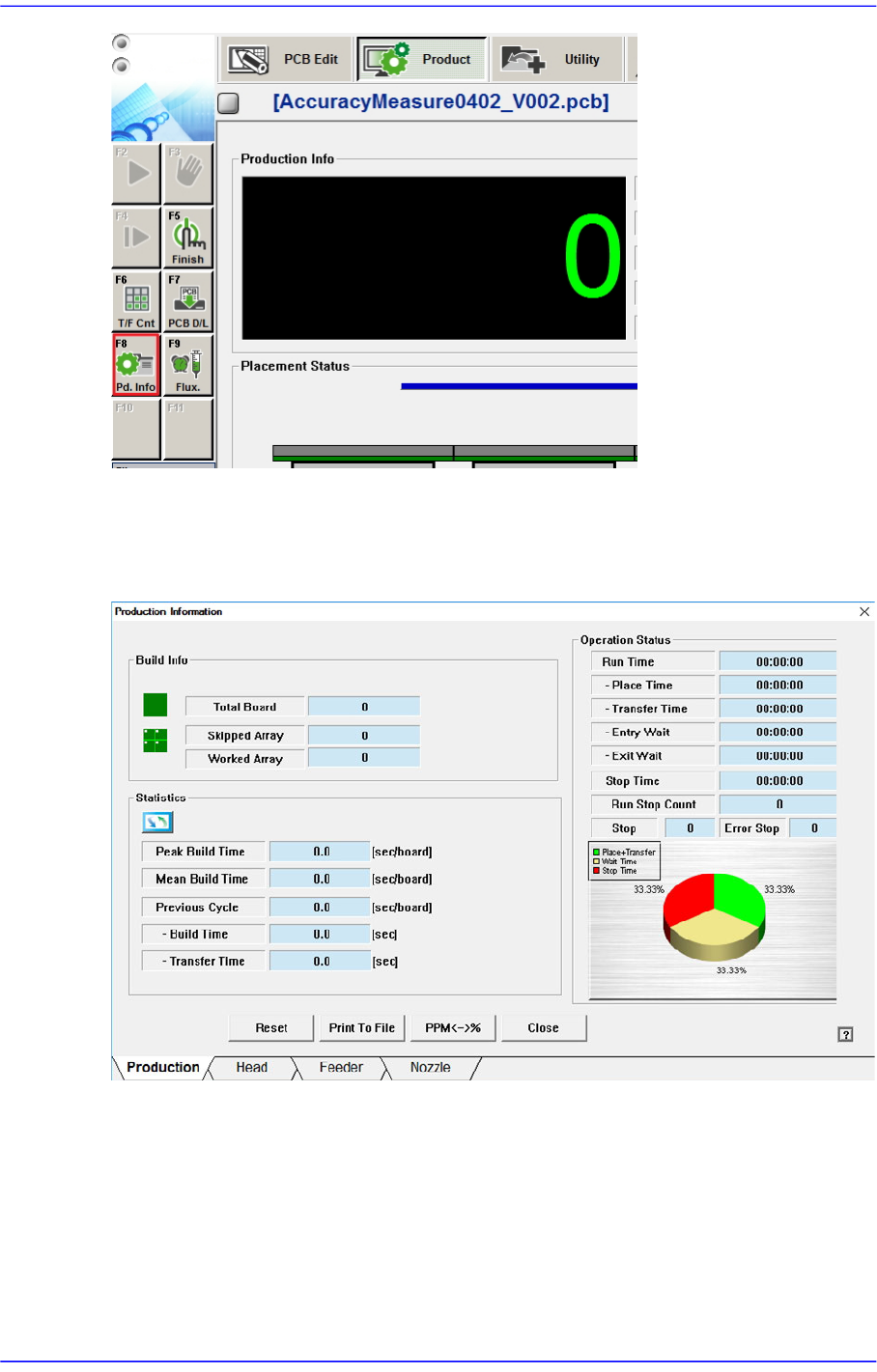
When “Plc. Info” submenu is clicked on, the following dialog box is displayed.
18-2
Advanced Chip Shooter DECAN S2 Administrator’s Guide
18.1.1. Product
Figure18.1 “Production” tab dialog
<Build Info> group
Indicate various information related to PCB production.
<Total Board>
Indicates the total number of produced PCBs.
<Skipped Array>
Indicates the total amount of PCB Arrays and PCBs that have been skipped as a