DECAN_S2_Admin(Eng_Ver4.5).pdf - 第59页
2-6 Advanced Chip Shooter DECAN S2 Admi nistra t or’s Guide Cancel Closes the d ialog box for the Board, Part, Feeder , and Step. Layout Indicates the sh a pe of PCB and placement posi tion of the parts. 2.1.2.2.2. T…
2-5
Structure of MMI Menu
2.1.2.2. Main Tool bar
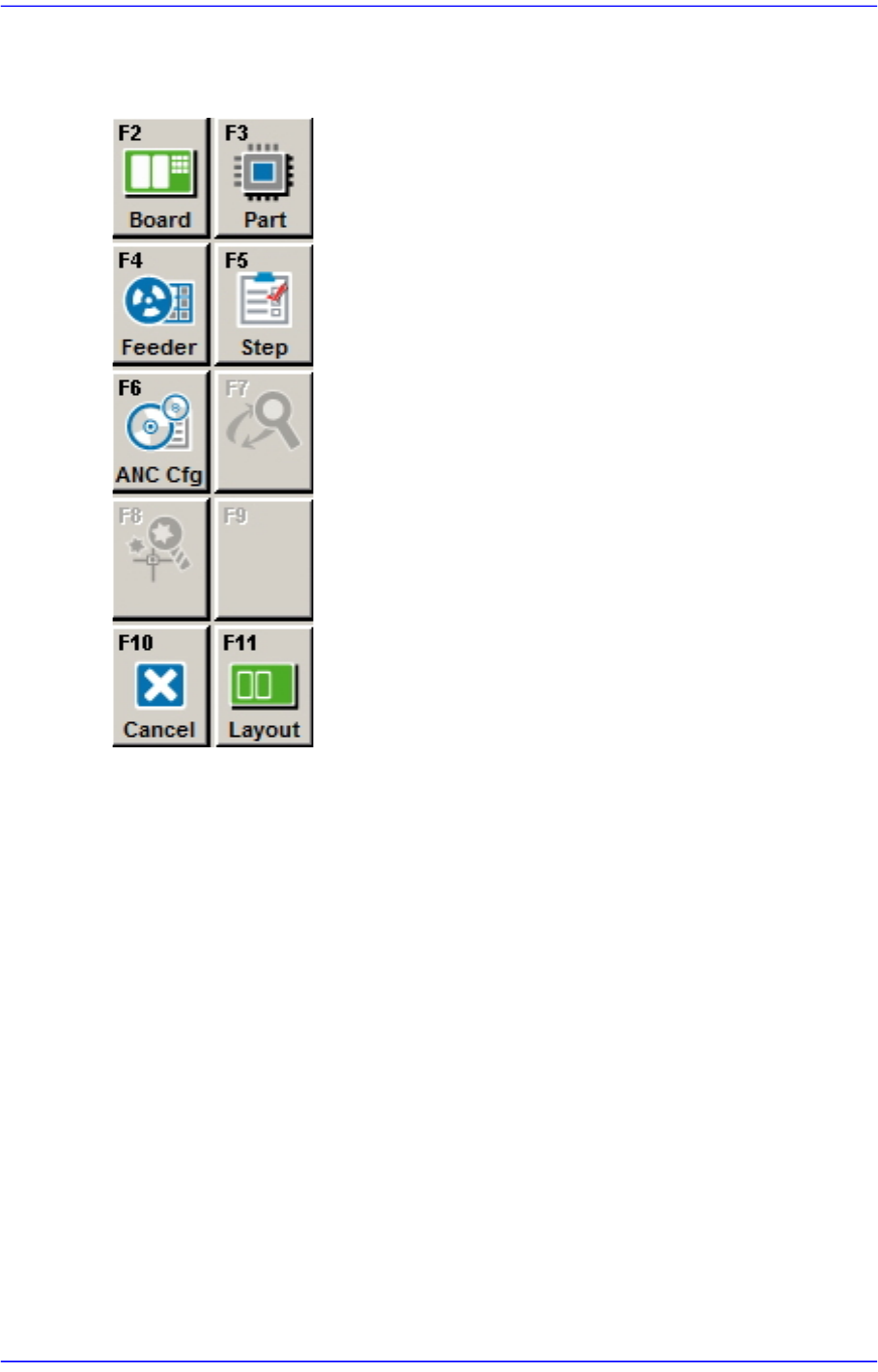
2.1.2.2.1. The sub menu tool-bars of the PCB Edit menu tool-bar
Board
Register various information on the board to be produced..
Part
Register various information about the components to be placed.
Feeder
Sets the data related to the Tape, Stick, and Tray Feeder.
Step
Defines the step for placement operation.
ANC Cfg
Displays the nozzle information in case the ANC setting of the current PCB file is
different from that of the current system.
Cycle
Checks the cycle by step.
Opti
Executes Optimizer..
2-6
Advanced Chip Shooter DECAN S2 Administrator’s Guide
Cancel
Closes the dialog box for the Board, Part, Feeder, and Step.
Layout
Indicates the shape of PCB and placement position of the parts.
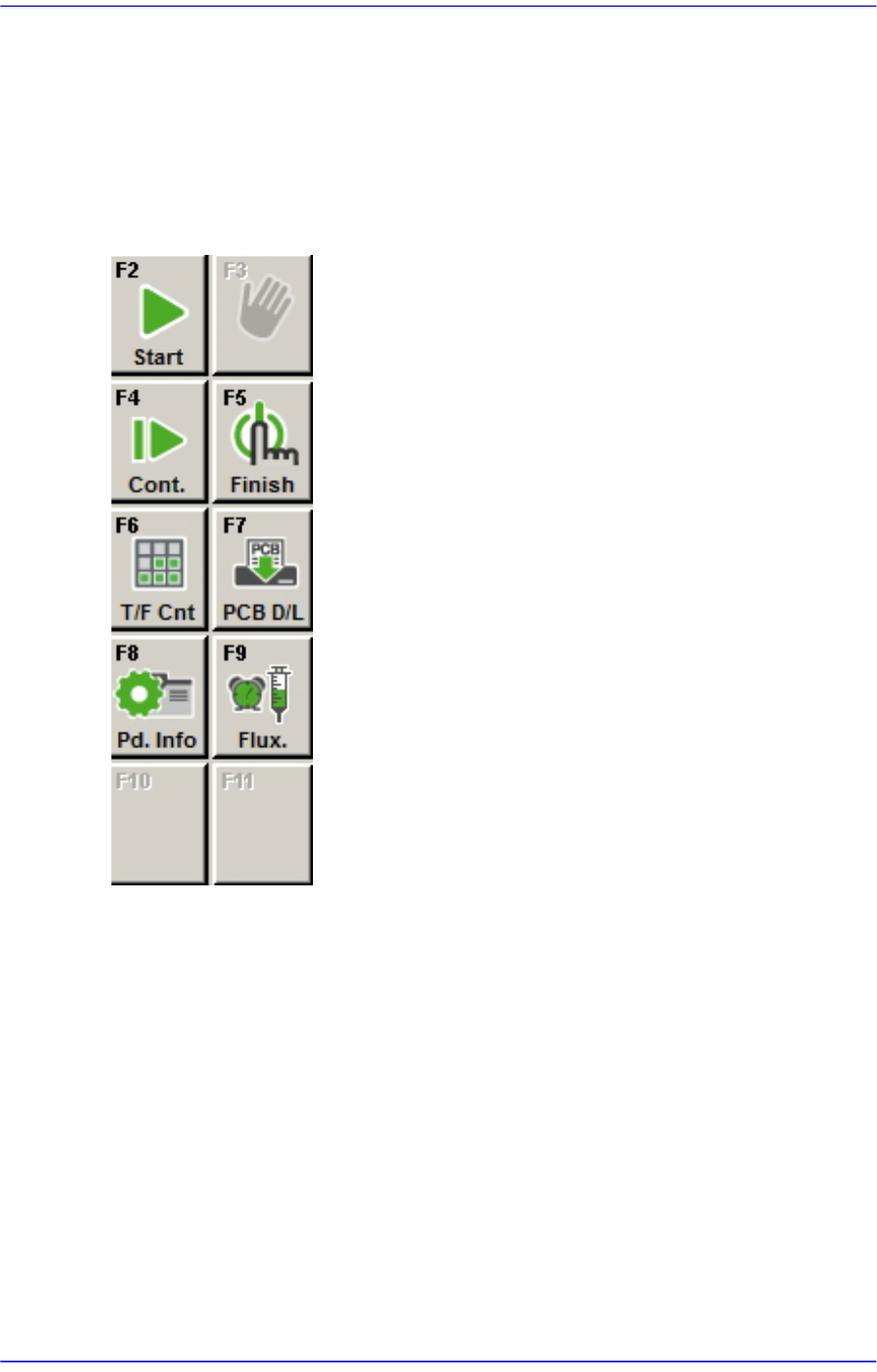
2.1.2.2.2. The sub menu tool-bars of the production menu tool-bar
Start
Starts operation after downloading PCB.
Stop
Stops operation.
Cont.
Continues previous operation..
Finish
Finishes the downloaded operation completely.
T/ F Cnt
Sets the position of the pocket to start picking up components from the Tray Feeder.
2-7
Structure of MMI Menu
PCB D/L
Transmits PCB operation data to the equipment. It is possible only when the
equipment status is ‘Finish’.
Pd. Info
Checks the number of pickups, placements, and pickup error rates by head, nozzle,
and feeder.
Flux
Perform setup for the warning message related to the operation of the flux module.
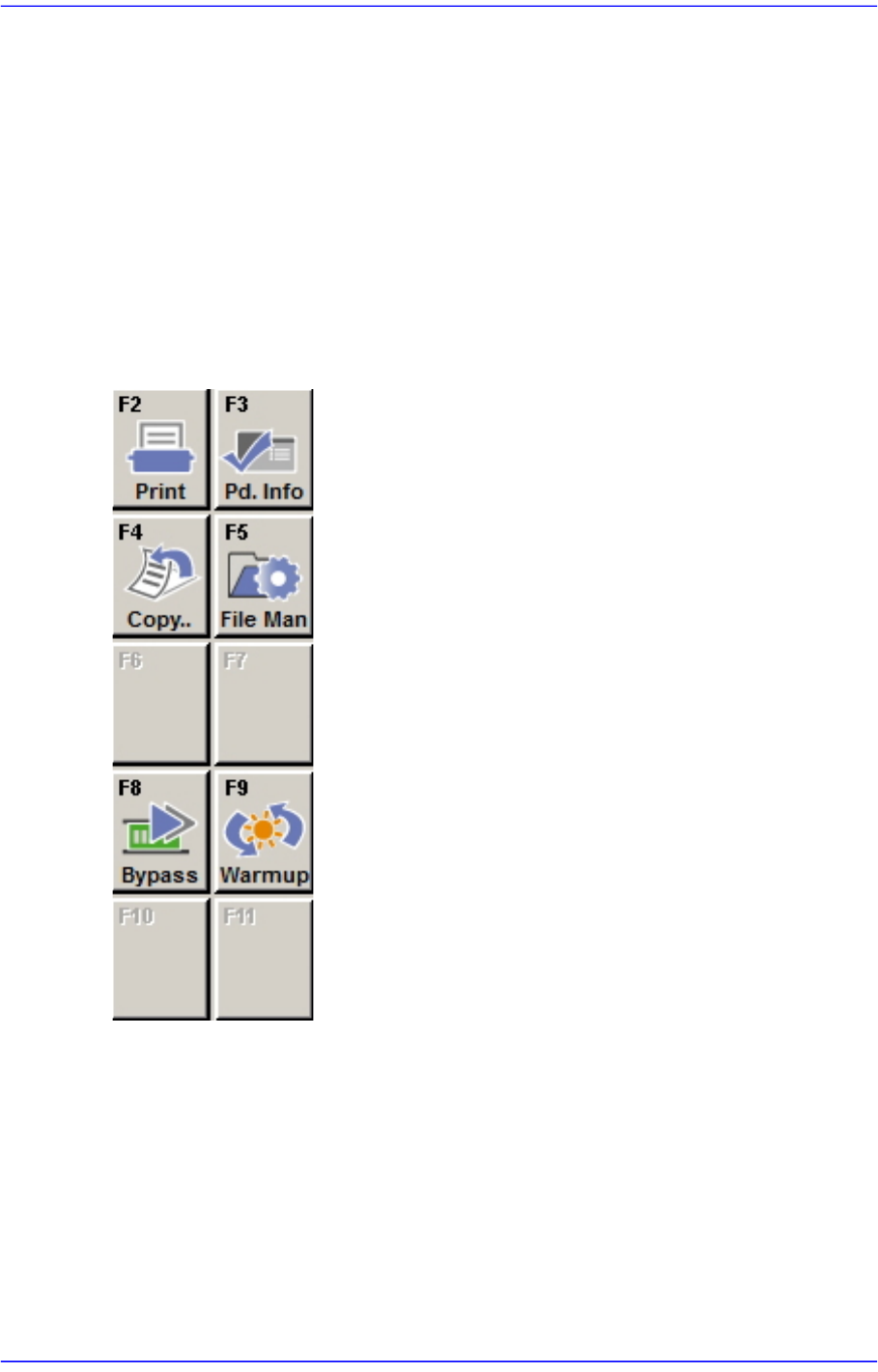
2.1.2.2.3. The sub menu tool-bars of the Utility menu tool-bar
Print
Used to print a PCB file or system data.
Pd. Info
Reports various production management data for the equipment(PCB information, and
Log information).
Copy ..
Use it to copy the existing PCB file data to other PCB files.