2OM-1751-003w_G5S.pdf - 第123页
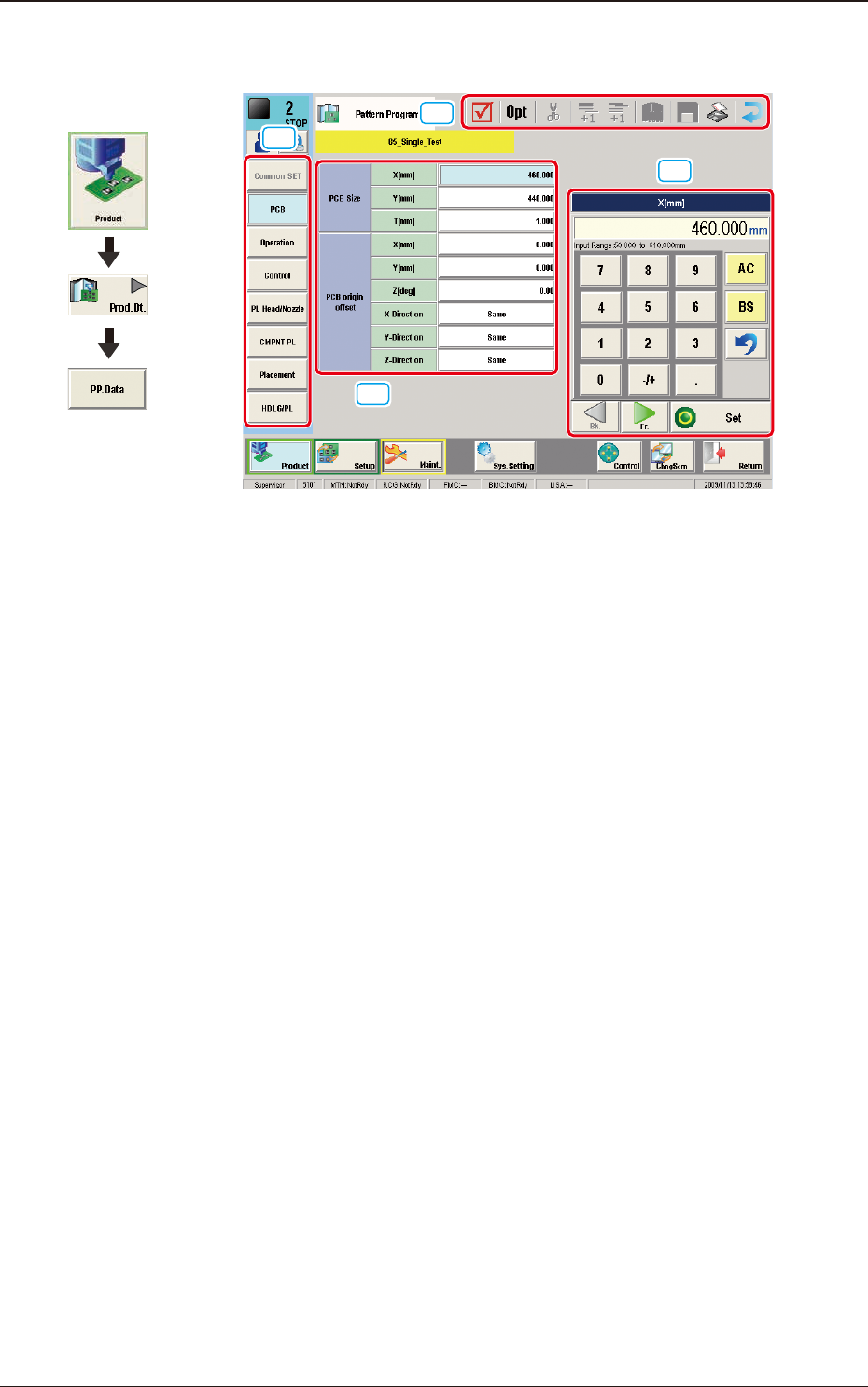
2OM-1751 2-1 1303-001 1. Outline of Pattern Program [1] [2] [3] [4] F2B1 Graphic Development 1. Outline of Pattern Program

2OM-1751
1303-001 2-B
2OM-1751
2-11303-001
1. Outline of Pattern Program
[1]
[2]
[3]
[4]
F2B1
Graphic
Development
1. Outline of Pattern Program
2OM-1751
2-21303-001
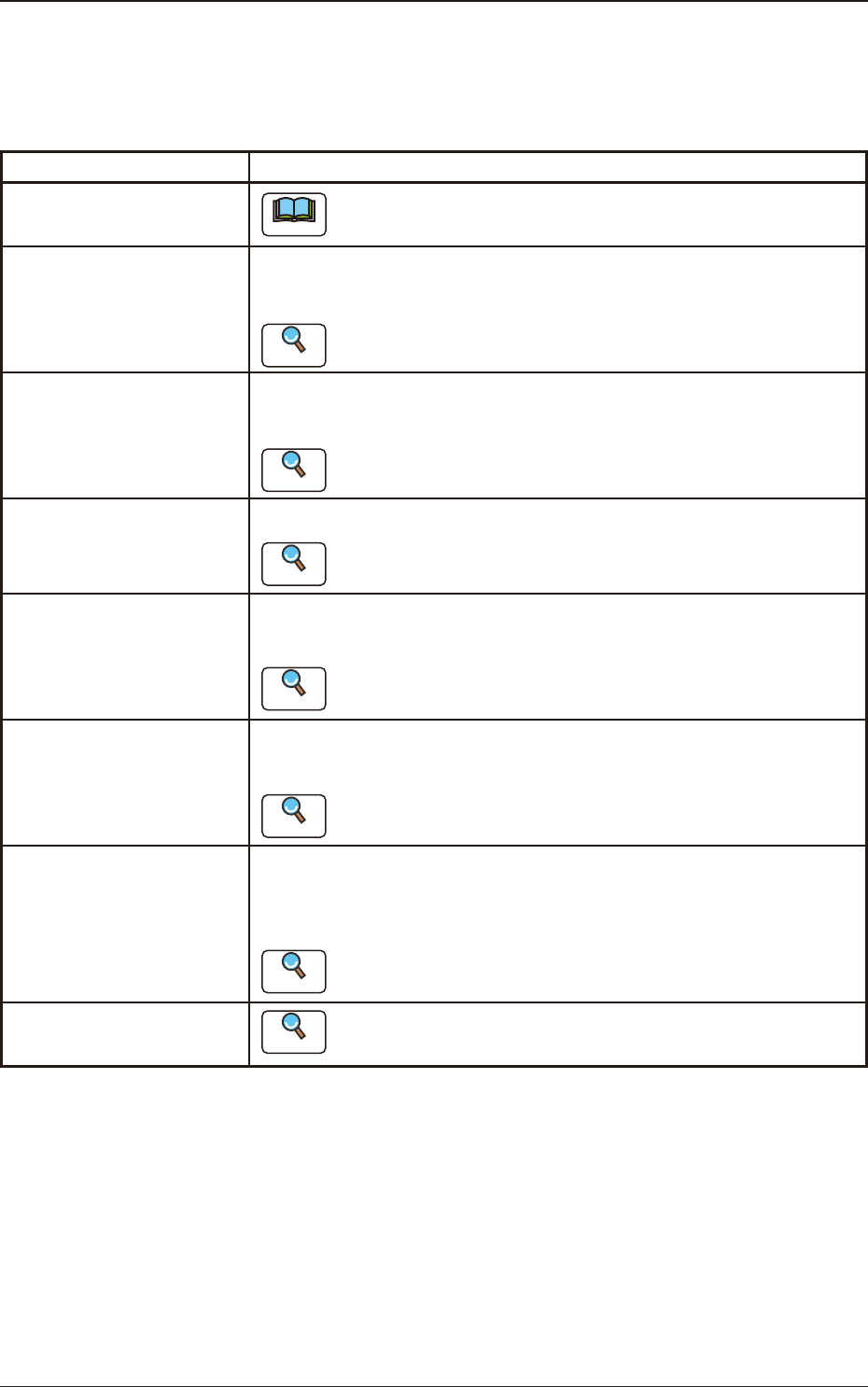
[1] Pattern Program Menu
The "Pattern Program Menu"window is provided with the following eight
menu items. When each button is pressed, the corresponding window
appears.
Windows Description
Common SET
Note
This window is used for dual transfer (Option).
PCB
Using these parameters, the PCB size and reference, etc. are set in this
window.
Reference
Refer to "3.2 PCB" for the details.
Operation
Using these parameters, the PEC recognition mark used in the PEC
recognition operation, is set in this window.
Reference
Refer to "3.3 Operation" for the details.
Control
Using these parameters, the automatic operation is controlled.
Reference
Refer to "3.4 Control" for the details.
PL Head/Nozzle
Using these parameters, the nozzle is placed on the specied position
(Placement Nozzle/Head No.) in the head.
Reference
Refer to "3.5 PL Head/Nozzle" for the details.
CMPNT PL
Using these parameters, the component IDs (component types) to be
arranged in each fdr No. (Feeder No.), are set.
Reference
Refer to "3.6 CMPNT PL" for the details.
Placement
Using these parameters, the components in the component arrangement
data are set to place them on the specied coordinate position and in the
specied direction.
Reference
Refer to "3.7 Placement" for the details.
HDLG/PL
Reference
Refer to "3.8 HDLG/PL" for the details.
T2B1
[2] Edited Data Display Area
The data items selected in the pattern program menu are displayed in this
area.
1. Outline of Pattern Program