2OM-1751-003w_G5S.pdf - 第264页
2OM-1751 5-8 1303-001 6.1 Recog Image List When the [SelectProgram/] button is pressed in the "RECOG IMAGE" window, the following window appears. [1] [2] [3] [4] [5] [6] [7] F2E8 [1] No. Shown are the saved rec…
2OM-1751
5-71303-001
[3] Displayed Item Change Button
[CompRcgView] Button
When pressed, the component recognized image is displayed.
[PECRcgView] Button
When pressed, the PEC recognized image is displayed.
[OtherRcgView] Button
When pressed, the other recognized images such as teaching, are displayed.
[4] Recognized Image Display Section
The saved recognized image data items are displayed in the four panes and
the images are displayed in order from the new one (Upper Left, Upper
Right, Lower Left and Lower Right in this order).
When the recognized image to be checked is selected, the recognized image
window appears.
Reference
Refer to "6.2 Recog Image Check Window" for the details of the "Recog
Image Window".
[Delete] Button
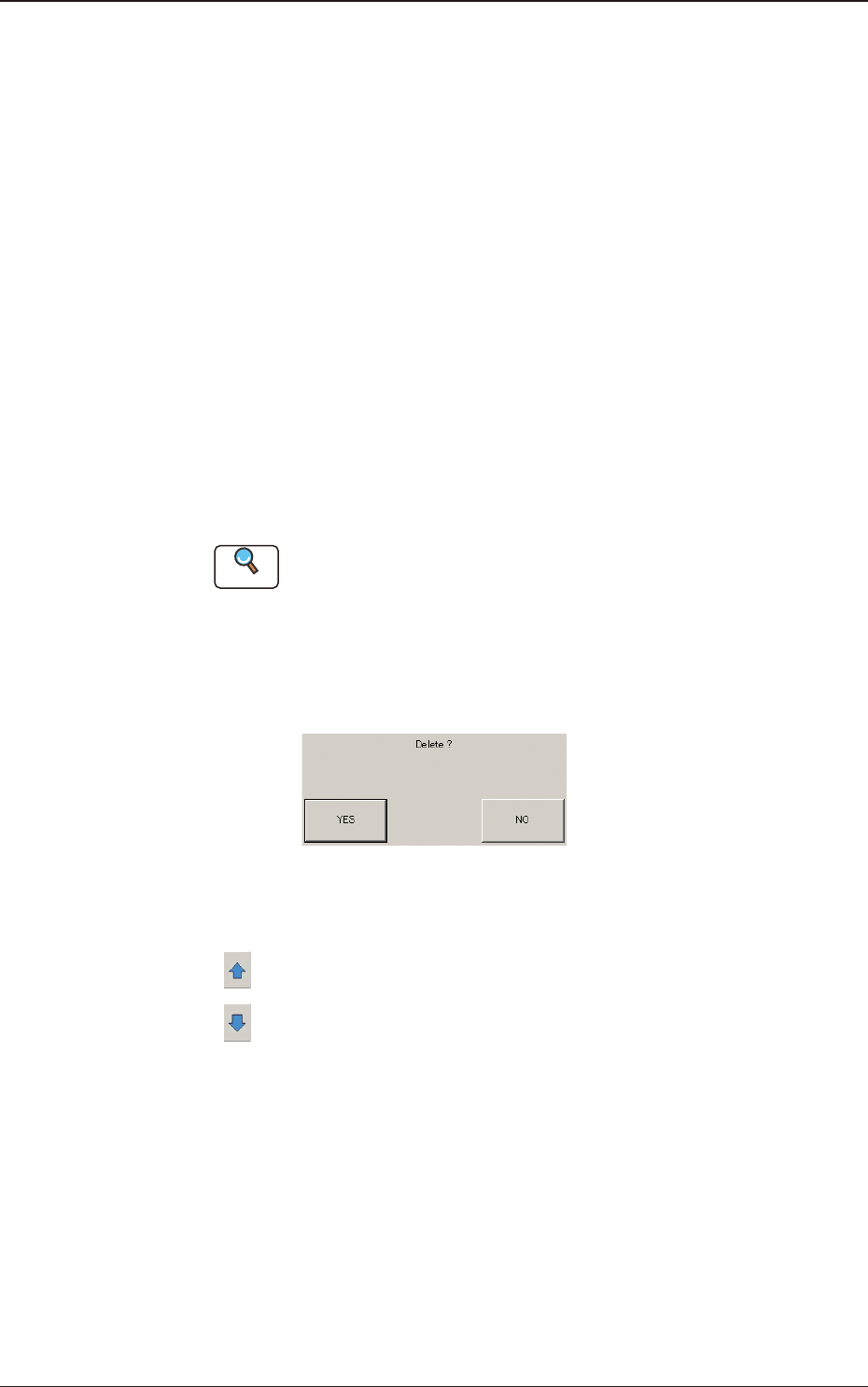
When the [Delete] button for the recognized image to be deleted, is pressed,
the deletion conrmation window appears.
F2E7
[5] Page Change Button
[
] : When pressed, the previous page appears.
[
] : When pressed, the next page appears.
6. "RECOG IMAGE" Window

2OM-1751
5-81303-001
6.1 Recog Image List
When the [SelectProgram/] button is pressed in the "RECOG IMAGE" window,
the following window appears.
[1] [2] [3]
[4]
[5]
[6]
[7]
F2E8
[1] No.
Shown are the saved recognized image Nos.
1 to 100
: The recognized images for the Component Recognition or PEC
Recognition for each pattern program are saved.
101
: The recognized images obtained in the Component Recognition
Test are saved.
102
: The recognized images obtained in the PEC Recognition Test are
saved.
103
: Other recognized images are saved.
104
: The recognized images obtained in the teaching results are saved.
[2] ProgramName/InspTest InspOther Teach
Shown are the pattern program names, items, etc.
[3] Files
Shown is the number of recognition images saved in "[1] No." pane.
[4] Page Change Button
[
] : When pressed, the previous page appears.
[
] : When pressed, the next page appears.
Graphic
Development
6.1 Recog Image List

2OM-1751
5-91303-001
[5] [Delete] Button
When this button is pressed, the recognized image is deleted.
When the No. for the recognized image to be deleted is selected and the
[Delete] button is pressed, the deletion conrmation window appears.
F2E9
[6] [OK] Button
When this button is pressed, the "RECOG IMAGE" window is returned and
the recognized image with the selected No. is displayed.
[7] [CANCEL] Button
When this button is pressed, the "RECOG IMAGE" window is returned.
6.1 Recog Image List