2OM-1751-003w_G5S.pdf - 第53页
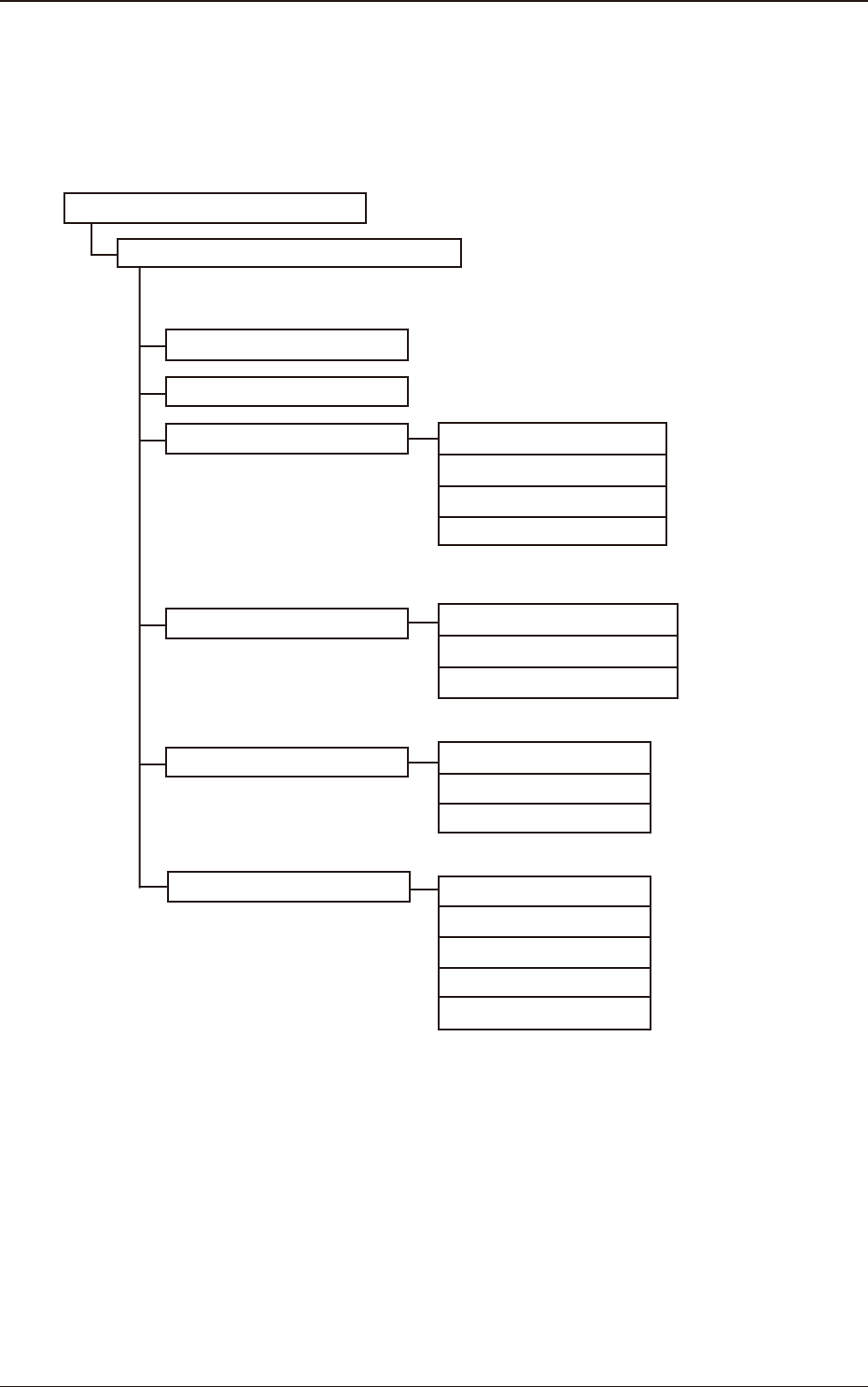
2OM-1751 1-1 1303-001 1. Outline of Menus for Automatic Operation The following shows the hierarchical structure of the menus (including the submenus and windows) for the automatic operation. "Product." Window …

2OM-1751
1303-001 1-B
2OM-1751
1-11303-001
1. Outline of Menus for Automatic Operation
The following shows the hierarchical structure of the menus (including the
submenus and windows) for the automatic operation.
"Product." Window
"Comp.Reload" Window
"OPERATION" Window
"Prod.Dt." Submenu
"Manage" Submenu
"Recall" Submenu
Run Mode Tab Sheet 4.1
Opr.Mode Tab Sheet 4.2
Test Mode Tab Sheet 4.3
Altn Mode Tab Sheet 4.4
PP.Data Chapter 2
Comp Lbry Chapter 3
Temp. Chng. Comp Lbry "2" in "Chapter 3"
Device Err "2" in "Chapter 5"
Comp Rcg Err "3" in "Chapter 5"
Comp Err(Sens) "4" in "Chapter 5"
Mach Info "5" in "Chapter 5"
Disp. Rcg Img dt "6" in "Chapter 5"
Mng.Dt "2" in "Chapter 4"
Cmt.PP.Mng.Dt "3" in "Chapter 4"
Msg Rate Data "4" in "Chapter 4"
Reference Item Nos.
Automatic Operation Main Menu Bar
2
3
F2A1
Menus for Automatic Operation
1. Outline of Menus for Automatic Operation
2OM-1751
1-21303-001
2. "Product" Window
2.1 Local Window
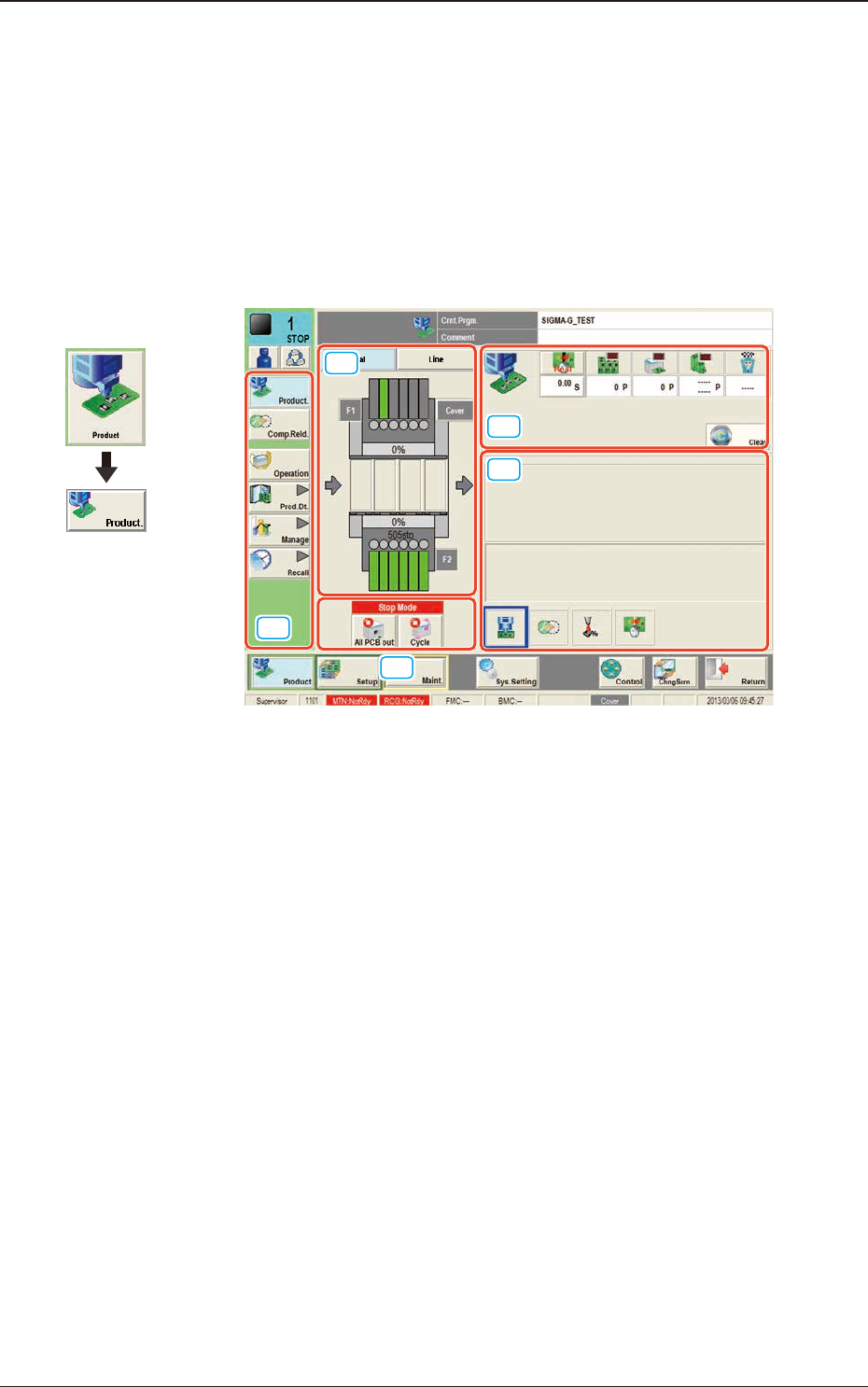
This window enables you to view the current operation status and production
condition such as the production model names (pattern program names), etc.,
and the information on the prospective number of nished PCBs and presumable
deterioration in the operation rate based on pickup errors, etc.
[1]
[3]
[4]
[5]
[2]
F2A2
Graphic
Development
2. "Product" Window