JO-072-006_w.pdf - 第49页
2-12 AKBEG-ID (2) After a few seconds, the [Master Setting] button appears. Fig. B16 (3) Press the [Master Setting] button and proceed to the registration of the master position (jig origin adjustment). Reference Refer t…
2-11
AKBEG-ID
2. How to start and end the system
2.1 Starting the Program
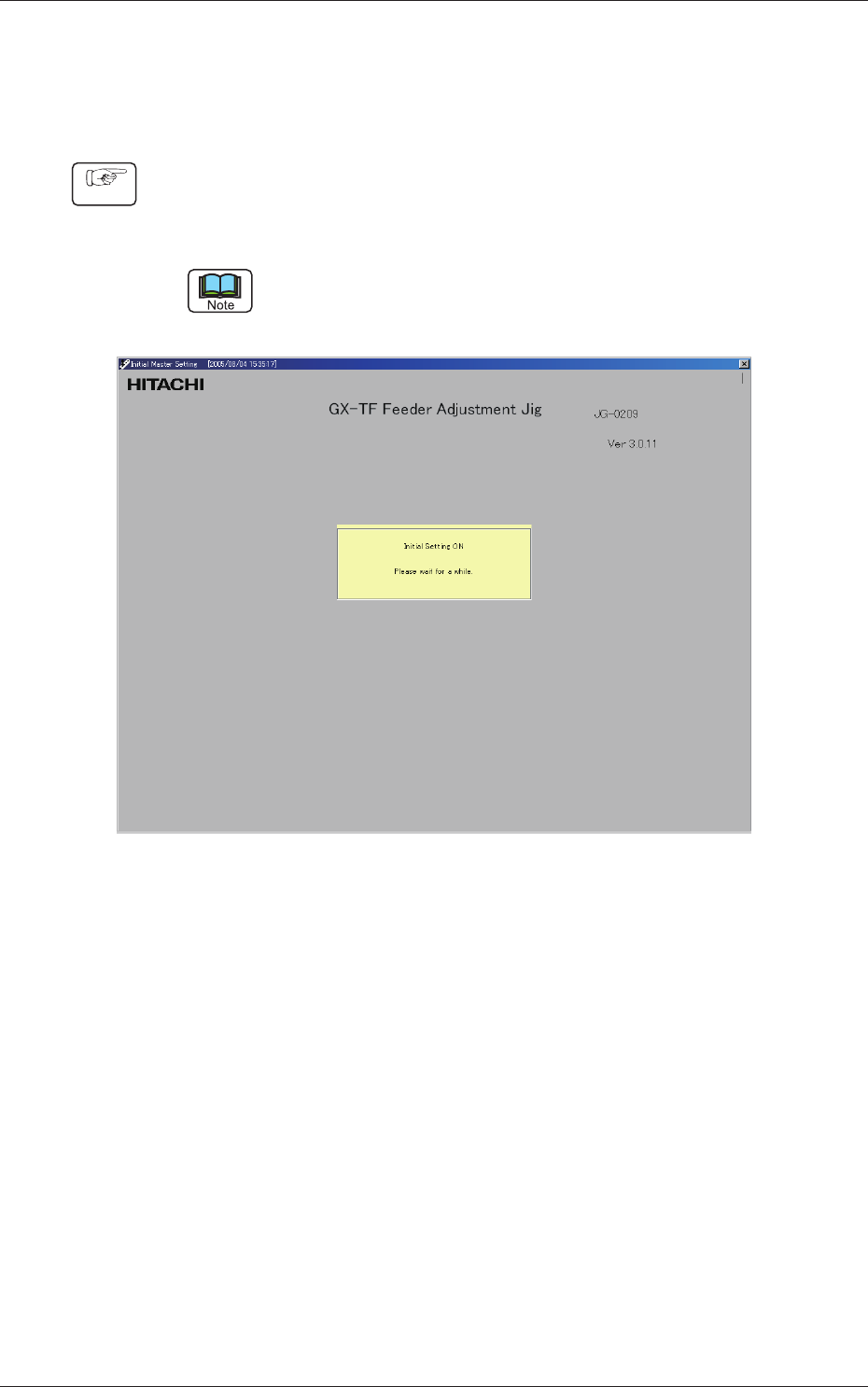
(1) Set the power switch of the electrical box to "ON" and start the personal
computer. The program starts up automatically and the "Initial Master
Setting" window opens.
The displayed name of the feeder adjusting jig is different from the actual one.
Fig. B15 "Initial Master Setting" Window
2. How to start and end the system
Procedure
0809-001
2-12
AKBEG-ID
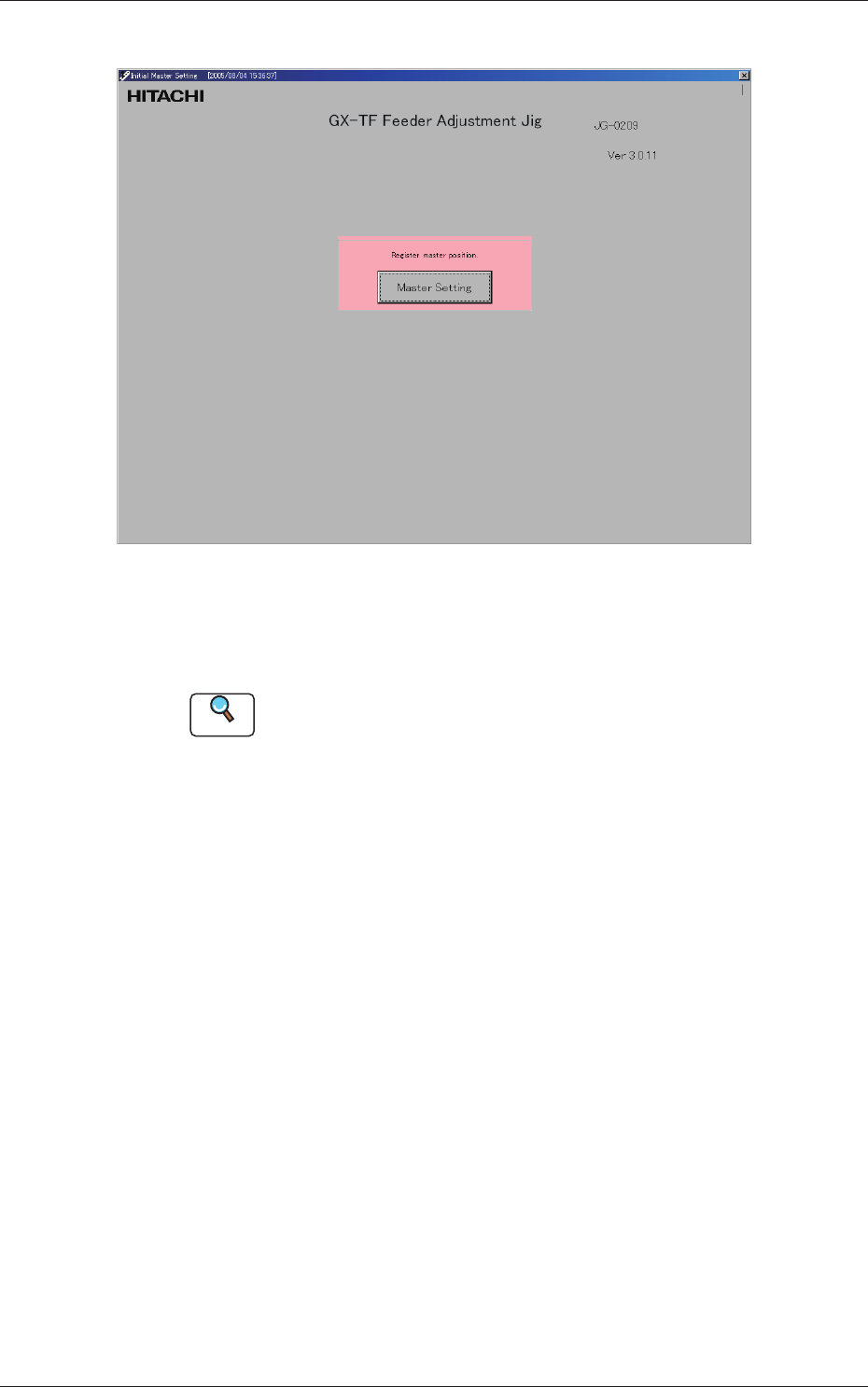
(2) After a few seconds, the [Master Setting] button appears.
Fig. B16
(3) Press the [Master Setting] button and proceed to the registration of the
master position (jig origin adjustment).
Reference
Refer to "1. Registration of Master Position (Jig Origin Adjustment)" in "Section
4" for how to adjust the jig to the origin position.
2.1 Starting the Program
0809-001
2-13
AKBEG-ID
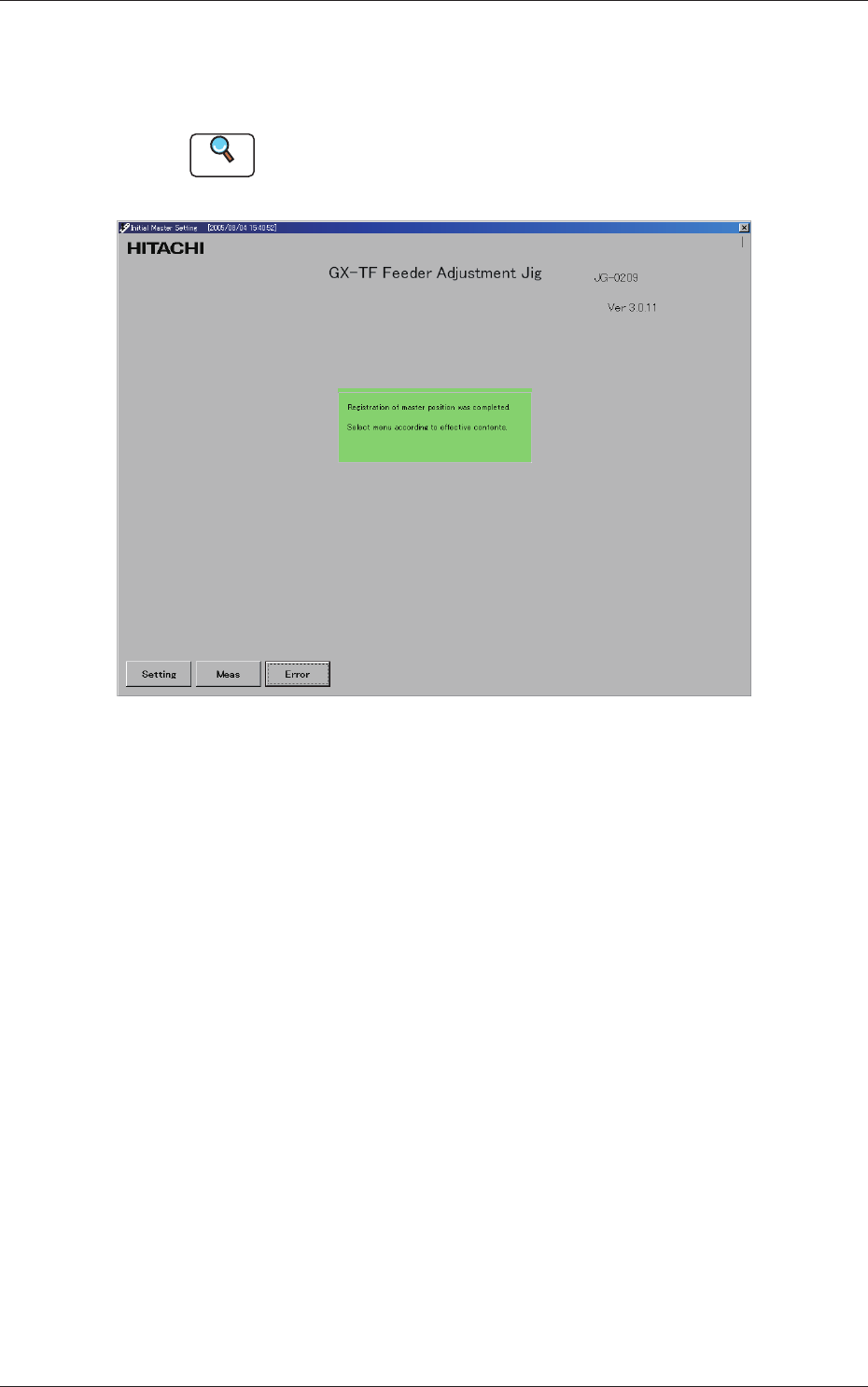
(4) After the registration (jig origin adjustment) of the master position is
completed, the following window opens, enabling you to perform a
feeder measurement.
Reference
Refer to "2. Feeder Measurement" in "Section 4" for how to measure a feeder.
Fig. B17
0809-001
2.1 Starting the Program