JO-072-006_w.pdf - 第53页
3-B AKBEG-ID 0508-001

3-A
AKBEG-ID
0508-001
Section 3
Description of Windows
This section describes the details of each window.
•
Administrative Authority Change
•
Set Data Change
•
"Type Listup" Window
•
"Type Setting" Window
•
"System Setting" Window
•
"Measurement" Window
•
"Errors" Window

3-B
AKBEG-ID
0508-001
3-1
AKBEG-ID
0508-001
1. Administrative Authority Change
1. Administrative Authority Change
"Administrative Authority" is required to change the system data and the
settings of type data, etc., excluding some of the items.
Authority Level
Three authority levels are available in this program.
•
Administrator
:
System Administrator
•
Power User :
Component Type Manager
•
User :
Operator (Default)
The authorities as "Administrator" and "Power User" are managed by
passwords.
Restrictions by Authority
•
Administrator
Authority is given to change all settings.
•
Power User
Authority is given to change the user and type data.
•
User (Default)
Authority is given to select component types and change the items related
only to "Master Settings".
1.1 Authority Change
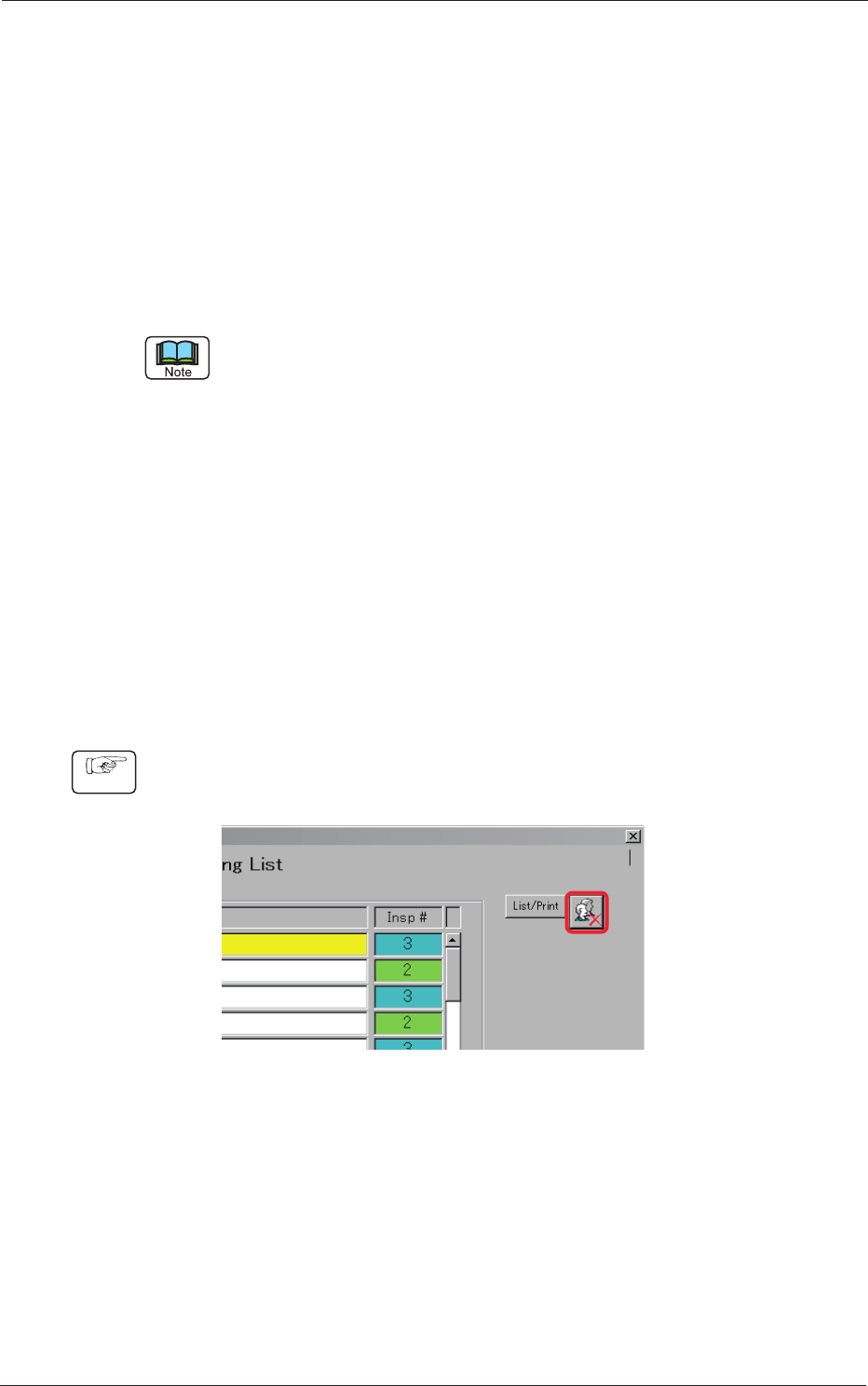
(1) Press the [Authority Setting] button located on the upper right corner of
the "Type Listup" window.
Fig. C1
Procedure