00195440-05-SG_D-Series_FSE-EN.pdf - 第241页
14 SITEST 14.1.1 Starting/Terminating the Test Program 14.1 Overview SITEST Student Guide SIPLACE D-Series (FSE) 241 14 1 4 S I T E S T SITEST 14.1 1 4 . 1 O v e r v ie w S I T E S T Overview SITEST SITEST is a program f…
13 Head Modularity
13.6 Room for Your Sketches and Notes
240 Student Guide SIPLACE D-Series (FSE)
14 SITEST
14.1.1 Starting/Terminating the Test Program 14.1 Overview SITEST
Student Guide SIPLACE D-Series (FSE) 241
14
14 SITEST
SITEST
14.1
14.1 Overview SITEST
Overview SITEST
SITEST is a program for testing the various functions of individual assemblies in the SIPLACE machines.
▪ General SITEST functions
▪ Functions for machine settings
▪ Functions for setting the dynamics of the axes
▪ Calibration functions
▪ Mapping functions
You can execute these functions using SITEST. You will find information on how to do this and details
on the interfaces in this chapter, software instruction for SITEST and by using the online Help function
while working with SITEST. In addition, you will find a number of practical examples described in the on-
line Help system.
14.1.1
14.1.1 Starting/Terminating the Test Program
Starting/Terminating the Test Program
14.1.1.1
14.1.1.1 Starting
Starting
► In the station software, switch over to the operator level for service technicians. The SITEST button
will be activated.
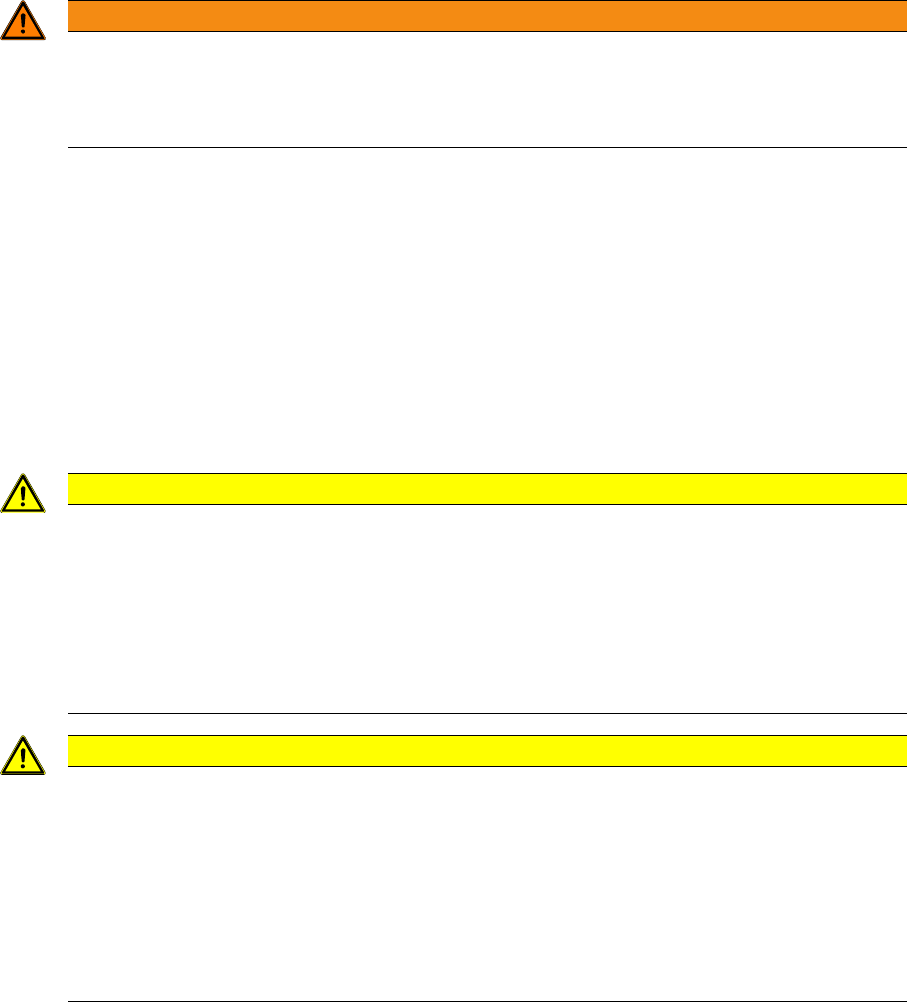
WARNING
Art und Quelle der Gefahr
The SITEST test program may only be used by ASM Assembly Systems GmbH & Co. KG staff
or specially trained customer personnel. Improper use of this test program will result in severe
damage to the machine and will pose a hazard to the operating personnel.
CAUTION
Art und Quelle der Gefahr
SITEST is a special station SW tool, which gives you access to the machine data needed for
placement.
SITEST allows you to perform individual function tests which are used in normal operation, in
combination with other functions and security queries.
► Before you open the protective hoods and manually intervene in the system (e.g. moving
the gantry), always stop any continuous functions in the test SW.
CAUTION
NEVER just switch the machine off!
Never just switch the machine off in SITEST. There will be machine-relevant data open for al-
teration and you will not be able to judge which write actions are still being or have not yet been
performed in these files.
Furthermore, each SIPLACE machine with SW version 603 or higher has 2 Windows XP sys-
tems (station computer and machine controller), which could be damaged.
► ALWAYS use the shutdown menu on the station user interface or in Windows XP Programs
– SIPLACE - Shutdown ALL.
14 SITEST
14.1 Overview SITEST 14.1.1 Starting/Terminating the Test Program
242 Student Guide SIPLACE D-Series (FSE)
14.1.1.2
14.1.1.2 Terminating the Program
Terminating the Program
There are three ways of properly terminating the test program, i.e. either
▪ Via the Mode menu and the menu item Exit,
▪or via the ESC
▪ button or by proceeding as follows:
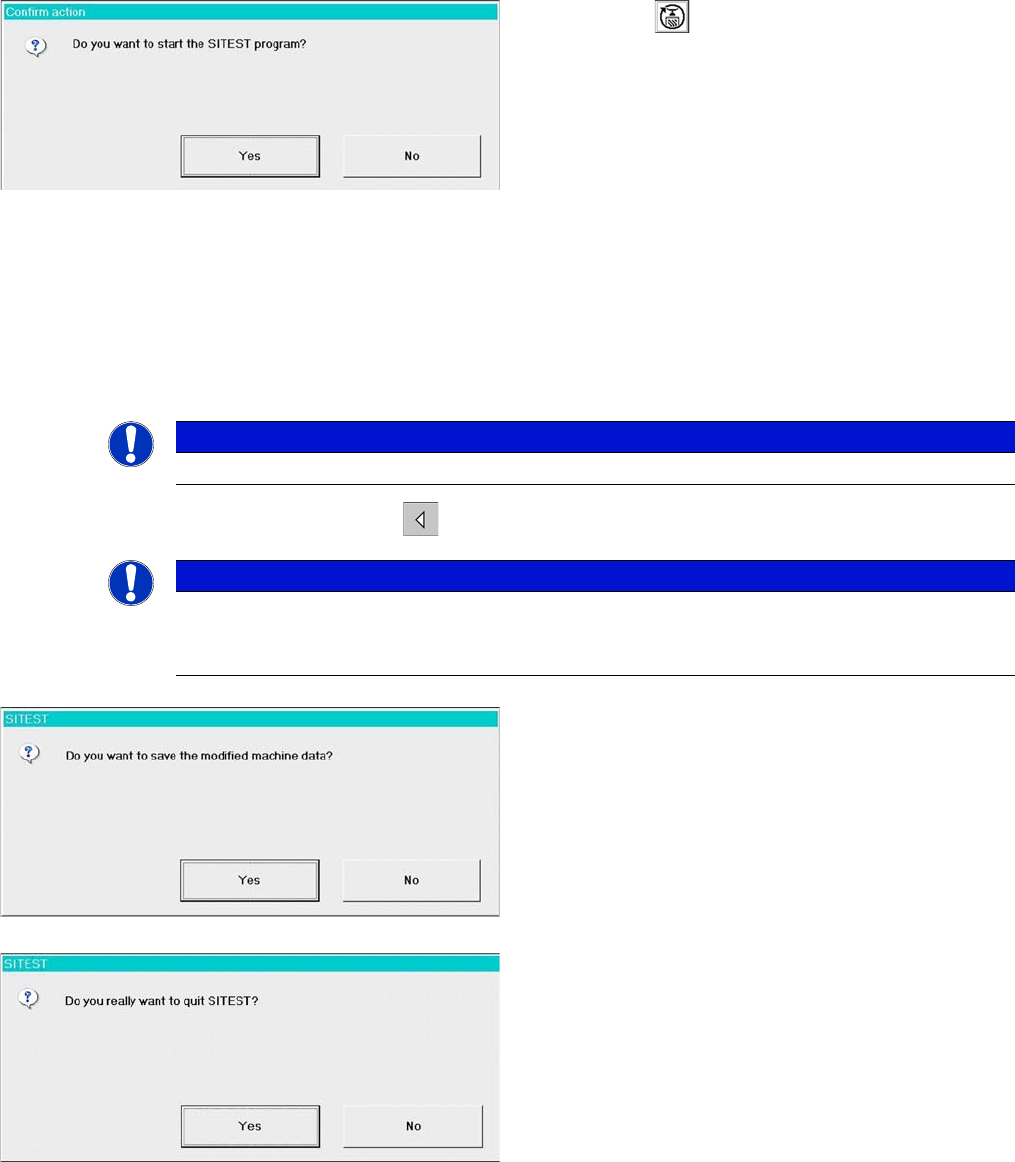
► In the main view, click on the .
Starting SITEST.
► Click on the in the main menu of the SIPLACE
user interface. SITEST will be started.
► Bestätigen Sie nebenstehende Meldung mit YES.
► The main view of the user interface of the test pro-
gram will appear on the screen shortly afterwards.
NOTICE
The ESC button is the only option which closes SITEST from every window.
NOTICE
If newly determined or edited machine data have not been saved yet, an appropriate message
will be displayed before exiting the program prompting you to save the data (see example be-
low).
► Click on YES to save the data and exit SITEST or
click on No if you do not want to save the data. The
following dialog will be shown:
► Click on YES. SITEST will be closed.