00195440-05-SG_D-Series_FSE-EN.pdf - 第270页
16 Annex (FSE) 16.3 Calibration Steps and Individual Calibration Functions 270 Student Guide SIPLACE D-Series (FSE) Pick up calib. tool and measure near the 4 cor - ners. As single step in: 'P&P module' &ap…
16 Annex (FSE)
16.3 Calibration Steps and Individual Calibration Functions
Student Guide SIPLACE D-Series (FSE) 269
calibrate the 2 mm PCB
camera fiducial at the 4
corners.
As single step in: 'gantry'
'PCB camera calibration'
Repeat measuring pro-
cedure.
Save in camera.xml.
Calibrating calibration tool
position
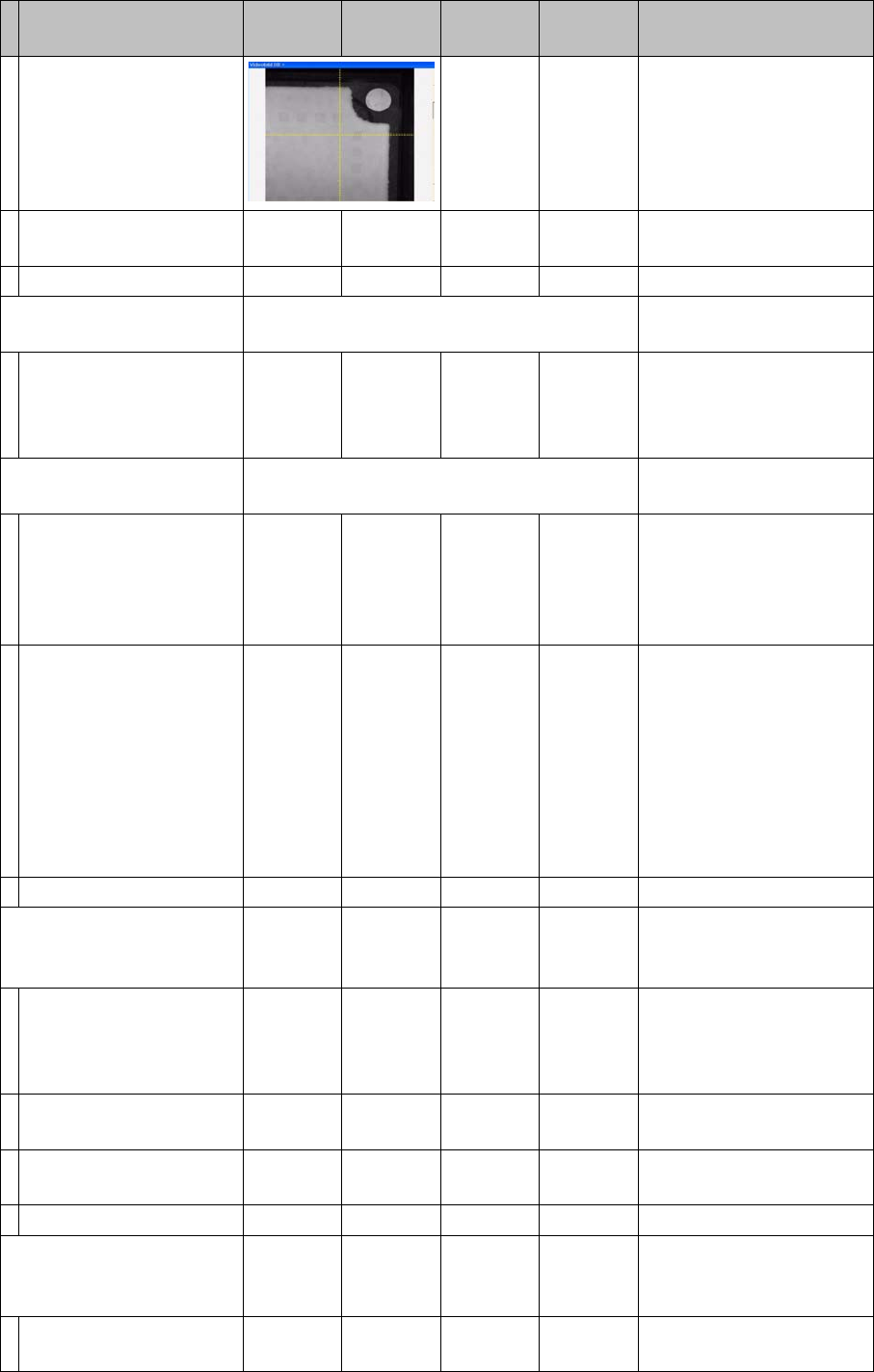
Selectable in 'all heads/ cameras' with
Vision image
Move to calibration tool
target position and
measure the 2 mm fidu-
cial center.
As single step in: 'gantry'
'position calib'
'calibration tool position'
Calibrating travel range X/
Y gantry axes
Selectable in 'all heads/ cameras'
Move X-axis to bumper
position / move to 0
pulse/ move to 2nd
bumper/ perform refer-
ence run several times.
As single step in: 'gantry'
'axes' 'X or Y axis ' 'travel
range'
Move Y-axis to bumper
position / move to 0
pulse/ move to 2nd
bumper/ perform refer-
ence run several times.
--> <--
PA with
single
gantry
-->
--> <-- Move Y-axis to bumper
outside position /SW exe-
cutes this for both gantries
in sequence / this deter-
mines the min. Y pos.1(2)
max. Y pos. 4 (3) - the oth-
er limit pos. is calculated /
perform reference run sev-
eral times.
Save in Achs_ver.ma.
Calibrating head height
(head 2 P&P module )
YES
With
TWIN
YES Automatically in 'all heads/
cameras'
Move TWIN segment/
P&P module to fixed con-
veyor side.
Calibration nozzle 517
As single step in: 'P&P
module' 'calib head' 'calibr.
head height'
Position Z-axis on top
edge of conveyor side.
Perform Z-axis reference
run.
Save in
Calibrating comp. camera
1 (head 2 P&P module)
YES
With
TWIN
YES Automatically in 'all heads/
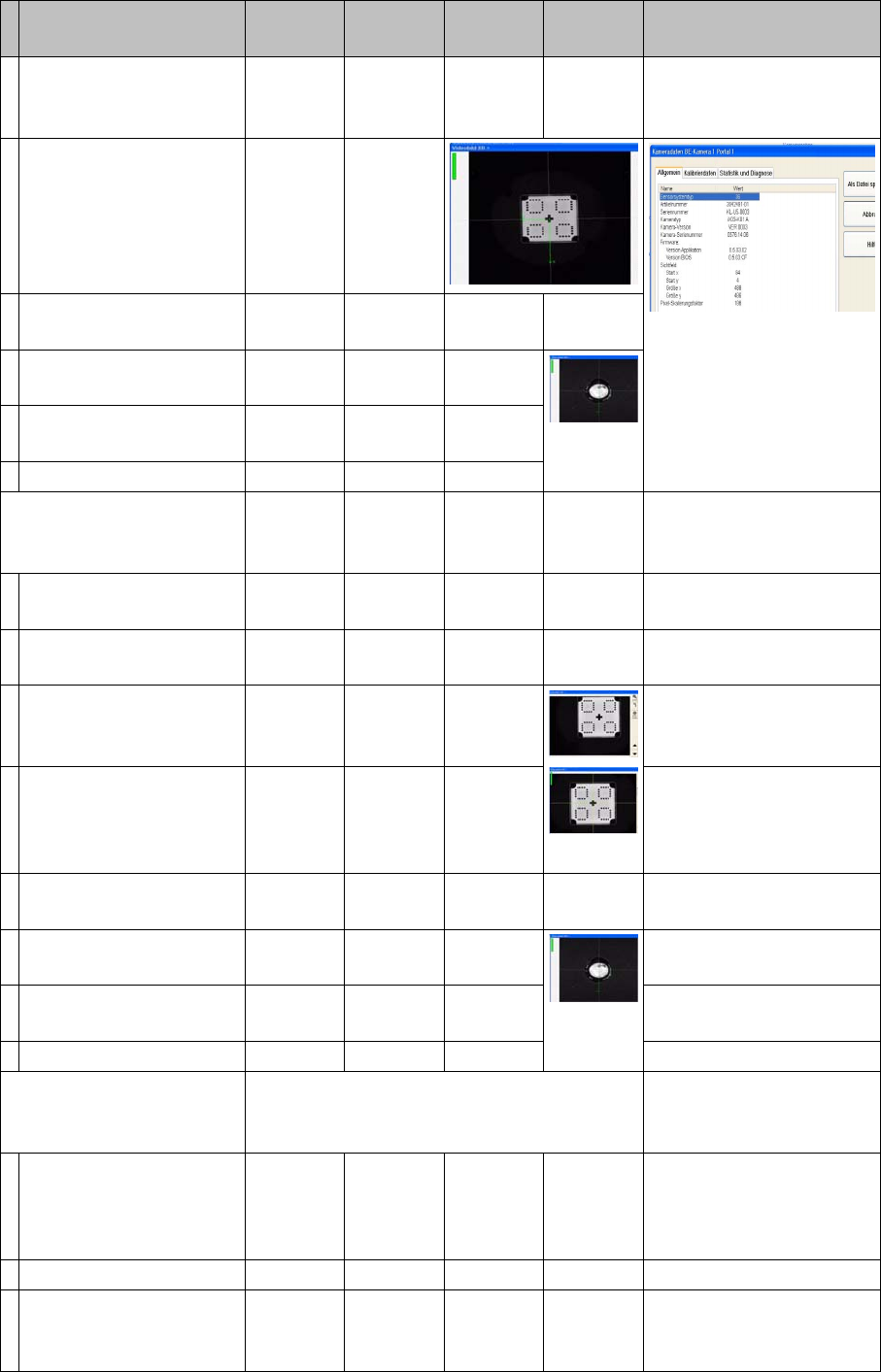
cameras' with Vision im-
age
Move PCB camera to
calib. tool and calibrate.
Calibration nozzle 517
Calibration step/individu-
al calibration function
For D4/
D4i
For D3 For D2/
D2i
For D1/
D1i
Comments
16 Annex (FSE)
16.3 Calibration Steps and Individual Calibration Functions
270 Student Guide SIPLACE D-Series (FSE)
Pick up calib. tool and
measure near the 4 cor-
ners.
As single step in: 'P&P
module' 'comp. camera 1
calib.'
Pick up calibration tool
and measure in comp.
camera center in 90°
steps.
Repeat measuring pro-
cedure.
Calibrate camera fidu-
cial.
Repeat measuring pro-
cedure.
Save in camera.xml.
Calibrating comp. camera
2 (head 2 P&P module) op-
tion
YES
With
TWIN
YES Automatically in 'all heads/
cameras' with Vision im-
age
Measure head height on
conveyor and camera.
Move PCB camera to
calib. tool and calibrate.
Calibration nozzle 517
Pick up calib. tool and
measure near the 4 cor-
ners.
As single step in: 'P&P
module' 'comp. camera 2
calib.'
Pick up calibration tool
and measure in comp.
camera center in 90°
steps.
Repeat measuring pro-
cedure.
Calibrate camera fidu-
cial.
Repeat measuring pro-
cedure.
Save in camera.xml.
Calibrate head (head 1 RV
.. head ) (with comp. cam-
era)
YES Automatically in 'all heads/
cameras' with Vision im-
age
Move PCB camera to
calib. tool and calibrate.
As single step in: 'C&P
head/RV head' 'comp.
camera calib'
Check the results there.
Calibrate camera. 956 nozzle
Pick up calib. tool and
calibrate comp. camera.
Return CT.
Save in camera.xml.
Calibration step/individu-
al calibration function
For D4/
D4i
For D3 For D2/
D2i
For D1/
D1i
Comments

16 Annex (FSE)
16.3 Calibration Steps and Individual Calibration Functions
Student Guide SIPLACE D-Series (FSE) 271
Calibrate head.
Segment offset I
Measure CT with PCB
camera.
Pick up CT with seg. 1
and measure 8 times in
90° steps.
Calibrate segment offset I
(top).
Rotary axis of segment to
comp. camera center
Repeat this with all seg-
ments.
Save in Pip_off.ma.
Segment offset II
Measure CT pos. with
PCB cam. / pick up with
seg.1 in 0° pos./ opt. cen-
tering & return.
Segment pickup angle in
the
4 90° steps
Repeat previous step
with seg.1 in 90; 180,
270° pos.
Repeat the two previous
steps with all other seg-
ments.
Save in Pip_off.ma.
For saving, see -->
Calibrating head (head 2
P&P module )
YES
With
TWIN
YES Automatically in 'all heads/
cameras'
Calibrate camera posi-
tion for comp. camera 1
and 2.
As single step in: 'P&P
module' 'head calib.' 'head
calib.' / segment calib.
The positions of the sta-
tionary cameras are
measured in 90° steps.
517 nozzle
Save in camera.xml.
Calibrating nozzle changer
head 1
YES In 'all heads/ cameras', in
part with Vision image
During automatic calib.
the 1st fiducial is not
shown to operator for
confirmation; the pickup/
place sequence runs
through to end .*
With single step, the 1st fi-
ducial is shown to the op-
erator for confirmation.
The pickup/place se-
quence is processed as if
segment 1 is occupied.
Measure X/Y position of
magazine and reject po-
sition with PCB camera.
As single step in: 'C&P
head/RV head' 'Nozzle ch.
magazine function.' 'noz.
ch. calib.' You can select/
deselect the reject pos. /
pickup height.
The pickup height is cal-
culated by picking up/
placing a nozzle in ga-
rage 1 with segment 1.
Calibration step/individu-
al calibration function
For D4/
D4i
For D3 For D2/
D2i
For D1/
D1i
Comments