TR7600 SIII_Electrical_Diagrams_en_v_2_0_3 - 第26页
Test Research, Inc. 18 TR7600 SII I User Guide – Electrical Di agrams 1.15.1 Linking with Loader SMEM A Connection s: PORT1 – UP LINE Y24 Black (1) / Green (2) Ready X2A Red (3) / Bl ue (4) Board Av ailable Figure 18: Lo…
TR7600 SIII User Guide – Electrical Diagrams
1.15 Inline PLC
Figure 17: PLC
Test Research, Inc.
18
TR7600 SIII User Guide – Electrical Diagrams
1.15.1 Linking with Loader
SMEMA Connections:
PORT1 – UP LINE
Y24
Black (1) / Green (2) Ready
X2A
Red (3) / Blue (4) Board Available
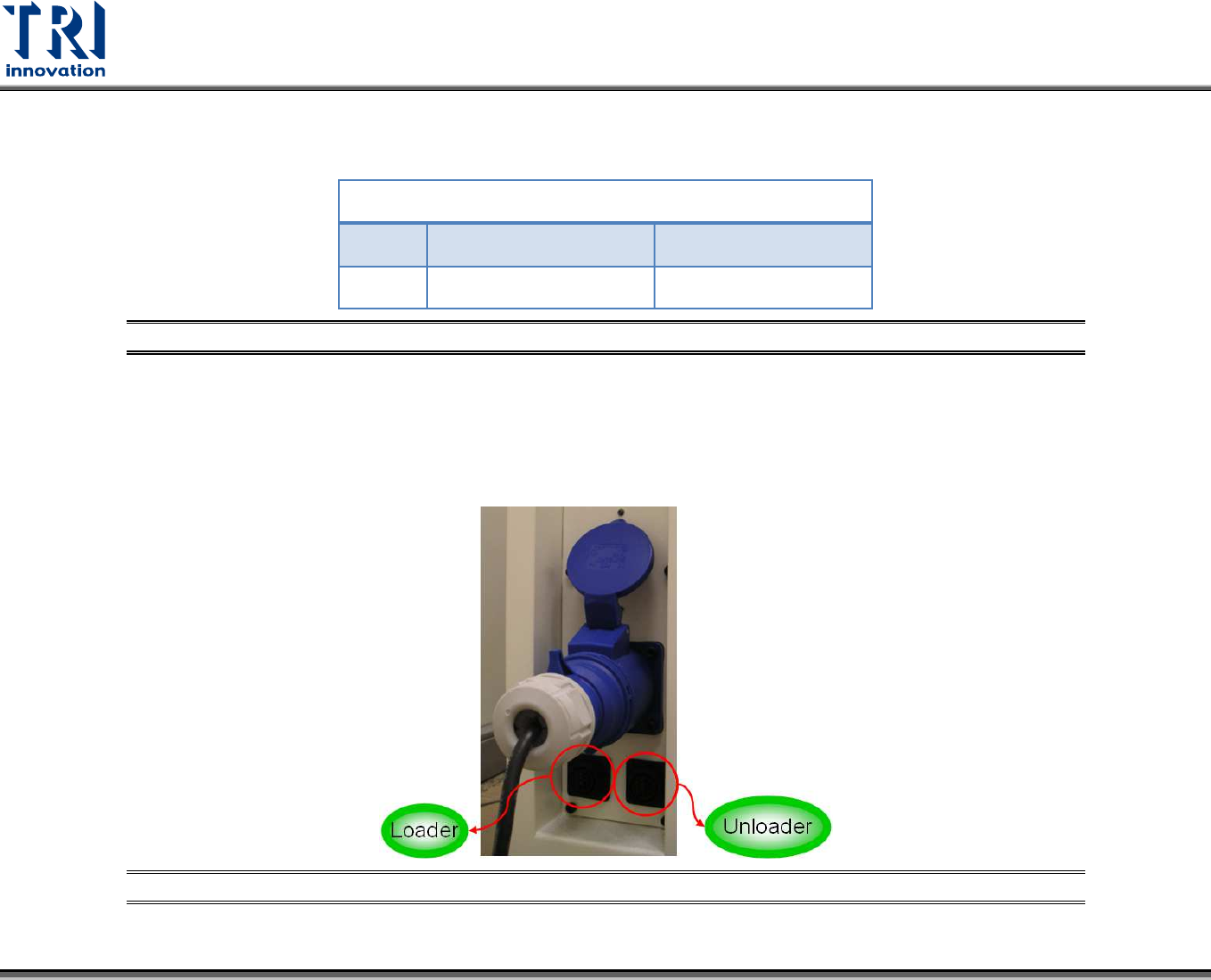
Figure 18: Loader Socket Position
Located below the power supply socket in the back of the equipment is I/O PORT1. Connect the connector, and there are three sets
of different colored wire pairs at the connector end. These are: Black-Green (Y24) for requesting board from Loader and Red-Blue
(X2A) reserved INPUT connector. Connect the Black-Green connector to the Loader Board Request connection. (We use the
standard SMEMA signal. If this is different due to differences in manufacturer, contact the front stage manufacturer to acquire the
connection data.)
Figure 19: Loader and Unloader Socket Position
TR7600 SIII User Guide – Electrical Diagrams
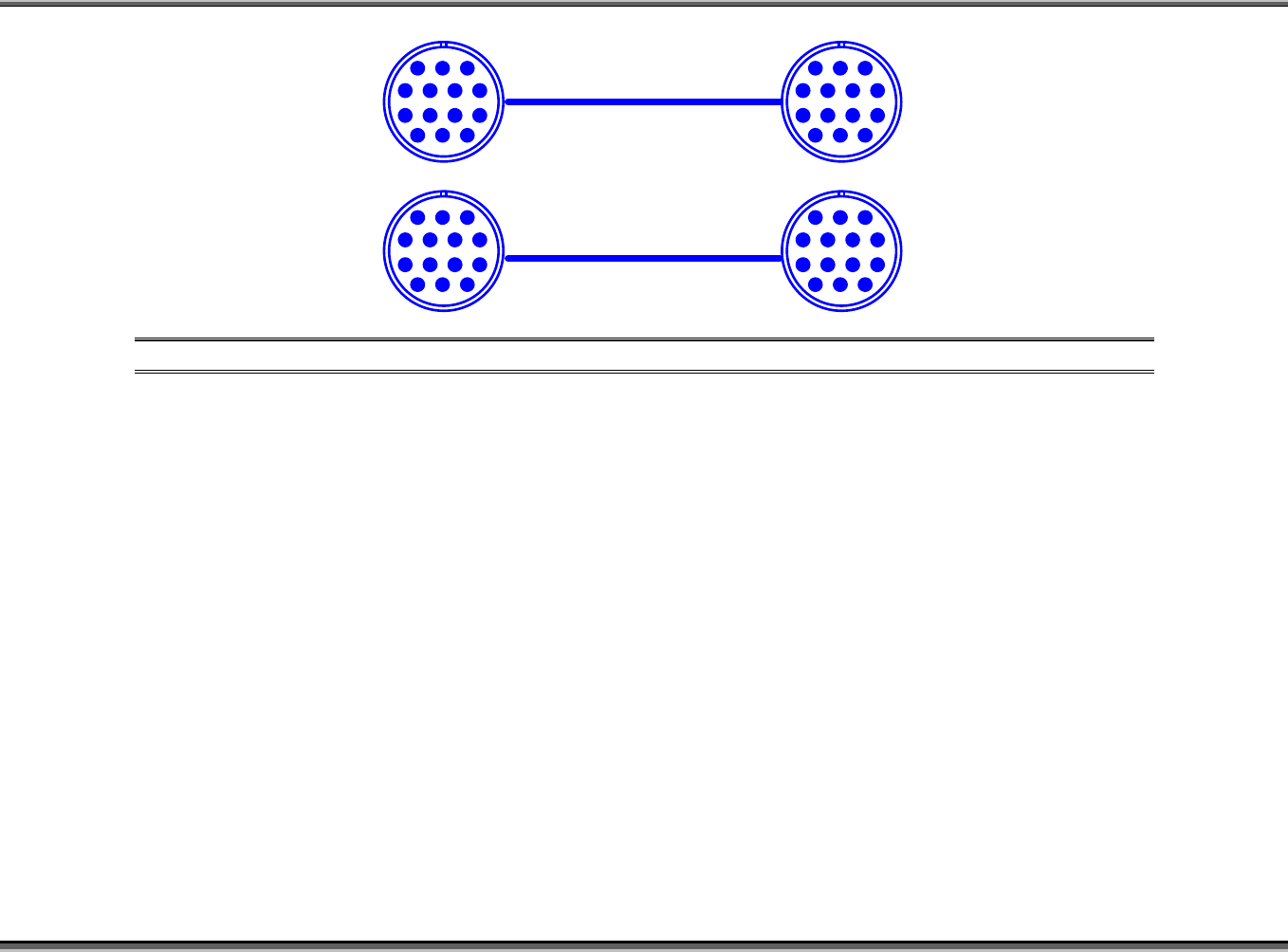
Figure 20: Loader and Unloader Cable
PIN1~PIN6
1 2 3
4 5 6 7
8 9 10 11
12 13 14
PIN1~PIN6
1 2 3
4 5 6 7
8 9 10 11
12 13 14
1 2 3
4 5 6 7
8 9 10 11
12 13 14
1 2 3
4 5 6 7
8 9 10 11
12 13 14