1OPERATION_.pdf - 第170页
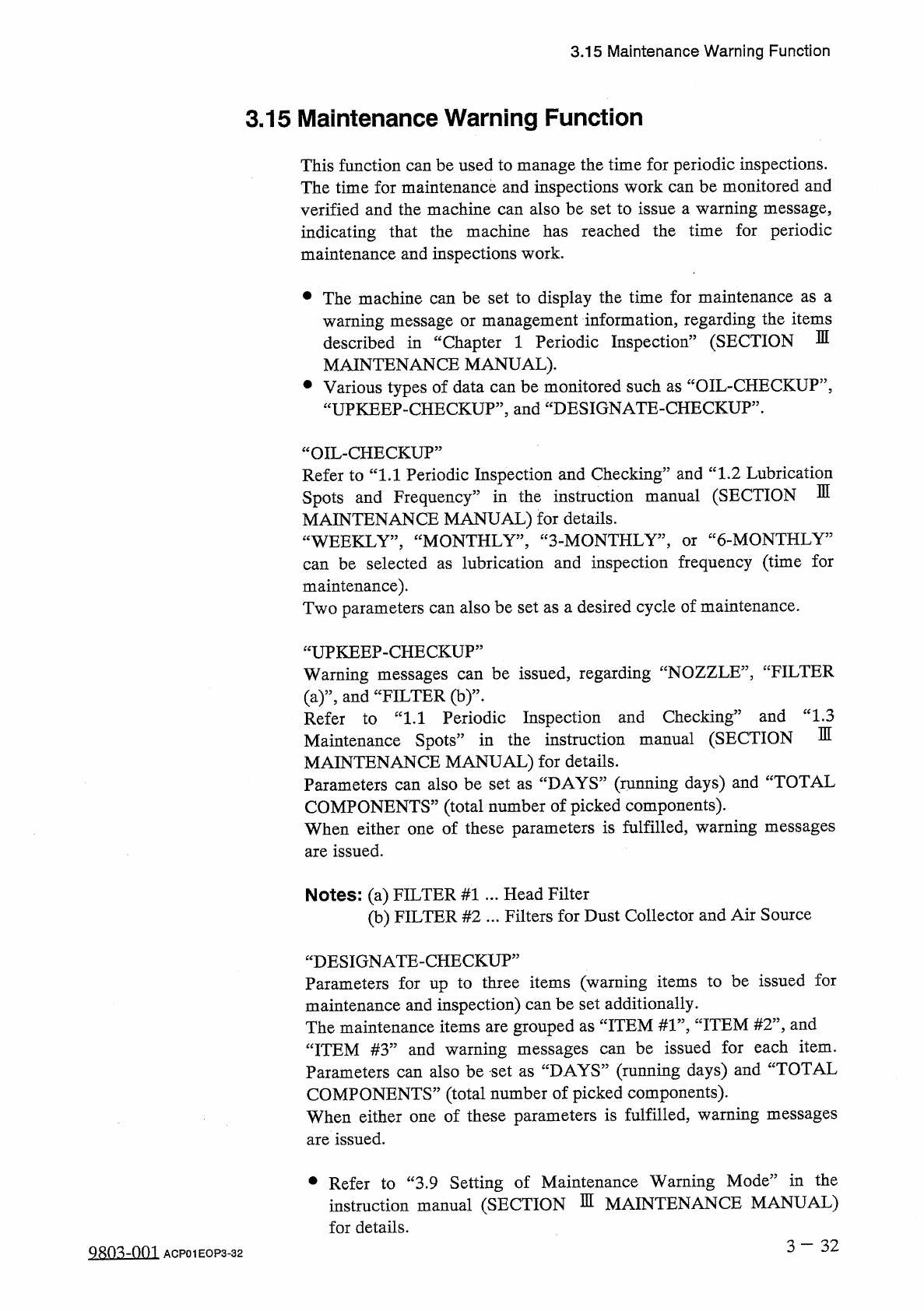
3.15 Maintenance Warning Function 3.15 Maintenance Warning Function This function can be used to manage the time for periodic inspections . The time for maintenance and inspections work can be monitored and verified and …
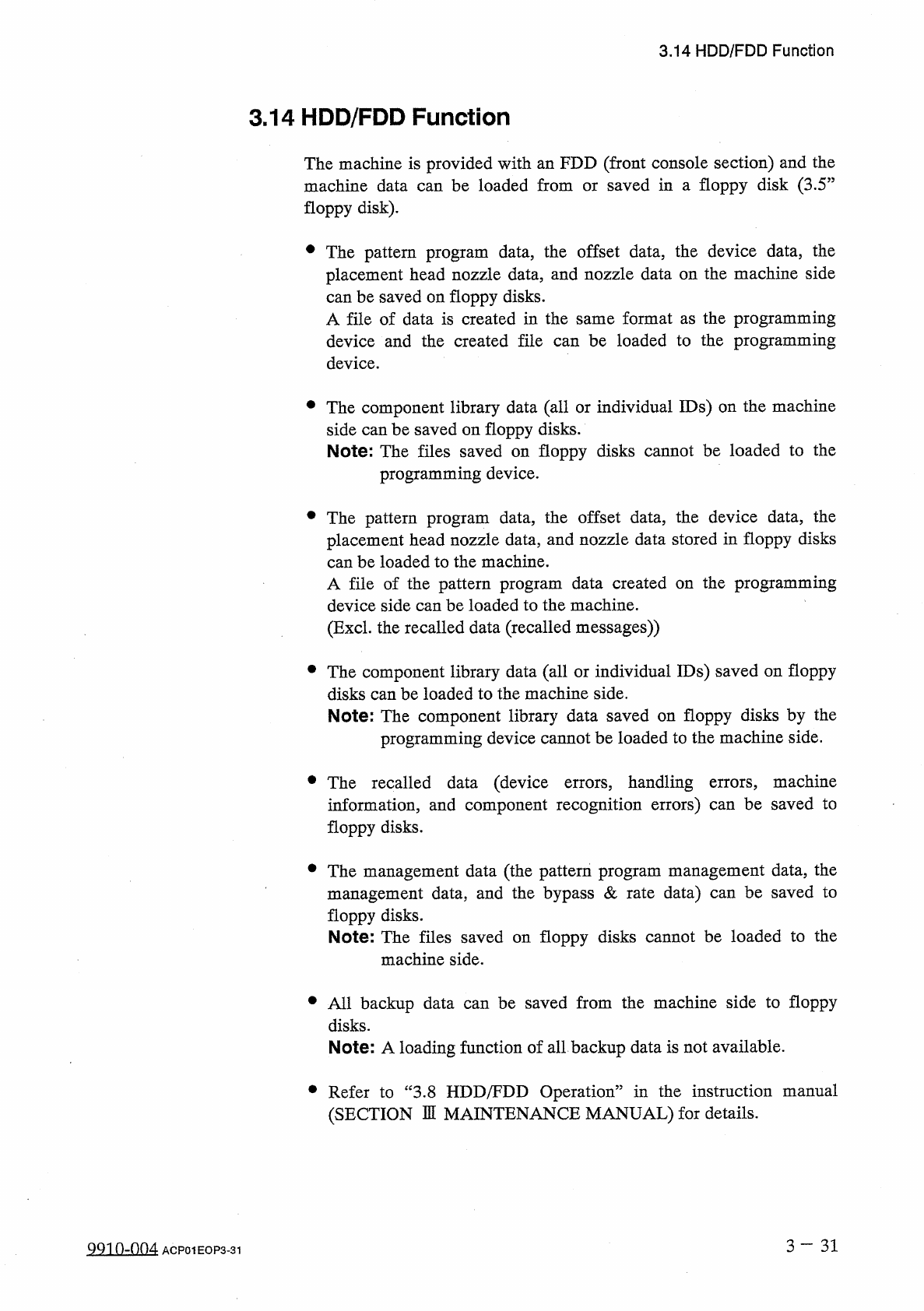
3.14
HDD
/
FDD
Function
3.14
HDD
/
FDD
Function
The
machine
is
provided
with
an
FDD
(
front
console
section
)
and
the
machine
data
can
be
loaded
from
floppy
disk
)
.
saved
in
a
floppy
disk
(
3.5
J
or
#
The
pattern
program
data
,
the
offset
data
,
the
device
data
,
the
placement
head
nozzle
data
,
and
nozzle
data
on
the
machine
side
can
be
saved
on
floppy
disks
.
A
file
of
data
is
created
in
the
same
format
as
the
programming
device
and
the
created
file
can
be
loaded
to
the
programming
device
.
•
The
component
library
data
(
all
or
individual
IDs
)
on
the
machine
side
can
be
saved
on
floppy
disks
.
Note
:
The
files
saved
on
floppy
disks
cannot
be
loaded
to
the
programming
device
.
•
The
pattern
program
data
,
the
offset
data
,
the
device
data
,
the
placement
head
nozzle
data
,
and
nozzle
data
stored
in
floppy
disks
can
be
loaded
to
the
machine
.
A
file
of
the
pattern
program
data
created
device
side
can
be
loaded
to
the
machine
.
(
Excl
.
the
recalled
data
(
recalled
messages
)
)
the
programming
on
•
The
component
library
data
(
all
or
individual
IDs
)
saved
on
floppy
disks
can
be
loaded
to
the
machine
side
.
Note
:
The
component
library
data
saved
on
floppy
disks
by
the
programming
device
cannot
be
loaded
to
the
machine
side
.
•
The
recalled
data
(
device
errors
,
handling
errors
,
machine
information
,
and
component
recognition
errors
)
can
be
saved
to
floppy
disks
.
•
The
management
data
(
the
pattern
program
management
data
,
the
management
data
,
and
the
bypass
&
rate
data
)
can
be
saved
to
floppy
disks
.
Note
:
The
files
saved
on
floppy
disks
cannot
be
loaded
to
the
machine
side
.
•
All
backup
data
can
be
saved
from
the
machine
side
to
floppy
disks
.
Note
:
A
loading
function
of
all
backup
data
is
not
available
.
•
Refer
to
“
3.8
HDD
/
FDD
Operation
”
in
the
instruction
manual
(
SECTION
DI
MAINTENANCE
MANUAL
)
for
details
.
3
-
31
Q
91
0
-
004
ACP
01
EOP
3
-
31
3.15
Maintenance
Warning
Function
3.15
Maintenance
Warning
Function
This
function
can
be
used
to
manage
the
time
for
periodic
inspections
.
The
time
for
maintenance
and
inspections
work
can
be
monitored
and
verified
and
the
machine
can
also
be
set
to
issue
a
warning
message
,
indicating
that
the
machine
has
reached
the
time
for
periodic
maintenance
and
inspections
work
.
•
The
machine
can
be
set
to
display
the
time
for
maintenance
as
a
warning
message
or
management
information
,
regarding
the
items
described
in
“
Chapter
1
Periodic
Inspection
”
(
SECTION
MAINTENANCE
MANUAL
)
.
•
Various
types
of
data
can
be
monitored
such
as
“
OIL
-
CHECKUP
”
,
“
UPKEEP
-
CHECKUP
”
,
and
“
DESIGNATE
-
CHECKUP
”
.
m
“
OIL
-
CHECKUP
”
Refer
to
“
1.1
Periodic
Inspection
and
Checking
”
and
“
1.2
Lubrication
Spots
and
Frequency
”
in
the
instruction
manual
(
SECTION
MAINTENANCE
MANUAL
)
for
details
.
“
WEEKLY
,
,
,
“
MONTHLY
,
,
,
“
3
-
MONTHLY
”
,
can
be
selected
as
lubrication
and
inspection
frequency
(
time
for
maintenance
)
.
Two
parameters
can
also
be
set
as
a
desired
cycle
of
maintenance
.
6
-
MONTHLY
3
or
“
UPKEEP
-
CHECKUP
”
Warning
messages
can
be
issued
,
regarding
“
NOZZLE
”
,
'
'
FILTER
(
a
)
”
,
and
“
FILTER
(
b
)
”
-
。
Refer
to
“
1.1
Periodic
Inspection
and
Checking
3
Maintenance
Spots
”
in
the
instruction
manual
(
SECTION
MAINTENANCE
MANUAL
)
for
details
.
Parameters
can
also
be
set
as
“
DAYS
”
(
running
days
)
and
“
TOTAL
COMPONENTS
”
(
total
number
of
picked
components
)
.
When
either
one
of
these
parameters
is
fulfilled
,
warning
messages
are
issued
.
and
“
1.3
m
Notes
:
(
a
)
FILTER
#
1
.
.
.
Head
Filter
(
b
)
FILTER
#
2
.
.
.
Filters
for
Dust
Collector
and
Air
Source
“
DESIGNATE
-
CHECKUP
”
Parameters
for
up
to
three
items
(
warning
items
to
be
issued
for
maintenance
and
inspection
)
can
be
set
additionally
.
The
maintenance
items
are
grouped
as
“
ITEM
#
1
”
,
“
ITEM
#
2
”
,
and
be
issued
for
each
item
.
:
DAYS
”
(
running
days
)
and
“
TOTAL
COMPONENTS
”
(
total
number
of
picked
components
)
.
When
either
one
of
these
parameters
is
fulfilled
,
warning
messages
are
issued
.
“
ITEM
#
3
”
and
warning
messages
Parameters
can
also
be
set
as
can
•
Refer
to
“
3.9
Setting
of
Maintenance
Warning
Mode
”
in
the
instruction
manual
(
SECTION
瓜
MAINTENANCE
MANUAL
)
for
details
.
3
-
32
28
Q
3
dQQl
ACP
01
EOP
3
-
32
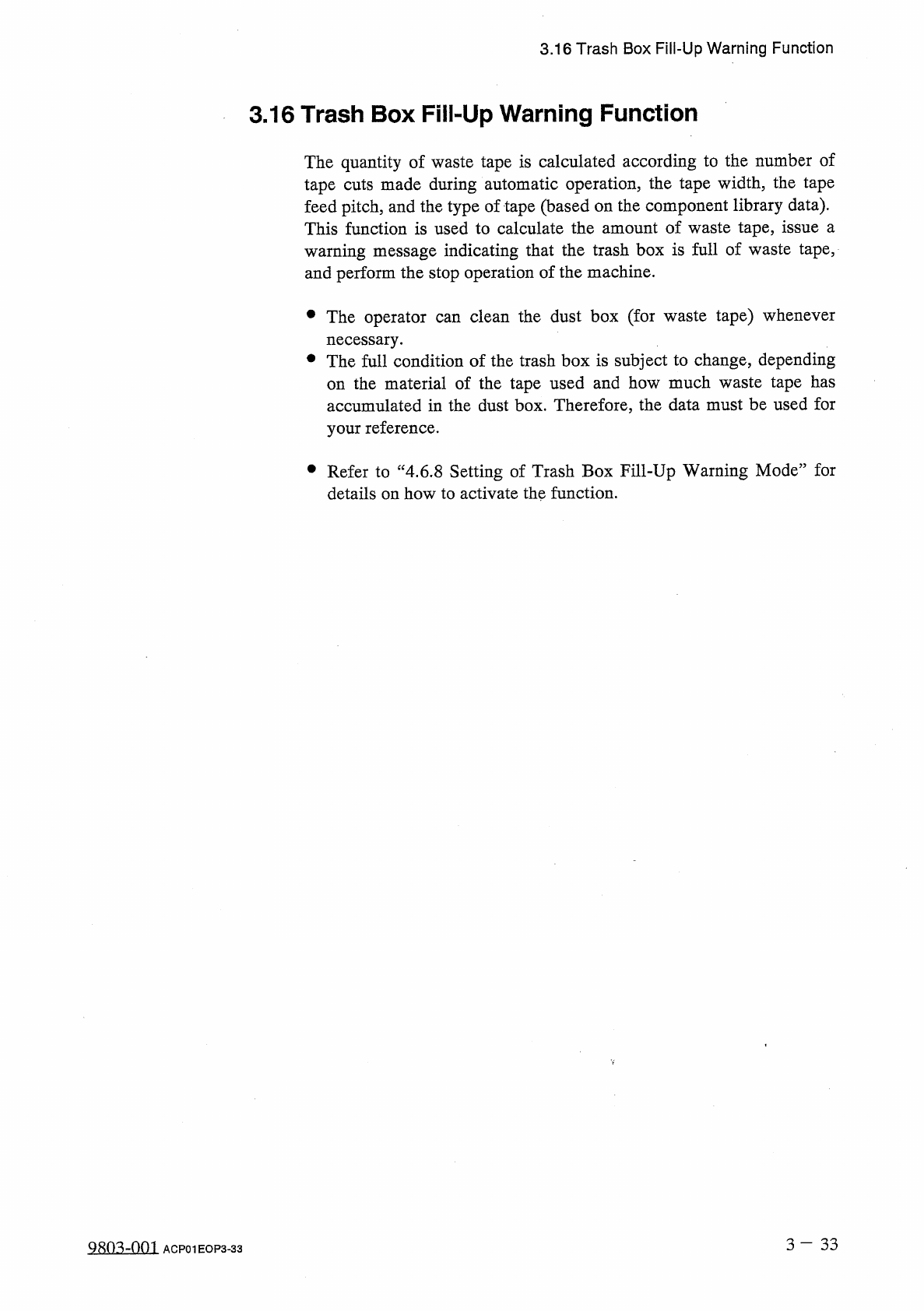
3.16
Trash
Box
Fill
-
Up
Warning
Function
3.16
Trash
Box
Fill
-
Up
Warning
Function
The
quantity
of
waste
tape
is
calculated
according
to
the
number
of
tape
cuts
made
during
automatic
operation
,
the
tape
width
,
the
tape
feed
pitch
,
and
the
type
of
tape
(
based
on
the
component
library
data
)
.
This
function
is
used
to
calculate
the
amount
of
waste
tape
,
issue
a
warning
message
indicating
that
the
trash
box
is
full
of
waste
tape
,
and
perform
the
stop
operation
of
the
machine
.
clean
the
dust
box
(
for
waste
tape
)
whenever
•
The
operator
necessary
.
•
The
full
condition
of
the
trash
box
is
subject
to
change
,
depending
on
the
material
of
the
tape
used
and
how
much
waste
tape
has
accumulated
in
the
dust
box
.
Therefore
,
the
data
must
be
used
for
your
reference
.
can
•
Refer
to
“
4.6
.
8
Setting
of
Trash
Box
Fill
-
Up
Warning
Mode
”
for
details
on
how
to
activate
the
function
.
3
-
33
QHQ
^
-
001
ACP
01
EOP
3
-
33