1OPERATION_.pdf - 第186页
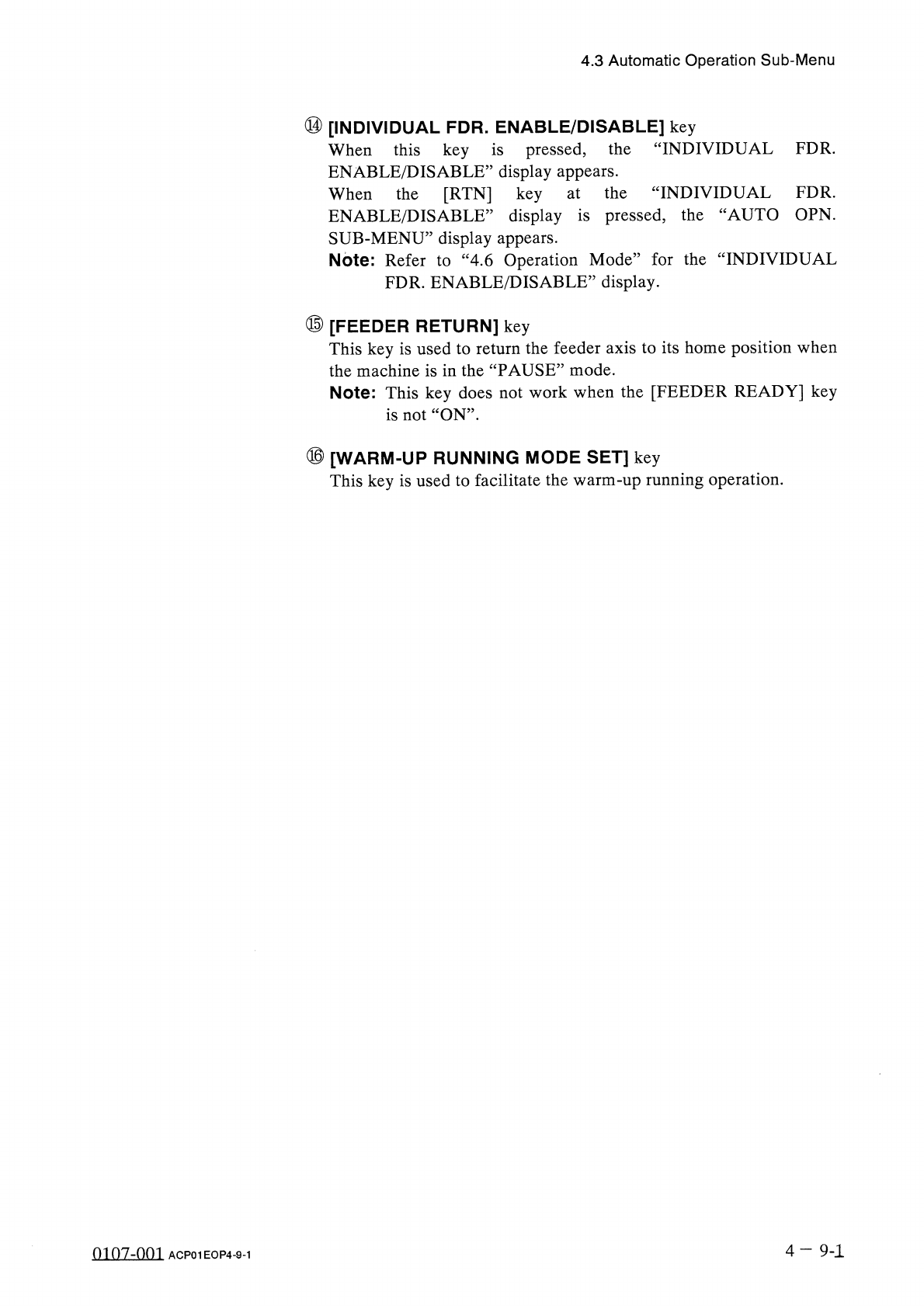
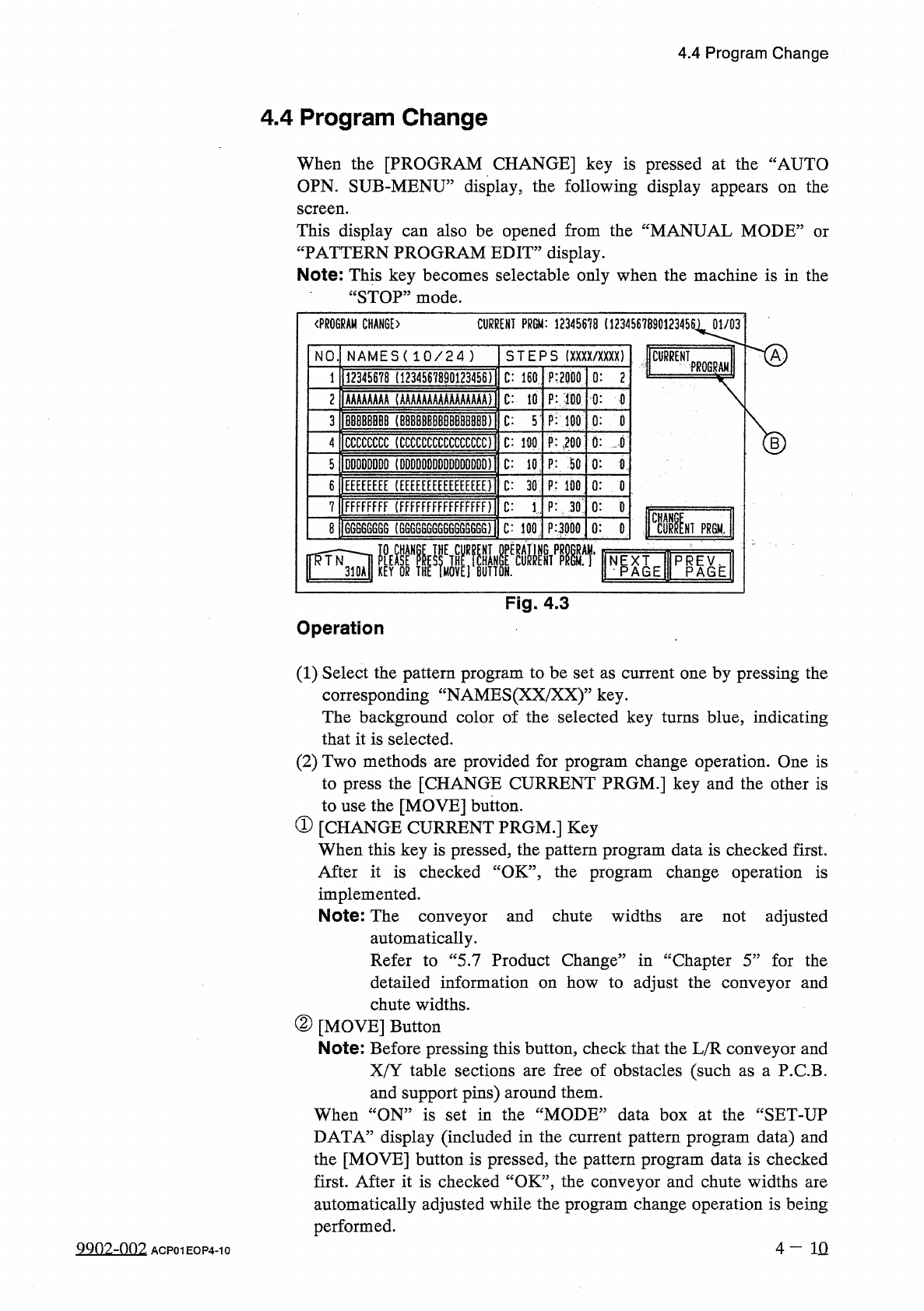
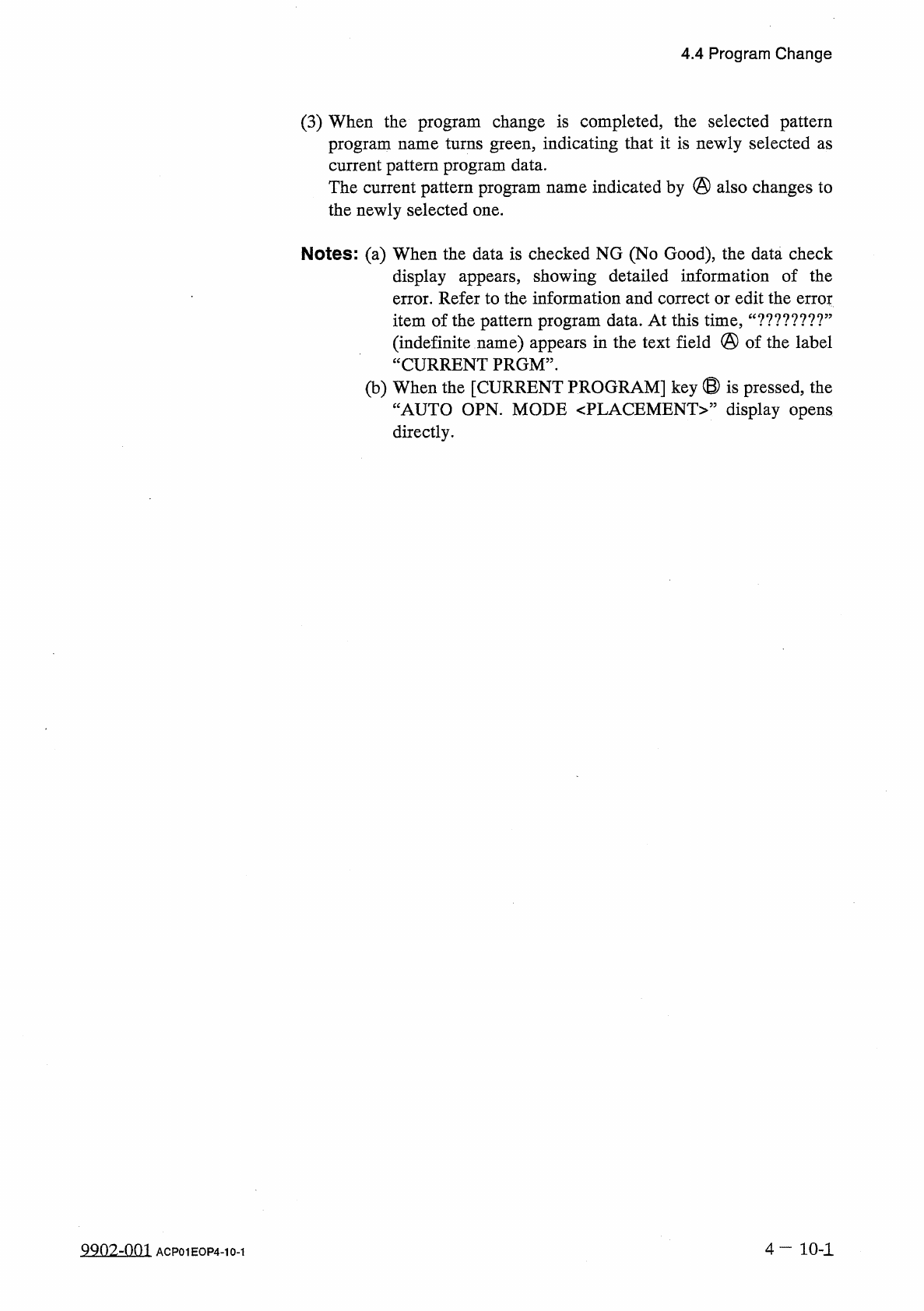
4.4 Program Change 4.4 Program Change When the [ PROGRAM CHANGE ] key is pressed at the “ AUTO OPN . SUB - MENU ” display , the following display appears on the screen . also be opened from the “ MANUAL MODE 2 This displ…
4.3
Automatic
Operation
Sub
-
Menu
⑭
[
INDIVIDUAL
FDR
.
ENABLE
/
DISABLE
]
key
When
this
key
is
pressed
,
the
ENABLE
/
DISABLE
’
’
display
appears
.
When
the
[
RTN
]
key
“
INDIVIDUAL
FDR
.
INDIVIDUAL
FDR
.
ENABLE
/
DISABLE
’
’
display
is
pressed
,
the
“
AUTO
OPN
.
SUB
-
MENU
”
display
appears
.
Note
:
Refer
to
“
4.6
Operation
Mode
”
for
the
“
INDIVIDUAL
FDR
.
ENABLE
/
DISABLE
,
,
display
.
at
the
⑮
[
FEEDER
RETURN
]
key
This
key
is
used
to
return
the
feeder
axis
to
its
home
position
when
the
machine
is
in
the
“
PAUSE
”
mode
.
Note
:
This
key
does
not
work
when
the
[
FEEDER
READY
]
key
is
not
“
ON
”
.
⑯
[
WARM
-
UP
RUNNING
MODE
SET
]
key
This
key
is
used
to
facilitate
the
warm
-
up
running
operation
.
4
—
9
-
1
0107
-
001
ACP
01
EOP
4
-
9
-
1
4.4
Program
Change
4.4
Program
Change
When
the
[
PROGRAM
CHANGE
]
key
is
pressed
at
the
“
AUTO
OPN
.
SUB
-
MENU
”
display
,
the
following
display
appears
on
the
screen
.
also
be
opened
from
the
“
MANUAL
MODE
2
This
display
“
PATTERN
PROGRAM
EDIT
”
display
.
can
or
Note
:
This
key
becomes
selectable
only
when
the
machine
is
in
the
“
STOP
”
mode
.
〈
PROGRAM
CHANGE
〉
CURRENT
PR
6
M
:
12345678
(
12345678901234561
01
/
03
AJ
NAMES
(
10
/
24
)
S TE P S
(
XXXX
/
XXXX
)
NO
CURRENT
?
mm
12345678
(
1234567
B
90123456
)
1
P
:
2000
C
:
160
0
:
2
1
C
:
lfl
P
:
細
mm
(
AAAAAAAAAAAAAAAA
)
2
0
:
0
8
BBBBBBB
|
BBBBBBBBBBBBBBBB
)
|
C
:
5
’
P
:
1
抓
3
0
:
0
0
:
,
fi
CCCCCCCC
(
CCCCCCCCCCCCCCCO
l
P
:
m
C
:
100
4
DDDDDDDD
(
DDDDDDDDDDDDDDDD
)
j
C
:
10
P
:
50
5
0
:
B
EEEEEEEE
(
EEEEEEEEEEEEEEEEll
P
:
100
6
C
:
30
0
:
0
C
:
1
.
:
P
:
JO
:
FFFFFFFF
(
FFFFFFFFFFFFFFFF
)
7
0
:
0
F
Fii
66866
GGG
(
GGGG
66
G
6
GGG
566
GG
)
{
8
C
:
100
P
3
Q
0
0
:
HI
PR
6
M
,
%
XAIE
L
Fig
.
4.3
Operation
(
1
)
Select
the
pattern
program
to
be
set
as
current
one
by
pressing
the
corresponding
“
NAMES
(
XX
/
XX
)
”
key
.
The
background
color
of
the
selected
key
turns
blue
,
indicating
that
it
is
selected
.
(
2
)
Two
methods
are
provided
for
program
change
operation
.
One
is
to
press
the
[
CHANGE
CURRENT
PRGM
.
]
key
and
the
other
is
to
use
the
[
MOVE
]
button
.
①
[
CHANGE
CURRENT
PRGM
.
]
Key
When
this
key
is
pressed
,
the
pattern
program
data
is
checked
first
.
After
it
is
checked
“
OK
”
,
the
program
change
operation
is
implemented
.
Note
:
The
conveyor
and
chute
widths
automatically
.
Refer
to
“
5.7
Product
Change
”
in
“
Chapter
5
”
for
the
detailed
information
on
how
to
adjust
the
conveyor
and
chute
widths
.
②
[
MOVE
]
Button
Note
:
Before
pressing
this
button
,
check
that
the
L
/
R
conveyor
and
XfY
table
sections
are
free
of
obstacles
(
such
as
a
P
.
CB
.
and
support
pins
)
around
them
.
When
“
ON
”
is
set
in
the
“
MODE
”
data
box
at
the
“
SET
-
UP
not
adjusted
are
DATA
”
display
(
included
in
the
current
pattern
program
data
)
and
the
[
MOVE
]
button
is
pressed
,
the
pattern
program
data
is
checked
first
.
After
it
is
checked
“
OK
”
,
the
conveyor
and
chute
widths
are
automatically
adjusted
while
the
program
change
operation
is
being
performed
.
4
一
IQ
9902
-
002
ACP
01
EOP
4
-
10
4.4
Program
Change
(
3
)
When
the
program
change
is
completed
,
the
selected
pattern
program
name
turns
green
,
indicating
that
it
is
newly
selected
as
current
pattern
program
data
.
The
current
pattern
program
name
indicated
by
@
also
changes
to
the
newly
selected
one
.
Notes
:
(
a
)
When
the
data
is
checked
NG
(
No
Good
)
,
the
data
check
display
appears
,
showing
detailed
information
of
the
error
.
Refer
to
the
information
and
correct
or
edit
the
error
item
of
the
pattern
program
data
.
At
this
time
,
(
indefinite
name
)
appears
in
the
text
field
@
of
the
label
“
CURRENT
PRGM
”
.
(
b
)
When
the
[
CURRENT
PROGRAM
]
key
⑬
is
pressed
,
the
“
AUTO
OPN
.
MODE
<
PLACEMENT
>
”
display
opens
directly
.
u
?
?
??
?
?
?
?
,
,
4
一
10
-
1
9902
-
001
ACP
01
EOP
4
-
10
-
1