1OPERATION_.pdf - 第290页
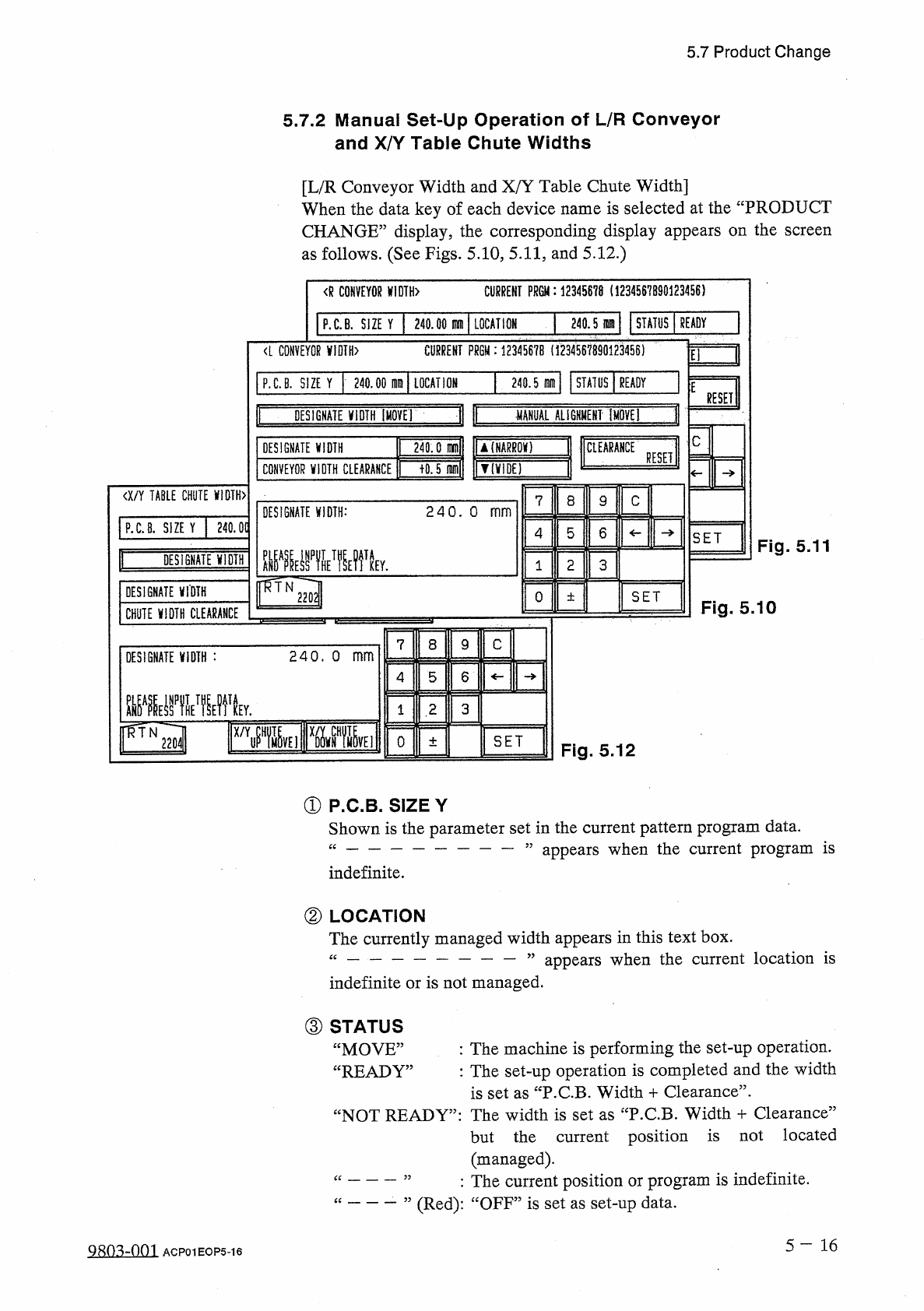
5.7 Product Change 5.7 . 2 Manual Set - Up Operation of L / R Conveyor and X / Y Table Chute Widths [ L / R Conveyor Width and X / Y Table Chute Width ] When the data key of each device name is selected at the “ PRODUCT …
5.7
Product
Change
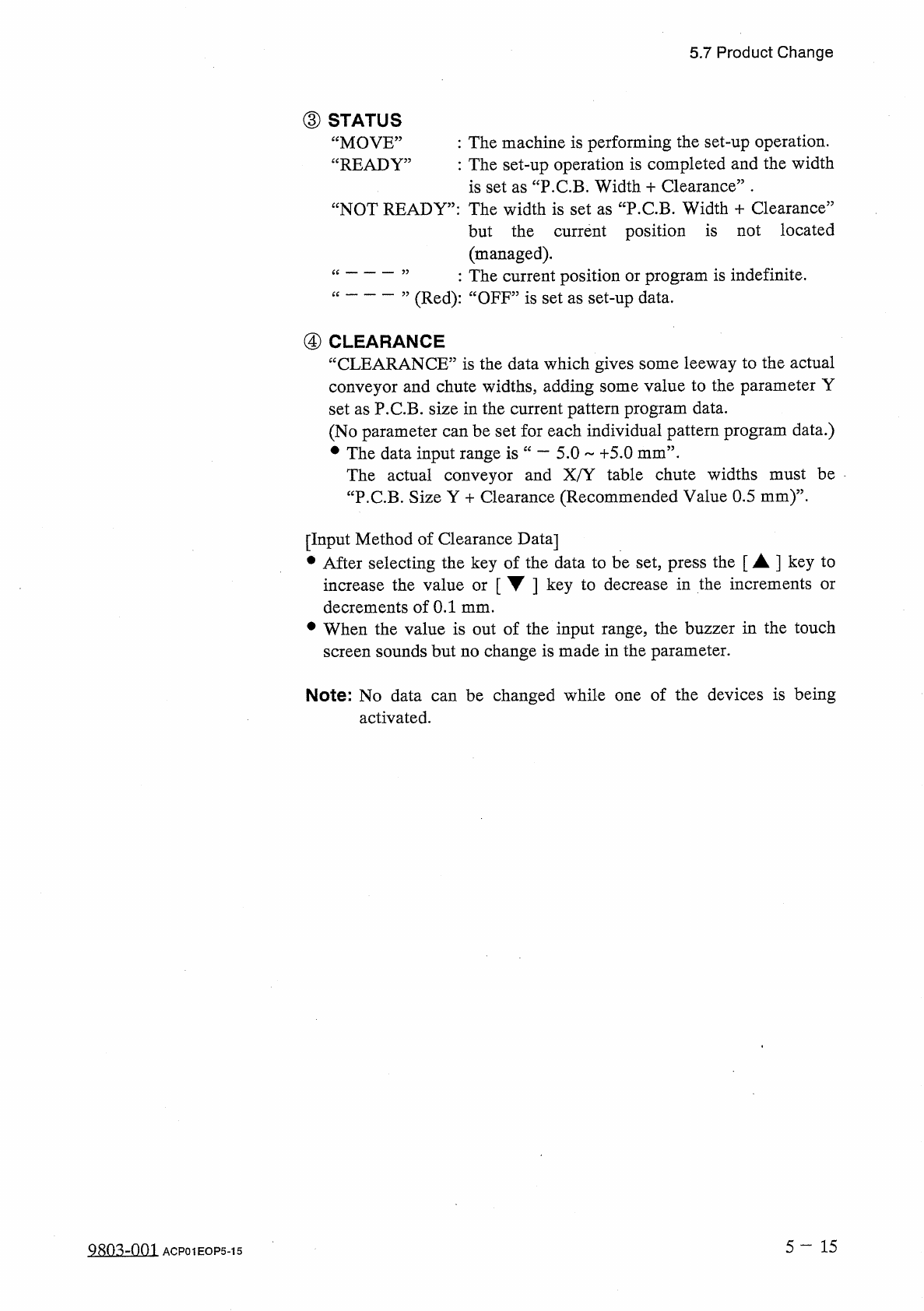
③
STATUS
“
MOVE
”
“
READY
,
:
The
machine
is
performing
the
set
-
up
operation
.
:
The
set
-
up
operation
is
completed
and
the
width
is
set
as
“
P
.
C
.
B
.
Width
+
Clearance
”
•
NOT
READY
”
:
The
width
is
set
as
“
P
.
C
.
B
.
Width
+
Clearance
”
but
the
current
position
is
not
located
(
managed
)
.
:
The
current
position
or
program
is
indefinite
.
(
Red
)
:
“
OFF
”
is
set
as
set
-
up
data
.
④
CLEARANCE
“
CLEARANCE
”
is
the
data
which
gives
some
leeway
to
the
actual
conveyor
and
chute
widths
,
adding
some
value
to
the
parameter
Y
set
as
P
.
C
.
B
.
size
in
the
current
pattern
program
data
.
(
No
parameter
can
be
set
for
each
individual
pattern
program
data
.
)
•
The
data
input
range
is
The
actual
conveyor
and
X
/
Y
table
chute
widths
must
be
“
P
.
C
.
B
.
Size
Y
十
Clearance
(
Recommended
Value
0.5
mm
)
”
.
—
5.0
+
5.0
mm
”
.
[
Input
Method
of
Clearance
Data
]
•
After
selecting
the
key
of
the
data
to
be
set
,
press
the
[
A
]
key
to
increase
the
value
or
[
▼
]
key
to
decrease
in
the
increments
decrements
of
0.1
mm
.
•
When
the
value
is
out
of
the
input
range
,
the
buzzer
in
the
touch
screen
sounds
but
no
change
is
made
in
the
parameter
.
or
Note
:
No
data
can
be
changed
while
one
of
the
devices
is
being
activated
.
5
—
1 5
9803
-
001
ACP
01
EOP
5
-
15
5.7
Product
Change
5.7
.
2
Manual
Set
-
Up
Operation
of
L
/
R
Conveyor
and
X
/
Y
Table
Chute
Widths
[
L
/
R
Conveyor
Width
and
X
/
Y
Table
Chute
Width
]
When
the
data
key
of
each
device
name
is
selected
at
the
“
PRODUCT
CHANGE
”
display
,
the
corresponding
display
appears
on
the
screen
as
follows
.
(
See
Figs
.
5.10
,
5.11
,
and
5.12
.
)
CURRENT
PR
6
M
:
12345678
(
1234567890123456
)
<
R
CONVEYOR
X
!
DTH
>
P
.
C
.
B
.
SIZE
Y
240.00
刪
LOCATION
240
.
5
m
STATUS
READY
<
L
CONVEYOR
VIDIH
>
CURRENT
PRGM
:
1234567
B
(
1234567890123456
)
3
El
P
.
C
.
B
.
SIZE
Y
240.00
IDIQ
LOCATION
240.5
腿
STATUS
READY
E
RESET
I
|
11
MANUAL
AL
16
HMENT
[
MOVE
DESIGNATE
jfiDTH
[
MOYE
]
C
240.0
(
Dfnll
|
U
(
NARRQK
)
>
0.5
nunfl
|
V
(
V
1
DE
)
J
CtEARAHCE
DESIGNATE
WIDTH
RESET
CONVEYOR
VIDTH
CLEARANCE
an
TABLE
CHUTE
WIDTH
〉
7
8
9
C
DESIGNATE
WIDTH
:
240
.
O
mm
P
.
C
.
8
.
SIZE
Y
240.0
(
5
4
6
SET
Fig
.
5.11
—
DESIGNATE
VIDTH
3
2
1
DESIGNATE
VIDTH
O
SET
士
Fig
.
5.10
CHUTE
VIDTH
CLEARANCE
7
8
9
C
DESIGNATE
VIDTH
:
240
.
o
mm
5
4
6
3
2
1
r
%
j
lxmEimw
El
SET
O
±
Fig
.
5.12
①
P
.
C
.
B
.
SIZE
Y
Shown
is
the
parameter
set
in
the
current
pattern
program
data
.
“
一
”
appears
when
the
current
program
is
indefinite
.
②
LOCATION
The
currently
managed
width
appears
in
this
text
box
.
“
—
”
appears
when
the
current
location
is
indefinite
or
is
not
managed
.
③
STATUS
“
MOVE
”
“
READY
,
:
The
machine
is
performing
the
set
-
up
operation
.
:
The
set
-
up
operation
is
completed
and
the
width
is
set
as
“
P
.
C
.
B
.
Width
+
Clearance
”
.
NOT
READY
”
:
The
width
is
set
as
“
P
.
C
.
B
.
Width
+
Clearance
”
but
the
current
position
is
not
located
(
managed
)
.
:
The
current
position
or
program
is
indefinite
.
(
Red
)
:
“
OFF
”
is
set
as
set
-
up
data
.
一
”
5
一
16
9803
-
001
ACP
01
EOP
5
-
16
5.7
Product
Change
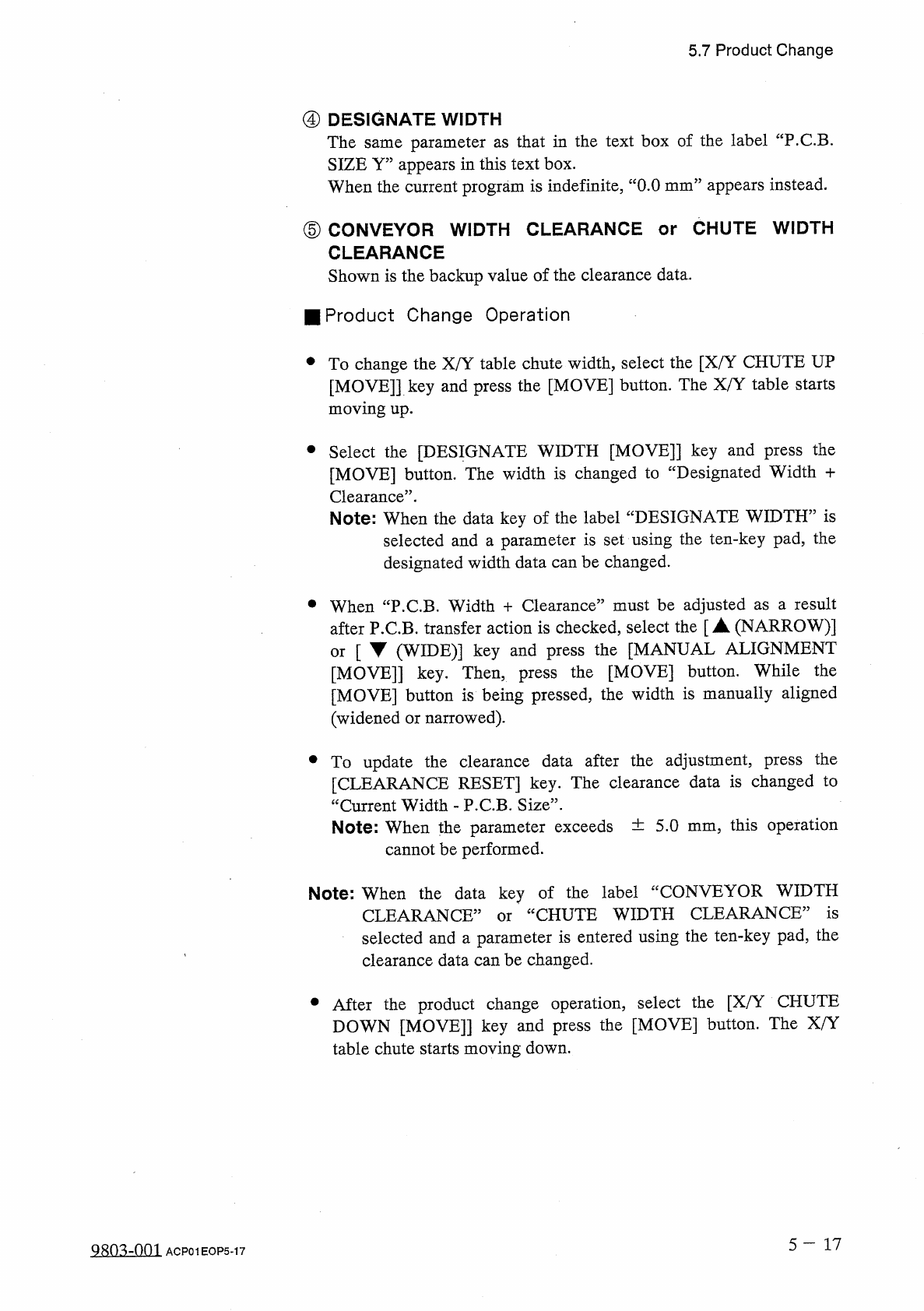
④
DESIGNATE
WIDTH
The
same
parameter
as
that
in
the
text
box
of
the
label
“
P
.
C
.
B
.
SIZE
Y
”
appears
in
this
text
box
.
When
the
current
program
is
indefinite
,
“
0.0
mm
”
appears
instead
.
⑤
CONVEYOR
WIDTH
CLEARANCE
or
CHUTE
WIDTH
CLEARANCE
Shown
is
the
backup
value
of
the
clearance
data
.
■
Product
Change
Operation
•
To
change
the
X
/
Y
table
chute
width
,
select
the
[
X
/
Y
CHUTE
UP
[
MOVE
]
]
key
and
press
the
[
MOVE
]
button
.
The
X
/
Y
table
starts
moving
up
.
•
Select
the
[
DESIGNATE
WIDTH
[
MOVE
]
]
key
and
press
the
[
MOVE
]
button
.
The
width
is
changed
to
“
Designated
Width
十
Clearance
”
.
Note
:
When
the
data
key
of
the
label
“
DESIGNATE
WIDTH
”
is
selected
and
a
parameter
is
set
using
the
ten
-
key
pad
,
the
designated
width
data
can
be
changed
.
•
When
“
P
.
C
.
B
.
Width
十
Clearance
”
must
be
adjusted
as
a
result
after
P
.
C
.
B
.
transfer
action
is
checked
,
select
the
[
▲
(
NARROW
)
]
[
▼
(
WIDE
)
]
key
and
press
the
[
MANUAL
ALIGNMENT
[
MOVE
]
]
key
.
Then
,
press
the
[
MOVE
]
button
.
While
the
[
MOVE
]
button
is
being
pressed
,
the
width
is
manually
aligned
(
widened
or
narrowed
)
.
or
•
To
update
the
clearance
data
after
the
adjustment
,
press
the
[
CLEARANCE
RESET
]
key
.
The
clearance
data
is
changed
to
“
Current
Width
-
P
.
C
.
B
.
Size
”
.
Note
:
When
the
parameter
exceeds
土
5.0
mm
5
this
operation
cannot
be
performed
.
Note
:
When
the
data
key
of
the
label
“
CONVEYOR
WIDTH
CHUTE
WIDTH
CLEARANCE
”
is
CLEARANCE
5
selected
and
a
parameter
is
entered
using
the
ten
-
key
pad
,
the
clearance
data
can
be
changed
.
or
•
After
the
product
change
operation
,
select
the
[
X
/
Y
CHUTE
DOWN
[
MOVE
]
]
key
and
press
the
[
MOVE
]
button
.
The
X
/
Y
table
chute
starts
moving
down
.
5
-
17
Q
^
o
^
-
om
ACP
01
EOP
5
-
17