1OPERATION_.pdf - 第84页
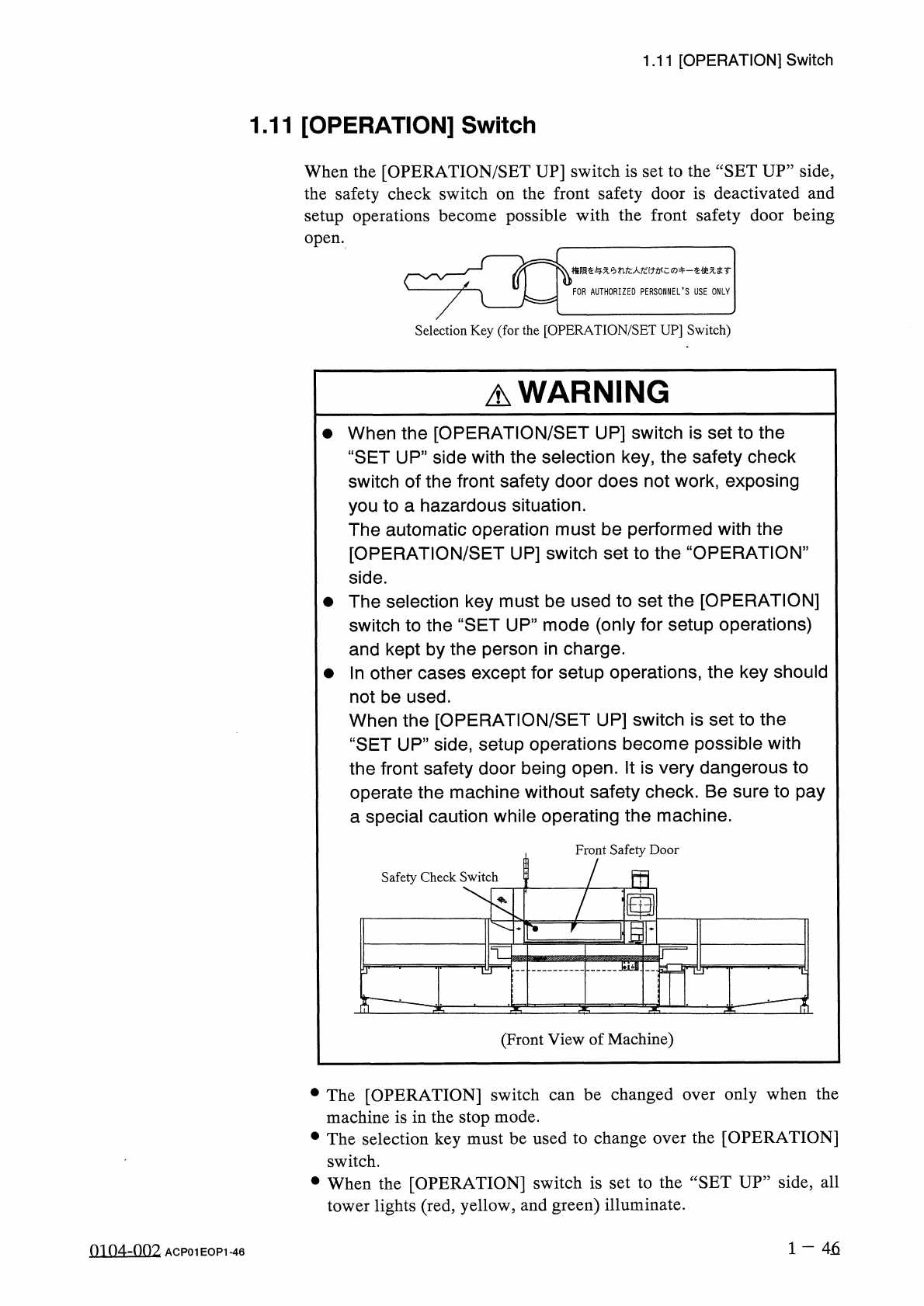
1.11 [ OPERATION ] Switch 1.11 [ OPERATION ] Switch When the [ OPERATION / SET UP ] switch is set to the “ SET UP ” side , the safety check switch on the front safety door is deactivated and setup operations become possi…
1.10
[
PNL
CHANGE
]
Buttons
•
When
one
of
the
[
PNL
CHANGE
]
buttons
is
pressed
,
the
LED
illuminates
,
indicating
that
the
button
is
selected
.
At
the
same
time
,
both
green
LED
7
and
LED
13
(
LEDs
of
“
LOCK
”
)
also
illuminate
because
they
CHANGE
]
button
and
the
“
LOCK
”
LED
on
the
panel
are
ON
,
the
operation
panel
becomes
activated
.
In
this
case
,
when
the
[
PNL
CHANGE
]
button
on
the
unselected
operation
panel
is
pressed
,
the
operation
panels
cannot
be
changed
from
one
to
the
other
as
long
as
the
“
LOCK
”
LED
is
ON
.
interconnected
.
When
the
LED
of
the
[
PNL
operation
are
same
•
To
cancel
“
LOCK
”
mode
on
the
selected
operation
panel
,
press
the
[
PNL
CHANGE
]
button
located
on
the
panel
again
.
The
“
LOCK
”
mode
is
canceled
and
both
green
LED
7
and
LED
13
extinguish
.
•
The
operation
panels
can
be
changed
from
one
to
the
other
by
the
desired
panel
only
pressing
the
[
PNL
CHANGE
]
button
when
both
are
not
in
“
LOCK
”
mode
.
Either
one
of
the
operation
panels
on
be
selected
regardless
of
the
operation
mode
(
Ex
.
:
RUN
”
or
“
PAUSE
”
mode
)
of
the
machine
.
can
When
the
console
panel
is
not
locked
and
the
[
STOP
]
or
[
PAUSE
]
button
on
the
unselected
console
panel
is
pressed
,
the
console
panel
on
the
pressed
button
side
becomes
activated
automatically
and
the
LED
of
the
[
CONSOLE
CHANGE
]
button
also
illuminates
automatically
.
•
When
the
[
SYS
CLR
]
button
on
the
operation
panel
in
“
LOCK
’
mode
is
pressed
,
the
“
LOCK
”
mode
is
canceled
.
A
WARNING
•
Before
the
machine
is
powered
and
some
operations
are
performed
at
the
front
or
the
rear
side
of
the
machine
,
confirm
that
the
LED
of
the
[
PNL
CHANGE
]
button
or
the
“
LOCK
”
lamp
(
green
)
on
the
required
side
is
ON
.
If
the
“
LOCK
”
lamp
is
not
ON
,
the
machine
can
be
operated
from
the
other
side
,
exposing
the
operators
to
a
hazardous
situation
.
•
In
principle
,
the
machine
must
be
operated
by
only
one
person
.
If
there
are
more
than
one
,
ensure
good
communication
by
giving
loud
verbal
instructions
.
1
-
45
m
07
-
nn
^
ACP
01
EOP
1
-
45
1.11
[
OPERATION
]
Switch
1.11
[
OPERATION
]
Switch
When
the
[
OPERATION
/
SET
UP
]
switch
is
set
to
the
“
SET
UP
”
side
,
the
safety
check
switch
on
the
front
safety
door
is
deactivated
and
setup
operations
become
possible
with
the
front
safety
door
being
open
.
雕奄与无人
/
(
力
&
<
;
:
—
眘使无丰
r
FOR
AUTHORIZED
PERSONNEL
'
S
USE
ONLY
Selection
Key
(
for
the
[
OPERATION
/
SET
UP
]
Switch
)
A
WARNING
•
When
the
[
OPERATION
/
SET
UP
]
switch
is
set
to
the
“
SET
UP
”
side
with
the
selection
key
,
the
safety
check
switch
of
the
front
safety
door
does
not
work
,
exposing
you
to
a
hazardous
situation
.
The
automatic
operation
must
be
performed
with
the
[
OPERATION
/
SET
UP
]
switch
set
to
the
“
OPERATION
”
side
.
•
The
selection
key
must
be
used
to
set
the
[
OPERATION
]
switch
to
the
“
SET
UP
”
mode
(
only
for
setup
operations
)
and
kept
by
the
person
in
charge
.
參
In
other
cases
except
for
setup
operations
,
the
key
should
not
be
used
.
When
the
[
OPERATION
/
SET
UP
]
switch
is
set
to
the
“
SET
UP
”
side
,
setup
operations
become
possible
with
the
front
safety
door
being
open
.
It
is
very
dangerous
to
operate
the
machine
without
safety
check
.
Be
sure
to
pay
a
special
caution
while
operating
the
machine
.
Front
Safety
Door
!
m
Safety
Check
Switch
TZ
(
Front
View
of
Machine
)
be
changed
only
when
the
•
The
[
OPERATION
]
switch
machine
is
in
the
stop
mode
.
•
The
selection
key
must
be
used
to
change
over
the
[
OPERATION
]
over
can
switch
.
•
When
the
[
OPERATION
]
switch
is
set
to
the
“
SET
UP
”
side
,
all
tower
lights
(
red
,
yellow
,
and
green
)
illuminate
.
1
一
46
0104
-
002
ACP
01
EOP
1
-
46
1.11
[
OPERATION
]
Switch
When
the
[
OPERATION
]
switch
is
set
to
the
“
SET
UP
”
side
,
operations
will
be
limited
as
follows
.
•
When
the
[
OPERATION
/
SET
UP
]
switch
is
set
to
the
“
SET
UP
”
side
,
the
following
operation
are
prohibited
regardless
of
whether
or
not
the
safety
door
is
open
or
closed
.
Automatic
Operation
,
P
.
C
.
B
.
Transfer
Operation
(
Cycle
Operation
)
,
Zeroing
Operation
,
System
Clear
,
Teaching
Operation
,
Unit
Adjustment
(
Feeder
Carriage
Section
)
,
Device
Test
,
etc
.
•
No
operation
can
be
performed
using
the
rear
operation
panel
.
The
console
is
locked
to
the
front
operation
panel
automatically
.
(
The
background
color
of
the
operation
panel
changes
.
)
•
The
serial
communication
circuit
(
RS
232
C
)
of
the
console
panel
is
shut
off
forcibly
.
The
serial
circuit
is
shut
off
even
during
data
communication
,
making
it
impossible
to
exchange
data
.
1
一
46
-
1
01
04
-
001
ACP
01
EOP
1
-
46
-
1