1OPERATION_.pdf - 第96页
2.2 Notes on Handling Touch Screen 2.2 Notes on Handling Touch Screen the molecules in liquid crystals , ( 1 ) Since the touch handle it like glass . Do not apply strong pressure to the touch screen . Try not to touch th…
2.1
Hierarchical
Structure
of
Operation
Displays
2.1
.
4
Touch
Screen
Keys
The
following
frame
icons
are
used
as
keys
to
distinguish
between
the
simple
indication
sections
(
format
field
,
title
field
,
explanation
,
etc
.
)
and
the
keys
.
(
1
)
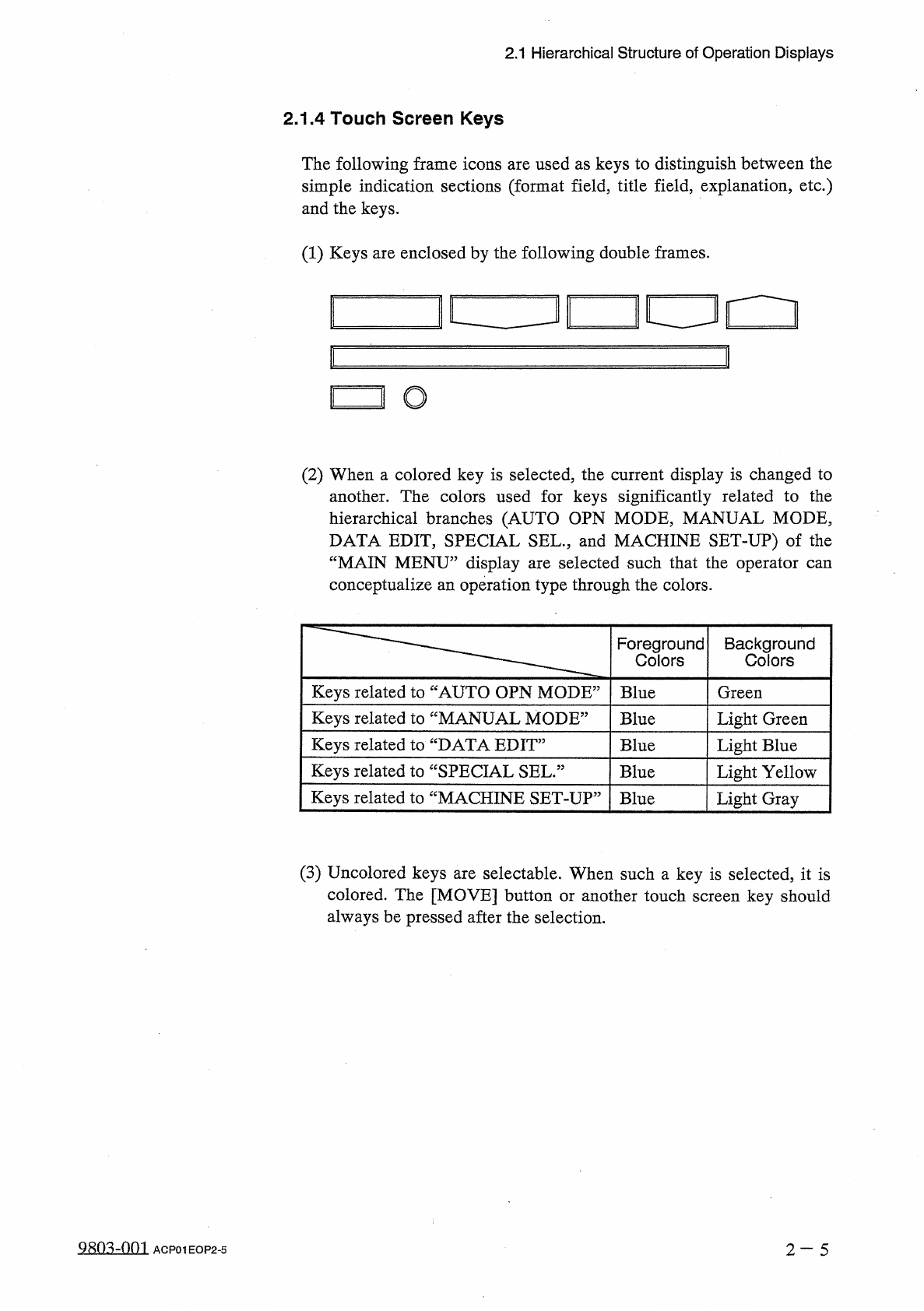
Keys
are
enclosed
by
the
following
double
frames
.
i
[
!
□
!
O
(
2
)
When
a
colored
key
is
selected
,
the
current
display
is
changed
to
another
.
The
colors
used
for
keys
significantly
related
to
the
hierarchical
branches
(
AUTO
OPN
MODE
,
MANUAL
MODE
,
DATA
EDIT
,
SPECIAL
SEL
.
,
and
MACHINE
SET
-
UP
)
of
the
“
MAIN
MENU
”
display
are
selected
such
that
the
operator
can
conceptualize
an
operation
type
through
the
colors
.
Foreground
Colors
Background
Colors
Keys
related
to
“
AUTO
OPN
MODE
5
Blue
Green
Keys
related
to
“
MANUAL
MODE
5
Light
Green
Blue
Keys
related
to
“
DATA
EDIT
5
Blue
Light
Blue
Keys
related
to
“
SPECIAL
SEL
.
:
Blue
Light
Yellow
Keys
related
to
“
MACHINE
SET
-
UP
:
Blue
Light
Gray
(
3
)
Uncolored
keys
are
selectable
.
When
such
a
key
is
selected
,
it
is
colored
.
The
[
MOVE
]
button
or
another
touch
screen
key
should
always
be
pressed
after
the
selection
.
980
^
-
001
2
-
5
ACP
01
EOP
2
-
5
2.2
Notes
on
Handling
Touch
Screen
2.2
Notes
on
Handling
Touch
Screen
the
molecules
in
liquid
crystals
,
(
1
)
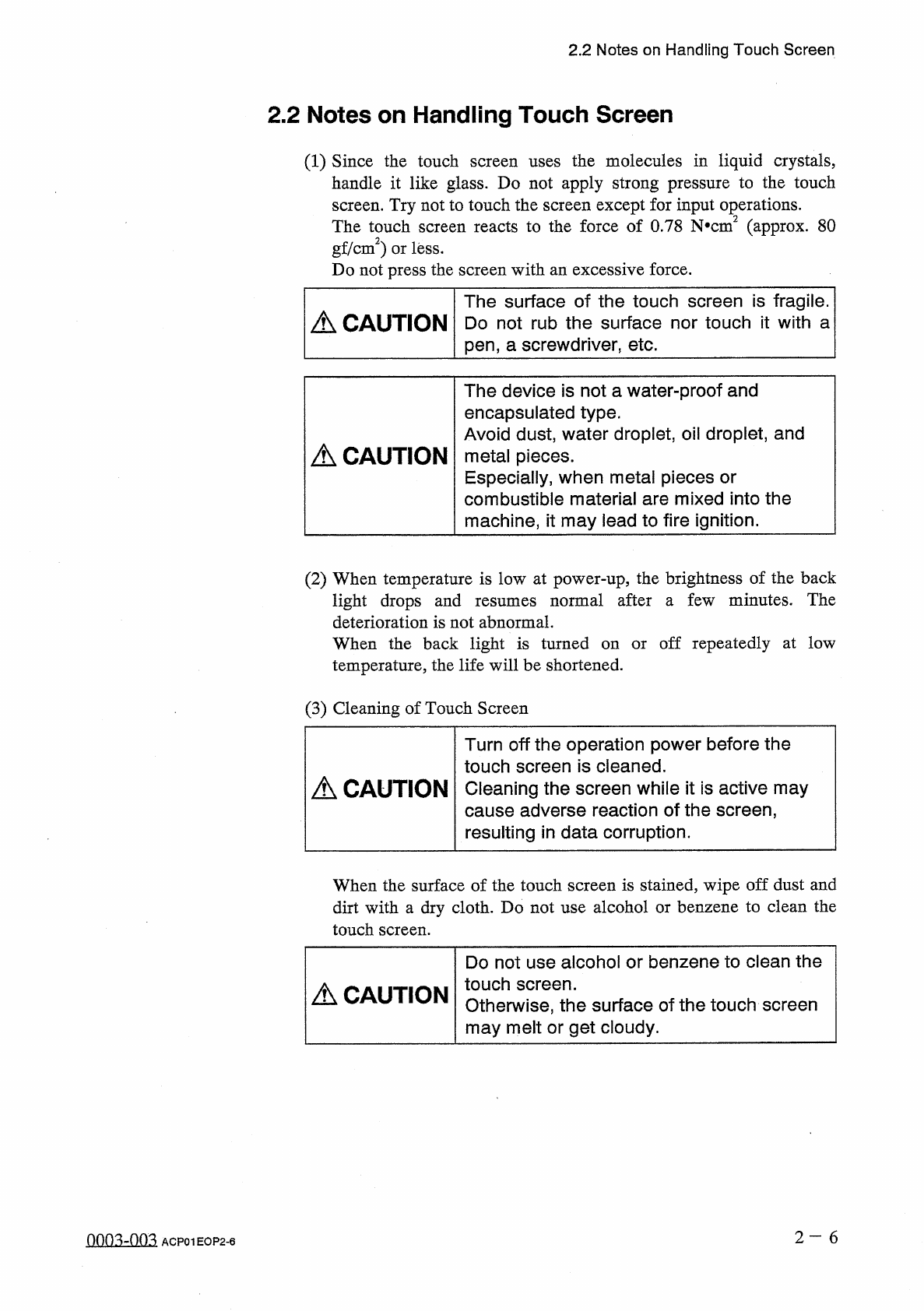
Since
the
touch
handle
it
like
glass
.
Do
not
apply
strong
pressure
to
the
touch
screen
.
Try
not
to
touch
the
screen
except
for
input
operations
.
The
touch
screen
reacts
to
the
force
of
0.78
N
*
cm
2
(
approx
.
80
gf
/
cm
2
)
or
less
.
Do
not
press
the
screen
with
an
excessive
force
.
screen
uses
The
surface
of
the
touch
screen
is
fragile
.
A
\
CAUTION
Do
not
rub
the
surface
nor
touch
it
with
a
pen
,
a
screwdriver
,
etc
.
The
device
is
not
a
water
-
proof
and
encapsulated
type
.
Avoid
dust
,
water
droplet
,
oil
droplet
,
and
metal
pieces
.
Especially
,
when
metal
pieces
or
combustible
material
are
mixed
into
the
machine
,
it
may
lead
to
fire
ignition
.
A
CAUTION
(
2
)
When
temperature
is
low
at
power
-
up
,
the
brightness
of
the
back
few
minutes
.
The
normal
after
light
drops
and
deterioration
is
not
abnormal
.
resumes
a
off
repeatedly
at
low
When
the
back
light
is
turned
on
temperature
,
the
life
will
be
shortened
.
or
(
3
)
Cleaning
of
Touch
Screen
Turn
off
the
operation
power
before
the
touch
screen
is
cleaned
.
Cleaning
the
screen
while
it
is
active
may
cause
adverse
reaction
of
the
screen
,
resulting
in
data
corruption
.
A
CAUTION
When
the
surface
of
the
touch
screen
is
stained
,
wipe
off
dust
and
dirt
with
a
dry
cloth
.
Do
not
use
alcohol
or
benzene
to
clean
the
touch
screen
.
Do
not
use
alcohol
or
benzene
to
clean
the
touch
screen
.
Otherwise
,
the
surface
of
the
touch
screen
may
melt
or
get
cloudy
.
A
CAUTION
2
—
6
QQQ
3
zQQ
3
ACP
01
EOP
2
-
6
2.2
Notes
on
Handling
Touch
Screen
(
4
)
Precautionary
Item
at
Power
-
Up
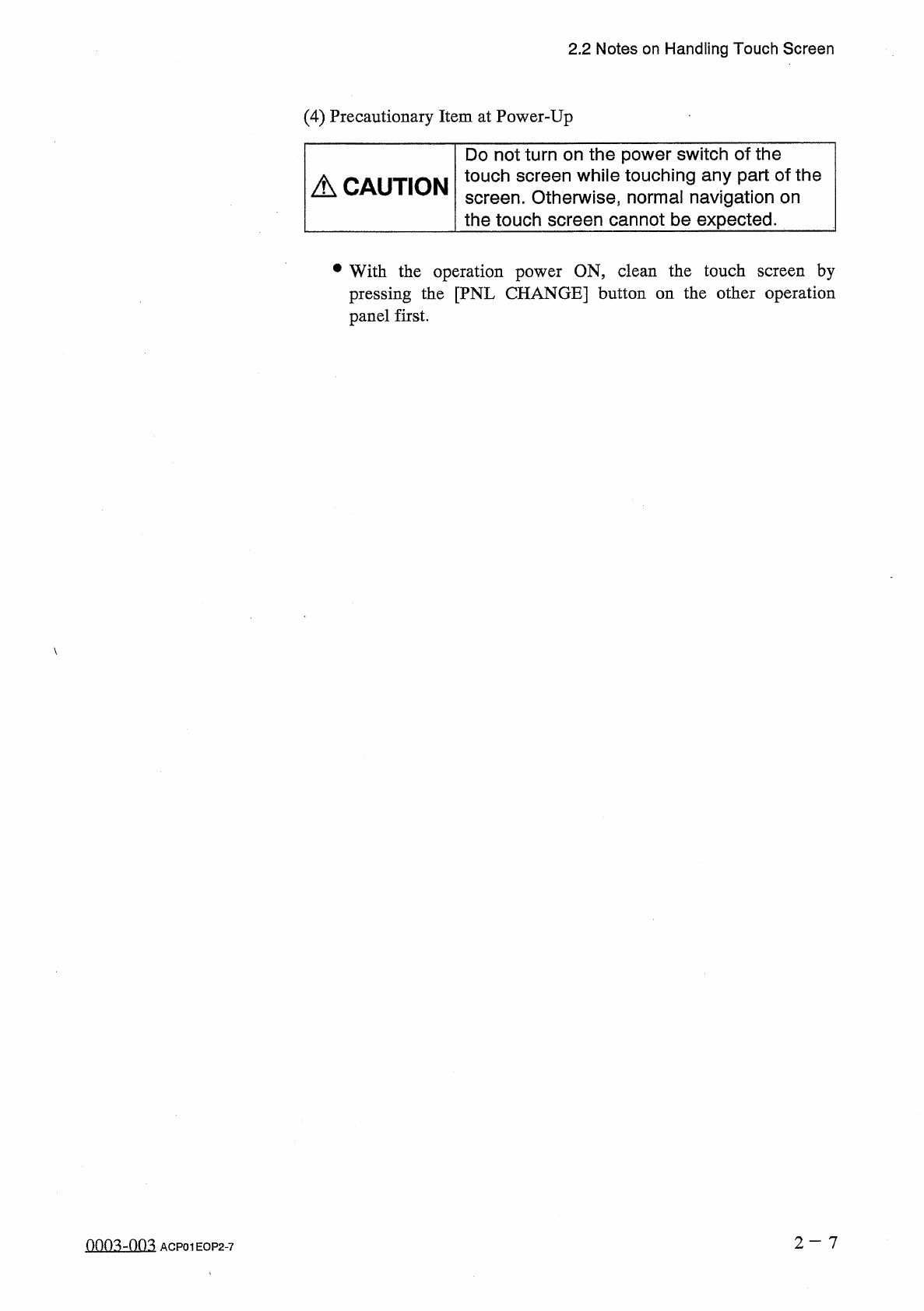
Do
not
turn
on
the
power
switch
of
the
touch
screen
while
touching
any
part
of
the
screen
.
Otherwise
,
normal
navigation
on
the
touch
screen
cannot
be
expected
.
A
CAUTION
•
With
the
operation
power
ON
,
clean
the
touch
screen
by
pressing
the
[
PNL
CHANGE
]
button
on
the
other
operation
panel
first
.
0003
-
003
ACP
01
EOP
2
-
7