3MAINTENANCE__O.pdf - 第149页
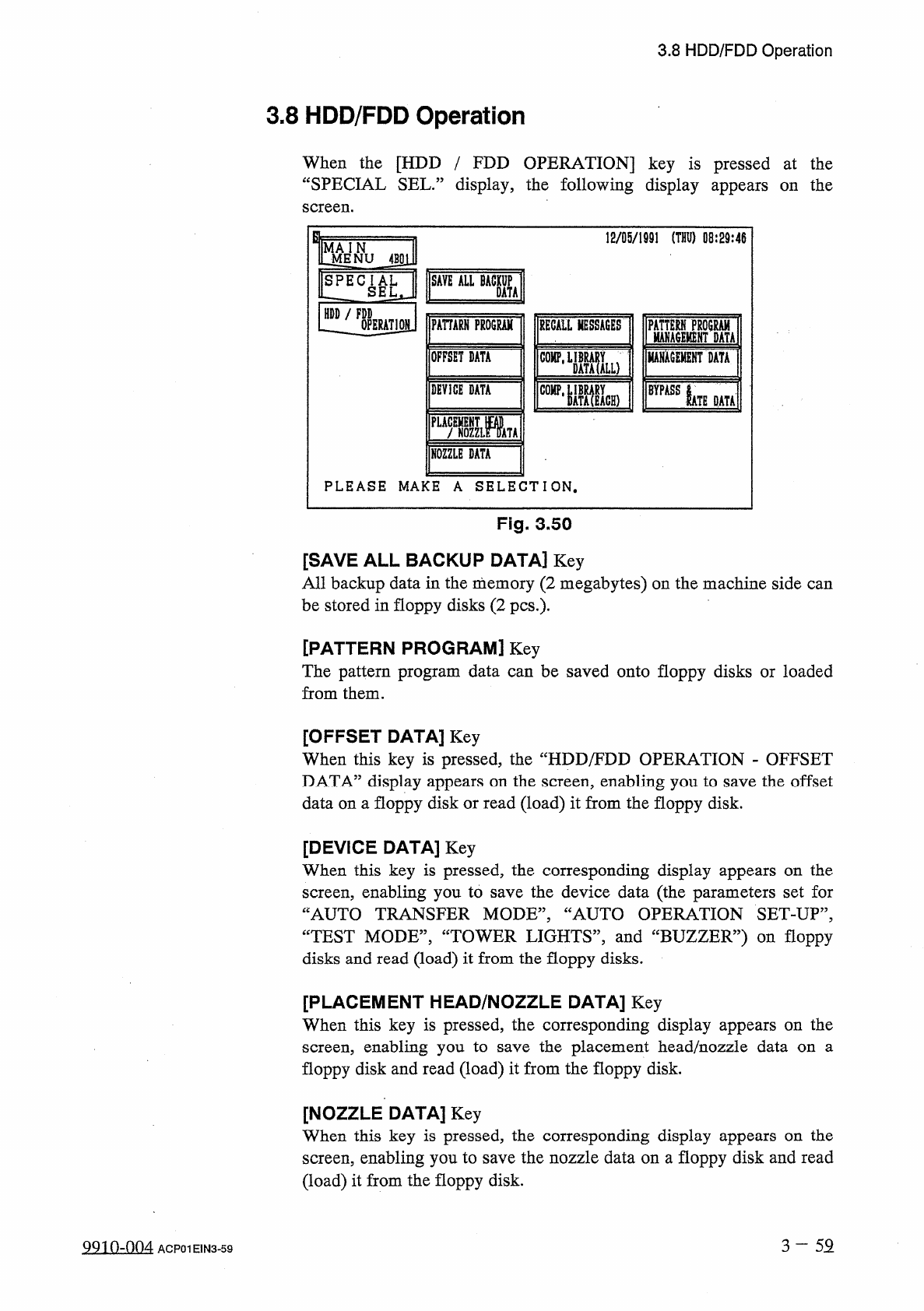
3.8 HDD / FDD Operation 3.8 HDD / FDD Operation When the [ HDD / FDD OPERATION ] key is pressed at the “ SPECIAL SEL . ” display , the following display appears on the screen . 12 / 05 / 1991 ( THU ) 08 : 29 : 46 J ^ NU …
3.7
Unit
Adjustment
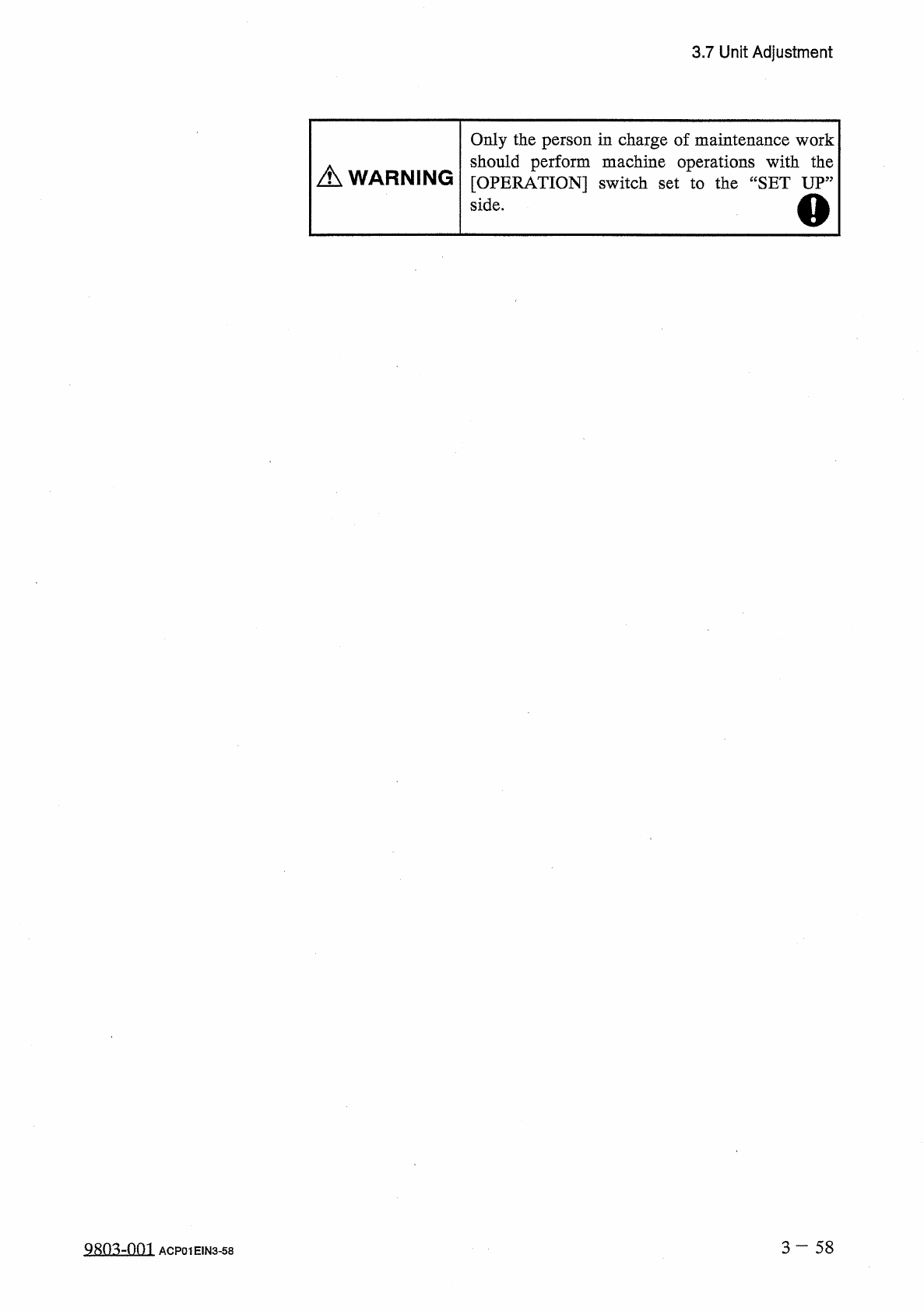
Only
the
person
in
charge
of
maintenance
work
should
perform
machine
operations
with
the
[
OPERATION
]
switch
set
to
the
“
SET
UP
”
side
.
A
WARNING
o
3
一
58
QRO
^
-
nm
ACP
01
EIN
3
-
58
3.8
HDD
/
FDD
Operation
3.8
HDD
/
FDD
Operation
When
the
[
HDD
/
FDD
OPERATION
]
key
is
pressed
at
the
“
SPECIAL
SEL
.
”
display
,
the
following
display
appears
on
the
screen
.
12
/
05
/
1991
(
THU
)
08
:
29
:
46
J
^
NU
4
BSl
]
SAVE
ALL
BACKUP
SPECIAL
LZ
SEL
,
DATA
HDD
/
FDD
PAHARH
PROGRAM
OPERATION
RECALL
MESSAGES
ISM
Mu
MAHACEMENT
DATA
OFFSET
DATA
COMP
,
DEVICE
DATA
BYPASS
IATE
DATA
PLACEMENT
m
f
NOZZLE
DATA
NOZZLE
DATA
PLEASE
MAKE
A
SELECTION
.
Fig
.
3.50
[
SAVE
ALL
BACKUP
DATA
]
Key
All
backup
data
in
the
memory
(
2
megabytes
)
on
the
machine
side
can
be
stored
in
floppy
disks
(
2
pcs
.
)
-
[
PATTERN
PROGRAM
]
Key
The
pattern
program
data
can
be
saved
onto
floppy
disks
or
loaded
from
them
.
[
OFFSET
DATA
]
Key
When
this
key
is
pressed
,
the
“
HDD
/
FDD
OPERATION
-
OFFSET
DATA
”
display
appears
on
the
screen
,
enabling
you
to
save
the
offset
data
on
a
floppy
disk
or
read
(
load
)
it
from
the
floppy
disk
.
[
DEVICE
DATA
]
Key
When
this
key
is
pressed
,
the
corresponding
display
appears
on
the
screen
,
enabling
you
to
save
the
device
data
(
the
parameters
set
for
“
AUTO
TRANSFER
MODE
,,
,
“
AUTO
OPERATION
SET
-
UP
”
,
CCTEST
MODE
”
,
“
TOWER
LIGHTS
,
,
,
and
“
BUZZER
”
)
on
floppy
disks
and
read
(
load
)
it
from
the
floppy
disks
.
[
PLACEMENT
HEAD
/
NOZZLE
DATA
]
Key
When
this
key
is
pressed
,
the
corresponding
display
appears
on
the
screen
,
enabling
you
to
floppy
disk
and
read
(
load
)
it
from
the
floppy
disk
.
the
placement
head
/
nozzle
data
on
a
save
[
NOZZLE
DATA
]
Key
When
this
key
is
pressed
,
the
corresponding
display
appears
on
the
screen
,
enabling
you
to
save
the
nozzle
data
on
a
floppy
disk
and
read
(
load
)
it
from
the
floppy
disk
.
3
-
52
QQin
-
nn
4
ACP
01
E
1
N
3
-
59
3.8
HDD
/
FDD
Operation
[
RECALL
MESSAGES
]
Key
When
this
key
is
pressed
,
the
corresponding
display
appears
on
the
screen
,
enabling
you
to
save
the
recalled
message
data
(
recalled
device
error
,
recalled
handling
error
,
recalled
machine
information
,
and
recalled
component
recognition
error
)
on
a
floppy
disk
.
The
contents
of
the
recalled
messages
can
also
be
checked
using
“
TEXT
EDITOR
”
on
the
personal
computer
(
programming
device
)
side
.
[
COMP
.
LIBRARY
DATA
(
ALL
)
]
Key
The
component
library
data
(
all
IDs
)
can
be
saved
on
floppy
disks
and
read
(
loaded
)
.
Note
:
The
files
saved
on
the
floppy
disks
are
not
compatible
with
the
programming
device
.
[
COMP
.
LIBRARY
DATA
(
EACH
)
]
The
component
library
data
(
each
ID
and
read
(
loaded
)
.
Note
:
The
files
saved
on
the
floppy
disks
are
not
compatible
with
the
programming
device
.
Key
)
can
be
saved
on
floppy
disks
[
PATTERN
PROGRAM
MANAGEMENT
DATA
]
Key
The
pattern
program
management
data
can
be
saved
on
floppy
disks
.
Note
:
The
files
saved
on
the
floppy
disks
cannot
be
loaded
to
the
machine
side
.
[
MANAGEMENT
DATA
]
Key
The
management
data
can
be
saved
on
floppy
disks
.
Note
:
The
files
saved
on
the
floppy
disks
cannot
be
loaded
to
the
machine
side
.
[
BYPASS
&
RATE
DATA
]
Key
The
bypass
&
rate
data
can
be
saved
on
floppy
disks
.
Note
:
The
files
saved
on
the
floppy
disks
cannot
be
loaded
to
the
machine
side
.
3
—
59
-
1
9910
-
003
ACP
01
E
1
N
3
-
59