00198371-01_UM_SWS-EN.pdf - 第115页
User manual SIPLACE Wafer System (SWS) 6 Options Edition 04/2018 6.3 SWS wafer stretcher (expander) 115 6.3.3 Description While picking dies from a wafer , there is a dang er that the die could begin to tilt. This ca n b…
6 Options User manual SIPLACE Wafer System (SWS)
6.3 SWS wafer stretcher (expander) Edition 04/2018
114
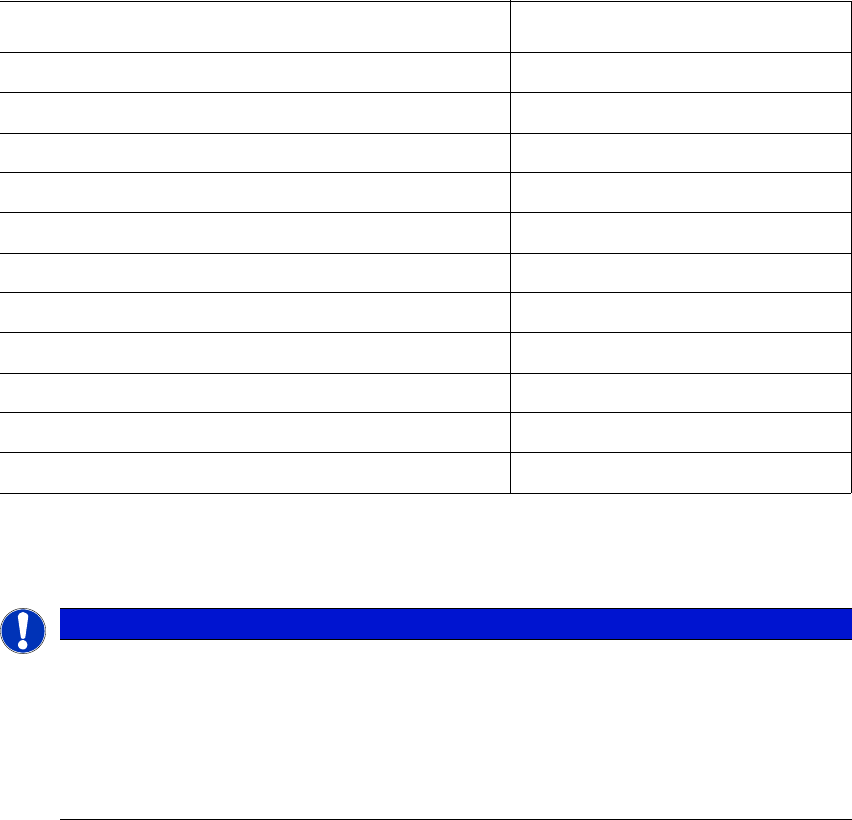
6.3.2 Technical data
6
6
SWS wafer stretcher (expander)
Value
Wafer frame 8" or 12"
Wafer width 10.5 " and 10.8"
Weight of stretcher with wafer support 8 " 14 kg
Weight of stretcher with wafer support 12 " 15 kg
Wafer frame (metal and plastic) Up to 3.5 mm thick
Minimum operating pressure 4.0 bar
Maximum operating pressure 5.5 bar
Travel time whole stroke Approx. 2 seconds
Lowering time Approx. 2 seconds
Stretching height (configurable)
*a
*)aThe specified stretching heights relate to a wafer frame with a thickness of 1.5 mm. The following applies to
other wafer frame thicknesses:
Stretching height = set stretching height + frame thickness -1.5 mm
2 mm, 4 mm, 6 mm, 8 mm
Clamping speed wafer centering 0.5 to 1.0 seconds
PLEASE NOTE
Definition
Extensive tests with various materials are conducted during the product development
phase.
However, due to the multitude of wafer foils available, the many die sizes and wafer
frames, we are unable to make a general function promise for all imaginable materials.
New materials should therefore be tested in advance, if there is any doubt
User manual SIPLACE Wafer System (SWS) 6 Options
Edition 04/2018 6.3 SWS wafer stretcher (expander)
115
6.3.3 Description
While picking dies from a wafer, there is a danger that the die could begin to tilt. This can be
caused by an irregular adhesion of the die on the foil or an eccentric positioning of the needle. In
the case of dies which are positioned closely to one another, the neighboring die could be touched
and mutual damage can not be ruled out.
To prevent this, the wafer foil is stretched before the die is picked. This increases the distances
between the dies on the foil and makes it possible to pick dies without risks. The larger distances
between the dies also makes it easier for the Vision system to recognize them.
After the downholder plate has moved up and the clamp has been opened, the wafer foil sags. A
wafer with a sagging foil can not be moved back into the magazine.
Once the clamp and the downholder plate have been opened, the stretched wafer foil is warmed
up by the heater module. This shrinks the wafer foil (sag less than 9 mm) so that it can be moved
back into the magazine.
6
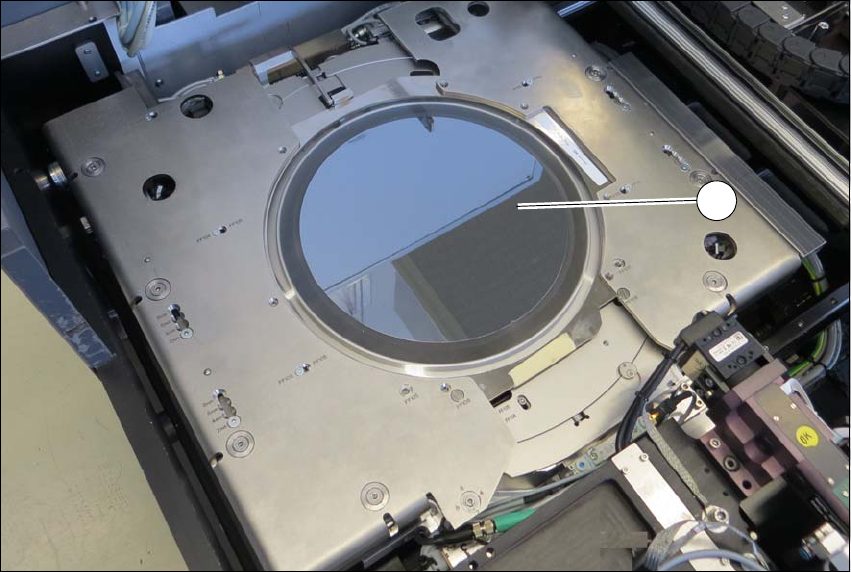
Fig. 6.3 - 3 SWS wafer stretcher (expander) with stretched wafer foil
(1) Stretched wafer foil in the SWS wafer stretcher (expander)
1

6 Options User manual SIPLACE Wafer System (SWS)
6.3 SWS wafer stretcher (expander) Edition 04/2018
116
6.3.4 Setting the stretching height mechanically
The stretching height can be mechanically set at the SWS wafer stretcher (expander) in four
steps. The relevant settings must be performed at six different points.
6.3.4.1 Preparations
Close all current processes on the SWS module.
Move the wafer table into the changeover position.
Select Manual operations -> Wafer handling systems -> Go to change position.
Open the clamp.
Select Manual operations -> Wafer handling systems ->Open wafer clamp.
– The clamp will open and the expansion ring will move downwards.
Open the expander
Select Manual operations -> Wafer handling systems ->Release stretcher.
– The downholder plate will move upwards.
Select Settings -> Shut down machine.
SWS GUI and Linux are shut down properly. 6
Switch off the SWS at the main switch.
CAUTION
Avoid damage to the gripper
The gripper could be damaged while you are working on the wafer support.
Push the gripper in the direction of the wafer lift and out of the wafer support working
area.