00198371-01_UM_SWS-EN.pdf - 第47页
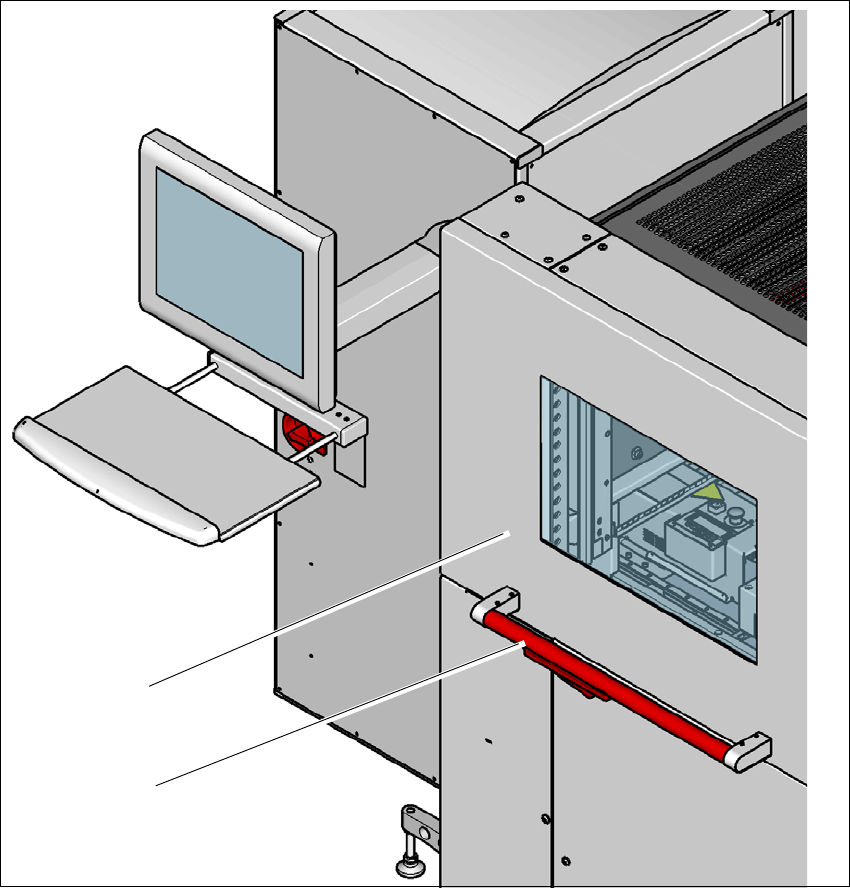
User manual SIPLACE Wafer System (SWS) 2 Operational safety Edition 04/2018 2.4 Safety instructions for operation 47 2 Fig. 2.4 - 1 Safety instructions fo r closing the side sliding doors (1) Handle (2) Side sliding door…
2 Operational safety User manual SIPLACE Wafer System (SWS)
2.4 Safety instructions for operation Edition 04/2018
46
2.4 Safety instructions for operation
2.4.1 Safety instructions for closing the side sliding doors
The side sliding doors on the SIPLACE CA4 V2 can be opened for easier access to the SWS. To
avoid risk of injury when closing the side sliding doors on the machine, the operator must instruct
the personnel concerned to always follow the instructions below when handling the side sliding
doors.
2
When opening or closing the side sliding doors (item 2 of fig. 2.4 - 1, page 47), always take
hold of them at the handle (item 1 of fig. 2.4 - 1
, page 47) and press down the lever.
When closing, do not reach into the gap between the side sliding doors and the machine
panel.
When closing the side sliding doors, make sure that the area in which they are closed is free
of obstruction and that no other people are at risk of injury.
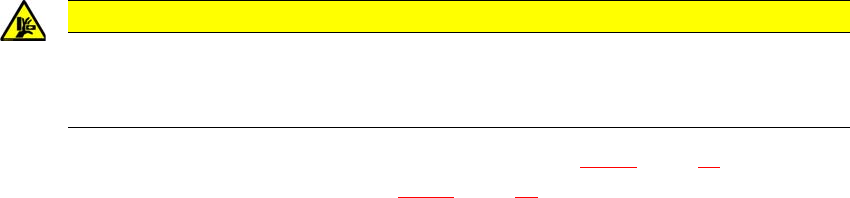
CAUTION
Risk of crushing hands!
Risk of crushing hands if the side sliding doors are not closed correctly.
Close the side sliding doors correctly.
User manual SIPLACE Wafer System (SWS) 2 Operational safety
Edition 04/2018 2.4 Safety instructions for operation
47
2
Fig. 2.4 - 1 Safety instructions for closing the side sliding doors
(1) Handle
(2) Side sliding doors
2.4.2 ESD safety
Only use nozzles that are identified as conductive. This is the only way to meet the requirements
for the ESD safety of the SIPLACE Wafer System (SWS).
(1)
(2)
2 Operational safety User manual SIPLACE Wafer System (SWS)
2.5 Safety Instructions for Operating the SWS Edition 04/2018
48
2.5 Safety Instructions for Operating the SWS
2.5.1 Safety instructions for working on the wafer table
2
2.5.2 Safety instructions for changing wafer magazines
2
2
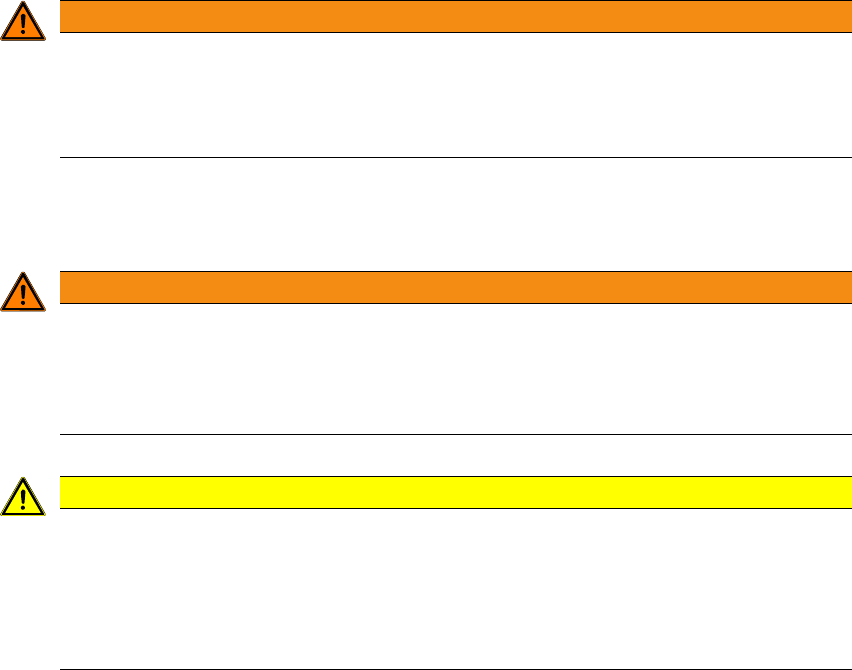
WARNING
DANGER OF CRUSHING!
The wafer table could cause injuries from crushed limbs.
Never reach into the slit in the magazine lift in the direction of the wafer table with your
hands.
WARNING
Heavy wafer magazines!
A full wafer magazine can weigh up to 25 kg.
Handle the wafer magazine carefully.
Enlist the help of a second person, if necessary.
CAUTION
Risk of damage by incorrect usage!
If used incorrect, the wafer magazine and wafer lift could be damaged.
Make sure that nothing protrudes from the magazine lift.
Make sure that the correct wafer magazine has been properly positioned on the mag-
azine lift plate.